How to Create AI Music Videos with Seedance 2.0
A complete guide to creating AI-generated music videos using Seedance 2.0's native audio sync. Learn shot planning, visual storytelling, style consistency, and post-production workflows.
Create a music video for your track — no camera, no actors, no studio. A full three-minute AI music video runs under $90 in Seedance 2.0 credits. The same video shot traditionally would cost $5,000 on the low end and climb to a million on the high end.
That is not an iterative improvement. That is a new economy for independent musicians.
TL;DR
- Traditional music videos cost $5,000 to $1M+. A Seedance 2.0 production runs $50-150 in credits.
- Plan the shot list before generating anything — every minute of planning saves credits.
- Use a fixed style string appended to every prompt to keep visuals cohesive across clips.
- Cut on the beat in post-production — the AI does not sync to your music, your editor does.
- Expect 12-20 clips for a three-minute video.
The Real Cost Comparison
Before planning anything, look at what you are actually saving.
| Production Type | Typical Cost | Turnaround | |---|---|---| | Major label video | $200,000 - $1M+ | 4-12 weeks | | Mid-tier professional | $25,000 - $100,000 | 3-6 weeks | | Indie budget shoot | $5,000 - $25,000 | 2-4 weeks | | Seedance 2.0 production | $50 - $150 | 1-3 days |
The math is not close. For an independent artist releasing four singles a year, AI video is the difference between one video a year and a video for every track.
Make your first music video shot
Generate a single cinematic clip in about 90 seconds. 50 free credits, no card required.
Try Seedance 2.0 FreeStep 1: Plan Before You Generate
Every wasted generation is money burned. A tight plan is worth hours of prompt wrestling later. Block out two hours for pre-production before you touch the creator.
Listen Like a Director
Play your track on loop with a notebook open. Write down:
- The overall emotional arc — where does the song start and where does it land?
- Key moments: drops, breakdowns, choruses, bridges
- Natural tempo changes that would justify cuts
- Any lyrical images that demand a specific visual
Break the Song Into Segments
Map every section of the song to a visual concept. A standard three-minute structure might look like this:
| Time | Section | Duration | Visual Concept | |---|---|---|---| | 0:00 - 0:15 | Intro | 15s | Wide establishing shot, dawn light | | 0:15 - 0:45 | Verse 1 | 30s | Character moving through the space | | 0:45 - 1:00 | Pre-chorus | 15s | Rising camera, building intensity | | 1:00 - 1:30 | Chorus 1 | 30s | Dynamic cuts, high-energy motion | | 1:30 - 2:00 | Verse 2 | 30s | New environment, story develops | | 2:00 - 2:15 | Pre-chorus 2 | 15s | Transition montage | | 2:15 - 2:45 | Chorus 2 | 30s | Peak intensity, biggest shots | | 2:45 - 3:00 | Outro | 15s | Resolution, return to opening |
Lock a Style String
Write a single visual style string you will paste at the end of every prompt. This is your visual glue. Example:
Cinematic, shot on 35mm film, teal and amber color grading,
shallow depth of field, heavy film grain, anamorphic lens flares
That string becomes part of every generation. It is the single most important tool for visual consistency in AI music videos.
Step 2: Generate the Clips
Seedance 2.0 produces 4-15 second clips with native audio. For music videos, you want between 12 and 20 clips depending on cut pacing.
Prompt Structure for Music Video Shots
[Scene and subject]. [Action and camera movement]. [Energy level].
[Style string].
Low-Energy Verse Example
A solitary figure walks along an empty highway at dusk, silhouetted
against a sky painted pink and purple. Camera tracks alongside from
a low angle, slow and steady. Contemplative and atmospheric.
Cinematic, shot on 35mm film, teal and amber color grading, shallow
depth of field, heavy film grain, anamorphic lens flares.
High-Energy Chorus Example
Rapid kaleidoscopic montage of city lights, dancers spinning, and
paint splashes exploding in vibrant colors. Dynamic camera whips
between subjects. Euphoric and kinetic. Cinematic, shot on 35mm
film, teal and amber color grading, shallow depth of field, heavy
film grain, anamorphic lens flares.
Notice both prompts end with the same style string. That is what keeps them feeling like the same video.
Generate With Audio Enabled (Even Though You Will Mute It)
Seedance 2.0's native audio sync actually improves motion quality. The model seems to generate more confident, rhythmic motion when it is also composing audio. Leave audio on during generation, then mute the audio track in your editor and layer your actual song underneath.
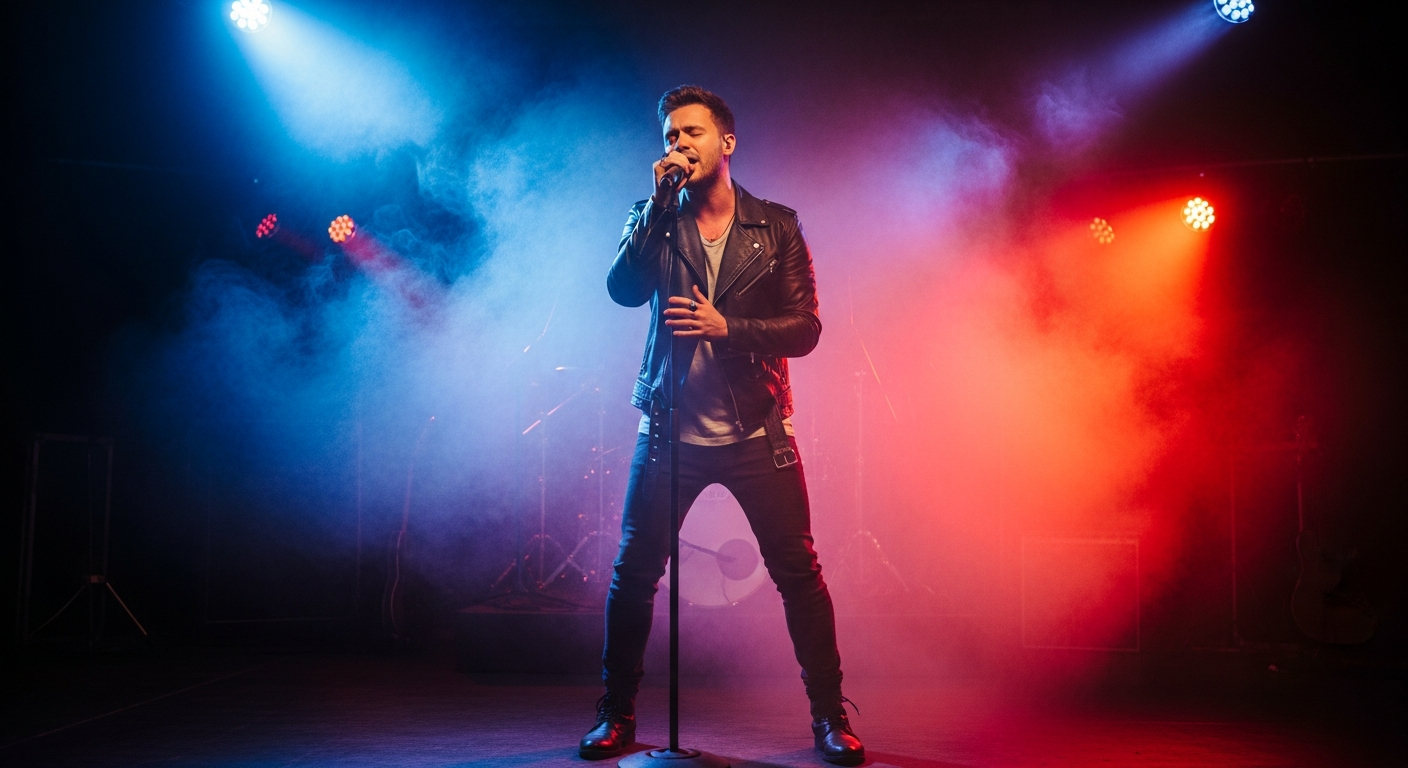
Want to generate shots like this for your track? You're 30 seconds away from your first clip. Try Seedance 2.0 free →
Step 3: Pro Tips for Matching Cuts to the Beat
Seedance does not know your track exists. Beat matching happens entirely in your video editor. Here is how professionals nail it.
Generate clips 1-2 seconds longer than you need. This gives you trim headroom to land the cut exactly on a beat. Burning extra duration is worth it.
Mark the beats on your timeline first. Every pro editor has a beat-marking tool. DaVinci Resolve, Premiere, CapCut, Final Cut — all of them. Mark every downbeat before you lay clips.
Cut on the beat for energy, hold through the beat for emotion. Fast cuts on every kick in a chorus; long holds through a verse where the lyric carries the weight.
Generate "cut clips" and "hold clips" separately. Plan some clips as fast-cut fodder (4 seconds, single action) and others as atmospheric holds (12-15 seconds, slow motion). Mix them in the edit.
Use match cuts between scenes. If clip A ends with an arm raising and clip B starts with an arm raising in a different environment, the cut feels intentional instead of accidental.
Step 4: Keep Visuals Consistent Across Shots
The biggest challenge in AI music videos is stopping your video from looking like 20 different videos stitched together. Three techniques fix this.
The Style String Method
Covered above. Paste the same style string at the end of every prompt. Non-negotiable.
The Reference Image Pipeline
For recurring characters or specific looks, generate a master reference with Seedream first, then use image-to-video with that reference for every shot featuring the character. This is the most reliable consistency method.
Color Palette Anchoring
Name three or four specific colors and include them in every prompt: "Color palette dominated by deep teal, warm amber, and muted rose." The model locks tightly to named colors.
Real Workflow: A One-Minute Segment
Here is a condensed example for a one-minute segment of an electronic track.
Track: upbeat electronic, 128 BPM, dreamy breakdown in the middle.
Style string: Cyberpunk noir, neon-lit rain-slicked streets, teal and magenta color palette, anamorphic lens, cinematic
Shot 1 (0:00-0:08) — Intro:
A neon sign flickers to life on a dark rainy street. Camera slowly
pushes forward. Rain drops catch the neon light. [style string]
Shot 2 (0:08-0:16) — Character intro:
A hooded figure walks down the neon-lit alley, passing through
pools of colored light. Camera tracks alongside. [style string]
Shot 3 (0:16-0:24) — Close-up:
Close-up of the figure's face illuminated by alternating neon
colors. Rain drops on their skin, eyes reflecting city lights.
Camera holds steady. [style string]
Shot 4 (0:24-0:40) — Breakdown:
The figure looks up at the sky. Rain transforms into glowing
particles floating upward. Time seems to slow. Camera slowly
cranes up. Dreamy, ethereal. [style string]
Shot 5 (0:40-0:52) — Energy returns:
Rapid montage of city lights blurring, feet on wet pavement, neon
reflections fracturing in puddles. Dynamic camera movement. Energy
building, kinetic. [style string]
Shot 6 (0:52-1:00) — Outro:
Wide shot of the figure standing at the center of a rain-soaked
intersection. Neon light from all directions. Camera orbits slowly.
Triumphant. [style string]
Six generations. Roughly 1,500-1,800 credits. Around $15-18 for a polished one-minute segment.
Stop reading. Start shooting.
Every minute you spend reading is a shot you could be generating. 50 free credits, no credit card.
Start Your Music VideoPost-Production Checklist
Once all clips are in, here is your assembly workflow:
- Import clips and your final song stem into your editor
- Lay the song on the timeline first
- Mark every downbeat and section change
- Place clips in rough order, aligning cuts to beats
- Trim precisely — cut on the beat, not near it
- Mute any AI audio tracks
- Apply a single LUT across every clip for color unity
- Add artist name and song title titles
- Export at 1080p H.264 for maximum platform compatibility
The Bigger Picture
Music videos used to be the gatekeeper between major-label artists and everyone else. That gate is gone. The only remaining question is whether you have a strong concept and the patience to plan it properly. Seedance 2.0 handles the production. You provide the vision.
Start with the chorus of your best track. Generate six clips. Cut them together. You will have a 30-second teaser by the end of today, and a full video by the end of the week.
Ready to make your first AI music video? Start creating free →