Seedance 2.0: Complete Guide to ByteDance's Most Powerful AI Video Generator
Everything you need to know about Seedance 2.0 — ByteDance's cinema-grade AI video generator with native audio sync, text-to-video, and stunning 720p output from 4 to 15 seconds.
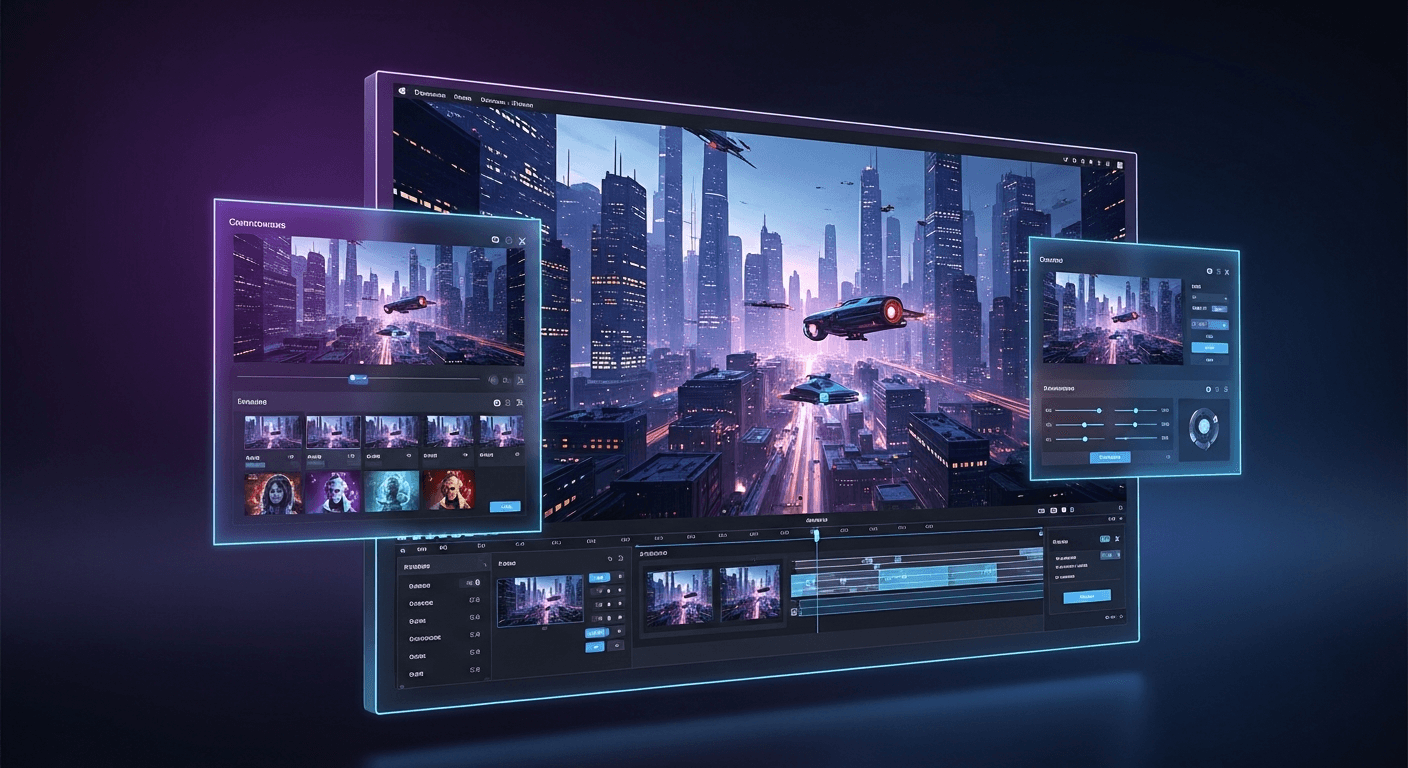
Cinema-grade AI video for roughly $3 a clip. That's the pitch for Seedance 2.0, ByteDance's flagship model — and after generating hundreds of test clips, we think it delivers on it. No subscription. No shoot day. Just a prompt and about 90 seconds of wait time.
This is the guide we wish we'd had when we first opened the model. It covers what Seedance 2.0 actually does, how to coax great output from it, what it costs, and where it fits against the rest of the Seedance lineup.
TL;DR
- What it is: ByteDance's cinema-grade AI video model with text-to-video, image-to-video, and native audio sync
- Output: 720p video, 4-15 seconds, with stereo audio baked in
- Cost: ~243-910 credits per clip (roughly $2.43-$9.10), dynamic per-second pricing
- Speed: A 5-second clip renders in roughly 40 seconds; 15-second clips take about 3 minutes
- Best for: Creators who want cinematic output without the cinematic budget
- Try it: 50 free credits on signup, no card required at seedance.it.com
Why Seedance 2.0 Feels Different From Everything Before It
Most AI video generators from 2024 and early 2025 had a tell. Faces morphed. Fabric rippled in impossible ways. A hand had six fingers on frame 40. You could feel the "AI" in the output even if you couldn't name it.
Seedance 2.0 mostly stops feeling like AI. ByteDance rebuilt the model architecture, retrained it on a larger and cleaner dataset, and added a temporal attention mechanism that keeps subjects visually stable across the entire clip. The result is output that looks like it came off a production set.
The other shift is audio. Every Seedance 2.0 generation includes a stereo audio track that matches what's happening on screen — rain if it's raining, footsteps on a wooden floor, murmuring crowds in a cafe. You're not matching two separate files in a timeline. It's already in sync.
See it for yourself
Generate your first cinema-grade AI video in about 90 seconds. 50 free credits, no card required.
Try Seedance 2.0 FreeThe Headline Features
Text-to-video. Type a scene, get a video. No source image required. This was the single most requested feature from Seedance 1.0 users and it's the biggest reason to upgrade.
Image-to-video with better fidelity. Upload an image and describe the motion. Seedance 2.0 preserves fine detail in the source — text on packaging, product textures, facial features — far more accurately than the 1.0 line.
Native audio sync. Ambient sounds, action sounds, environmental effects. It won't generate dialogue or original music, but for ambience and foley it's startlingly good.
Flexible duration. Anywhere from 4 to 15 seconds, controlled by a slider. Longer clips cost more because pricing is dynamic per second.
Three aspect ratios. 16:9 for landscape, 9:16 for vertical social, 1:1 for square feeds.
720p resolution at 24 fps. Lower than Seedance 1.0 Pro's 1080p on paper, but the motion quality and color science more than make up for it.
The Pricing Math, In Plain English
Seedance 2.0 uses dynamic per-second pricing — the longer the clip, the more it costs. The base rate is $0.3034 per second of output, which works out to roughly:
| Duration | Credits | Approximate Cost | |---|---|---| | 4 seconds | 243 | $2.43 | | 5 seconds | 304 | $3.04 | | 8 seconds | 486 | $4.86 | | 10 seconds | 607 | $6.07 | | 15 seconds | 910 | $9.10 |
A 5-second clip for $3.04. That's less than a latte. The credit tier you buy at affects the effective cost — higher tiers include bonus credits that bring your per-video cost down.
| Credit Tier | Price | Credits | |---|---|---| | Starter | $10 | 1,050 | | Popular | $25 | 2,750 | | Pro | $50 | 5,750 | | Enterprise | $100 | 12,000 |
New accounts get 50 free credits on signup, which is enough to explore Seedream image generation and get a feel for the platform before you spend a dollar.
How Seedance 2.0 Stacks Up Against Its Siblings
If you've been using Seedance 1.0 Lite or Seedance 1.0 Pro, the upgrade question isn't obvious. Here's the honest comparison.
| Capability | Seedance 1.0 Lite | Seedance 1.0 Pro | Seedance 2.0 | |---|---|---|---| | Input modes | Image-to-video | Image-to-video | Text + Image-to-video | | Max resolution | 1080p | 1080p | 720p | | Duration | 2-12s | 2-12s | 4-15s | | Native audio | No | No | Yes | | Motion quality | Good | Excellent | Cinema-grade | | Credits per clip | ~14-84 | ~48-288 | ~243-910 | | Speed | 30-60s | 60-120s | 40-180s | | Best for | Quick iteration | High-res I2V | Premium hero content |
The 1.0 models aren't going anywhere. If you need 1080p or you're generating at volume on a budget, Lite and Pro remain the right call. Seedance 2.0 is the tool when quality matters more than pixel count.
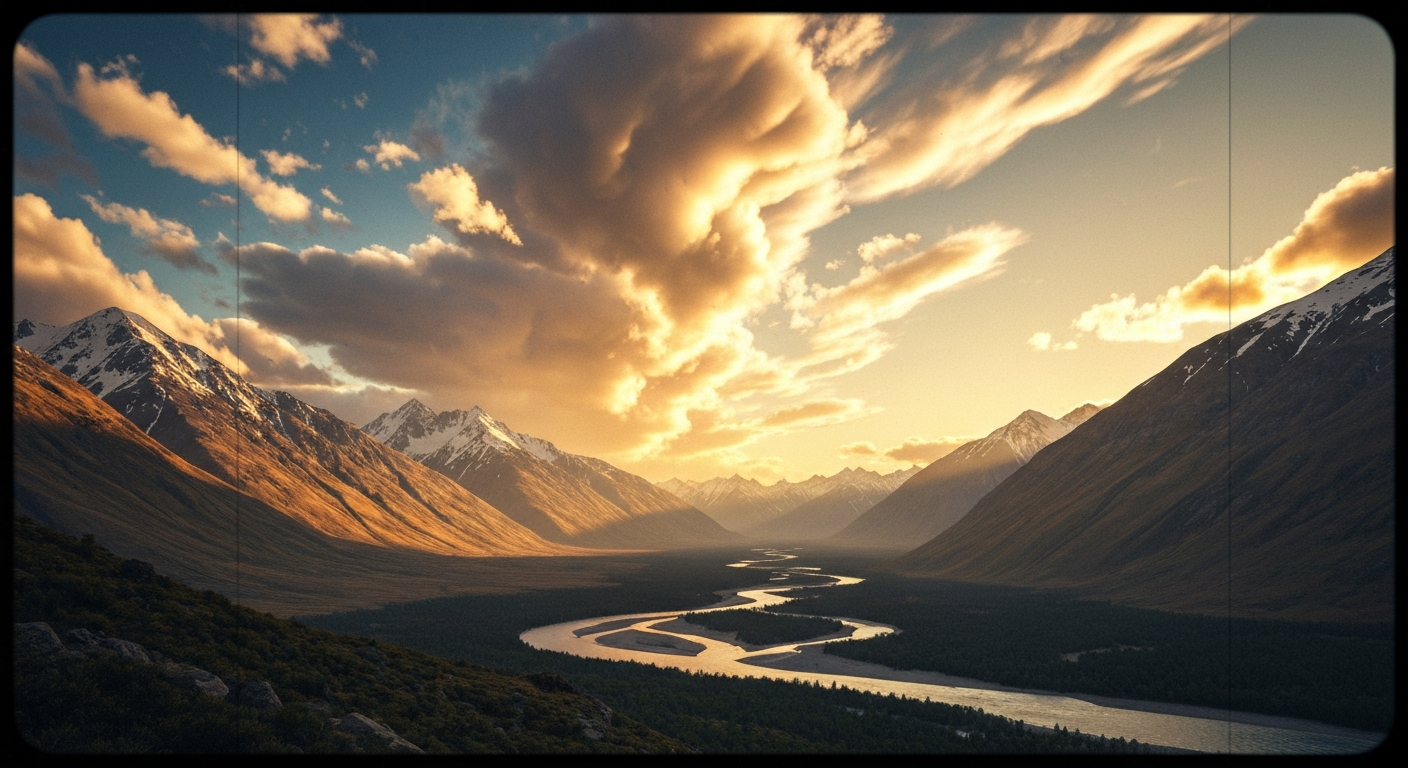
Want results like this? You're 30 seconds away from your first generation. Try Seedance 2.0 free →
A Five-Step Workflow That Actually Works
Here's the process we use internally for almost every Seedance 2.0 generation.
- Open the Seedance 2.0 creator. Pick text-to-video or image-to-video based on whether you have a reference image.
- Write a layered prompt. Start with the subject, then the action, then the setting, then the lighting, then the camera. Specificity beats length every time.
- Pick your duration deliberately. Short clips are cheaper and usually punchier. Reach for 15 seconds only when the scene genuinely needs the runway.
- Set your aspect ratio before you generate. Regenerating because you forgot to switch to
9:16for TikTok is a $3 mistake you don't need to make. - Review with audio on. The sync is part of the output. Judge the clip with sound playing, not muted in a preview window.
Ready to try Seedance 2.0? Start creating free →
Prompt Patterns That Produce Cinema-Grade Output
Great Seedance 2.0 prompts share a structure. They describe the shot like a director briefing a DP, not like a user typing into a search bar.
Weak prompt: "A dog running in a park"
Strong prompt: "Tracking shot following a golden retriever running through a sun-dappled forest trail, autumn leaves falling around it, cinematic shallow depth of field, golden hour warm light, shot on 35mm film"
The strong version gives the model six things to anchor on: subject, action, setting, atmosphere, lens characteristics, and film stock reference. You can feel the difference in the output.
A few patterns we reach for constantly:
- Camera language. "Tracking shot," "dolly in," "slow push," "locked off wide," "handheld following" — the model understands all of them.
- Lighting vocabulary. "Golden hour," "soft window light," "neon reflections on wet pavement," "overcast diffused daylight" all produce distinct looks.
- Lens references. "35mm film," "anamorphic," "85mm portrait lens," "macro" give the model a visual target.
- Mood adjectives. "Moody," "ethereal," "gritty," "dreamy," "clinical" shape the color grade and pacing.
Avoid long strings of contradictions ("fast slow motion," "dark bright lighting"), specific named people, and anything requiring readable on-screen text. Those are the three most common failure modes.
Stop reading. Start creating.
Every minute you spend reading is a video you could be generating. 50 free credits, no credit card.
Create Your First VideoWho Seedance 2.0 Is Actually For
Content creators who want scroll-stopping B-roll without a shoot day. A week's worth of social content can be generated in an afternoon.
Marketers running ad tests. A/B testing five creative variants costs roughly $15 instead of five separate video shoots.
Filmmakers and directors prototyping shots before going into production. Seedance 2.0 is faster than storyboarding and more evocative than an animatic.
Product teams needing hero video for landing pages. Cinematic lifestyle footage for the cost of a stock photo subscription.
Hobbyists with an idea and no crew. The barrier to making a great-looking clip used to be a camera and ten thousand hours of practice. Now it's a well-written sentence.
Common Questions, Quick Answers
How long does generation actually take? Between 40 seconds (for a 4-second clip) and about 180 seconds (for a 15-second clip). Server load varies.
Can I use the videos commercially? Yes. All Seedance output is cleared for commercial use.
What format do I get? MP4, H.264 video, AAC audio. Downloads directly from the browser.
Can I upscale 720p to 1080p or 4K? Yes, with any third-party AI upscaler. Many users find upscaled Seedance 2.0 output looks better than native 1080p from competitors because the underlying motion quality is so much higher.
Is there an API? Yes — see our Seedance 2.0 API guide for code examples in Python and JavaScript.
Start Making Videos That Don't Look Like AI
Seedance 2.0 is the first model where we've stopped telling people "this is AI-generated" unprompted, because they stop noticing. The motion is stable, the audio is in sync, and the aesthetic is cinematic by default.
Fifty free credits are waiting in your account the moment you sign up. No card, no subscription, no commitment. You can explore Seedream for images, try Seedance 1.0 Lite for quick iteration, and upgrade to Seedance 2.0 when you're ready for the hero shot.
Ready to make your first cinematic clip? Start creating with Seedance 2.0 →
Keep reading: What's new in Seedance 2.0 • Seedance 2.0 vs Seedance 1.0 • Seedance 2.0 pricing guide • Seedance 2.0 vs Runway Gen-4