What's New in Seedance 2.0 — Features, Pricing & How to Get Started
A comprehensive breakdown of everything new in Seedance 2.0 — from text-to-video and native audio sync to cinema-grade output quality. Learn what changed and how to start using it.
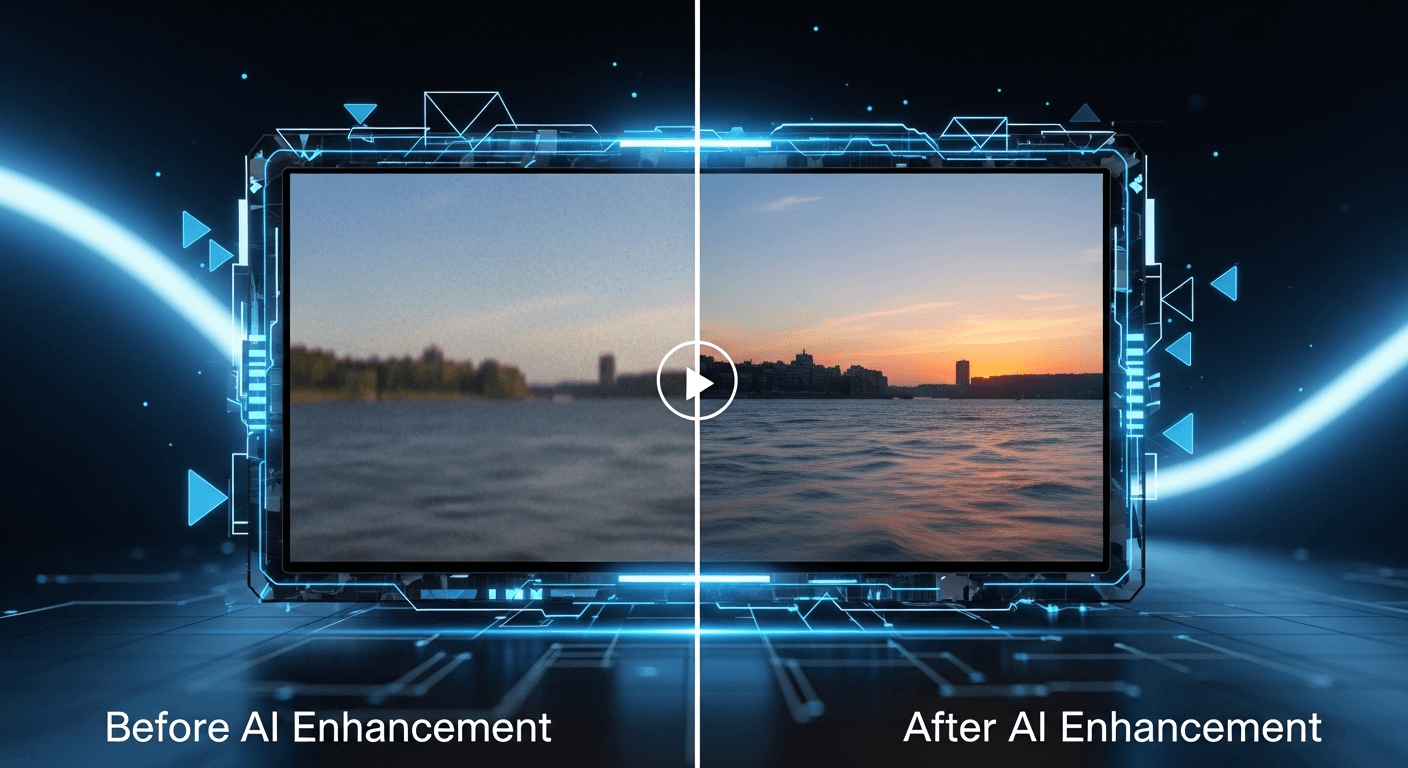
Seedance 2.0 just dropped — and it's not a point release. ByteDance rebuilt the model architecture from scratch, added text-to-video, shipped native audio sync, and pushed motion quality into territory that genuinely competes with professional camera footage. Here's every change that matters, and how to decide whether to upgrade.
TL;DR
- Text-to-video is here. No source image required — describe a scene and generate it
- Native audio sync is baked in: ambient sounds, foley, environmental effects, all in stereo
- Cinema-grade motion quality with near-perfect temporal consistency
- Up to 15 seconds (up from 12 in the 1.0 lineup)
- Dynamic per-second pricing starting at 243 credits (~$2.43) for a 4-second clip
- The 1.0 models aren't retired — Lite and Pro still make sense for 1080p and high volume
The Seven Biggest Upgrades At a Glance
Before we dig in, here's the full changelog compressed into one table.
| What Changed | Seedance 1.0 | Seedance 2.0 | |---|---|---| | Input modes | Image-to-video only | Text-to-video + Image-to-video | | Audio | Silent output | Native synchronized audio | | Max duration | 12 seconds | 15 seconds | | Motion quality | Good to excellent | Cinema-grade | | Temporal consistency | Some morphing | Near-perfect | | Physics realism | Approximate | Convincing | | Pricing model | Flat per generation | Dynamic per-second |
Now let's unpack each one.
1. Text-to-Video Finally Arrived
The number-one request since Seedance 1.0 launched was text-to-video. Every 1.0 generation required a source image, which meant either shooting one, sourcing stock, or generating an image first with a separate model. That added a step — and for a lot of users, it was the step that killed the workflow.
Seedance 2.0 removes the source image requirement entirely. You describe the scene, the model handles composition, lighting, camera framing, and motion from scratch. Two minutes later you have a finished clip.
The prompt style that works best is layered and specific. Instead of "a woman walking on a beach," try:
"Medium tracking shot of a woman in a red dress walking along a tropical beach, palm trees in the background, golden hour warm light, slight low angle, cinematic 35mm film look."
Each layer — subject, action, setting, lighting, camera, style — gives the model an anchor. The more anchors, the more coherent the output.
Try text-to-video right now
No source image, no shoot day — just a prompt and 90 seconds. 50 free credits on signup.
Generate Your First Clip2. Native Audio Sync (The Feature Nobody Expected)
Every Seedance 2.0 video ships with a synchronized stereo audio track. This isn't generic background music — the model analyzes what's happening on screen and generates contextually appropriate sound.
What it generates well:
- Environmental ambience — wind, rain, ocean, city noise, indoor room tone
- Object interactions — footsteps on different surfaces, doors, glassware, paper
- Nature sounds — birdsong, insects, water, thunder
- Crowd audio — murmur, laughter, applause
- Mechanical sounds — engines, keyboards, machinery
What it doesn't generate:
- Speech or dialogue (use OmniHuman v1.5 for that)
- Original music with recognizable instruments
- Studio-grade mastered audio
For social media, rough cuts, internal presentations, and pitch decks, the baked-in audio is ready to publish. For final broadcast work, treat it as an excellent timing reference that your audio editor will enhance.
3. Motion Quality That Doesn't Look Like AI
This is the change that's hardest to describe and easiest to see. Seedance 2.0's motion is stable in a way earlier models weren't.
Temporal consistency is the big one. The "morphing" artifact — where a face subtly shifts between frames or background elements pulse — is almost completely gone. ByteDance added a new temporal attention mechanism that keeps feature maps stable across the entire generation window.
Physics feels correct. Fabric drapes with weight. Water flows with proper fluid dynamics. Particles scatter realistically. A character's arms swing naturally when they walk. These are the details that used to give AI video away instantly.
Camera motion is smoother. Dolly shots have proper acceleration curves. Pans are steady. Tracking shots follow subjects without jitter. You can specify camera direction in your prompt and the model will honor it.
4. Longer Clips — Up to 15 Seconds
The 1.0 lineup maxed out at 12 seconds. Seedance 2.0 goes to 15. That extra 3 seconds doesn't sound like much, but it's the difference between a truncated moment and a complete beat — a character entering a room and sitting down, a sunrise arcing into full morning, a camera move that has time to land.
Duration is controlled by a slider and priced dynamically, so a 4-second clip costs less than a 15-second clip. You don't pay the max rate unless you need the max length.

Want output like this? You're 30 seconds away from your first generation. Try Seedance 2.0 free →
5. Dynamic Per-Second Pricing
Seedance 1.0 charged a flat rate per generation. Seedance 2.0 prices dynamically by duration at roughly $0.3034 per second of output.
| Duration | Credits | Approximate Cost | |---|---|---| | 4 seconds | 243 | $2.43 | | 5 seconds | 304 | $3.04 | | 8 seconds | 486 | $4.86 | | 10 seconds | 607 | $6.07 | | 15 seconds | 910 | $9.10 |
The new pricing is fairer — short clips are genuinely cheap, and you only pay for the length you need. Across the credit tiers, the economics look like this:
| Credit Tier | Price | Credits | Seedance 2.0 5s Clips | |---|---|---|---| | Starter | $10 | 1,050 | ~3 | | Popular | $25 | 2,750 | ~9 | | Pro | $50 | 5,750 | ~18 | | Enterprise | $100 | 12,000 | ~39 |
For a full cost breakdown including mixed-model workflows, see the Seedance 2.0 pricing guide.
6. Image-to-Video Got Better Too
If you were happy with Seedance 1.0's image-to-video workflow, Seedance 2.0 does the same thing — just better. Source image fidelity is noticeably higher, which matters when you're animating brand assets.
Specific improvements:
- Fine detail preservation. Text on packaging, fabric textures, product labels stay crisp.
- Edge stability. Less bleeding or softening around object boundaries.
- Color accuracy. The source image's palette is maintained more faithfully.
- Structural integrity. Cars, buildings, complex props keep their shape.
Upload an image, describe how it should animate, and the result will stay far more loyal to your source than anything the 1.0 line produced.
Stop reading. Start creating.
Every minute you spend reading is a video you could be generating. 50 free credits, no credit card.
Create Your First Video7. A New Speed Profile
Seedance 2.0 generation times scale with duration:
| Duration | Typical Time | |---|---| | 4-5 seconds | ~40 seconds | | 8 seconds | ~90 seconds | | 10 seconds | ~120 seconds | | 15 seconds | ~180 seconds |
Short clips come back fast enough for interactive iteration. Long clips take a coffee break. Both are acceptable for a model producing this level of quality.
What Stayed Exactly the Same
Not everything changed. Here's what's familiar.
- The interface. If you used 1.0, you already know the 2.0 UI. Model selector, prompt field, settings, generate button.
- The credit system. Same credits, same tiers, same account. You're not buying into a separate product.
- API endpoints. Both 1.0 and 2.0 models are reachable through the same Seedance API.
- Output format. MP4 with H.264, now with an AAC audio track.
- Commercial rights. Everything you generate is cleared for commercial use.
Should You Upgrade? An Honest Migration Guide
If you're a current Seedance 1.0 user, the upgrade question comes down to three things.
Upgrade to 2.0 if:
- You want text-to-video and have been generating source images as a workaround
- Your content benefits from synchronized audio
- Quality matters more than per-video cost
- You need clips longer than 12 seconds
Stick with 1.0 Lite or Pro if:
- You need native 1080p output (Seedance 2.0 is 720p)
- You're generating at volume on a tight budget — Lite starts at ~14 credits
- Your workflow is pure image-to-video and audio isn't useful to you
The realistic answer for most users is use both. Prototype with Seedance 1.0 Lite, generate hero content with Seedance 2.0, and reach for Seedance 1.0 Pro when you need 1080p image-to-video fidelity. The same credit balance works across the entire lineup.
The Honest Bottom Line
Seedance 2.0 is the biggest single-version jump we've seen from ByteDance — and arguably from any AI video platform in 2026. Text-to-video, native audio, cinema-grade motion, and longer durations make this the first model where "AI video" stops feeling like a qualifier.
The price premium is real. So is the quality jump. For hero content, landing pages, ads, and anything that needs to land, Seedance 2.0 earns its credit cost.
Ready to see the difference yourself? Start creating with Seedance 2.0 →
Keep exploring: Complete Seedance 2.0 guide • Seedance 2.0 vs Seedance 1.0 • Seedance 2.0 vs Runway Gen-4 • API guide