AI Product Photography & Video for E-Commerce Stores
Learn how to create professional product photography and video content for your e-commerce store using AI. Cut production costs by 90% while maintaining quality that converts browsers into buyers.
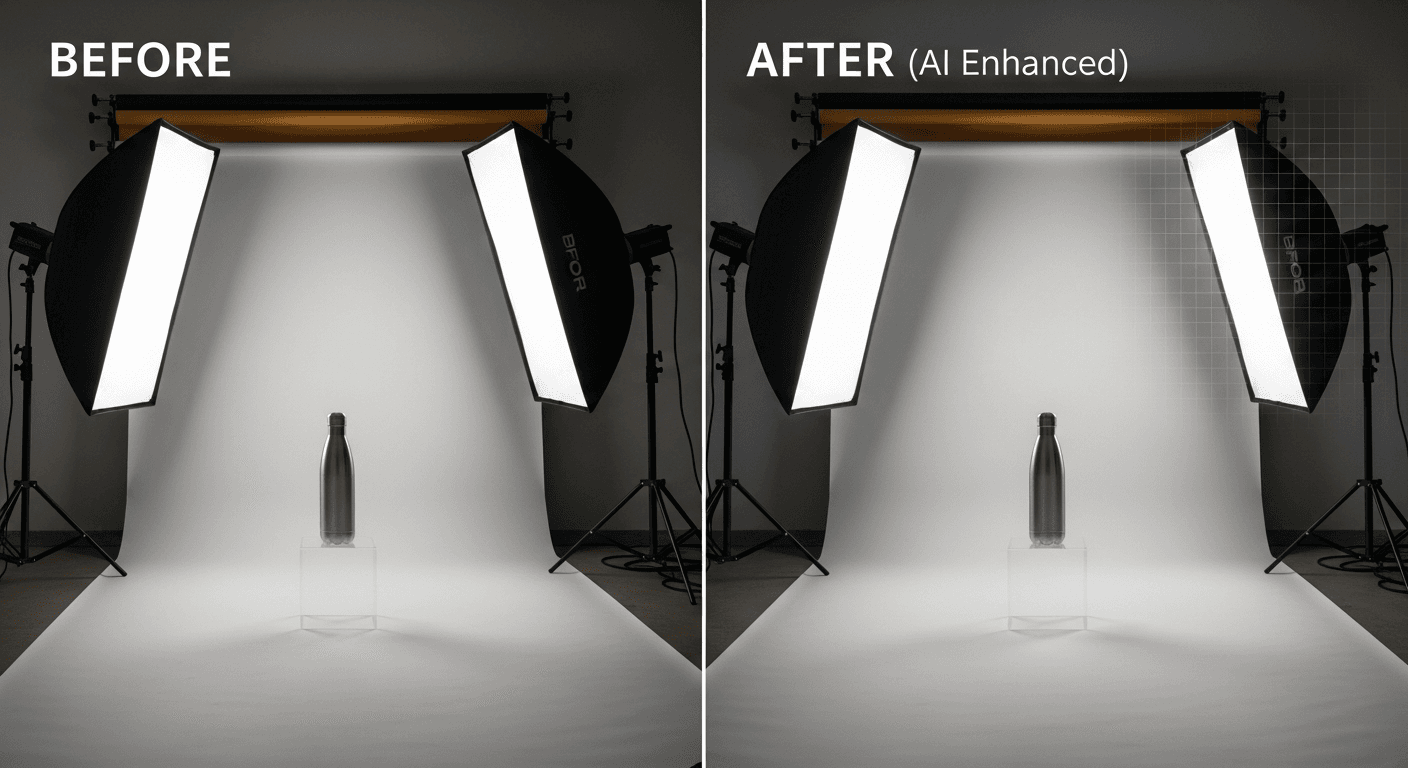
From product photo to 360-degree spinning video in 60 seconds. No studio rental. No photographer day rate. No reshoot when the light was wrong. Just a reference photo, a prompt, and $3.04. This is how DTC brands are rebuilding their product pages in 2026 — and why the brands still booking studio shoots are quietly losing ground on conversion.
TL;DR
- Traditional product shoot: $500-$5,000 per product for photo + video
- AI workflow with Seedream + Seedance 2.0: ~$7-$13 per product for full visual suite
- Scale advantage: 50-product catalog for under $650 vs $130,000+ traditional
- Works from a phone photo: no professional reference photography required
- Get started: 50 free credits, no card required
The Traditional Product Photography Problem
Every e-commerce founder knows the pattern. You need product shots. You book a photographer. They charge $200-$500 per product for basic white-background images, $500-$2,000 per setup for lifestyle photography, and $1,000+ per product for video. Your 50-SKU catalog adds up to $25,000-$100,000 before you have sold a single unit.
Then you add a new product. Another shoot day. Another invoice. Then one of your products changes color. Another shoot day. Then you want to A/B test a lifestyle angle against a studio angle. You cannot — the budget is already spent.
The hidden tax: conversion rates on product pages with weak visuals are 30-50% lower than pages with strong imagery. Adding product video lifts conversion another 20-30%. Every store with budget constraints is leaving revenue on the table.
A full product visual suite, under $13
Skip the studio day. Upload a phone photo and generate photos + video in minutes. 50 free credits to run your first test.
Try Seedance 2.0 FreeWhat Changes with AI Product Visuals
Seedream for images. Seedance 2.0 for video. Together, they compress the traditional product photography pipeline into a workflow that runs on a laptop.
Image-to-video for products: the new unlock
The core workflow: upload one product reference photo (even a phone shot works), write a prompt describing the motion you want, and Seedance 2.0 generates a 4-15 second cinematic clip with native audio. At $3.04 per generation.
The "60 seconds" claim is real. Here is the actual timeline:
- Upload product photo: 5 seconds
- Write motion prompt: 20-30 seconds
- Generate: 20-40 seconds
- Download: instant
The Full Product Visual Suite Workflow
Here is how to produce a complete visual package for a single product in under 20 minutes:
Step 1: Prepare your reference (2 minutes)
You need one decent photo of the product. A phone shot on a clean surface with window light is enough. Seedream and Seedance do not require professional reference photography — they require clear subject visibility.
Step 2: Generate white-background product shots with Seedream (5 minutes, ~$0.48)
Run 6-8 generations at 6-8 credits each to get:
- Front view
- Three-quarter angle
- Side profile
- Top-down flat lay
- Detail close-up of key features
Prompt template:
"Professional product photography of [product], [specific angle], pure white seamless background, soft studio lighting from upper left, subtle shadow, high-end commercial photography style, sharp focus, [specific material description]."
Step 3: Generate lifestyle context images (5 minutes, ~$0.40)
Lifestyle context is where AI generation dominates traditional photography on cost. Generate 3-5 scenes:
- Product in natural use environment
- Styled flat lay with complementary props
- Seasonal or thematic variation
Prompt template:
"Lifestyle product photography of [product] on [setting], natural morning light from window, shallow depth of field, warm editorial style, [mood description]."
Step 4: Generate product videos with Seedance 2.0 (5 minutes, ~$6-$12)
Use your strongest Seedream images as inputs for Seedance 2.0 image-to-video. Generate:
- 360-degree rotation — the e-commerce classic
- Feature highlight zoom — camera push-in on key details
- Lifestyle motion — product in context with ambient motion
Prompt template for rotation:
"Slow smooth 360-degree rotation of the product on pure white background, consistent studio lighting throughout, no lighting flicker, commercial product video style."
Step 5: Post and publish (3 minutes)
Crop to platform specs (Amazon needs 2000x2000px square, Shopify is flexible, Instagram wants 9:16 or 1:1), add brand overlays if needed, export.
Total cost per product: ~$7-$13 for a complete visual suite.
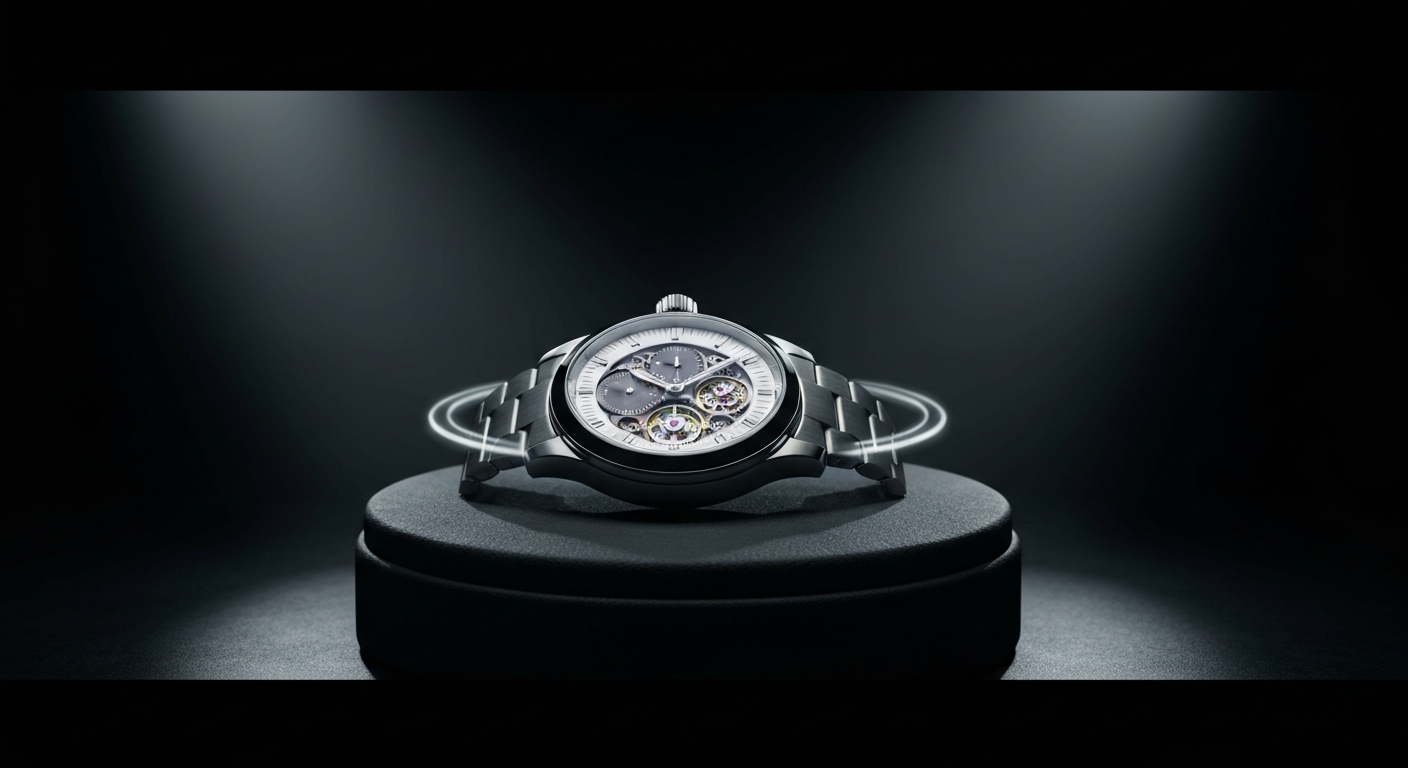
Want product visuals like this for your store? You're 30 seconds away from your first generation. Try Seedance 2.0 free →
Tips for Great Source Product Photos
Your reference photo quality directly affects your output quality. You do not need professional gear, but you do need to hit these basics:
- Even lighting: soft window light or a cheap ring light. Avoid harsh direct sun.
- Clean background: white surface, neutral wall, or simple tablecloth. No clutter.
- Full product visible: do not crop edges. The AI needs to see the whole subject.
- Sharp focus: tap to focus on the product on your phone. Blur is the enemy.
- True color: shoot in natural light when possible, and avoid tinted bulbs.
Pro tip: Take reference photos from multiple angles, not just one. Seedream works better when you can generate variations from the closest-matching reference.
Settings That Make Products Look Premium
The difference between amateur AI product content and conversion-ready output is the language you use in prompts. Specificity is everything.
Material descriptions that work
| Product type | Weak prompt | Strong prompt | |---|---|---| | Watches | "metal watch" | "brushed titanium case with polished bezel, subtle machining marks visible, anti-reflective sapphire crystal" | | Cosmetics | "lipstick" | "matte cream texture, softly reflective tube, subtle product indentation from use, editorial beauty shot" | | Leather goods | "leather bag" | "full-grain vegetable-tanned leather, natural patina, visible stitching, matte hardware" | | Apparel | "shirt" | "mid-weight cotton twill, subtle fabric texture, natural drape, crisp collar point" |
Lighting descriptions that elevate
- "Soft key from upper left, gentle fill, subtle rim light separating product from background"
- "Golden hour directional light, long warm shadows, cinematic atmosphere"
- "Overcast diffused light, no harsh shadows, editorial cleanliness"
- "Hard directional light, dramatic shadow, luxury product aesthetic"
Style anchors that signal quality
Append to every prompt:
"Shot on medium format camera, shallow depth of field, color-graded for premium commercial use, high dynamic range, sharp critical focus."
The Cost Math That Makes CFOs Pay Attention
Realistic comparison for a 50-product e-commerce catalog:
Traditional photography and video
| Content | Cost per product | 50 products | |---|---|---| | White background shots (4 angles) | $300-$500 | $15,000-$25,000 | | Lifestyle images (3 scenes) | $500-$1,500 | $25,000-$75,000 | | Color variants (3 colors) | $150-$300 | $7,500-$15,000 | | 360-degree rotation video | $500-$1,000 | $25,000-$50,000 | | Feature highlight video | $400-$800 | $20,000-$40,000 | | Lifestyle video | $800-$2,000 | $40,000-$100,000 | | Total | $2,650-$6,100 | $132,500-$305,000 |
Seedream + Seedance 2.0
| Content | Cost per product | 50 products | |---|---|---| | White background shots (4 Seedream) | ~$0.32 | ~$16 | | Lifestyle images (3 Seedream) | ~$0.24 | ~$12 | | Color variants (3 Seedream) | ~$0.24 | ~$12 | | 360-degree rotation video (Seedance 2.0) | ~$3.04 | ~$152 | | Feature highlight video (Seedance 2.0) | ~$3.04 | ~$152 | | Lifestyle video (Seedance 2.0) | ~$3.04 | ~$152 | | Total | ~$9.92 | ~$496 |
Savings: 99.6%. The entire 50-product catalog fits inside the $100 credit tier (12,000 credits), with credits left over for iteration and A/B variants.
Rebuild one product page this week
Start with your weakest SKU. 50 free credits covers the full photo + video pipeline — before you spend a dollar.
Generate My First Product VideoROI for E-Commerce Stores
Let us translate the cost savings into actual revenue impact.
Scenario: A Shopify store with $50,000/month in revenue, 2% conversion rate, 10,000 monthly sessions.
Before AI visuals: $50,000 MRR, weak product videos on 20% of SKUs.
After AI visuals: Full visual suite (photos + video) across 100% of SKUs. Cost: ~$1,300 total vs ~$200,000 traditional.
Conservative lift: 15% conversion improvement from better visuals = $7,500/month incremental revenue. Payback period: under 6 days.
That is with conservative assumptions. Stores that go aggressive on video content have seen 25-40% conversion improvements on product pages with video. At that level, the AI visual investment pays back in hours.
Platform-Specific Optimization
Amazon
Amazon requires pure white (#FFFFFF) backgrounds for main product images. Seedream produces these directly — just specify "pure white seamless background" and check the output for color casts.
- Main image: 2000x2000px minimum, pure white
- A+ Content: lifestyle and comparison shots from Seedream
- Video: 15-60 seconds via Seedance 2.0, product features and benefits
Shopify
Shopify stores win on visual consistency. Use the same prompt template across your catalog so every product photo shares the same lighting, angle logic, and color treatment. Embed Seedance 2.0 videos directly in product pages via Shopify's native video support.
Social commerce (Instagram Shopping, TikTok Shop)
Social commerce rewards short, kinetic video. Generate 9:16 vertical clips with Seedance 2.0 for direct upload. Aim for 6-10 seconds of motion that sells the product in the first second.
Quality Checklist Before You Publish
Images:
- Sharp edges with no AI artifacts on product borders
- True brand colors (compare against a product photo on your screen)
- Clean backgrounds with no color cast
- Consistent lighting across the product set
Videos:
- Smooth motion with no frame-level stuttering
- Temporal consistency (product proportions stay the same)
- No lighting flicker or sudden shifts
- Audio if present is clean (or muted for overlay music)
Insight: Generation is cheap, so regenerate aggressively. If a clip has any artifacts, spending another $3.04 to redo it is the right call. Never publish flawed content to save $3.
Scaling Across the Full Catalog
The true power of AI product content is scale. Once your prompt templates are dialed in for one product, applying them across a 50, 500, or 5,000 SKU catalog is mostly batch work.
Batch workflow:
- Build a spreadsheet: one row per product, columns for product description, material, key feature
- Apply your prompt templates, customizing per row
- Generate in batch sessions
- Review and regenerate any weak takes
- Process all outputs for platform requirements
- Generate video for your top 20% of SKUs first (highest revenue impact)
Refresh cycles: Traditional photography is a one-shot investment per product because reshooting is painful. AI generation makes quarterly or seasonal refreshes trivial. Rotate your lifestyle contexts every quarter to keep your store feeling current.
Start With a Single Product
The path from traditional product photography to AI-assisted visuals does not require a full rebuild. Start with one product:
- Claim 50 free credits — no card required
- Pick your weakest product page — the one with the fewest visuals
- Generate a complete visual suite — 4 photos + 1 video for ~$10
- Publish and measure — track conversion rate for 7 days
- Scale what works — move to the next product, then the next
A solo Etsy seller with handmade goods can now produce product content that rivals major brands with dedicated photography studios. That is not an exaggeration — that is the actual state of the tools in 2026.
Your competitors are rebuilding their product pages with AI visuals right now. The question is whether you start this week or three months from now, after they have already captured the conversion lift.
Ready to rebuild your product pages with AI? Start creating free with Seedance 2.0 →