AI Video Generation for E-Commerce: Product Videos with Seedance 2.0
Learn how to create compelling product videos for e-commerce using AI video generation. Covers product showcases, lifestyle videos, social ads, and ROI analysis for online retailers.
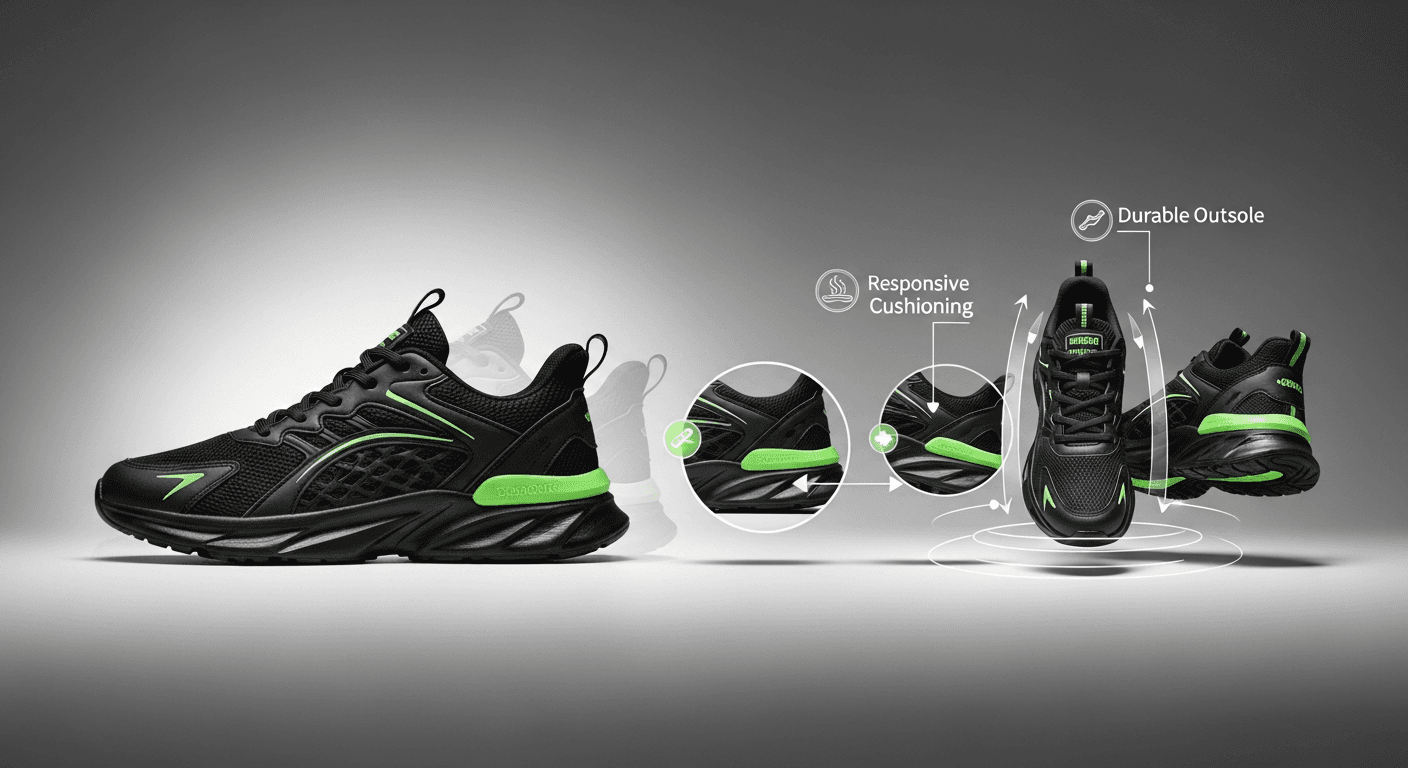
Product video for $3 instead of $300. That is not a pitch deck claim — it is the actual unit economics when you replace a traditional studio shoot with Seedance 2.0 image-to-video generation. Upload your existing product photo, describe the motion, and get a professional product video in under three minutes.
For a store with 100 SKUs, that is the difference between a $30,000 quarterly video budget and a $300 one.
TL;DR
- Product pages with video convert 20-80% better than static-image-only pages
- Traditional product video: $300-2,000 per SKU. AI video: $1-5 per SKU.
- Workflow: upload existing product photo to Seedance, write a motion prompt, generate
- A/B test variants at ~$3 each — impossible to justify with traditional shoots
- Scale strategy: Seedance 2.0 for hero products, Seedance 1.0 Lite ($0.36) for long-tail SKUs
Why Product Video Is No Longer Optional
The data on product video's impact on e-commerce is no longer debatable.
- Conversion lift: Product pages with video convert 20-40% better on average. Landing pages with video can see up to 80% lift.
- Engagement: Time-on-page jumps 2-3x when video is present. Bounce rate drops 30-40%.
- Return rates: Drop 15-25% when customers see products in motion before buying.
- Social commerce: Video product content gets 2-3x the engagement of static images on every social platform.
- SEO: Pages with video are 53x more likely to rank on the first page of Google.
The only reason every store does not already have video on every product page is cost. Traditional production is prohibitive at scale. AI video removes that barrier.
Turn product photos into selling video
Upload one product shot, describe the motion, get a PDP-ready video in 3 minutes. 50 free credits to try it.
Try Seedance 2.0 FreeThe Image-to-Video Workflow
The core loop is simple: turn product photos you already own into product videos. Here is how it runs.
Step 1: Pick the Right Source Photo
The quality of your video starts with the quality of your photo. Pull photos that are:
- 1080p or higher (4K ideal)
- Evenly lit with professional, consistent lighting
- Shot against a clean background (white, neutral, or intentional environment)
- Sharp and in focus at the key product details
- Free of watermarks, logos, or overlaid text
Step 2: Choose the Right Model for the Job
Not every product needs Seedance 2.0 quality. Match the model to the SKU tier.
| Use Case | Recommended Model | Credits | Why | |---|---|---|---| | Hero / bestseller PDPs | Seedance 2.0 | 243-910 | Cinema-grade, native audio for ads | | Category leaders | Seedance 1.0 Pro | 48-288 | 1080p for large-screen display | | Long-tail catalog | Seedance 1.0 Lite | 14-84 | Fast, cheap, good enough at scale |
Step 3: Write a Tight Motion Prompt
Product video prompts are short and specific. You are not inventing the scene — the image already defines it. You are describing the motion.
[Product] [motion description]. [Camera movement]. [Lighting that
highlights the key material quality]. Clean commercial style.
Example for a watch on marble:
The titanium watch rotates slowly, completing a 180-degree turn to
reveal the crown and side profile. Camera holds steady at a slight
elevated angle. Soft directional lighting from the left catches
the brushed metal finish. Clean commercial style.
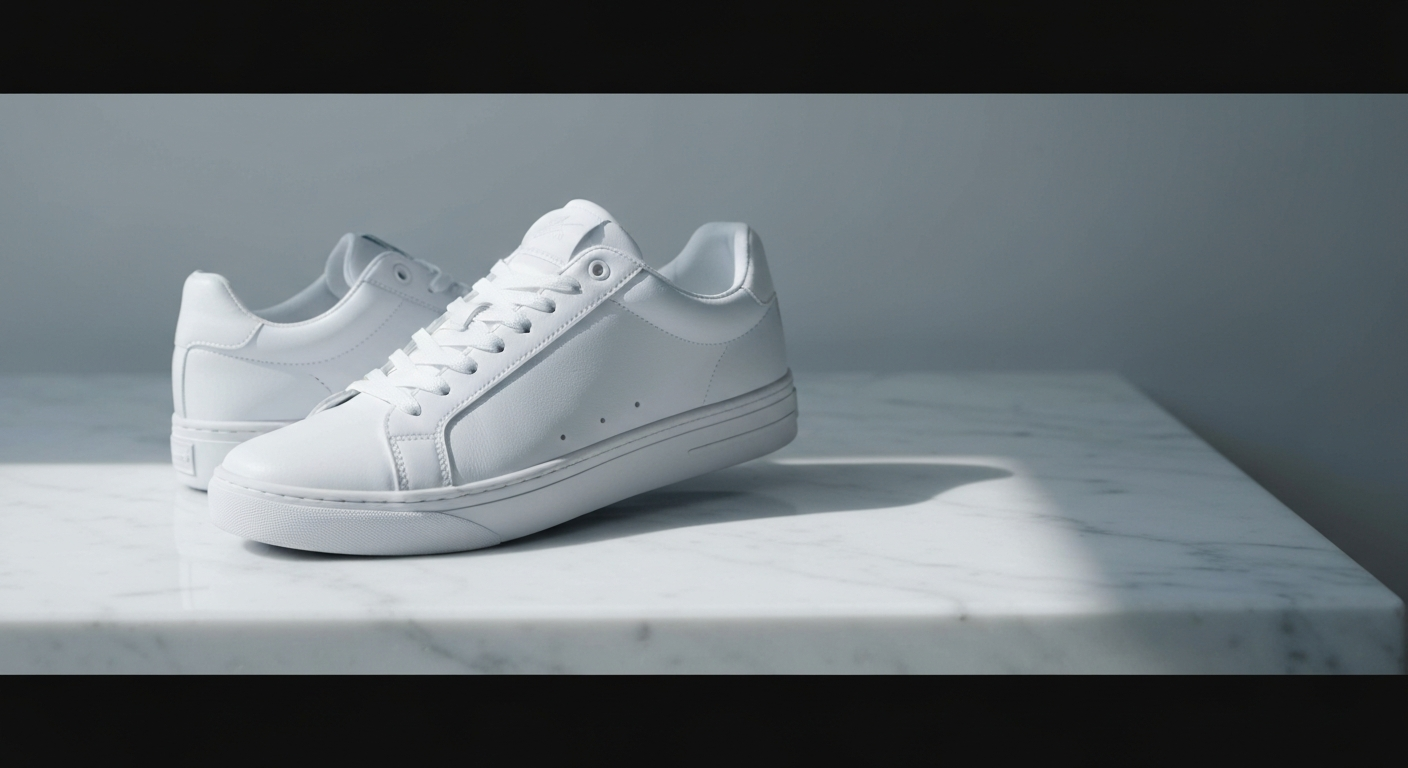
Example for a sneaker:
The sneaker rotates on a clean white platform. Camera orbits 45
degrees to show the sole and heel. Dramatic side lighting
highlights the texture of the upper material. Clean commercial
style.
Step 4: Generate and Check Four Things
When the clip renders, verify:
- Product shape stays undistorted throughout motion
- Lighting stays consistent (no flickering or shifting)
- Background stays clean (no unwanted elements appearing)
- Motion feels premium, not jerky
If any check fails, simplify the prompt and regenerate.
Want PDP video like this for your store? You're 30 seconds away from your first generation. Try Seedance 2.0 free →
Three Video Formats Every Store Needs
1. The Rotation (Product Hero)
The bread and butter of PDP video. Replace a static product image with a slow rotation revealing all angles.
A matte black ceramic vase rotating slowly on a marble surface.
Soft directional lighting from the left highlights the texture and
curves. Camera at a slight elevated angle, steady. Clean, minimal,
commercial style.
Runs 6-8 seconds. Perfect as the first asset above the fold on your PDP.
2. The Detail Zoom (Craftsmanship Sell)
Close-up that reveals the tactile quality of the product. This is what converts premium shoppers.
Close-up slowly pushing in to reveal the hand-stitched details of
a brown leather wallet. Camera pushes forward to show the grain of
the leather and precision of the stitching. Warm directional
lighting. Macro lens effect, shallow depth of field.
3. The Lifestyle Scene (Aspirational Context)
Show the product in use in an aspirational setting. This is the format that drives social ad click-through.
A woman in a linen blouse sits at a sunlit breakfast table in a
modern kitchen, pouring coffee from a sleek stainless steel French
press. Morning light streams through large windows. Plants visible
in the background. Lifestyle commercial style, warm natural tones.
Settings That Make Product Videos Look Premium
A few parameter choices separate amateur AI product video from the kind that actually converts.
- Aspect ratio: 1:1 for PDP embeds, 9:16 for social ads, 16:9 for homepage hero modules
- Duration: 6-10 seconds for PDP video, 4-6 seconds for social ads (viewers scroll fast)
- Lighting keywords: "soft directional lighting", "clean commercial style", "studio lighting"
- Avoid: warm mood lighting, dramatic shadows, anything that obscures the product
A/B Testing: The AI Video Superpower
This is the feature that makes AI video a marketing weapon, not just a cost-saver. For the first time, you can A/B test product video variants at meaningful scale.
What to Test
- Backgrounds: White studio vs. lifestyle context
- Camera angle: Eye level vs. overhead vs. low angle
- Lighting mood: Bright and clean vs. warm and moody
- Motion type: Rotation vs. zoom vs. lifestyle use
- Duration: 5s vs. 10s vs. 15s
- Aspect ratio: 1:1 vs. 9:16 vs. 16:9
Running a Test
Generate 5 variants of the same product video with different prompts. Deploy them across your ad platform using your A/B testing tool. Measure conversion rate, engagement, and CTR. Scale the winner.
Cost of running 5 variants on Seedance 2.0: roughly $15. Cost of running 5 variants with a traditional shoot: effectively impossible. You would need five separate studio days.
A single winning variant that lifts conversion rate by even 2% on a $500K/month store pays for years of testing.
ROI: The Math That Actually Matters
Here is a realistic cost comparison for a store with 100 products.
Traditional Production
| Cost Item | 100 Products | |---|---| | Studio rental | $20,000 - $50,000 | | Photographer / videographer | $30,000 - $80,000 | | Equipment | $10,000 - $20,000 | | Models (if needed) | $20,000 - $50,000 | | Post-production | $10,000 - $30,000 | | Total | $90,000 - $230,000 | | Timeline | 200-400 hours / weeks |
Seedance AI Production
| Cost Item | 100 Products | |---|---| | Seedance 1.0 Pro generations | ~$124 | | Additional takes (2x average) | ~$248 | | Seedance 2.0 hero videos (10) | ~$30 | | Total | ~$402 | | Timeline | 8-16 hours / days |
A 99% cost reduction. A 95% time reduction. The only reason not to run this pilot on your store this week is inertia.
Pilot AI product video on one PDP
Pick your bestseller. Upload the photo. Generate a 6-second rotation. Your 50 free credits cover the experiment.
Start My First Product VideoCategory-Specific Quick Wins
Fashion and apparel: Emphasize drape and movement. "The silk dress flows and catches the light as she turns slowly."
Electronics: Highlight materials and scale. "Light reflecting off the brushed aluminum surface as the laptop slowly opens."
Home and furniture: Show scale in context. "The sofa in a spacious living room with afternoon light drifting across the fabric."
Beauty and skincare: Focus on texture and dispense. "A drop of golden serum falls from the dropper into the palm, catching the light."
Food and beverage: Trigger appetite. "Chocolate sauce drizzles over a dessert in slow motion, steam rising from the plate below."
A Scaling Strategy for Any Catalog Size
Do not try to generate video for every SKU at once. Phase the rollout.
Week 1 — Hero products: Create Seedance 2.0 cinema-grade videos for your top 10-20 bestsellers. These justify the highest quality tier because they drive the most revenue.
Weeks 2-3 — Category leaders: Seedance 1.0 Pro (1080p) for the top seller in each category. Focus on the rotation format.
Weeks 4-8 — Long-tail catalog: Seedance 1.0 Lite for bulk generation across remaining SKUs. Simple rotations are enough for most products.
Ongoing: Generate videos for new products as they launch. Create seasonal lifestyle variants for bestsellers four times a year.
Measure conversion lift on the hero products first. Use that data to justify the long-tail rollout internally.
Start With One Product Page Today
You do not need to commit to a catalog overhaul to test this. Pick your single bestselling product. Upload its primary photo to Seedance 2.0. Generate a 6-second rotation. Swap the static image on that PDP for the video. Watch what happens to conversion rate over the next week.
That one test, run with your 50 free signup credits, will tell you more about AI video ROI than any blog post can.
Ready to create product videos for your store? Start creating free →