Seedance 1.0 Lite vs CapCut AI: Quick Video Generation Compared
A detailed comparison of Seedance 1.0 Lite and CapCut AI for quick video generation — features, pricing, quality, and which tool fits your workflow best.
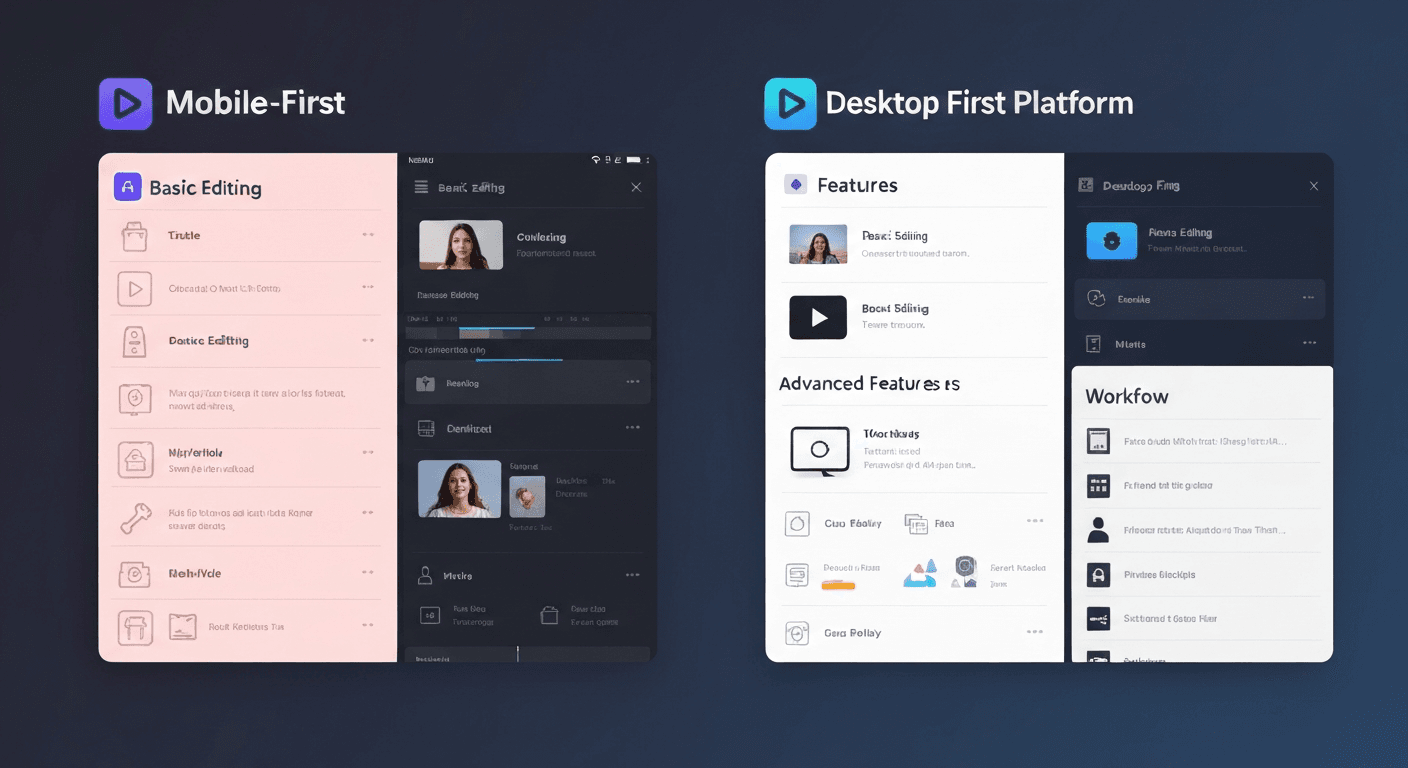
CapCut AI ships inside an editor. Seedance 1.0 Lite ships as a dedicated generator. Both let you turn images into short video clips — but only one was built specifically for volume, speed, and iteration. Here's how they stack up when you line them up honestly.
TL;DR
- Seedance 1.0 Lite: $0.14-$0.84 per clip, 30-60s generation, dedicated image-to-video model with camera lock
- CapCut AI: bundled into an editor subscription, slower generation, fewer motion controls
- Pick Seedance for high-volume, standalone video generation you can automate and iterate on
- Pick CapCut AI if you're already editing in CapCut and want AI effects woven into your timeline
- Free to compare: 50 credits on signup covers several Seedance test generations
What You're Actually Choosing Between
CapCut is TikTok parent ByteDance's mobile-first video editor. Its AI features are sprinkled across the editor timeline — generative transitions, AI effects, stylization filters. The AI video generation lives inside the editing workflow.
Seedance 1.0 Lite is a purpose-built AI video generation model. You upload an image, write a motion prompt, and download a finished clip. No timeline, no editor, no subscription — just a dedicated image-to-video pipeline optimized to be fast and cheap.
That architectural difference shapes every tradeoff below.
Skip the comparison — try Seedance free
1080p clips in 30-60 seconds, starting at $0.14. 50 free credits on signup, no card required.
Try Seedance 1.0 Lite FreeSide-by-Side Feature Table
| Feature | Seedance 1.0 Lite | CapCut AI | |---|---|---| | Core product | Dedicated AI video model | AI features inside an editor | | Input | Image-to-video | Mixed (text, image, stylize) | | Max resolution | 1080p | 1080p (720p on many effects) | | Clip duration | 2-12 seconds | Varies by effect | | Generation time | 30-60 seconds | 1-4 minutes typical | | Camera lock | Yes | No dedicated control | | Pricing model | Pay-as-you-go credits | Subscription / ad-supported | | Per-clip cost | $0.14-$0.84 | Bundled (hard to isolate) | | API access | Yes | Limited | | Commercial use | Yes, no watermark | Depends on plan |
Speed: Seedance Ships in Under a Minute
Speed is the single biggest operational difference. Seedance 1.0 Lite delivers a 1080p clip in 30-60 seconds. CapCut's AI video features typically take 1-4 minutes per generation, and that's before you add editing time.
If you're producing five pieces of content a day, that's 15-20 minutes saved per piece — more than an hour a day you can reinvest in writing, strategy, or shooting.
Why Seedance is faster: Lite runs as a standalone inference model optimized for throughput. CapCut's AI effects are wrapped inside an editor that has to load your timeline, render previews, and manage layers before generation even begins.
Pricing: Transparent vs Bundled
CapCut's pricing is opaque on purpose. The AI features are split between free, Pro, and Pro+ tiers, with usage caps that shift depending on the effect. You're paying for editor access, with AI generation tucked inside.
Seedance 1.0 Lite uses dead-simple per-second pricing:
| Duration | Credits | USD | |---|---|---| | 2 sec | 14 | $0.14 | | 5 sec | 35 | $0.35 | | 8 sec | 56 | $0.56 | | 12 sec | 84 | $0.84 |
Credits come in $10, $25, $50, or $100 tiers. No subscription, no expiration pressure. 50 credits are free on signup, enough for 3-4 test clips before you commit a cent.
For a team running A/B tests, that transparency matters: you can project exactly what 500 ad variations will cost ($70-$420) before you start.
Want to make this yourself? Try Seedance 1.0 Lite free →
Quality: Where Each Wins
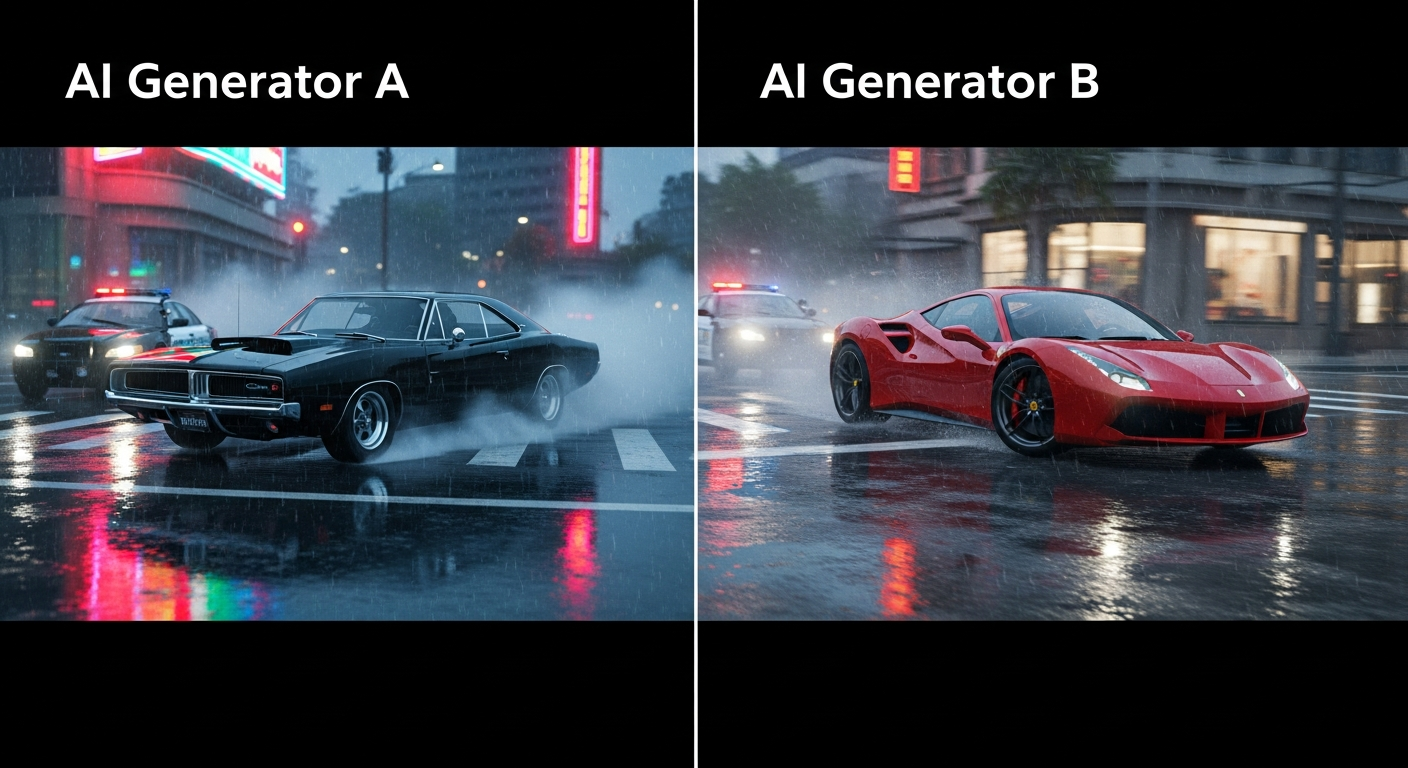
Seedance 1.0 Lite nails physical motion — wind, water, light, rotation, subtle character movement. The camera lock feature means scenes feel stable and intentional, not drifty. Output is consistently 1080p and sharp.
CapCut AI has strength in stylized effects — anime transitions, cartoon filters, kinetic text animations — because those features are built into the editor's effect system. If you want a TikTok-native "AI anime me" look, CapCut delivers it with one tap.
Reality check: The two aren't solving the same problem. Seedance generates original motion from a still image. CapCut applies effects and transitions to clips you already have.
Workflow Fit
Choose Seedance 1.0 Lite when:
- You need to produce dozens of clips from product photos or source images
- You're running ad creative A/B tests and need volume
- You want API access for automation and batch jobs
- You're building a content calendar of 20+ videos per week
- You care about transparent per-clip cost
- You need camera lock for professional stability
Choose CapCut AI when:
- You're already editing in CapCut and want AI effects inline
- You want stylized filters more than generated motion
- You prefer mobile-first editing on your phone
- You're producing for TikTok exclusively and want platform-native effects
Ready to try Seedance 1.0 Lite? Start creating free →
Real Cost Scenario: 30 Social Clips a Week
Let's price out a realistic content operation: 30 clips per week, averaging 6 seconds each, for a small brand.
Seedance 1.0 Lite: 30 × 42 credits = 1,260 credits/week = $12.60/week or roughly $55/month. Predictable, pay-as-you-go, no subscription.
CapCut Pro: Requires the Pro subscription (~$8-15/month) plus time spent inside the editor for each generation. Cheaper on paper, but slower per clip and locked into the editor UX.
For pure cost, CapCut wins on small volume. For speed-per-clip, API automation, and scaling beyond 100 clips/week, Seedance wins decisively. If your operation depends on throughput, the time savings alone justify the switch.
The Integration Question
CapCut's biggest advantage is that the AI output lands directly in an editor you can keep working in. Seedance outputs a clean MP4 — you download it, drop it in your editor of choice (CapCut included), and keep going.
Many creators use both: Seedance to generate the raw motion clips, then CapCut to stitch, caption, and publish. The $0.14-$0.84 per Seedance generation is cheap enough that this hybrid workflow beats either tool alone.
Run the numbers on your own content
Generate test clips for 14 cents each and compare output against your current tool. 50 free credits, no commitment.
Start Free GenerationWhere Seedance Pulls Ahead Long-Term
CapCut AI is a feature in an editor. Seedance 1.0 Lite is a product with public API documentation, predictable pricing, and a clear upgrade path to Seedance 1.0 Pro and Seedance 2.0 when a project needs cinema-grade quality.
If your video operation is likely to scale — more creators, more volume, more automation — that dedicated model architecture matters.
Verdict
Seedance 1.0 Lite is the better choice for standalone AI video generation, high-volume workflows, and anyone who values transparent pricing and API access. At $0.14-$0.84 per clip with 30-60s turnaround, it's purpose-built for the iteration loop.
CapCut AI is the better choice if you're already in the CapCut ecosystem and want AI effects layered into your editing timeline rather than a dedicated generator.
For most creators building a real content operation, Seedance wins on the math that matters: cost per iteration, time per clip, and predictability per month.
Try Seedance 1.0 Lite free → — 50 credits on signup, no card required, first clip in under a minute.