Seedance 2.0 Fast for Educators: Quick Explainer Videos
Educators don't need Hollywood budgets — they need visual clarity. Here's how teachers and course creators use Seedance 2.0 Fast to make explainer video for under $3 per clip.
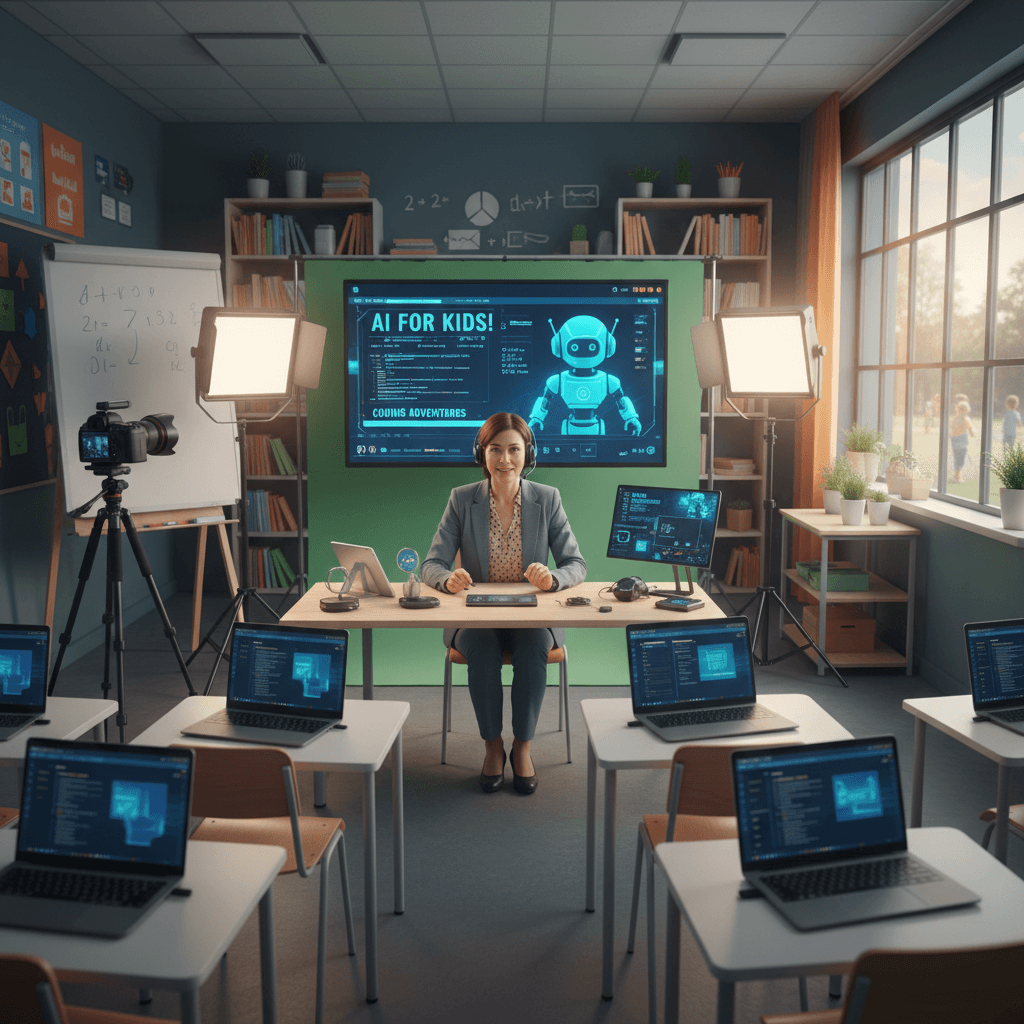
Students retain 60% more information from video than text. Every teacher and course creator knows this. Almost none of them act on it, because producing custom educational video is expensive, slow, and technically intimidating. Seedance 2.0 Fast removes all three barriers.
Here's how educators are using Seedance 2.0 Fast to bring visuals into lessons without becoming filmmakers.
TL;DR
- Cost per clip: $1.94-$4.84 for 4-10 second explainer visuals
- Use cases: Concept illustrations, process videos, historical scenes, science demos
- Classroom-friendly: No blood, no violence filters needed — cinema-grade realism
- Commercial use: Included for paid course creators
- Time: ~1 minute per clip vs hours of animation work
Why Most Educators Don't Use Video (And Why That's Changing)
The traditional video production pipeline never made sense for teachers. You'd need animation software, a budget for licensed stock footage, skills in editing tools, or the patience to learn all of the above from scratch. Meanwhile you're trying to plan lessons, grade papers, and actually teach.
So most educators stick to static slides with bullet points. Students glaze over. Retention suffers. The gap between "what video can do for learning" and "what teachers can actually produce" has been enormous.
Seedance 2.0 Fast collapses that gap. Type a sentence describing what you want students to see, wait 40 seconds, get a clip. No animation skills. No editing expertise. No stock footage licensing headaches. A full semester of custom visuals for the cost of a few textbooks.
What Educators Actually Need From Video
Concept illustration. Visual metaphors for abstract ideas. Photosynthesis, supply and demand, gravitational pull — concepts that stick in memory when you can see them.
Historical reconstruction. Glimpses of places and eras students will never visit. Medieval markets, ancient Rome, 1960s street scenes. AI video can't be perfectly historically accurate, but it can be evocative enough to anchor a lesson.
Process visualization. Step-by-step visual demonstrations. How a plant grows, how water flows through a turbine, how a mechanism works.
Scene-setting. Establishing shots for literature classes. A Victorian drawing room, a desert landscape from a novel's setting, a 19th-century kitchen.
Science demonstrations. Phenomena that are hard or expensive to demonstrate live. Weather formation, cell division visualized metaphorically, geological processes.
Seedance 2.0 Fast handles all of these with the right prompting approach.
Try Seedance 2.0 Fast — your first video in 90 seconds
Cinema-grade AI video at 20% lower cost. 50 free credits, no card required.
Try Seedance 2.0 Fast FreeReal Examples By Subject
Biology:
- "Macro push in on a water droplet on a leaf at sunrise, dew glistening, soft morning light, shallow depth of field, cinematic 35mm"
- "Slow tracking shot through a garden of blooming flowers being visited by bees, golden hour, 35mm film look"
- "Time-lapse style shot of clouds moving across a green landscape, soft daylight, cinematic"
History:
- "Slow dolly through a medieval marketplace with vendors and stalls, warm afternoon light, cinematic 35mm film look"
- "Tracking shot across a Roman forum at golden hour, ancient stone architecture, atmospheric haze, 35mm"
- "Handheld following cobblestone streets of a Victorian city at dusk, gaslight glow, moody atmosphere, 35mm"
Literature and English:
- "Slow push in on a Victorian drawing room with a fireplace, afternoon window light, ornate furniture, cinematic 35mm"
- "Tracking shot through a misty moor at dawn, rolling hills, dramatic sky, cinematic 35mm film look"
- "Slow dolly across an antique wooden desk with an open book, ink well, candlelight, intimate mood, 35mm"
Physics and chemistry:
- "Slow macro push in on water ripples spreading across a still pond, soft light reflections, 35mm"
- "Tracking shot of steam rising from a hot spring at sunrise, cinematic atmosphere, 35mm film"
- "Macro of frost forming on a windowpane, cold blue light, extreme shallow depth, 35mm"
Social studies:
- "Slow tracking shot across a bustling 1960s American diner, warm interior lighting, period details, 35mm"
- "Wide establishing shot of a rural farmland at sunset, golden light across crops, cinematic, 35mm"
Every clip above costs under $4 to generate and can slot directly into a lesson deck or course video.
A Course Creator's Workflow
Online course creators — the Udemy, Teachable, Kajabi crowd — have a specific challenge: they need visual variety to keep students engaged, but recording B-roll for every topic is prohibitive.
Here's the workflow that makes Seedance 2.0 Fast practical for course production:
Step 1: Outline your lessons. List every point that needs visual support. Usually 15-25 points per 30-minute lesson.
Step 2: Write a prompt per visual. Describe the visual metaphor or scene that supports each point. Keep prompts 2-3 sentences long.
Step 3: Batch generate. Run the entire lesson's visuals in a single Seedance 2.0 Fast session. 20 × 5-second clips = $48.40. Time: about an hour unattended.
Step 4: Cut into your lesson. Drop the clips into your video editor on top of your voice-over. Use them as B-roll over your talking-head shots.
Step 5: Repeat for next lesson. Each lesson's B-roll budget stays under $50.
For a 10-lesson course, that's about $500 in AI video — compared to $5,000-$20,000 for traditional B-roll production or licensing.
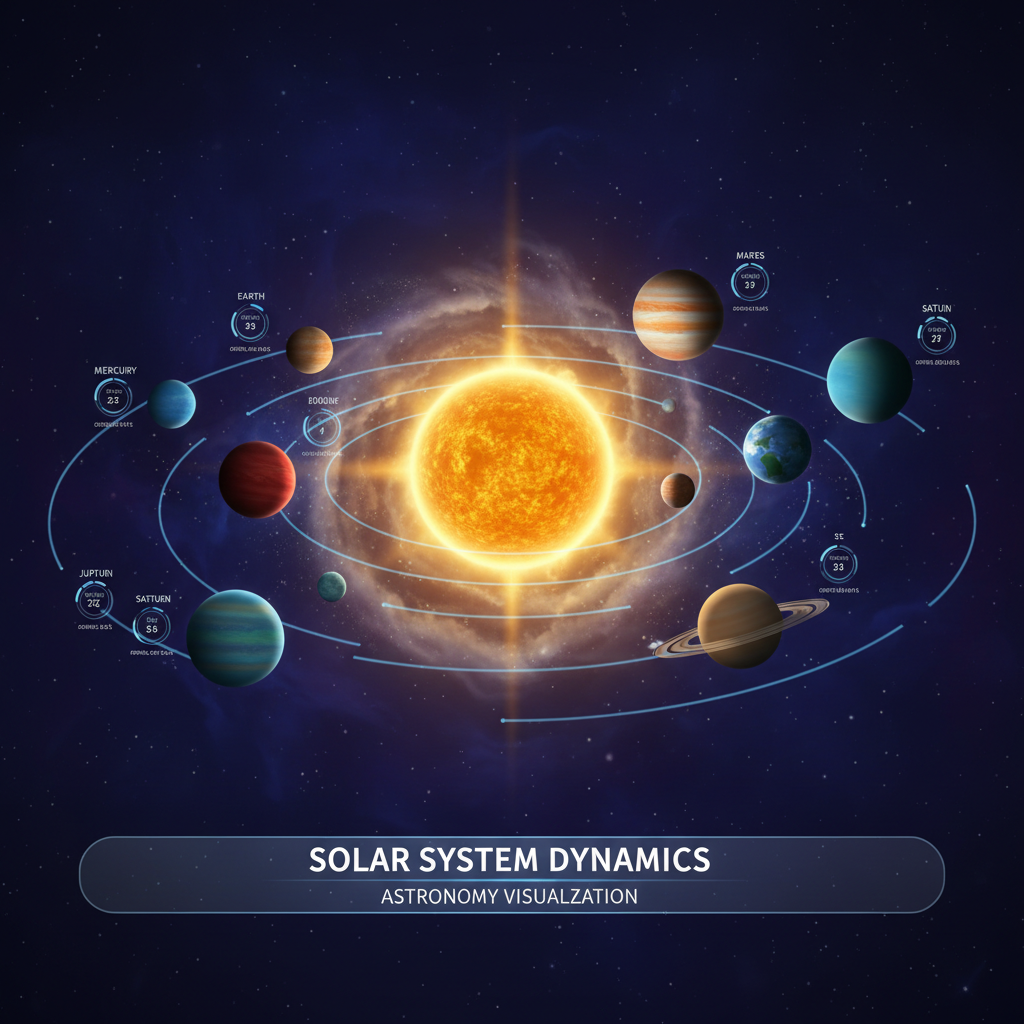
Want visuals for your next lesson? Try Seedance 2.0 Fast free →
Prompt Structure For Educational Content
Educational prompts work best when they're descriptive but open. You don't need to over-specify the visual — leave room for the model to produce a clean, illustrative shot.
[Simple camera move] [subject representing concept],
[natural setting], [soft educational lighting],
cinematic 35mm film look
The key difference from entertainment prompts is avoiding overly dramatic language. Educational content wants clarity, not Hollywood flash. "Soft morning light" beats "dramatic backlit sunset." "Slow push in" beats "cinematic sweeping crane shot."
Classroom Use vs Course Creation
K-12 classroom use: Free credits on signup cover a few experimental clips. For regular classroom use, the $10 Starter tier gives you about 5 Fast clips — enough to pepper interesting visuals into a few key lessons. No commercial use issues because classroom use is educational fair use.
Higher education: Same approach. Use Fast clips to illustrate concepts in lectures, lab intros, and course prep materials.
Online course creators (paid): Commercial use is required and included by default in Seedance 2.0 Fast. Budget $50-$200 per course depending on visual density.
Homeschool parents: The $25 Popular tier gives you 2,750 credits — plenty of room to illustrate a year's worth of lessons across subjects.
Stop reading. Start creating.
Every minute you spend reading is a video you could be generating. 50 free credits, no credit card.
Create Your First Educational ClipWhat Seedance 2.0 Fast Won't Do For Education
Honesty matters when you're building lessons. Here's what Seedance 2.0 Fast can't reliably do:
Precisely accurate scientific visualizations. It won't render a molecular structure correctly or show a specific biological process with scientific accuracy. Use it for metaphor and atmosphere, not textbook-accurate diagrams.
Readable on-screen text. Don't try to generate text labels or equations. Add those in post with your editor.
Specific historical figures. The model won't reliably produce a recognizable portrait of Abraham Lincoln or Cleopatra. Use it for general period atmosphere, not specific historical personalities.
Complex step-by-step processes with continuity. It can show a single moment of a process, not a multi-stage sequence. Stitch multiple clips together for process narratives.
Understanding these limits helps you use the tool effectively. Lean on it for atmosphere, illustration, and scene-setting — not for precise technical accuracy.
The Accessibility Angle
One underrated educator use case: accessibility. Visual learners, students with reading difficulties, and ESL students all benefit from video content that supports text-based instruction. Seedance 2.0 Fast makes it feasible to add visual layers to lessons that used to be text-only.
Native audio sync also helps — ambient sounds in a clip reinforce the scene contextually, which aids memory and comprehension.
Common Questions, Quick Answers
Is Seedance 2.0 Fast appropriate for K-12 classrooms? Yes, with the standard caveats about reviewing any AI output before showing to students. The model doesn't produce explicit content on standard prompts.
Can I use Seedance 2.0 Fast in a paid online course? Yes. Commercial use is included.
Do I need to disclose AI generation to students? Best practice is to mention it in passing — students in 2026 benefit from understanding that AI tools are part of modern content production.
Can I generate historical figures or copyrighted characters? The model generally won't produce recognizable likenesses of specific real or copyrighted people. Use it for generic period atmosphere.
What about multilingual use? Seedance 2.0 Fast handles prompts in multiple languages. Output is language-agnostic since it's visual.
Start Adding Visuals To Your Lessons
The research on video in learning is unambiguous — students retain more, engage longer, and perform better when content is illustrated. Seedance 2.0 Fast makes that illustration practical for the first time. Under $3 per clip, under a minute per generation, cinema-grade quality that respects your students' attention.
Ready to start? Generate your first educational clip free →
Keep reading: Seedance 2.0 Fast complete guide • Seedance 2.0 Fast cheap videos • Seedance 2.0 Fast for freelancers