Seedance 2.0 Fast for YouTube Shorts: Quick Content Creation
YouTube Shorts rewards consistency, and consistency requires a sustainable workflow. Here's how Seedance 2.0 Fast powers a daily Shorts calendar for under $50/month.
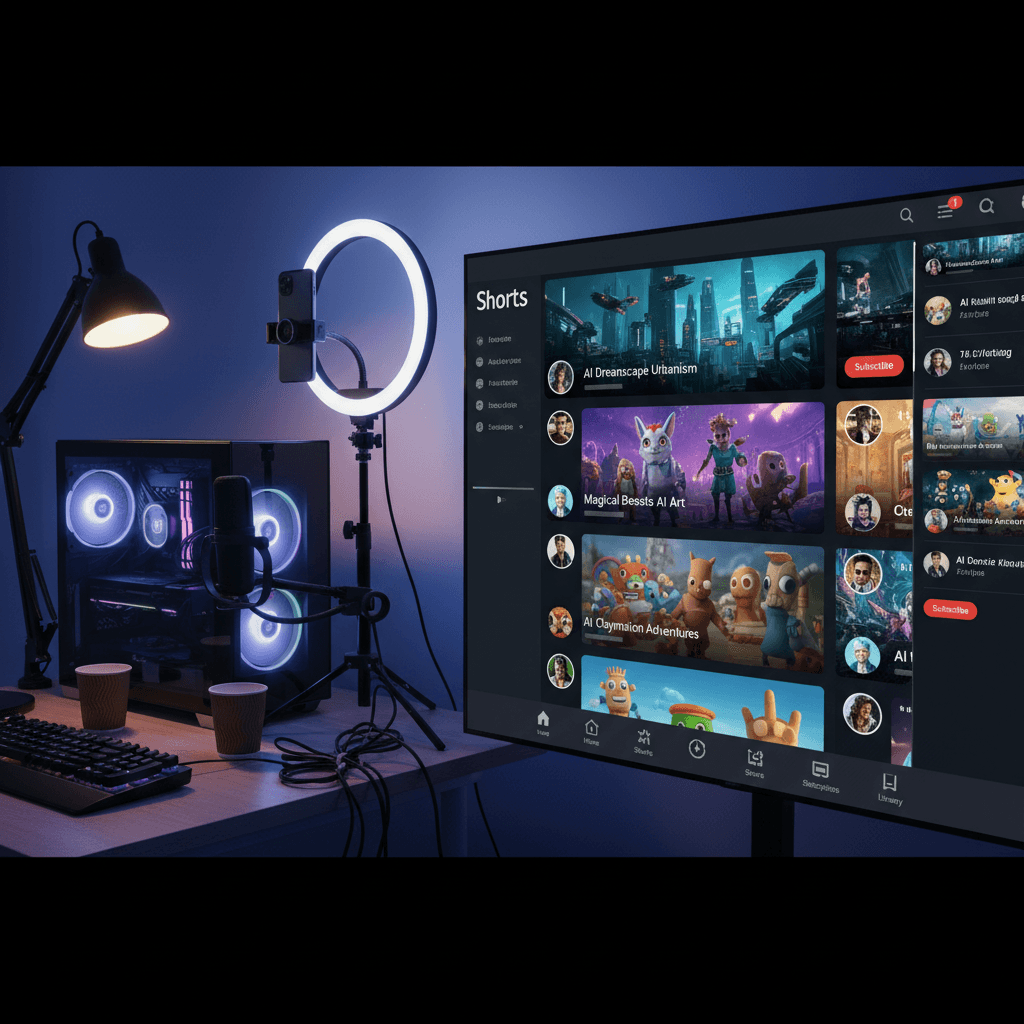
YouTube pays creators who post Shorts daily more than creators who post weekly. The platform's monetization math rewards consistency above almost everything else — but daily posting burns out almost everyone who tries it. Seedance 2.0 Fast changes that calculus by cutting the production cost of each clip to under $3 while keeping quality cinema-grade.
Here's the workflow that makes a daily YouTube Shorts schedule actually sustainable.
TL;DR
- Cost: $1.94-$2.42 per 4-5 second Shorts clip
- Format: Native 9:16 vertical, 720p, monetization-ready
- Daily calendar: A month of Shorts for ~$50 in credits
- Audio: Ambient sync built-in, overlay your voice-over on top
- Speed: 30-45 seconds per clip
Why Daily Shorts Is Impossible Without A System
YouTube's Shorts algorithm rewards publishing frequency. Creators who post once a day see dramatically higher reach than creators who post three times a week, who in turn outperform weekly posters. The math is brutal — consistency is the single biggest growth lever on the platform.
But shooting daily is a full-time job. Even with a streamlined phone-camera workflow, filming, editing, and uploading takes 1-2 hours per clip. Multiply by 30 and that's 30-60 hours a month just on Shorts production. Most creators can't sustain that.
Seedance 2.0 Fast collapses the production cycle. A 5-second vertical clip generates in about 40 seconds. Batch 20 of them in an afternoon and you've got two-thirds of a month of content ready. Add voice-over and text overlays in CapCut and you're shipping in 10 minutes per post.
What Shorts Need From A Video Tool
Native 9:16 vertical. YouTube Shorts is a vertical format. Any tool that makes you crop from landscape is wasting your time and credits.
Short duration. Most effective Shorts land between 15-30 seconds total, but individual visual clips within that run 3-8 seconds before cutting. Seedance 2.0 Fast's 4-15 second range covers the entire spectrum.
High visual quality on mobile screens. Viewers watch Shorts on phones. Quality matters more than resolution — clean motion and good composition beats pixel count.
Audio that works with voice-over. Most Shorts have voice-over layered on top of ambient sound. Seedance 2.0 Fast's native audio gives you a base track that voice-over can sit on top of naturally.
Throughput. You need to produce enough clips to sustain the posting schedule without burning out.
Try Seedance 2.0 Fast — your first video in 90 seconds
Cinema-grade AI video at 20% lower cost. 50 free credits, no card required.
Try Seedance 2.0 Fast FreeThe Daily Shorts Playbook
Here's the week-by-week workflow we recommend for creators running a daily Shorts schedule.
Sunday: Concept planning (30 min). Pick 7 topics for the week. One theme per day. Write a one-line hook for each.
Sunday: Prompt sprint (45 min). Write 3-4 Seedance 2.0 Fast prompts per topic — one hero visual, 2-3 supporting B-roll clips. That's 21-28 prompts total for the week.
Sunday: Batch generation (60 min). Open Seedance 2.0 Fast, generate all 21-28 clips back-to-back. Most will be 4-5 seconds at $1.94-$2.42 each. Total cost: roughly $45-65 for the week.
Sunday: Cull and organize. Review the full batch, keep the winners, organize into daily folders.
Monday-Sunday: Edit and post (15 min/day). Pull clips for the day's topic, add voice-over in CapCut, add text overlays, export, upload. Done in 15 minutes.
Total weekly time investment: about 3.5 hours. For a daily Shorts schedule that would otherwise take 20-30 hours. That's the efficiency gap that makes consistency sustainable.
Prompts Built For Shorts Content
Every Shorts clip needs to earn attention in the first 0.5 seconds or it gets scrolled. The prompt structure should optimize for a striking first frame.
[Camera move] [visually striking subject] [motion],
[bold lighting], vertical composition, cinematic 35mm film look
Examples that performed well on Shorts:
-
"Slow push in on a bowl of steaming ramen with soft-boiled egg, chopsticks lifting noodles, dark moody lighting, vertical composition, cinematic 35mm"
-
"Overhead tracking shot of hands painting a watercolor landscape on paper, warm studio light, vertical composition, shallow depth, 35mm"
-
"Macro push in on droplets of honey dripping off a wooden dipper, soft backlight, vertical composition, cinematic 35mm"
-
"Handheld following a mountain biker's perspective on a forest trail, golden hour light streaming through trees, vertical composition, 35mm"
-
"Slow dolly in on a cat stretching on a sunlit windowsill, warm afternoon light, vertical composition, shallow depth, cinematic 35mm"
Every clip above runs $1.94-$2.42 and can stand alone as a Shorts hook or slot into a longer multi-clip edit.

Want a month of Shorts content for $50? Try Seedance 2.0 Fast free →
Voice-Over On Top Of Ambient Audio
One of Seedance 2.0 Fast's underrated advantages for Shorts is the native ambient audio. Most Shorts creators overlay a voice-over on top of their visuals — but raw AI video without any audio sounds sterile, and adding generic background music feels cheap.
Seedance 2.0 Fast generates scene-appropriate ambient sound with every clip. Rain during a rain scene, kitchen sounds in a kitchen clip, street ambience on an urban shot. You drop your voice-over on top in CapCut and the ambient bed gives your audio texture without fighting for attention.
This is a small workflow detail that makes a big difference in perceived production quality. Your Shorts stop sounding like AI slop and start sounding like real video with a narrator.
When To Use 4 Seconds vs 5-8 Seconds
For Shorts specifically, the duration decision matters more than it does on other platforms. Here's our rule of thumb:
4 seconds ($1.94): Hook clips, visual punches, loopable moments, transitions between voice-over beats. Use these for roughly 60% of your clips.
5 seconds ($2.42): Standard B-roll under voice-over. Use for about 30% of clips.
6-8 seconds ($2.90-$3.87): Hero shots, reveal moments, anything that needs to breathe before the cut. Use sparingly, about 10% of clips.
10-15 seconds: Rare for Shorts. Only when the shot carries the full edit alone.
Following this distribution, a 28-clip weekly batch lands around $65-75 total cost — about $2.50 per clip on average.
Stop reading. Start creating.
Every minute you spend reading is a video you could be generating. 50 free credits, no credit card.
Create Your First ShortThe Monetization Math
YouTube Shorts monetization varies wildly by niche, but creators in the monetization tier typically see between $0.01 and $0.05 per 1,000 views. A clip that hits 100,000 views might earn $1-$5. A breakout that hits a million earns $10-$50.
The unit economics work like this: if your average Shorts production cost is $2.50 per clip and your average clip earns $5 in ad revenue, you're profitable from ads alone. Add sponsorships, affiliate links, channel growth effects, and the economics get even better. The key is keeping per-clip production costs low enough that you can sustain volume while the algorithm figures out which of your clips will break out.
Seedance 2.0 Fast gives you that low cost floor. At $2.50 per clip average, 30 clips a month costs $75 — roughly the price of a single mid-tier YouTube editing course.
Common Mistakes With Shorts Production
Shooting landscape and cropping. If you don't pick 9:16 before you generate, you wasted the clip. Every time.
Overusing long durations. A 15-second clip has its place, but using it as the default kills your budget. Default to 4-5 seconds.
Ignoring the first frame. Viewers scroll in 0.5 seconds if the first frame doesn't grab them. Generate prompts that look striking on frame 1.
Posting raw without voice-over or text. Raw Seedance 2.0 Fast clips are beautiful but benefit from context. Add a hook line of text or a brief voice-over.
Batching without a concept. Random batches produce inconsistent aesthetics across your channel. Pick a theme per batch.
Common Questions, Quick Answers
Can YouTube Shorts monetize AI-generated content? Yes. YouTube's policy allows AI-generated content on Shorts as long as it's labeled when depicting realistic people or events. B-roll and landscape footage don't need labels.
Do I need to disclose Seedance 2.0 Fast as an AI tool? Disclosure is required for content that could mislead viewers. General B-roll and aesthetic clips don't require it.
What export format does YouTube Shorts prefer? MP4 with H.264 video — exactly what Seedance 2.0 Fast exports.
Can I use the same clip on TikTok and Shorts? Yes. Both platforms accept 9:16 MP4. The same clip works on both.
Start Building A Shorts Engine That Scales
Daily YouTube Shorts is a numbers game — consistency, creative volume, and low per-clip cost are the three variables that determine whether you grow or burn out. Seedance 2.0 Fast gives you all three. Cinema-grade clips for under $3 each, native vertical output, and generation fast enough to batch an entire week in a Sunday afternoon.
Ready to start? Generate your first Short free →
Keep reading: Seedance 2.0 Fast complete guide • Seedance 2.0 Fast for TikTok • Seedance 2.0 Fast for social media managers