How to Bulk Generate AI Images with Seedream 5.0 Lite
Step-by-step guide to batch generating AI images with Seedream 5.0 Lite — workflows, prompt templates, cost optimization, and automation tips for high-volume image production.
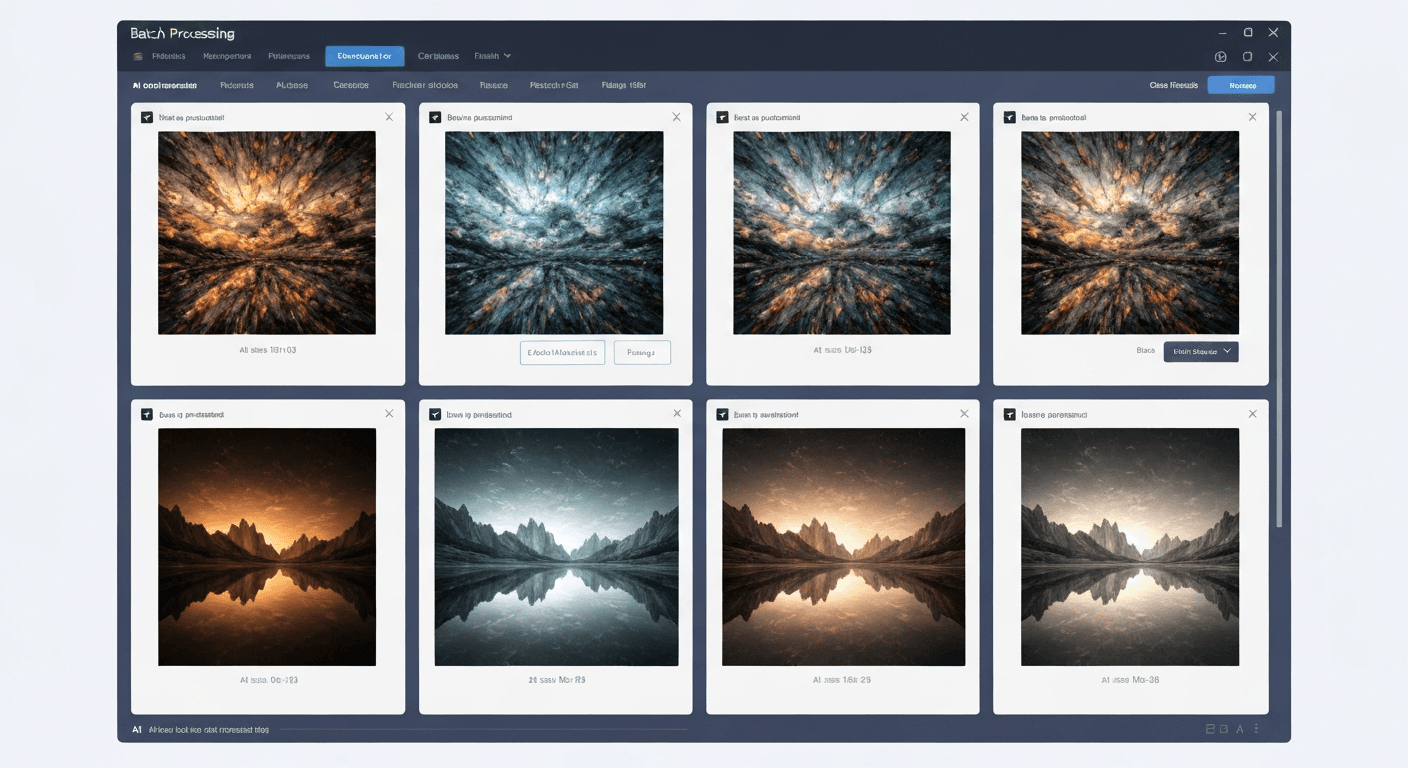
A 50-image social media campaign used to take a designer all day. With Seedream 5.0 Lite, the same output runs in under 10 minutes for about $3.50. This guide walks through the exact workflows, templates, and cost math that make bulk generation practical.
TL;DR
- Throughput: 6-10 images per minute via the web UI or API
- Cost: $0.07 per image, dropping to $0.058 at the Enterprise tier
- Batch endpoint: Submit up to 50 images per API request with webhook completion
- Biggest lever: Prompt templates with variables cut prep time by 70%
- Break-even: Batch workflows pay for themselves at ~20 images per session
Why Bulk Generation Changes Your Workflow
Modern content demands volume. A single social campaign needs 20-50 unique images. An e-commerce store with hundreds of products needs consistent promotional graphics. A content marketing team publishing daily needs an endless stream of headers, thumbnails, and ad creatives.
Seedream 5.0 Lite is built for this. 5-15 seconds per image means 6-10 images per minute. Deep thinking mode keeps quality consistent across large batches. And at 7 credits per image, bulk generation stays cost-effective at any scale.
See the text rendering yourself
The only AI model that gets text right. $0.07 per image, 50 free credits.
Try Seedream 5.0 Lite FreeBefore You Start: Setup
Pick the Right Credit Tier
| Tier | Price | Credits | Seedream 5.0 Lite Images | Cost Per Image | |---|---|---|---|---| | Starter | $10 | 1,050 | 150 | $0.067 | | Popular | $25 | 2,750 | 392 | $0.064 | | Pro | $50 | 5,750 | 821 | $0.061 | | Enterprise | $100 | 12,000 | 1,714 | $0.058 |
For serious bulk work, Pro ($50) or Enterprise ($100) gives the best economics. Savings compound quickly at scale. Details on our pricing page.
Prep Your Prompt List
Before generating, create a structured prompt list. A spreadsheet works well:
| ID | Prompt | Aspect Ratio | Deep Thinking | Notes | |---|---|---|---|---| | SM-001 | Modern flat lay of coffee and notebook, warm morning light, minimalist | 1:1 | Off | Instagram | | SM-002 | Professional headshot background, soft gradient blue, studio lighting | 1:1 | Off | LinkedIn | | YT-001 | Bold thumbnail with text 'TOP 10 TIPS' in red, excited expression | 16:9 | On | YouTube |
Lock Down Your Parameters
Decide upfront:
- Aspect ratio per content type — 1:1 for social, 16:9 for thumbnails
- Deep thinking toggle — on for text and complex scenes, off for simple backgrounds
- Brand style keywords — consistent prefix across the entire batch
- Naming convention — structured filenames for easy organization
Batch via the Web Interface
Sequential batching through the web UI works well for small-to-medium batches (under 50 images).
The workflow:
- Open the generator at /create/seedream-5-lite
- Set default parameters — aspect ratio, deep thinking toggle
- Enter your first prompt and click Generate
- While the first image generates, prep the next prompt
- Review each result before moving on
- Save successful generations to your gallery immediately
- Regenerate any duds before moving to the next
Tips for speed:
- Keep your prompt list open in a separate tab for fast copy-paste
- Use keyboard shortcuts
- Work in batches of 10-20, review, download, continue
- Lean on prompt history to recall recent prompts
Batch via the API
For high volume, the API batch endpoint is the most efficient path. One request, up to 50 images, results delivered via webhook.
Python Example
import requests
import json
import time

API_KEY = "your_api_key_here"
BASE_URL = "https://api.seedance.it.com/v1"

headers = {
    "Authorization": f"Bearer {API_KEY}",
    "Content-Type": "application/json"
}

prompts = [
    {
        "prompt": "Modern office workspace, clean desk, natural light",
        "model": "seedream-5.0-lite",
        "aspect_ratio": "16:9",
        "deep_thinking": False
    },
    {
        "prompt": "Bold YouTube thumbnail with text 'MUST WATCH' in white",
        "model": "seedream-5.0-lite",
        "aspect_ratio": "16:9",
        "deep_thinking": True
    },
]

response = requests.post(
    f"{BASE_URL}/images/batch",
    headers=headers,
    json={"generations": prompts}
)

batch_id = response.json()["batch_id"]
print(f"Batch submitted: {batch_id}")

while True:
    status = requests.get(
        f"{BASE_URL}/images/batch/{batch_id}",
        headers=headers
    ).json()

    if status["status"] == "completed":
        for result in status["results"]:
            print(f"Image ready: {result['image_url']}")
        break

    time.sleep(2)
JavaScript Example
const API_KEY = 'your_api_key_here';
const BASE_URL = 'https://api.seedance.it.com/v1';

const prompts = [
  {
    prompt: 'Minimalist product photo, white background, soft shadows',
    model: 'seedream-5.0-lite',
    aspect_ratio: '1:1',
    deep_thinking: false
  },
  {
    prompt: 'Social media banner with text "SALE 50% OFF" in bold red',
    model: 'seedream-5.0-lite',
    aspect_ratio: '16:9',
    deep_thinking: true
  }
];

const response = await fetch(`${BASE_URL}/images/batch`, {
  method: 'POST',
  headers: {
    'Authorization': `Bearer ${API_KEY}`,
    'Content-Type': 'application/json'
  },
  body: JSON.stringify({ generations: prompts })
});

const { batch_id } = await response.json();
console.log(`Batch submitted: ${batch_id}`);
Full API reference in our API guide.
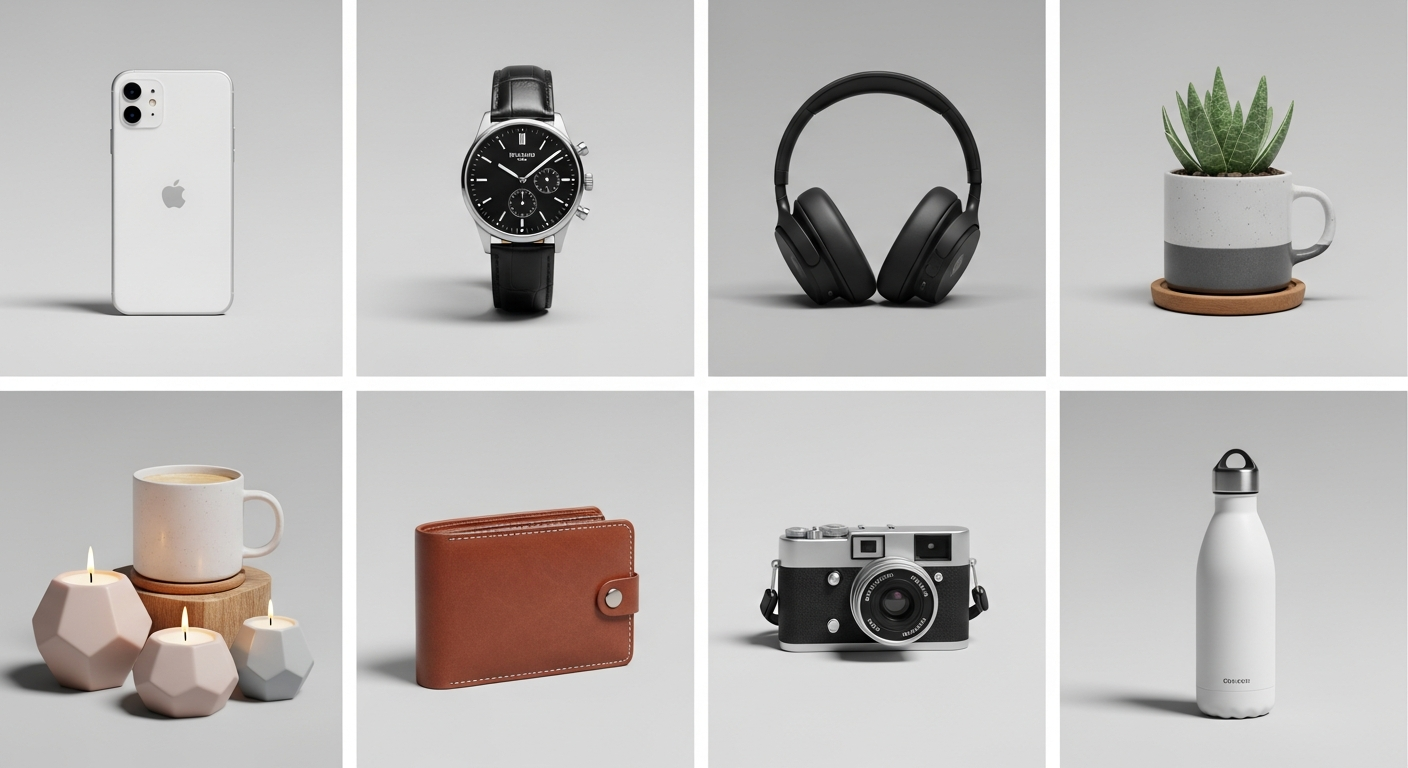
Want text this clean? Try Seedream 5.0 Lite free →
Prompt Templates for Consistency
Templates are the single biggest time-saver for bulk work. Define the structure once, swap variables per generation.
Social Media Post Template
[SUBJECT] in a [STYLE] style, [COLOR_PALETTE] color palette,
[BACKGROUND_TYPE] background, professional quality,
[BRAND_MODIFIER]
Filled example:
Fresh fruit smoothie in a flat lay style, pastel pink and green
color palette, marble surface background, professional quality,
bright and airy aesthetic
YouTube Thumbnail Template
[SUBJECT/EMOTION], bold text "[TITLE_TEXT]" in [FONT_STYLE],
[COLOR_SCHEME], dramatic lighting, YouTube thumbnail composition,
eye-catching
Product Showcase Template
[PRODUCT_DESCRIPTION] on a [SURFACE], [LIGHTING_TYPE] lighting,
[ANGLE] angle, [STYLE] photography style, clean and professional
Blog Header Template
[TOPIC_VISUALIZATION] in [ART_STYLE] style, [MOOD] atmosphere,
[COLOR_PALETTE], wide composition suitable for blog header,
16:9 aspect ratio
These templates plug directly into spreadsheet-to-API pipelines for fully automated bulk workflows.
Cost Optimization
Small optimizations per image compound into real savings at scale.
Use Deep Thinking Strategically
Deep thinking costs zero extra credits, but using it selectively improves throughput:
- Enable for: text-heavy images, complex compositions, specific spatial arrangements
- Disable for: simple backgrounds, basic product shots, abstract patterns
Saves no credits but reduces generation time, increasing throughput.
Mix Models for Maximum Savings
Not every image needs Seedream 5.0 Lite. Consider:
| Image Type | Model | Credits | |---|---|---| | Text-heavy graphics | Seedream 5.0 Lite | 7 | | Simple backgrounds | Seedream v3 | 6 | | Ultra-high resolution print | Seedream v4.5 | 8 | | Standard social posts | Seedream 5.0 Lite | 7 |
Mixed-model strategy can cut overall costs by 10-15% on mixed batches. See our v3 comparison.
Buy at the Right Tier
The Enterprise tier ($100 for 12,000 credits) delivers the lowest per-image cost at $0.058. Compared to Starter, that's a 14% savings — real money on large volumes.
Organizing Bulk Output
Hundreds of images create organizational headaches. Solve them upfront.
Naming Convention
campaign-spring2026_social_001_20260410.png
Include: campaign ID, content type, sequence number, date.
Folder Structure
/generated-images/
  /2026-04/
    /social-media/
      /instagram/
      /twitter/
      /linkedin/
    /youtube-thumbnails/
    /blog-headers/
    /ad-creatives/
Three-Pass Review
- Quick scan — remove obvious flaws (artifacts, wrong composition)
- Detail review — check text accuracy, color consistency, brand alignment
- Final selection — keep top 60-70%, flag the rest for regeneration
Common Batch Workflows
Weekly Social Media Content
A week of multi-platform content in one session:
- Prepare 7-14 prompts (1-2 per day per platform)
- Use consistent brand keywords
- Generate everything in one batch
- Review and select
- Schedule in your social tool
Time: 20-30 minutes for a full week. Cost: $1-2.
E-Commerce Product Campaign
Promotional graphics for a product launch:
- Create 5-10 product showcase prompt variations
- Generate text-overlay versions for sale announcements
- Produce platform-specific crops (1:1 Instagram, 16:9 Facebook)
- Add email header versions
Time: 30-40 minutes. Cost: $2-3 for a full campaign set.
Blog Content Library
Build a month of blog imagery ahead:
- List 20-30 upcoming topics
- Create header prompts for each
- Generate 2-3 options per topic
- Assign best matches to posts
Time: 45-60 minutes. Cost: $4-6 for a month of blog imagery.
See our ad creatives guide for campaign-specific batch workflows.
400 images for under $30
Native batch API, webhooks, and readable text at scale. 50 credits free to start.
Start Bulk GeneratingTroubleshooting
Inconsistent quality across a batch: Prompts are inconsistent. Lock in shared style keywords and quality modifiers.
Text rendering variations: Deep thinking must be ON for every text-containing prompt. Accuracy drops hard without it.
Hitting rate limits: Implement exponential backoff. The batch endpoint is far more efficient than individual requests.
Running out of credits mid-batch: Monitor credits_remaining in API responses. The API returns your balance with every call.
Advanced Automation
Webhook Pipeline
Automate post-generation processing:
@app.route('/webhook/generation-complete', methods=['POST'])
def handle_generation():
    data = request.json
    image_url = data['image_url']
    prompt_id = data['metadata']['prompt_id']

    download_image(image_url, f"output/{prompt_id}.png")
    upload_to_cdn(f"output/{prompt_id}.png")

    return {'status': 'ok'}
Spreadsheet-to-Generation Pipeline
- Read prompts from Google Sheet or CSV
- Submit batch to Seedance API
- Wait for completion via webhook
- Write image URLs back to the spreadsheet
- Notify team via Slack
Scheduled Generation
Cron jobs for recurring content needs — daily social posts, weekly blog headers. Off-peak hours can produce faster turnarounds.
Bulk generation with Seedream 5.0 Lite changes team economics. 400 images a month for under $30, produced in focused weekly sessions instead of daily grinding. The combination of speed, consistency, and per-image pricing makes scale affordable for teams that never could before.
Start batch generating with Seedream 5.0 Lite → — 50 free credits to test the workflow.
Related: social media workflows | ad creative generation | complete guide.