Seedream v4.5 Edit API: Programmatic Image Editing
A developer guide to calling Seedream v4.5 Edit programmatically. Endpoints, parameters, request structure, and patterns for building automated image editing pipelines.
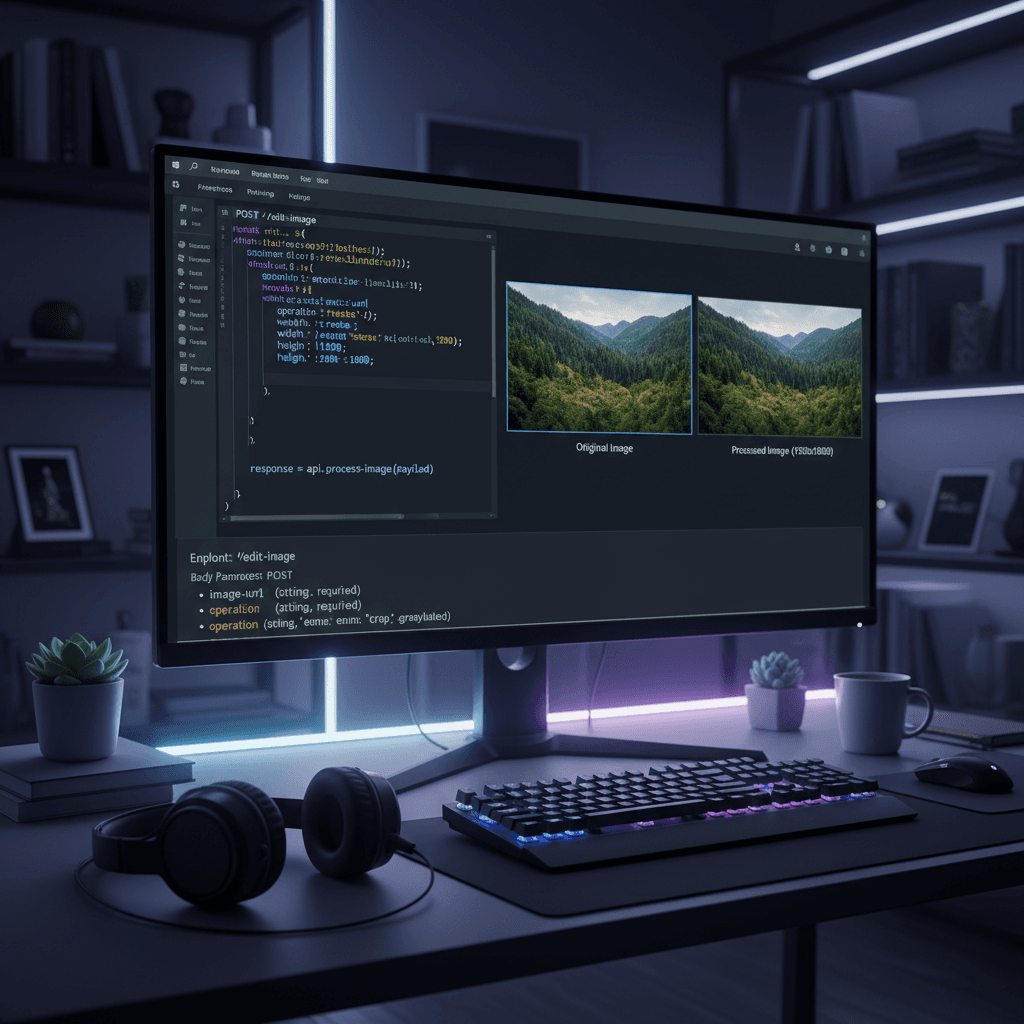
Running Seedream v4.5 Edit through the Seedance UI works for one-off edits and small batches. For high-volume workflows — catalogs with thousands of SKUs, dynamic per-user image generation, CMS-driven asset pipelines — you want API access. This guide walks through the endpoint structure, request parameters, response handling, and production patterns for building automated image editing systems on Seedream v4.5.
TL;DR
- Seedream v4.5 Edit is available via the
fal-ai/bytedance/seedream/v4.5/editendpoint - Same 8 credits ($0.08) per image pricing as the UI
- Accepts up to 10 input image URLs plus a text prompt
- 4MP (2048×2048) output returned as an image URL
- 30–60 second typical generation time — use async patterns for production
Why Use the API
The API unlocks automation patterns the UI cannot match:
- High-volume batching. Process 1,000+ edits in a single pipeline run.
- Dynamic generation. Build images on-demand from user data or database records.
- Scheduled workflows. Nightly catalog updates, event-triggered regeneration.
- Integration with existing stacks. Node.js, Python, Go, Ruby — any HTTP client.
- Reproducible production. Version-controlled scripts instead of manual clicks.
If your use case involves more than 20–50 similar edits, the API is worth the setup.
Endpoint Structure
The Seedream v4.5 Edit model is available at:
fal-ai/bytedance/seedream/v4.5/edit
This is a standard fal.ai model endpoint that can be called directly or via the Seedance credit system.
Try Seedream v4.5 Edit — high-res AI editing
4MP output, up to 10 input images, $0.08 per edit. 50 free credits, no card.
Try Seedream v4.5 Edit FreeAuthentication
Seedance API requests authenticate via an API key passed in the Authorization header as a Bearer token.
Getting Your API Key
- Sign in at seedance.it.com
- Navigate to your account settings
- Find the API section
- Generate a new API key
- Store it securely — treat it like a password
Never commit your API key to source control. Use environment variables:
export SEEDANCE_API_KEY="your_api_key_here"
Authentication Header
Authorization: Bearer your_api_key_here
Request Structure
A basic Seedream v4.5 Edit request looks like this:
{
  "prompt": "Replace the background with a polished marble surface. Preserve the product position, color, and lighting exactly. Add a subtle contact shadow.",
  "image_urls": [
    "https://your-bucket.com/product-shot.jpg"
  ],
  "num_images": 1,
  "output_format": "png"
}
Parameter Reference
| Parameter | Type | Required | Description |
|-----------|------|----------|-------------|
| prompt | string | Yes | Text description of the edit |
| image_urls | array | Yes | 1–10 source image URLs |
| num_images | integer | No | Number of outputs (default 1) |
| output_format | string | No | png or jpeg (default png) |
| seed | integer | No | For reproducibility |
Up to 10 image URLs can be passed. The model treats the first image as the primary and subsequent images as references.
Sample Request: Node.js
const response = await fetch("https://api.seedance.it.com/v1/seedream/v4.5/edit", {
  method: "POST",
  headers: {
    "Authorization": `Bearer ${process.env.SEEDANCE_API_KEY}`,
    "Content-Type": "application/json"
  },
  body: JSON.stringify({
    prompt: "Replace the background with a polished marble surface. Preserve the product position, color, and lighting exactly.",
    image_urls: [
      "https://your-bucket.com/product-shot.jpg"
    ],
    num_images: 1,
    output_format: "png"
  })
});

const result = await response.json();
console.log(result.images[0].url);
Sample Request: Python
import os
import requests

response = requests.post(
    "https://api.seedance.it.com/v1/seedream/v4.5/edit",
    headers={
        "Authorization": f"Bearer {os.environ['SEEDANCE_API_KEY']}",
        "Content-Type": "application/json"
    },
    json={
        "prompt": "Replace the background with a polished marble surface. Preserve the product position, color, and lighting exactly.",
        "image_urls": [
            "https://your-bucket.com/product-shot.jpg"
        ],
        "num_images": 1,
        "output_format": "png"
    }
)

result = response.json()
print(result["images"][0]["url"])
Response Structure
A successful response includes the generated image URLs:
{
  "images": [
    {
      "url": "https://storage.seedance.it.com/output/abc123.png",
      "width": 2048,
      "height": 2048,
      "content_type": "image/png"
    }
  ],
  "seed": 123456789,
  "credits_used": 8
}
Download the image from the returned URL — output URLs are valid for 24 hours.
Async Generation Pattern
Seedream v4.5 Edit takes 30–60 seconds per request. For production you likely want async generation with webhooks or polling instead of blocking requests.
Webhook-Based Async
Pass a webhook_url in your request and Seedance will POST the result to it when the generation completes:
{
  "prompt": "...",
  "image_urls": ["..."],
  "webhook_url": "https://your-app.com/webhooks/seedream"
}
Your webhook handler receives:
{
  "request_id": "req_abc123",
  "status": "completed",
  "images": [
    {
      "url": "https://storage.seedance.it.com/output/xyz.png"
    }
  ]
}
Webhook handling is the recommended production pattern.
Start building. Try the tool first.
Polling-Based Async
If your infrastructure cannot receive webhooks, poll for status:
const initResponse = await fetch("https://api.seedance.it.com/v1/seedream/v4.5/edit", {
  method: "POST",
  headers: { "Authorization": `Bearer ${key}`, "Content-Type": "application/json" },
  body: JSON.stringify({ prompt, image_urls, async: true })
});

const { request_id } = await initResponse.json();

// Poll for completion
let result;
while (!result) {
  await new Promise(r => setTimeout(r, 5000));
  const statusResponse = await fetch(
    `https://api.seedance.it.com/v1/requests/${request_id}`,
    { headers: { "Authorization": `Bearer ${key}` } }
  );
  const status = await statusResponse.json();
  if (status.status === "completed") result = status;
}
Poll every 5–10 seconds. Total wait is usually 30–60 seconds.
Production Patterns
Pattern 1: Catalog Batch Generation
Run the API over your product catalog to generate consistent background swaps for every SKU:
for product in catalog:
    response = requests.post(
        API_URL,
        headers=HEADERS,
        json={
            "prompt": PROMPT_TEMPLATE.format(product_name=product.name),
            "image_urls": [product.source_image_url],
            "webhook_url": WEBHOOK_URL
        }
    )
    log_request(product.id, response.json()["request_id"])
Pair with a webhook handler that saves outputs to your CDN and updates the product record.
Pattern 2: On-Demand User Edits
Let users upload images and get AI-edited results on-demand:
- User uploads image to your bucket
- Your backend calls Seedream v4.5 Edit with a user-chosen prompt
- Poll or await webhook
- Return result URL to the user's client
Budget for ~60 seconds of wait time per edit in your UX.
Pattern 3: CMS-Driven Asset Pipeline
When content is published in your CMS, auto-generate associated images:
- CMS emits a publish event
- Serverless function triggers
- Calls Seedream v4.5 Edit with a template prompt
- Stores result on CDN
- Updates CMS record with image URL
This pattern eliminates manual image creation for high-volume publishing.
Automate your image pipeline
Same 8 credits per image via API. Start with 50 free credits.
Open Seedream v4.5 EditError Handling
Common error responses:
| Status | Meaning | Action | |--------|---------|--------| | 400 | Invalid request | Check prompt and image_urls | | 401 | Invalid API key | Rotate and retry | | 402 | Insufficient credits | Top up credits | | 429 | Rate limited | Back off and retry | | 500 | Server error | Retry with exponential backoff |
Always wrap API calls in try/except with retry logic for 429 and 500 responses.
Rate Limits
Seedance applies reasonable rate limits on the API. For most production workflows you will not hit them, but for bulk batches of 1,000+ requests, implement:
- Exponential backoff on 429 responses
- Concurrent request limits (start at 5 parallel, tune up)
- Request queueing for predictable throughput
Contact support for higher rate limits on heavy production workloads.
Cost at API Volume
API calls cost the same as UI calls: 8 credits ($0.08) per image. For planning purposes:
- 100 API calls = 800 credits (Starter tier, $10)
- 1,000 API calls = 8,000 credits (Pro tier, $50)
- 10,000 API calls = 80,000 credits (multiple Studio tiers, ~$650)
For volumes above 10,000/month, contact the team for custom pricing.
Best Practices
- Use webhooks in production. Polling works but wastes resources.
- Store prompts in version control. Treat prompts like code.
- Log everything. Request IDs, prompts, outputs, errors.
- Validate inputs before calling. Bad image URLs waste credits.
- Monitor credit balance. Alert when you fall below a threshold.
- Test prompt changes in staging. Validate on 3–5 images before running a full batch.
- Cache results. If inputs are identical, reuse previous outputs.
Further Reading
Get Started
Generate your API key in the Seedance dashboard, grab 50 free credits, and run the Node.js example above with a product shot. The API unlocks the full production potential of Seedream v4.5 Edit — once you have it wired up, everything else is prompt engineering. For hands-on testing first, open the web tool and validate your prompts before automating.