Seedream v4.5 Edit for Fashion: Outfit Changes & Style Transfer
Change outfits, apply editorial styles, and generate lookbook variants with Seedream v4.5 Edit. 4MP fashion editing at $0.08 per image — no reshoots required.
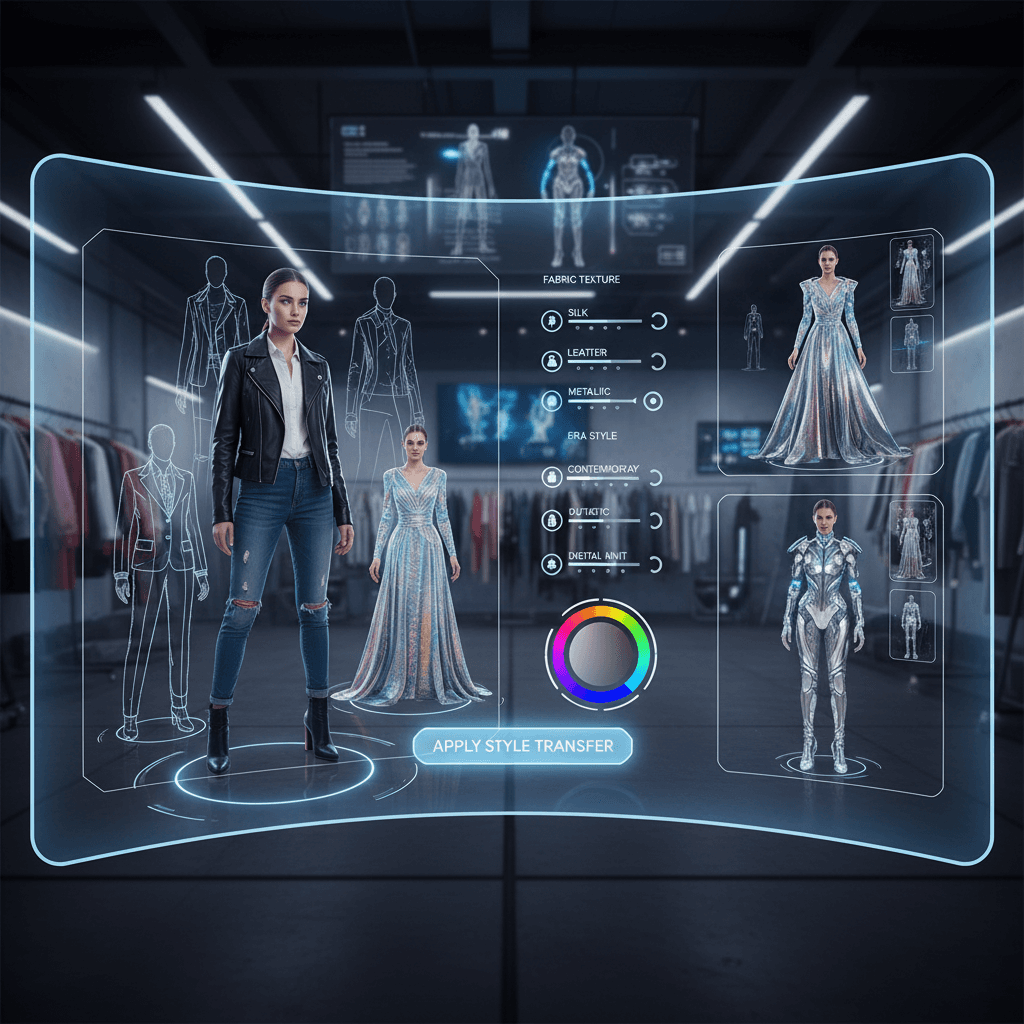
A fashion editorial shoot is expensive: studio, photographer, model, stylist, hair, makeup, and a full day to produce maybe 40 usable images. Seedream v4.5 Edit does not replace that process — it amplifies it. Upload one look, and you can generate five colorway variants, three editorial style treatments, and a half dozen background swaps in the time it takes to edit one photo by hand. All at 4MP, all for 8 credits each, and all with the subject's identity locked across iterations.
TL;DR
- Swap outfits, colorways, and styles without reshooting the model
- Seedream v4.5 Edit outputs 4MP (2048×2048) — lookbook and print-ready
- 8 credits per image, 30–60 second turnaround
- Preserves model identity, pose, and facial expression across edits
- Accepts up to 10 reference images for style moodboards or garment refs
What v4.5 Edit Does for Fashion
Fashion editing breaks into a few repeatable tasks:
- Outfit swaps — same model, different clothing
- Colorway variants — same garment, different colors
- Style transfer — apply an editorial mood to an existing shot
- Background replacement — studio to location or vice versa
- Composite lookbooks — assemble shots into unified campaigns
v4.5 handles all of these with the added benefit of holding the model's identity across iterations. That is the hard part in AI fashion editing — and it is where v4.5 earns its place in working photographers' pipelines.
Outfit Swaps
The most requested fashion edit: one model, ten outfits. Traditionally this means a full day of changes, continuous lighting setup, and careful attention to consistency. With v4.5 you can shoot one base look and generate the rest.
Change the outfit in this image to a camel cashmere turtleneck paired
with high-waisted black wool trousers. Preserve the model's face,
hair, pose, and the background exactly. Match the existing studio
lighting. Output at 2048x2048.
The prompt pattern: name the new outfit specifically, preserve identity and pose, match lighting. Works consistently.
Try Seedream v4.5 Edit — high-res AI editing
4MP output, up to 10 input images, $0.08 per edit. 50 free credits, no card.
Try Seedream v4.5 Edit FreeColorway Variants
Brands typically need the same garment in 3–8 colors for PDPs. Shoot once, iterate in v4.5:
Change the dress color from navy to burgundy. Preserve the fabric
texture, cut, stitching, pleats, and drape exactly. Do not alter the
model's face, pose, or the background. Maintain the studio lighting.
Output at 2048x2048.
8 credits per color, ~40 seconds per iteration. A six-color lineup costs 48 credits ($0.48) and takes under 5 minutes.
Editorial Style Transfer
Apply the mood of a reference image to your shot:
Apply the color grading, tonality, and film grain aesthetic from
image 2 (reference) to image 1 (subject). Preserve the model's
face, outfit, and pose exactly. Do not change the background
composition. Output at 2048x2048.
This is how campaigns get their signature look. One style reference + clean shots = coherent visual identity across a whole lookbook.
Background Replacement
Turn a studio shoot into a location shoot:
Replace the gray studio background with a minimalist architectural
interior — concrete floor, white walls, large window with soft
daylight. Preserve the model's pose, outfit, and lighting direction
exactly. Add a subtle cast shadow. Output at 2048x2048.
Lookbooks built this way feel shot on location without the travel budget.
Sample Campaign Workflow
A boutique launches a fall capsule: 6 pieces, each in 3 colorways, for a total of 18 product stories.
Traditional shoot:
- 1-day studio with photographer, model, stylist
- Estimated cost: $3,500–$8,000
- Delivery: 1–2 weeks after shoot
Seedream v4.5 shoot:
- Half-day studio with 6 base looks photographed clean
- Estimated cost: $1,500–$3,000 (half-day rates)
- Generate colorways and backgrounds in v4.5
- Total additional cost: 18 colorways × 8 credits + 18 backgrounds × 8 credits = 288 credits ($2.88)
- Delivery: same day as the shoot
The half-day shoot still captures authentic model expression and pose. v4.5 handles the multiplication.
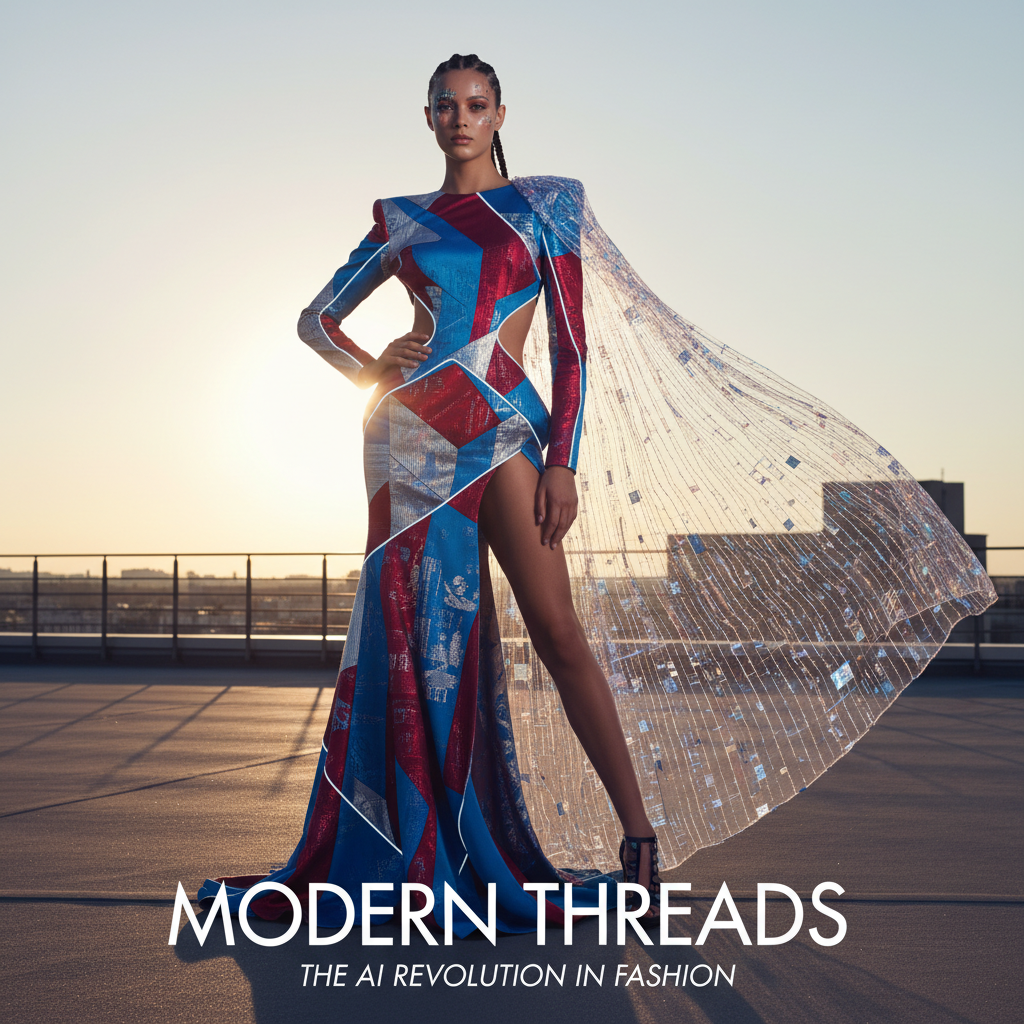
Build your next lookbook faster. Open Seedream v4.5 Edit.
Style Moodboard Pattern
Power users maintain a library of style reference images — five to ten photos that define their brand's visual identity. For every shoot they include 1–2 of those references in the prompt:
Composite the outfit from image 1 onto the model in image 2.
Apply the color grading and film tonality from image 3 (style
reference). Match the soft natural light from image 2. Preserve
the model's face and pose exactly. Output at 2048x2048.
This is how small brands achieve the visual consistency of big houses on a fraction of the budget.
Identity Preservation: The Critical Variable
The biggest failure mode in AI fashion editing is losing the model's identity across edits. v4.5 is strong on this — but you still need to protect it explicitly:
Good: Preserve the model's face, skin tone, hair, and expression exactly.
Bad: Make her look the same.
Be specific about what to hold constant. If you are running a 10-image lookbook with the same model, the preservation clause should be identical in every prompt.
Legal and Ethical Considerations
AI-edited fashion images raise questions worth addressing:
- Model releases. Your standard model release should cover AI-edited variants. Update your contracts if it does not.
- Disclosure. Some markets require disclosure on AI-edited imagery. Check your local rules.
- Brand consistency. If a garment's exact texture matters for legal reasons (color-matching for returns, etc.), validate AI variants against physical samples.
- Stock rights. If you use stock references for moodboards, make sure the license permits AI-derived work.
Run your next capsule in a day
Shoot once, multiply with v4.5. 8 credits per variant, 50 free on signup.
Open Seedream v4.5 EditTips From Fashion Editors
- Shoot clean base looks. Even lighting, neutral backgrounds, full-body visible. Great inputs produce great variants.
- Lock prompt templates. Build a single prompt template per shot type and only change the variable parts.
- Iterate in pairs. Generate two variants of each concept and pick the best — v4.5 has slight randomness run to run.
- Keep a style anchor. One reference image per campaign ensures consistency.
- Escalate to Seedream 5.0 Edit for tricky fabrics. Silk, chiffon, metallic — the newer model is slightly better at physics.
The Bigger Picture
v4.5 Edit does not replace a photographer — and for luxury campaigns, it never will. What it does is absorb the "multiply" phase of fashion production. One great shoot becomes 10 campaigns without a second studio booking.
For more on the model's capabilities read the complete v4.5 Edit guide. For broader brand work see Seedream v4.5 Edit for Marketing. For cost planning visit our pricing page.
Get Started
Open Seedream v4.5 Edit and upload a clean photo of a model. Try the outfit swap prompt above. Your 50 free credits are enough for your first six editorial variants. Then decide whether the tool earns a spot in your next campaign.