Seedream v4.5 Edit for Product Photography: Professional Retouching
Replace backgrounds, swap colorways, and build lifestyle scenes without a studio. Seedream v4.5 Edit delivers 4MP product shots in under a minute for $0.08 per image.
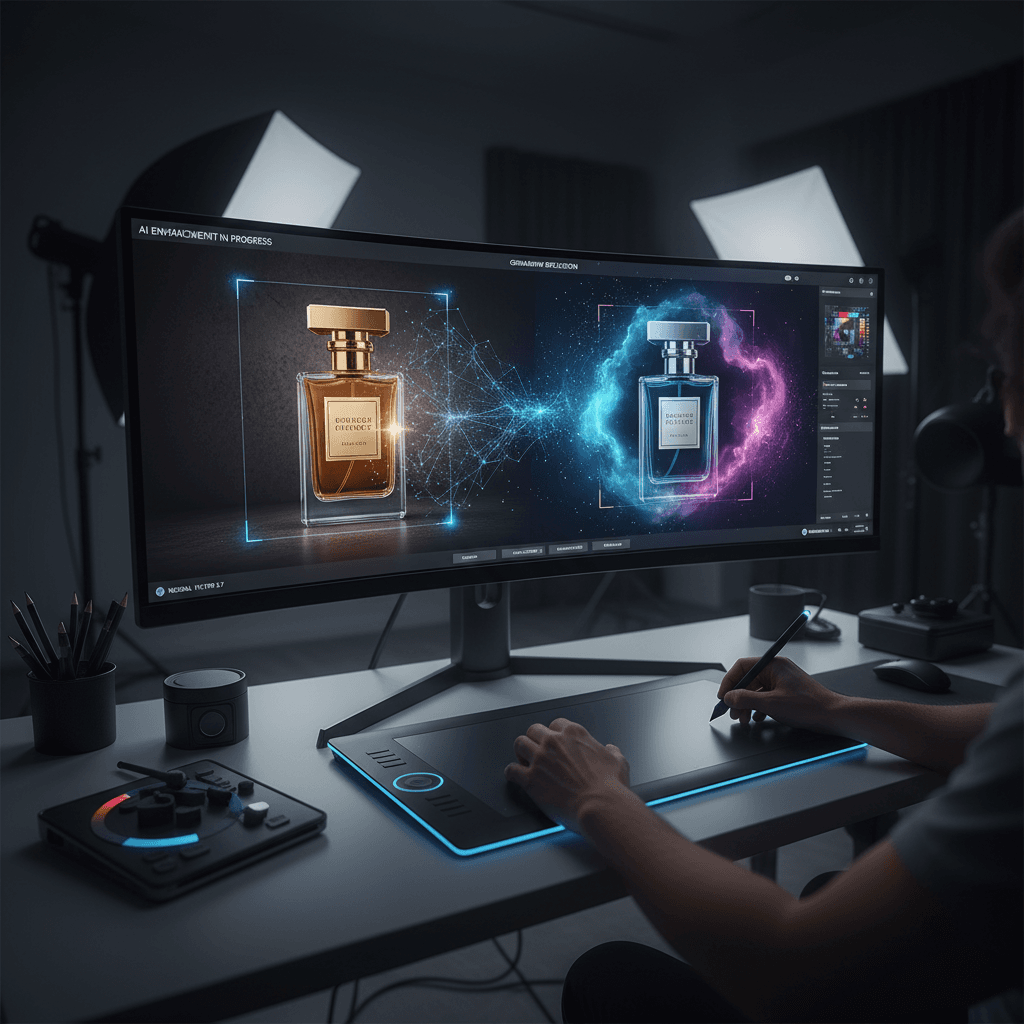
A product shoot used to mean a studio day, a photographer, a stylist, and a retoucher — followed by a week of color correction. Seedream v4.5 Edit compresses that into a single tool session. Upload one clean product shot, describe the scene you want, and get a 4MP (2048×2048) commercial-grade image in under a minute for 8 credits. For small brands, e-commerce teams, and marketplaces that need dozens of variants per SKU, that math is hard to ignore.
TL;DR
- Turn a clean product shot into lifestyle scenes, colorways, or packshots at 4MP
- 8 credits ($0.08) per image — cheaper than a single retoucher hour
- Works for fashion, electronics, CPG, homegoods, beauty, and more
- Accepts up to 10 reference images for matching brand mood boards
- 30–60 second turnaround lets you iterate on prompts live with the creative team
The Shift in Product Photo Workflows
Traditional pipelines look like this:
- Shoot product on a white sweep
- Ship to retoucher for background removal and color correction
- Composite into lifestyle scenes in Photoshop
- Deliver final assets
The bottleneck is usually step 3. Compositing a product into a convincing scene takes hours per image because lighting, shadows, and perspective have to match.
Seedream v4.5 Edit eats that bottleneck. You still shoot the base product photo — the model needs a clean source — but compositing is now a prompt instead of a layer stack.
What v4.5 Does Well for Products
- Background replacement. White sweep to marble, wood, fabric, or any environment.
- Lifestyle placement. Put a product in a kitchen, on a desk, in a hand.
- Colorway variants. Same product, new colors, identical lighting.
- Multi-angle composites. Combine hero and detail shots into single layouts.
- Text overlays. Render legible tag lines, price badges, and product names.
All at 4MP, which matters for e-commerce hero images, paid social placements, and print catalogs.
Try Seedream v4.5 Edit — high-res AI editing
4MP output, up to 10 input images, $0.08 per edit. 50 free credits, no card.
Try Seedream v4.5 Edit FreePrompt Patterns That Work for Products
Pattern 1: Background Replacement
Replace the white background behind the product with a polished
marble surface and a soft beige backdrop. Keep the product's
position, color, and lighting exactly the same. Add a subtle
contact shadow directly beneath the product. Output at 2048x2048.
Pattern 2: Lifestyle Placement
Composite the skincare bottle from image 1 onto the bathroom
countertop from image 2. Place it next to the folded towel.
Match the soft morning window light from image 2. Add a realistic
cast shadow and subtle reflection on the counter. Output a clean
lifestyle product photo at 2048x2048.
Pattern 3: Colorway Swap
Change the product color from matte black to sage green. Preserve
the fabric texture, stitching, hardware, and lighting exactly.
Do not alter the background or shadows. Output at 2048x2048.
Pattern 4: Hero with Copy
Create a hero product image with the shoe from image 1 on the
right third of the frame. Left third should be empty space with
a warm gradient backdrop. Add the text "NEW ARRIVAL" in clean
sans-serif type, centered in the left space. Output at 2048x2048.
Sample Workflow: Launch Day for a New Mug
Say you are launching a ceramic mug in three colorways and need assets for product detail pages, social, and email.
Source: One clean studio shot of the mug in the base color on a white background.
Edits you can run in 30 minutes:
- Colorway 1 swap — sage green (8 credits)
- Colorway 2 swap — terracotta (8 credits)
- White cyc background → marble surface (8 credits)
- Lifestyle: mug on designer desk (8 credits)
- Lifestyle: mug being held in hand (8 credits)
- Social: mug with "NEW" text overlay (8 credits)
- Catalog row: three mugs side by side (8 credits)
Total: 56 credits (about $0.56) for seven launch-ready assets at 4MP. A retoucher would charge at least 10x that.
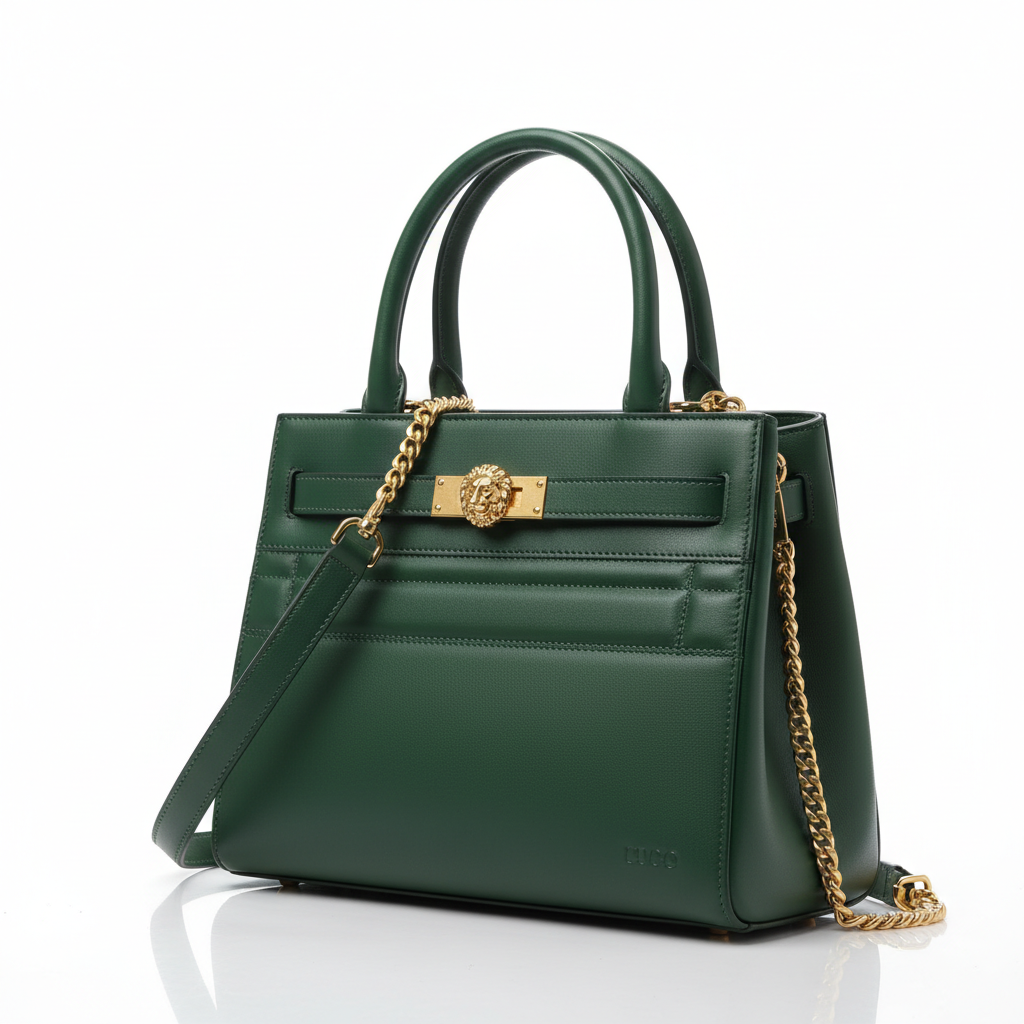
Ship your product launch today. Open Seedream v4.5 Edit.
Tips From Professional Retouchers
We asked three commercial retouchers what they watch for when using Seedream v4.5 in their pipelines:
1. Always start with a clean, well-lit source. The model cannot invent detail that is not there. A grainy phone shot produces a grainy composite. Shoot on a tripod with soft even light.
2. Match lighting references to your scene. If the product was shot under cool studio light and you place it in a warm sunset scene, the result will look composited. Use a reference image that matches the target environment's light.
3. Preserve the product deliberately. The prompt must include "preserve the product's color, texture, and position" or the model will sometimes re-interpret details.
4. Shoot multiple angles once. A clean front, 3/4, and top-down set gives you three base images that unlock dozens of composite variants.
5. Keep a brand moodboard ready. Three or four images that capture your brand's lighting and color style, referenced in every prompt, keep the whole catalog consistent.
Cost vs Traditional Retouching
| Asset type | Traditional cost | Seedream v4.5 cost | |------------|-----------------|---------------------| | Background removal + composite | $15–$40/image | $0.08 | | Colorway variant | $20–$60/image | $0.08 | | Lifestyle composite | $40–$150/image | $0.08 | | Hero with text overlay | $60–$200/image | $0.08 |
For a 30-SKU catalog with 5 variants each, traditional retouching runs $2,250–$9,000. Seedream v4.5 costs $12 in credits. The gap funds a lot of shooting and experimentation.
Replace your retouching backlog
4MP product edits at $0.08 each. 50 free credits gets you started.
Open Seedream v4.5 EditWhen to Still Hire a Retoucher
v4.5 is not a complete replacement for skilled retouchers. Reach for a human when:
- You need CMYK conversion with strict color profile targets
- Your hero image will run as a billboard or high-end magazine spread
- The product has ultra-fine details (jewelry, watch movements) that need microscopic accuracy
- Your brand guidelines require pixel-perfect legal compliance on every asset
For everything else — PDP shots, social creative, email hero images, marketplace listings — v4.5 is the right choice.
Integrating Into Your Team
Most e-commerce teams adopt this workflow:
- Photo day: Shoot clean base photos on white for every SKU.
- Prompt library: Build 5–10 reusable prompt templates matching your brand's scene types.
- Edit session: One designer runs the full catalog through v4.5 in a single afternoon.
- QA pass: Human review and minor Photoshop touch-ups where needed.
- Publish: Assets ship to Shopify, marketplaces, and ad accounts.
A 100-SKU catalog with 4 variants each (400 images) takes about 6 hours of designer time and 3,200 credits ($32) in Seedream v4.5. Compare to 2–3 weeks with a traditional retoucher.
For more on batch workflows see our batch editing tutorial. For cross-model context, read v4.5 vs 5.0 Edit and the complete v4.5 guide.
Get Started Today
If you have a single clean product shot, you have everything you need to start. Open Seedream v4.5 Edit, upload it, and try the background replacement prompt above. Your 50 free credits are enough to run 6 full launches worth of assets before you spend a dollar.