How to Create AI Logos & Brand Assets with Seedream v4.5
Generate logo concepts, brand identity elements, and visual assets with Seedream v4.5. A practical guide for designers and entrepreneurs creating brand identities with AI-assisted design workflows.
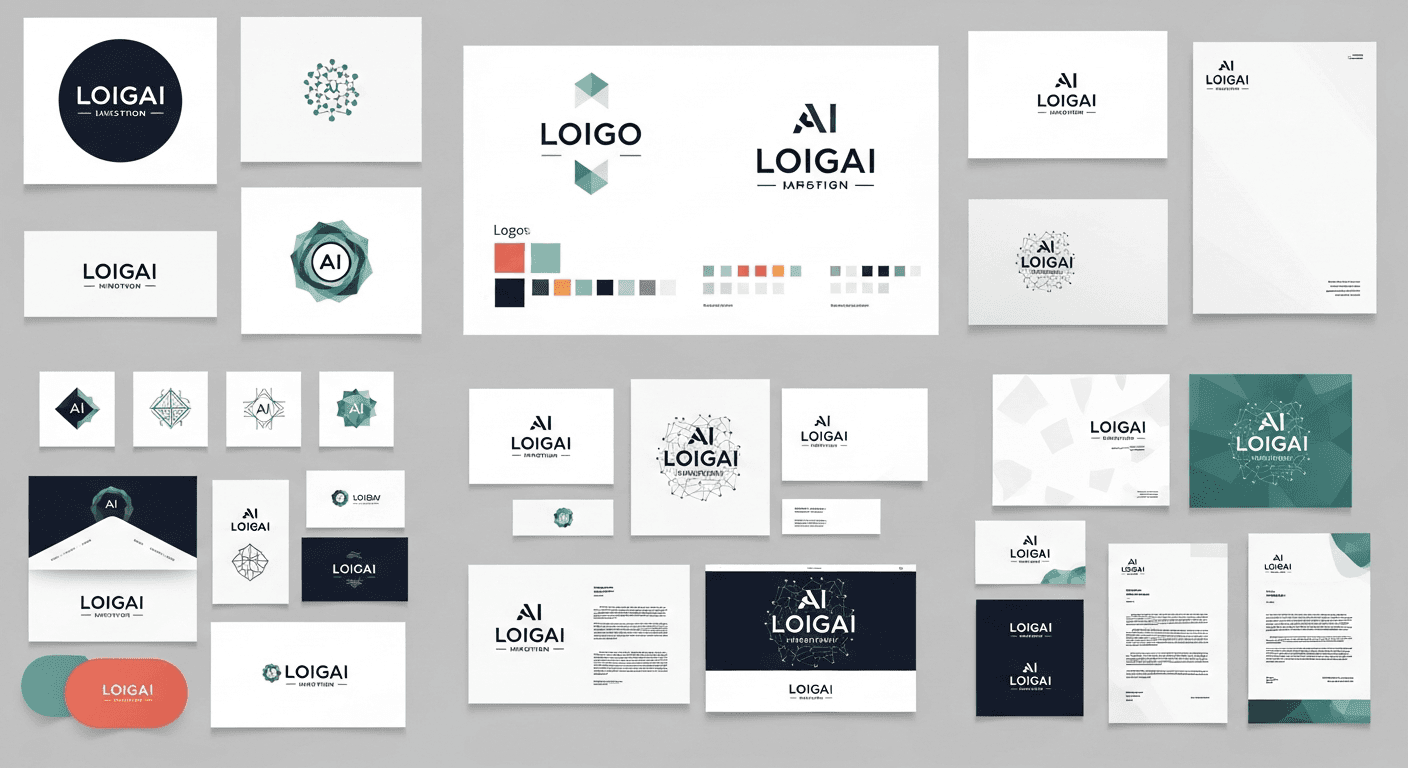
A traditional logo design project takes 20 hours and produces 3-5 concepts. Using Seedream v4.5 for ideation, you can produce 50 logo concept directions in 30 minutes for under $5 — and then spend your billable hours on the selection, refinement, and vector production that actually require human judgment. That is the right way to use AI in brand identity work.
TL;DR
- Use Seedream v4.5 for logo ideation and exploration, not final vector artwork
- Generate 30-50 concept directions for a single brand brief in under an hour
- v4.5's improved text rendering handles short brand marks and wordmarks
- Every generation costs $0.08, so exploration is essentially free
- Finish final logos in Illustrator or Figma — AI for concept, humans for production
Where AI Belongs in Brand Identity Work
Be honest about what AI logo generation is. It is not a replacement for a designer's judgment, a vector production tool, or a brand strategy process. It is the fastest ideation tool ever invented — and ideation is where most logo projects waste the most hours.
The old workflow: sketch 20 concepts by hand, pick 5 to develop, build each in Illustrator, present to client, iterate. Total time: 15-30 hours.
The new workflow with Seedream v4.5: prompt 50 directions, review, pick 5 strong concepts, build those in Illustrator, present to client, iterate. Total time: 8-15 hours.
The savings come from compressing the ideation phase, not from skipping design craft. You still need vector work for actual production. But you are choosing from 50 explored directions instead of 5 rushed sketches.
Generate 50 logo directions before your next meeting
Compress weeks of ideation into a coffee break. 50 free credits on signup covers your first exploration sprint.
Try Seedream v4.5 FreeWhat v4.5 Does Well for Logos
Wordmark concepts. v4.5's improved text rendering handles short brand names cleanly. Use it to explore typography directions, treatments, and letterform approaches.
Icon and mark ideation. Generate symbolic logomarks around a concept, letting the model explore dozens of visual metaphors.
Brand mood imagery. Supporting visuals that establish a brand's world — patterns, textures, photographic moods.
Logo-in-context mockups. Show how a concept might look applied to real-world surfaces.
Style reference exploration. Before committing to a direction, generate 10 different aesthetic possibilities to pressure-test the brief.
What v4.5 Does Not Do
- Produce vector files ready for client handoff
- Guarantee unique, trademark-safe designs (you still need human vetting)
- Replace brand strategy, positioning, or naming work
- Handle extremely specific typography requirements perfectly
- Output at the precision needed for final logo lockups
Use it for what it is good at and finish by hand.
The Logo Concept Prompt Template
[LOGO TYPE] + [BRAND NAME/TEXT] + [SUBJECT/SYMBOL] +
[STYLE] + [COLOR PALETTE] + [BACKGROUND] +
[COMPOSITION]
Example for a coffee brand:
Logo concept, a minimalist wordmark for a coffee
brand called "MORNING", incorporating a small
abstract sun element, flat geometric design, warm
amber and cream color palette, centered on a
clean white background, modern logo design,
square composition
Logo Style Prompts That Work
Minimalist Wordmark
Logo concept, minimalist wordmark reading
"BLUME" in a thin geometric sans-serif, with
a small abstract leaf element replacing the
dot above the "i", flat black on white
background, modern Swiss design influence,
clean logo design
Abstract Mark
Logo concept, an abstract geometric mark
based on overlapping circles forming the
letter "M", minimalist flat design, single
color dark navy on white background, modern
corporate logo aesthetic, balanced composition
Vintage Badge
Logo concept, vintage badge-style logo for
a craft brewery called "IRON OAK", circular
composition with the brand name on top and
"EST. 2024" on bottom, central oak tree
illustration, weathered antique look, cream
and deep forest green palette, hand-drawn
vintage aesthetic
Modern Tech
Logo concept, modern tech startup logo,
geometric symbol formed from connected
hexagons suggesting networks, cool blue
gradient, paired with a clean sans-serif
wordmark, contemporary SaaS aesthetic,
flat minimal design
Script Wordmark
Logo concept, elegant script wordmark reading
"Rose Studio", flowing cursive typography with
a small hand-drawn rose element beneath, soft
dusty pink and cream palette, feminine
boutique brand aesthetic, hand-lettered feel
Playful Illustrated
Logo concept, playful illustrated mark for
a children's brand, a friendly cartoon fox
with a geometric modern style, bright warm
orange and cream palette, rounded friendly
shapes, modern children's brand aesthetic
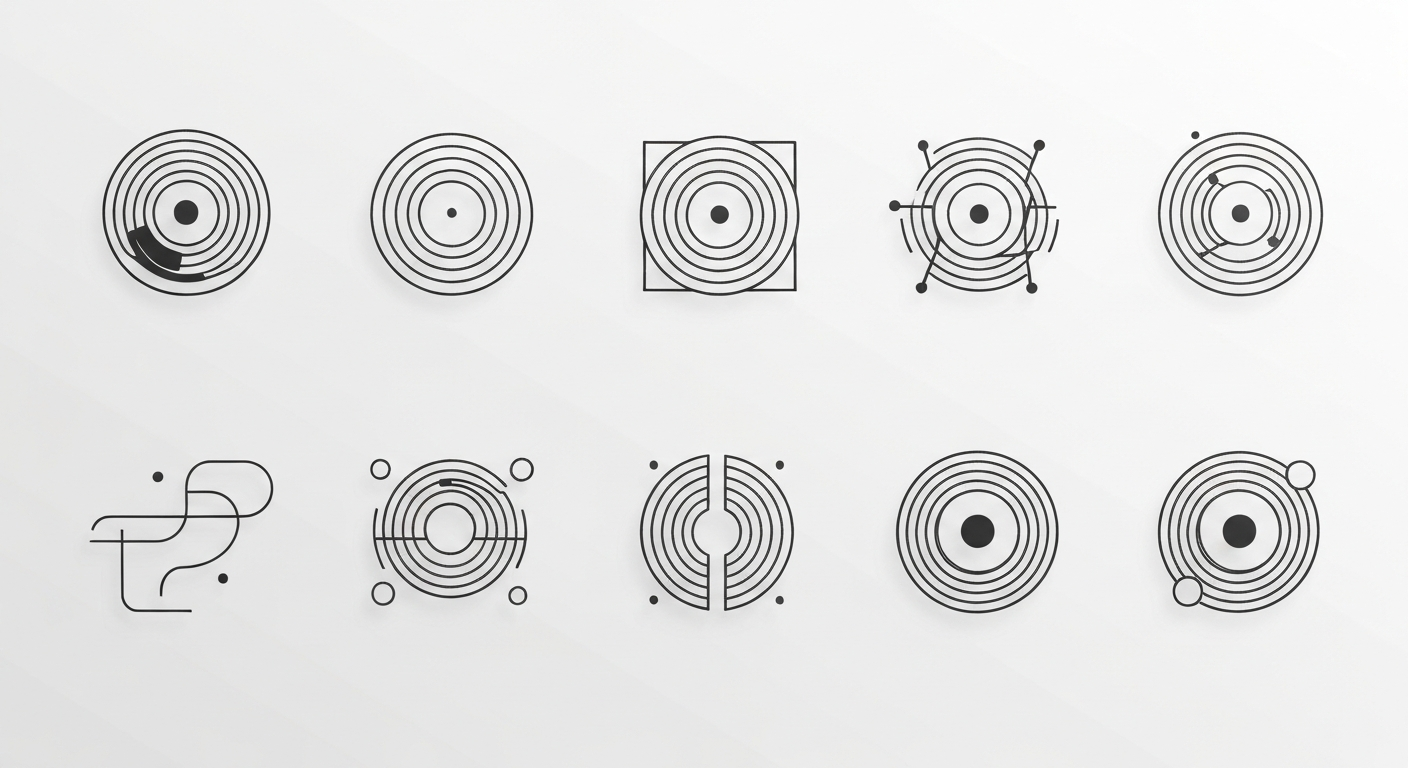
Want detail like this? Try Seedream v4.5 free →
Ready to explore logo directions for your next project? Try Seedream v4.5 free →
The 50-Direction Workflow
Here is the exact process for running a logo exploration sprint:
Phase 1: Brief to style exploration (15 generations, $1.20)
Start with broad aesthetic directions — minimalist, vintage, illustrated, geometric, script, abstract, badge, monogram. Generate 1-2 concepts per direction. This is your "direction sheet."
Phase 2: Direction selection (5 minutes)
Review the 15 outputs. Identify 3-4 directions that feel aligned with the brief. Reject the rest.
Phase 3: Deep exploration per direction (24 generations, $1.92)
For each selected direction, generate 6-8 variations. Change one variable at a time — symbol, typography, color, composition. You now have 24 concepts within 3-4 consistent aesthetic families.
Phase 4: Refinement (12 generations, $0.96)
Pick the 4 strongest across all directions. Generate 3 refinements of each, tightening details. These are your presentation candidates.
Total: 51 generations, ~$4.08
Four hours of structured exploration, one coffee, fifty concepts to choose from. Compare that to traditional sketching.
Brand Asset Generation Beyond Logos
A brand identity is more than a logo. v4.5 handles the supporting brand assets beautifully.
Pattern and Texture Design
Brand pattern, a repeating geometric pattern
of overlapping circles in muted terracotta
and cream, minimalist modern design, tile-
style arrangement, clean vector aesthetic
Brand Photography Style Reference
Brand lifestyle photograph, a pair of hands
holding a ceramic mug of coffee at a wooden
desk, soft morning window light, warm neutral
palette, editorial lifestyle photography,
natural and authentic mood
Social Media Templates
Brand social media template background,
abstract flowing gradient in warm amber and
cream, minimal composition with space for
overlay text, modern aesthetic, 1:1 square
format
Packaging Concept Mockups
Brand packaging concept, minimalist ceramic
perfume bottle with a simple label design,
soft studio lighting on a cream background,
product photography, editorial minimal
aesthetic, single hero product shot
Brand Illustration Style
Brand illustration style reference, a friendly
geometric illustration of a coffee shop
interior, flat vector style, warm amber and
cream palette, minimal shapes, modern brand
illustration aesthetic
From AI Concept to Production Logo
The finishing phase is where human designers earn their billable hours. Here is the workflow:
- Select 2-3 winning AI concepts from your exploration sprint
- Recreate in vector using Illustrator or Figma — AI outputs are raster references, not production files
- Refine typography using real fonts you have licensed
- Test at all sizes from favicon to billboard
- Verify originality through trademark searches
- Prepare brand guidelines with proper spec, color codes, and usage rules
- Deliver final files in the formats the client needs (SVG, AI, PDF, PNG)
Steps 2-7 are where the real design work happens. Step 1 is what used to take 80% of the project hours and now takes 10%.
Give every client 50 options, not 5
From wordmarks to badges, explore directions in minutes. 50 free credits lets you run a full mini-exploration sprint.
Start Exploring FreeCommon Logo Prompt Mistakes
Mistake: Expecting perfect text. Short brand names work. Long names, taglines, and body copy do not render cleanly. Plan for this.
Mistake: Asking for too much in one logo. A great logo has one strong idea. Prompts that stack six visual metaphors produce muddy results.
Mistake: Vague style descriptors. "Cool modern" is not a style direction. "Minimalist Swiss geometric" is.
Mistake: Treating AI output as final art. It is reference material. Rebuild in vector for production.
Mistake: Skipping the style exploration phase. Going straight to "I need a logo" without first exploring directions wastes generations. Start broad, then narrow.
Pro tip: Keep a folder of "rejected but interesting" outputs. These become a reference library for future projects where the brief is different.
Cost Math for a Logo Project
| Phase | Generations | Cost | |---|---|---| | Style direction exploration | 15 | $1.20 | | Deep direction development | 24 | $1.92 | | Refinement and polish | 12 | $0.96 | | Brand asset generation (patterns, backgrounds) | 10 | $0.80 | | Total AI cost | 61 | $4.88 |
Under $5 for a full logo ideation sprint plus supporting brand assets. The main project cost is still your design hours on vector production and client work — the parts AI does not replace.
Frequently Asked Questions
Can I use AI-generated logos commercially? Yes, images generated on the Seedance platform can be used commercially. However, you should still do a trademark search before finalizing any logo to ensure it does not conflict with existing marks.
Will AI-generated logos be unique? v4.5 produces different results for every generation, but you cannot guarantee absolute uniqueness without a trademark search. Treat outputs as starting points, not finished designs.
Should I tell clients I used AI for ideation? Professional transparency is best. Most clients appreciate knowing you used modern tools to give them more options, as long as the final deliverable is rebuilt and refined by hand.
What about text rendering quality? v4.5 handles short brand names well but struggles with complex typography. For final wordmarks, rebuild in your design tool using licensed fonts.
How does this compare to Ideogram for logo work? Ideogram has slightly better text rendering. Seedream v4.5 has better overall logo concept quality. See the full Seedream v4.5 vs Ideogram comparison.
Logo design benefits enormously from AI-assisted ideation without losing what makes human design work valuable. Use Seedream v4.5 to compress the exploration phase from days to hours, then finish in Illustrator like a professional. Your clients get more options, you get more billable margin.
Explore your next brand. Start with Seedream v4.5 free →