AI Avatars with OmniHuman: Create Talking Head Videos from a Single Photo
Everything you need to know about OmniHuman v1.5 — ByteDance's AI avatar model. Learn how it works, input requirements, use cases, pricing, and step-by-step workflows for creating realistic talking-head videos.
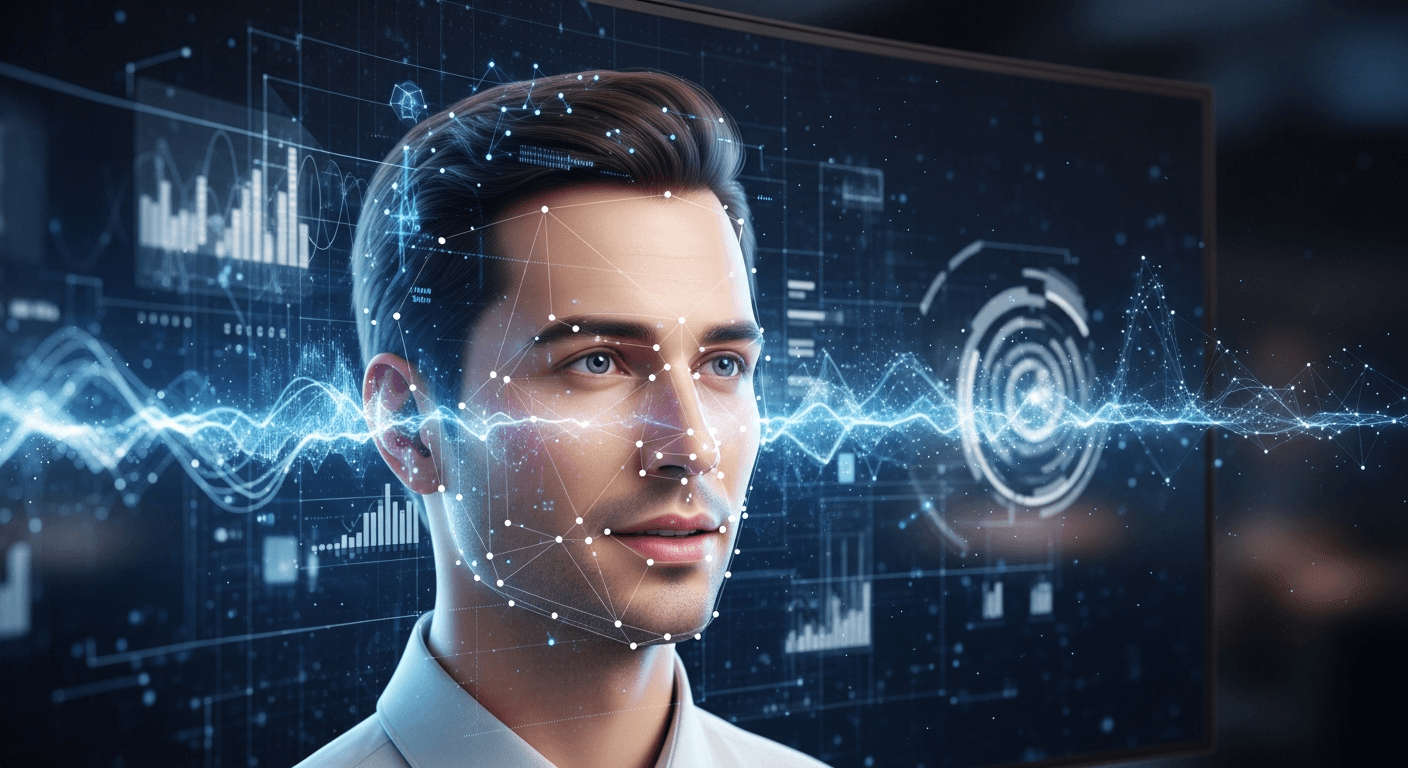
Turn one photo and one audio file into a talking video presenter. No studio. No camera. No actor. OmniHuman v1.5 does in minutes what a traditional video shoot does in days — and the results are convincing enough that most viewers cannot tell.
TL;DR
- OmniHuman v1.5 is ByteDance's AI avatar model. Feed it a photo, an audio file, and a scene prompt — get a talking-head video back.
- Handles lip sync, natural head movement, eye motion, and micro-expressions — not just a bouncing mouth on a static image.
- Costs 960 credits (~$9.60) per generation — pay-per-use, no subscription.
- Works with any photo (real person, AI-generated, fictional character) and any language (phoneme-based lip sync).
- Best for training videos, personalized sales outreach, multilingual content, and virtual presenters.
- Available on seedance.it.com alongside Seedance and Seedream.
What OmniHuman Actually Does
OmniHuman v1.5 is ByteDance's answer to one of the hardest problems in generative AI: realistic talking humans. Most "lip sync" tools paste a moving mouth onto a static face and call it done. OmniHuman generates full talking-head video — head motion, eye movement, eyebrow expression, subtle micro-expressions, and correctly-timed lip sync — from a single reference photo.
The technology addresses the "uncanny valley" head-on. Most AI human animation feels wrong not because of bad lip sync, but because the head sits unnaturally still, eyes do not blink correctly, and facial muscles fail to respond to emotional content. OmniHuman solves all three.
It is part of the broader Seed model family and runs on the same seedance.it.com platform as Seedance video and Seedream images. At 960 credits per generation, it is the most compute-intensive model in the family — realistic human animation is genuinely expensive to compute.
Turn one photo into a talking presenter
Sign up free and explore the OmniHuman pipeline. 50 credits lets you prep a reference photo with Seedream first.
Try OmniHuman FreeHow It Works: Photo + Audio → Talking Video
OmniHuman takes three inputs:
- Reference photo — a single image of the person who will appear in the video
- Audio file — the speech the avatar will "speak"
- Text prompt — describes the background setting, framing, and style
From these, the model generates:
- A video of the person from the reference photo
- Speaking in sync with the audio
- In the environment described by the prompt
- With natural head movement, eye motion, and expression
The five-stage pipeline
- Face analysis. The photo is processed into a facial identity embedding — a compact mathematical representation of the person's unique features (bone structure, eye shape, skin texture).
- Audio analysis. The audio is broken into phonemes, prosody, and energy curves — what sounds, what rhythm, what emphasis.
- Motion synthesis. The model generates a sequence of facial motion parameters (jaw, lips, eyebrows, head rotation, gaze) that match the audio.
- Video generation. The identity, motion, and scene prompt are combined through a diffusion transformer to render the final frames.
- Temporal refinement. A final pass ensures smooth transitions and consistent identity across every frame.
Input Requirements (Get These Right)
Garbage in, garbage out applies brutally to OmniHuman. Here are the specs.
Reference photo
| Requirement | Good | Acceptable | Avoid | |---|---|---|---| | Lighting | Even studio lighting | Natural indoor light | Harsh shadows, backlit | | Angle | Front-facing | Up to 15° off-center | Profile, extreme angle | | Expression | Neutral / slight smile | Mild expression | Extreme grin, frown | | Resolution | 1024x1024+ | 512x512+ | Below 512x512 | | Focus | Sharp on face | Acceptably sharp | Blurry, soft | | Occlusion | Full face visible | Minimal occlusion | Glasses, hand on face |
The single most important factor is lighting. An evenly-lit, slightly diffused headshot outperforms a dramatically-lit, high-res portrait every time.
No photo? Generate one with Seedream 5.0 Lite (6 credits). Describe the presenter you want — "professional headshot of a mid-30s woman, even studio lighting, neutral expression, plain background, sharp focus." This approach is ideal for fictional presenters or when privacy matters.
Audio
- Format: MP3, WAV, or M4A
- Quality: Clear speech, minimal background noise
- Duration: Determines video duration (longer audio = longer generation)
- Language: Any language — lip sync is phoneme-based, not English-only
- Source: Recorded speech, voice actor, or text-to-speech (ElevenLabs, Azure, Google) all work
Critical tip: clean your audio before generating. Remove ums, pauses, and background noise. Audio editing is free. Regenerating video is not.
Scene prompt
Describe the visual context:
- Background: "Modern office with bookshelves and soft natural light from a window on the left"
- Framing: "Medium shot, centered, professional presentation style"
- Attire: "Wearing a navy blazer and white shirt"
- Style: "Clean corporate video aesthetic, shallow depth of field"
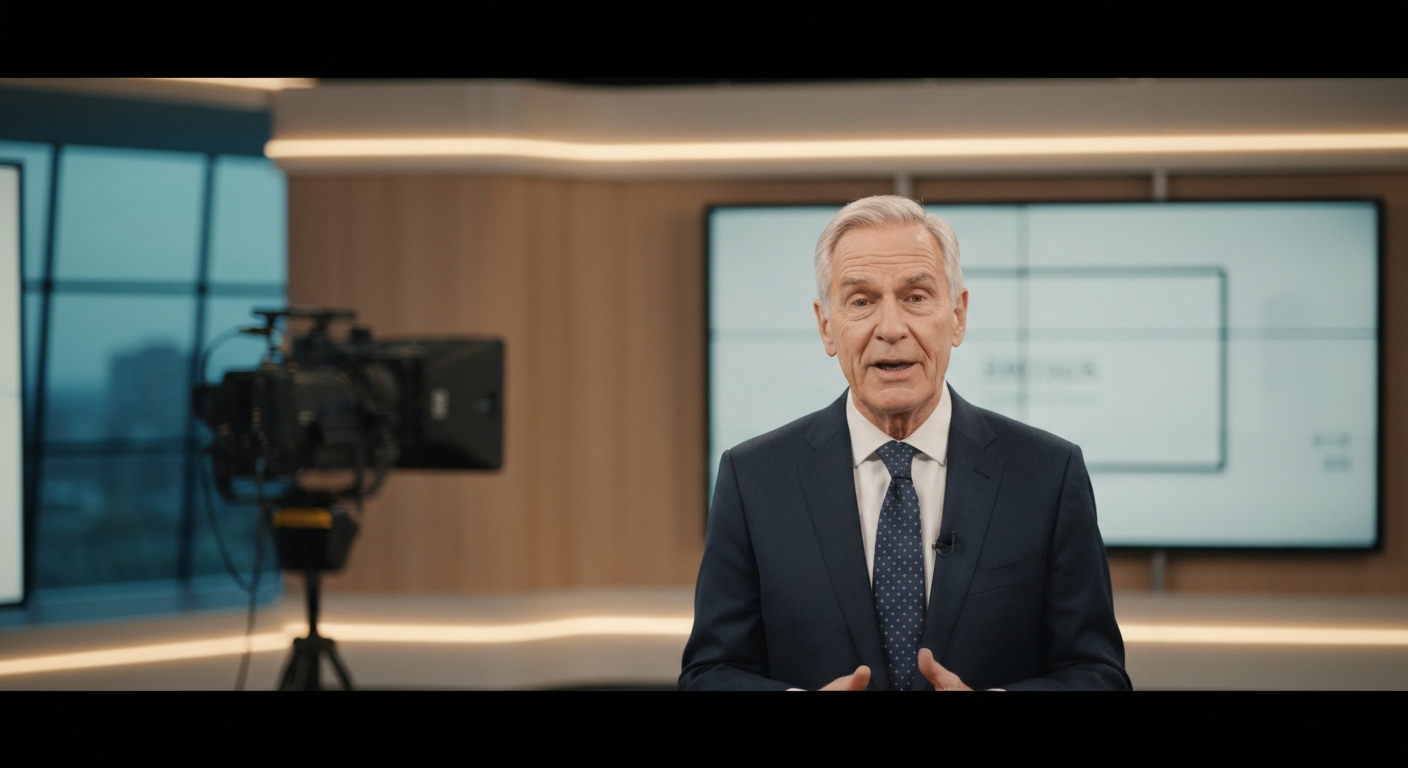
Want an AI presenter like this for your content? You're 30 seconds away from getting started. Try OmniHuman free →
Step-by-Step: Your First OmniHuman Video
Step 1: Prepare the reference photo
Pick a photo that meets the spec table above, or generate one with Seedream. Two minutes here saves two OmniHuman regenerations later.
Step 2: Prepare the audio
Pick one of three approaches:
- Record yourself with a phone, laptop mic, or USB mic in a quiet room
- Hire a voice actor on Fiverr or Voices.com ($20-$100 per minute)
- Use text-to-speech (ElevenLabs, Azure, Google Cloud) — fastest and most scalable, especially for multilingual content
Edit the audio to remove noise and dead space before uploading.
Step 3: Write the scene prompt
Describe the background, framing, attire, and style. Example:
"Modern corporate office background with soft window light from the left. Medium shot, centered framing. Subject wearing a charcoal blazer. Professional presentation aesthetic, shallow depth of field."
Step 4: Generate
Upload photo, audio, and prompt to OmniHuman on Seedance. Generation time depends on audio length.
Step 5: Review and iterate
Check the output for:
- Lip sync accuracy (matches audio phonemes)
- Natural head movement (not too still, not too jittery)
- Identity consistency (same face throughout)
- Background quality (no artifacts)
- Overall naturalism (no uncanny-valley moments)
If something is off, adjust inputs before regenerating. Usually the fix is a better reference photo or cleaner audio.
Step 6: Post-production
Drop the clip into your editor and add:
- Intro/outro cards
- Supporting visuals (slides, screen recordings, B-roll)
- Background music at low volume
- Captions or subtitles
- Brand color grade
Use Cases That Print Money
Corporate training and education
The biggest single use case. A training video that used to require a studio, a host, and a week of production now costs under $10 and ships in an hour. Deploy the same instructor across every module in your curriculum.
Personalized sales video
Send every prospect a video with the presenter addressing them by name and company. At ~$9.60 per video, personalized outreach becomes economically viable for the first time. Response rates on personalized video significantly outperform generic emails.
Multilingual content at scale
Record your presenter once in English. Feed the same photo into OmniHuman with audio in Spanish, Mandarin, French, Portuguese, Arabic, Hindi — and get the same presenter speaking each language with matched lip sync. Ten languages cost about $100. Traditional multilingual production costs $10,000+.
Content creator scaling
YouTubers use OmniHuman to generate "themselves" delivering informational content without sitting in front of a camera for every episode. Keeps the personal brand, removes the production friction.
Customer support videos
Build a library of FAQ response videos featuring a consistent brand representative. Embed them in help pages, attach to support tickets, integrate into chatbot flows. One presenter, unlimited content.
Virtual presenters and brand faces
Use a Seedream-generated reference photo to create a fictional brand presenter. The same face appears across every video your brand produces. No actor contracts. No availability issues. No talent costs.
Internal communications
Executive messages, company announcements, department updates — all produced as polished video without requiring the executive's studio time. Write the script, record the audio, generate the video.
Social media content
Consistent talking-head content for platforms that favor faces over graphics. Post daily without the friction of camera setup.
One photo, unlimited presenters
Scale training, sales, and multilingual content with a single reference photo. Your 50 free credits get the pipeline ready.
Start With OmniHumanPricing Breakdown: 960 Credits Per Video
OmniHuman costs 960 credits per generation, which works out to about $9.60 at the base rate.
| Credit Pack | Price | OmniHuman Videos | Effective Cost | |---|---|---|---| | Free signup | $0 / 50 cr | 0 (need to upgrade) | — | | Starter | $10 / 1,050 cr | 1 video + leftover credits | ~$9.52 | | Popular | $25 / 2,750 cr | 2 videos + leftover | ~$8.73 effective | | Pro | $50 / 5,750 cr | 5 videos + leftover | ~$8.35 effective | | Max | $100 / 12,000 cr | 12 videos + leftover | ~$8.00 effective |
The Max tier gives the best per-video economics — about 17% less than base rate. See the full pricing page for exact pack sizes.
How OmniHuman compares
| Approach | Cost per Minute of Talking-Head Video | |---|---| | Professional studio shoot | $500-$2,000 | | Freelance videographer | $200-$800 | | HeyGen / Synthesia | $20-$50/mo subscription + per-minute fees | | OmniHuman v1.5 | ~$9.60 per video, no subscription |
The pay-per-generation model is the key differentiator. You are not locked into a monthly plan. For anyone generating fewer than 10 avatar videos per month, OmniHuman is dramatically cheaper than the subscription competitors.
Quality Optimization: The Pro Tips
Photo-level
- Try 2-3 different photos of the same person. Small lighting or angle differences can produce meaningfully different results.
- Invest in a pro headshot if this is recurring. The one-time $100 cost pays for itself in better generation quality within two weeks.
- Generate the photo with Seedream for fictional presenters. Prompt for "professional headshot, even lighting, neutral expression, sharp focus."
Audio-level
- Record in a treated space — even a closet full of clothes works as a makeshift booth
- Maintain consistent mic distance throughout the recording
- Speak at a natural pace — rushing or dragging produces unnatural lip sync
- Clean the audio first — remove ums, pauses, background noise before generating
Prompt-level
- Match context to content — technical topics get professional settings, casual content gets casual settings
- Template your prompts for series consistency — same background, lighting, and framing across every video
- Keep backgrounds clean — busy backgrounds compete with the presenter and invite artifacts
Comparison: OmniHuman vs. Competitors
| Feature | OmniHuman v1.5 | HeyGen | Synthesia | D-ID | |---|---|---|---|---| | Pricing | Pay-per-generation | Monthly subscription | Monthly subscription | Pay-per-minute | | Custom photos | Any photo | Limited library | Limited library | Yes | | Lip sync quality | Excellent | Good | Good | Good | | Head movement | Natural, varied | Moderate | Moderate | Limited | | Micro-expressions | Yes | Limited | Limited | Limited | | Multilingual | Any language (phoneme-based) | Yes | Yes | Yes | | No subscription | Yes | No | No | Varies |
OmniHuman's three main advantages: no subscription lock-in, any reference photo (not just a pre-built avatar library), and superior micro-expression quality for naturalism.
Limitations You Should Know
- Face-forward focus: works best with front-facing or slight-angle photos
- Upper body only: not designed for full-body or dramatic physical action
- Single person: multi-person scenes are not currently supported
- Static camera: the generated video uses a fixed camera position
For scenes that need action, landscapes, or camera movement, use Seedance 2.0 for the establishing shots and OmniHuman for the presenter segments. Combine them in post.
Ethical Use
- Consent is required. Never generate videos featuring real people without explicit written permission. Most jurisdictions are making this a legal requirement, not just an ethical one.
- Disclose AI-generated content. Best practice is to clearly label OmniHuman videos as AI-generated, especially in commercial, educational, or public-facing contexts.
- Use responsibly. The technology that enables legitimate use cases also enables deepfakes. Report misuse.
Frequently Asked Questions
Can I use any photo?
Yes. Any clear, front-facing photo meeting the input spec works. You are not limited to pre-built avatars.
Does the voice need to match the person in the photo?
No. The model generates lip sync from audio content, not voice identity. You can pair any voice (recorded, voice actor, TTS) with any photo.
How long can the video be?
Duration matches your audio input. For longer content, generate in segments and edit together.
Can I generate in non-English languages?
Yes. Lip sync is phoneme-based and works across languages.
Is the output watermarked?
No. All Seedance platform output is watermark-free.
How do I get started?
Sign up free at seedance.it.com and get 50 credits. While a full OmniHuman video requires 960 credits, you can test the platform's other models (Seedance, Seedream) with the free credits and purchase a $10 Starter pack to run your first OmniHuman generation.
The Bigger Picture
OmniHuman v1.5 is the state of the art for talking-head AI avatars in 2026, and it is only going to get better. Expect significant quality improvements and lower credit costs within 12 months. The creators and businesses scaling content production with AI avatars today are building a compounding advantage — a library of video assets that would have been impossible to produce traditionally.
For most use cases — training, sales, multilingual, internal comms — the economics are already overwhelming. The only question is how fast you can learn to use the tool well.
Ready to turn one photo into unlimited video presenters? Start with OmniHuman v1.5 → — 50 free credits on signup, no subscription.