AI Image Generation with Seedream: Complete Guide to ByteDance's Image Models
Everything you need to know about Seedream v3, v4.5, and v5 — ByteDance's AI image generation models. Compare versions, learn prompt techniques, understand pricing, and see what each model does best.
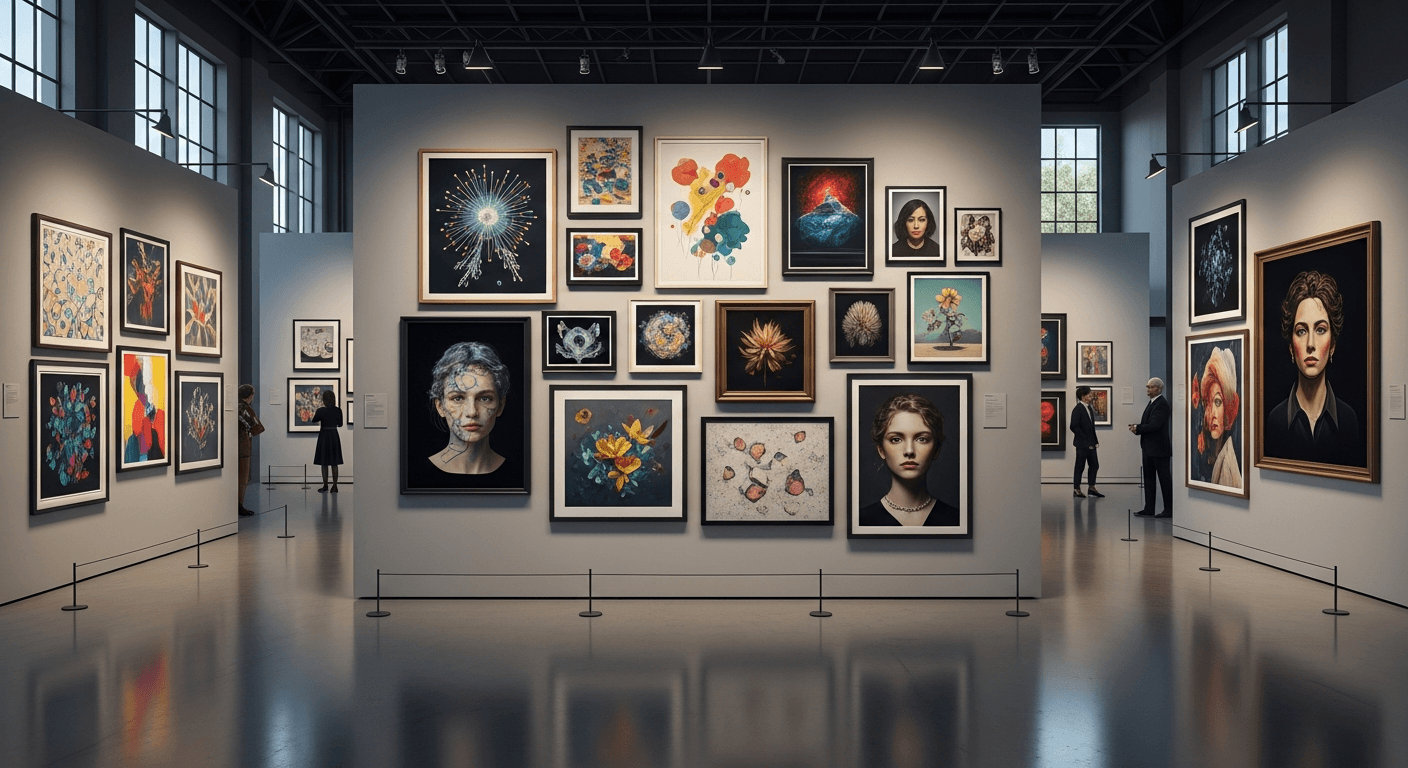
Generate cinematic, photorealistic images for $0.06 each. No subscription. No watermark. Pay only for what you create. This is the full guide to Seedream — ByteDance's image generation family — and how to get production-quality results from every credit.
TL;DR
- Seedream is ByteDance's AI image generation family, built on the same diffusion transformer architecture as Seedance video models.
- Four models available: v3 (6 credits, fast), v4.5 (6 credits, default), 5.0 Lite (6 credits, flagship quality), 5.0 Edit (8 credits, image editing).
- Prices run $0.06 to $0.08 per image — among the cheapest premium image generators on the market.
- Best used as the first stage in an AI video workflow: generate image with Seedream, animate with Seedance.
- 50 free credits on signup at seedance.it.com — enough for 8+ Seedream images.
What Seedream Is (and Why You Should Care)
Seedream is ByteDance's family of text-to-image models. It is built on the same diffusion transformer foundation as Seedance video models, which means the images it produces are optimized inputs for video generation — a workflow advantage no other image generator can match.
But even without the video connection, Seedream competes directly with Midjourney, DALL-E 3, and Stable Diffusion on quality. Where it stands out:
- Pay-per-image pricing instead of monthly subscriptions
- No watermarks on any output
- Commercial use included
- One account for images, video, and avatars on seedance.it.com
Generate your first image for $0.06
50 free credits covers 8+ Seedream images on any model. No card, no subscription, no watermarks.
Try Seedream FreeFour Seedream models are currently available. Here is when to use each.
The Four Seedream Models
Seedream v3 — The Workhorse
The original production release. Six credits per image, fast generation, reliable output.
Best for: High-volume brainstorming, rapid iteration, concept exploration, thumbnails and placeholders.
v3 is the right pick when you are burning through 30+ images testing ideas and cost-per-image matters more than maximum quality. On the $10 credit tier, you can generate over 175 v3 images.
Seedream v4.5 — The Default
A significant upgrade over v3 at the same 6-credit price point. For most users, v4.5 should be the starting recommendation.
Key improvements over v3:
- Complex compositions with multiple subjects render correctly
- Text rendering within images is meaningfully better (still imperfect)
- Color accuracy distinguishes subtle hue differences
- Spatial reasoning — "behind," "above," "reflected in" — actually works
- Fine detail on fabrics, textures, and materials
Best for: General-purpose image generation, product shots, multi-subject compositions, anything where v3 falls short but the premium tier is overkill.
Seedream 5.0 Lite — The Flagship
The newest light-tier model, still priced at 6 credits. Despite the "Lite" name, 5.0 Lite is the highest-fidelity Seedream model in its price class.
What makes 5.0 Lite special:
- Photorealism that is genuinely hard to distinguish from real photography
- Faces and figures with correct proportions and natural expressions
- Hands — historically the Achilles heel of AI image models — render correctly in most generations
- Complex prompts are followed accurately, picking up nuance v3 and v4.5 miss
- Artistic styles across photorealism, illustration, oil painting, vector, and more
Best for: Final deliverables, portraits, fashion imagery, concept art, any image that will be fed into Seedance video.
Seedream 5.0 Edit — The Image Editor
At 8 credits, this is the only Seedream model designed for modifying existing images instead of generating from scratch.
What it does: Takes an input image plus a text instruction ("change the background to a beach at sunset," "make the shirt red," "add a pair of glasses") and produces an edited version while preserving identity and key features.
Best for: Iterating on an existing image, making targeted changes, brand compliance edits, product variant generation.
Side-by-Side Model Comparison
| Model | Credits | Cost | Speed | Best For | |---|---|---|---|---| | Seedream v3 | 6 | $0.06 | Fastest | Volume brainstorming | | Seedream v4.5 | 6 | $0.06 | Fast | Default general use | | Seedream 5.0 Lite | 6 | $0.06 | Moderate | Flagship quality, final work | | Seedream 5.0 Edit | 8 | $0.08 | Moderate | Editing existing images |
Which Model Should You Actually Use?
Start here:
- Just exploring ideas? → v3
- Default choice for most work? → v4.5 or 5.0 Lite (both 6 credits, same price)
- Need the absolute best quality? → 5.0 Lite
- Have an image you want to modify? → 5.0 Edit
- High-volume batch jobs? → v3 for max iterations per credit
The 6-credit tier is genuinely a "try them and pick your favorite" scenario — all three cost the same per generation, and each has subtle strengths. Most production workflows end up anchored on 5.0 Lite for finals and v3 for rapid exploration.
Pricing and Credit Efficiency
Seedream is priced to be cheap enough to iterate aggressively. Here is what each credit pack buys you:
| Pack | Price | Credits | v3/v4.5/5.0 Lite Images | 5.0 Edit Images | |---|---|---|---|---| | Free signup | $0 | 50 | 8 | 6 | | Starter | $10 | 1,050 | 175 | 131 | | Popular | $25 | 2,750 | 458 | 343 | | Pro | $50 | 5,750 | 958 | 718 | | Max | $100 | 12,000 | 2,000 | 1,500 |
How Seedream compares to alternatives
| Platform | Approx Cost per Image | Subscription? | |---|---|---| | Seedream (6 cr) | $0.06 | No | | Seedream 5.0 Edit | $0.08 | No | | Midjourney Standard | ~$0.07 | Yes ($30/mo min) | | DALL-E 3 API | ~$0.04-$0.08 | No | | Stable Diffusion API | ~$0.01-$0.04 | No |
Seedream's pricing is competitive with every serious premium image generator, and its lack of subscription overhead makes it meaningfully cheaper for most creators who generate less than 1,000 images per month.
See the full breakdown on the pricing page.

Want results like this for your next project? You're 30 seconds away from your first image. Try Seedream free →
How to Generate Great Seedream Images: Step-by-Step
Generating good images is more about prompt craft than tool selection. Here is the process that works.
Step 1: Pick your model
Start with v4.5 or 5.0 Lite. Both cost 6 credits, so you can burn through both and keep what works.
Step 2: Write a structured prompt
Use this template:
[Subject] + [Setting/Background] + [Lighting] + [Style] + [Quality modifiers]
Example: "A ceramic coffee mug with steam rising, on a dark walnut table by a rainy window, soft natural light from the left, commercial product photography, sharp focus, shallow depth of field"
That single sentence tells the model the subject, its context, the lighting direction, the visual style, and the technical look. Compare to "a coffee mug" — which gives the model almost nothing.
Step 3: Be specific about materials
"A wooden table" is weak. "A dark walnut table with visible grain" is strong. "A metal ring" is weak. "A brushed platinum ring with a satin finish" is strong. Seedream can render these distinctions — but only if you ask for them.
Step 4: Specify lighting explicitly
Lighting makes or breaks every image. Pick one:
- "Soft diffused natural light from the upper left" — studio / product
- "Harsh midday sunlight with strong shadows" — dramatic outdoor
- "Warm golden hour backlight" — cinematic, romantic
- "Cool overcast ambient light" — moody, editorial
- "Neon pink and blue accent lighting" — cyberpunk, modern
Step 5: Iterate cheaply
Generate 3-5 variations at 6 credits each (36 credits, $0.36 total). Pick the best. Refine the prompt. Generate 3 more. This iterative approach costs under $1 and reliably produces a result you actually want to ship.
Step 6: Use the image
If your goal was a standalone image, you are done. If you are heading to video, feed the best image into Seedance 2.0 as the reference.
Prompting Templates That Work
Product photography
"Professional product photography of [product], centered on pure white background, studio lighting with soft box from upper left, subtle shadow beneath, sharp focus, commercial quality, 8K detail"
Portraits
"Professional portrait of [subject description], [lighting type], [background], [expression], shot on 85mm f/1.4 equivalent, shallow depth of field, studio quality"
Landscapes
"[Scene], [time of day], [weather], rule-of-thirds composition, National Geographic style, wide angle, high dynamic range"
Concept art
"Concept art of [subject], [art style], dramatic cinematic lighting, detailed environment, trending on ArtStation, professional quality"
Cinematic still
"Film still of [scene], anamorphic lens, 2.39:1 ratio, moody color grade, practical lighting, shot on 35mm, cinematic composition"
Common mistakes to avoid
- Too vague — "A nice landscape" tells the model nothing
- Contradictory — "A bright dark scene" confuses it
- Too many subjects — more than 3-4 things in frame invites errors
- Negative-heavy — "not blurry" is weak. "sharp focus, high detail" is strong
Test your prompt craft on the house
Three rounds of Seedream 5.0 Lite generations cost under $0.18. Your 50 free credits cover the whole experiment.
Start Generating FreeThe Image-to-Video Pipeline (Where Seedream Gets Really Powerful)
Seedream's biggest advantage over standalone image tools is the workflow to video. Here is the standard pipeline:
- Generate 3-5 reference images with Seedream 5.0 Lite (18-30 credits)
- Pick the strongest — the one with the clearest subject and motion-friendly composition
- Feed it to Seedance — 1.0 Lite for cheap, 2.0 for cinema-grade
- Generate video with a detailed motion prompt describing what should move and how
Why this works better than text-to-video alone:
- Two stages of quality control — fix problems cheaply at the image stage
- Latent space alignment — Seedream images sit in the same architectural neighborhood as Seedance, producing cleaner animation
- Composition lock-in — you know exactly what the first frame looks like
- Creative iteration — it is much cheaper to regenerate a $0.06 image than a $3 video
For the deep dive on this pipeline, read the Seedance 2.0 complete guide.
Advanced Techniques
Iterative refinement
Generate, analyze what works, refine the prompt to fix weaknesses, generate again. Three rounds at 5.0 Lite costs 18 credits (~$0.18) and reliably produces output that closely matches your vision.
Style blending
Combine references: "In the style of Wes Anderson's color palette combined with Gregory Crewdson's composition, a suburban kitchen at dawn." 5.0 Lite handles multi-style blending particularly well.
Consistent character series
To generate the same character across multiple scenes, include an identical character description in every prompt and vary only the scene. Keep the subject string character-perfect: same hair, same clothing, same build. 5.0 Lite provides the strongest consistency.
Brand-consistent output
Document your brand's visual style as a reusable prompt fragment: "shot in the style of [brand aesthetic], [brand color palette], [brand mood keywords]." Append it to every Seedream generation and you get consistent-looking assets across dozens of images.
Use Cases That Actually Ship
Social media content. Generate scroll-stopping feed images at 6 credits each. At 10 variations for A/B testing, you spend under $1.
Marketing and ad creative. 5.0 Lite for hero assets, v4.5 for volume variants. Describe your brand voice in the prompt for on-brand output with minimal cleanup.
E-commerce product photography. Match traditional studio shoots at a fraction of the cost. Read our AI product photography guide for workflows.
Concept art and visual development. Film studios, game studios, and agencies use Seedream for mood exploration. Generate 50 directions for $3 instead of commissioning concept art for $5,000.
Reference generation for video. Every Seedance video starts with a strong reference image. Seedream is the fastest, cheapest path to that reference.
Frequently Asked Questions
Which version should I use?
Start with 5.0 Lite or v4.5 for production (both 6 credits). Use v3 if you are burning through volume. Use 5.0 Edit when you are modifying an existing image.
Can I use Seedream images commercially?
Yes. Images generated on the Seedance platform are cleared for commercial use. Review the terms of service for specifics.
How does Seedream compare to Midjourney?
Seedream is cheaper per image, has no subscription, and integrates with Seedance video. Midjourney has a larger community and more established style-specific workflows. For most creators, the ecosystem advantage and lack of monthly commitment make Seedream the stronger choice.
Can Seedream generate text in images?
Short text (1-3 words) is handled reasonably well by 5.0 Lite. Longer text and specific fonts are unreliable — add text in a graphics editor afterward.
How do I get started?
Sign up free and get 50 credits — enough for 8 Seedream images. No card required.
Ready to generate cinematic images for $0.06? Start creating free with Seedream → — 50 credits on signup, pay-as-you-go pricing, no subscription.