OmniHuman v1.5 for Customer Support: AI Video Responses
How to use OmniHuman v1.5 to create AI video responses for customer support. Learn how to build a video FAQ library, automate video replies, and improve customer satisfaction with personalized AI avatar support content.
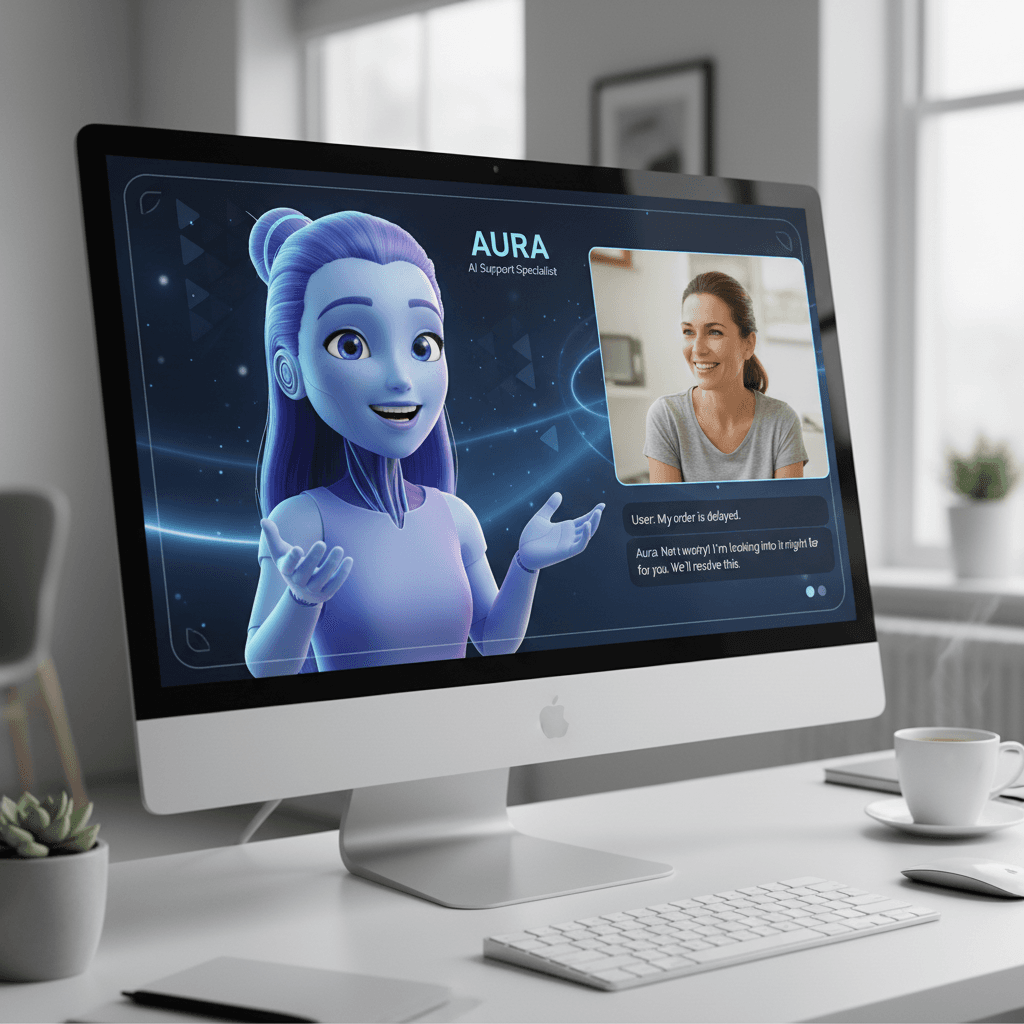
Customers abandon text-heavy help articles at 60%+ rates. They stay engaged with 30-second video answers at 3-4x the rate. The problem has always been production cost — until OmniHuman v1.5 priced a full video response at $9.60. A 50-video FAQ library that would have cost thousands to film now costs $480.
TL;DR
- Turn text FAQ answers into AI video responses for $9.60 each
- A 50-video support library costs ~$480 one-time — no subscription
- Same trusted face across every response builds customer trust
- Update answers instantly by swapping audio when policies change
- Compatible with every helpdesk: Zendesk, Intercom, Freshdesk, HubSpot, Help Scout
Why Video Beats Text in Customer Support
The data is consistent across industries:
- Help centers with video content see 50% lower ticket volume for covered topics
- Video responses resolve tickets 2-3x faster than equivalent text replies
- Customer satisfaction scores rise 15-25% when video is offered alongside text
- First-contact resolution improves when customers can see how to do something
Text help articles require customers to parse dense language, pattern-match to their situation, and translate instructions into action. Video collapses all of that into "watch and do."
The blocker was always cost. Filming a support rep explaining 100 FAQ topics used to mean studio days, editing, and re-shoots every time a product feature shipped. OmniHuman v1.5 removes that friction.
Create your AI presenter now
Turn one photo + audio into a lifelike talking video. $9.60 per video, no subscription.
Try OmniHuman FreeWhat a Video Support Library Looks Like
A solid video support library covers:
Account and billing FAQs. How to update payment methods, change plans, cancel, manage team members.
Product feature walkthroughs. 30-60 second explainers for core features that generate the most support tickets.
Troubleshooting steps. Common error states and how to fix them.
Onboarding and setup. First-login experiences that help new users get to value faster.
Policy and terms. Short explanations of warranties, return policies, data handling, and compliance topics.
Each video is 30-60 seconds, delivered by a consistent "support team" face, at $9.60 per generation.
The Cost Math
Let's compare approaches for a 100-video support library.
Traditional Video Production
- Studio days: 3-5 days at $2,000/day
- Presenter: $2,000-$5,000 total
- Editing: $10,000-$20,000
- Updates and re-shoots: full cost again whenever product changes
- Total: $20,000-$50,000 initial, plus recurring update costs
HeyGen Creator ($48/month)
- Monthly subscription required for access
- Minute caps may limit library size
- $576/year baseline, plus potential tier upgrades
Synthesia Creator ($90/month)
- $1,080/year baseline
- Custom avatar requires filmed shoot on top
OmniHuman v1.5
- 100 videos x $9.60 = $960 one-time
- Updates cost $9.60 per video, not a flat monthly fee
- No subscription — pay only when you create or update
If your support team updates the library quarterly, OmniHuman's update cost is trivial: update 10 videos = $96 per quarter = $384/year. Compare to a subscription you pay whether or not you update anything.
Picking Your "Support Team" Face
Consistency builds trust. Customers should see the same face across every video response, so they feel like they have a dedicated support contact.
Options
- A real support team member with written permission to use their likeness
- A Seedream-generated persona that represents your brand identity
- A licensed stock portrait with commercial rights
Photo Specs
- Professional, approachable expression — smiling slightly works well for support contexts
- Consistent outfit and background across the library
- Clean, high-resolution portrait at 1024x1024 or larger
Once picked, use this photo across every generation in the library. Do not mix faces mid-library.
Writing Effective Support Video Scripts
Support scripts differ from marketing scripts. Be direct, clear, and action-oriented.
Good Script Structure
- Acknowledge the question (3 seconds)
- Give the answer (20-40 seconds)
- Confirm success criteria (5-10 seconds)
- Point to help resources if needed (5 seconds)
Example: Password Reset FAQ
"If you need to reset your password, here's how. Go to the login page and click 'Forgot password.' Enter the email on your account, and we'll send you a reset link within a minute. Check your spam folder if you don't see it. Once you click the link, you'll be able to set a new password. That's it — you should be back in your account in under two minutes."
This is about 50 words, which fits comfortably in a 30-second clip at 1080p.
Script Dos and Don'ts
- Do use direct, friendly language
- Do reference exact button names and menu locations
- Do set expectations ("this takes about two minutes")
- Don't use complex terminology without explanation
- Don't rely on visual jargon ("the thing on the top right")
- Don't script more than 150 words for a 60-second video
Ready to try OmniHuman v1.5? Start creating free →
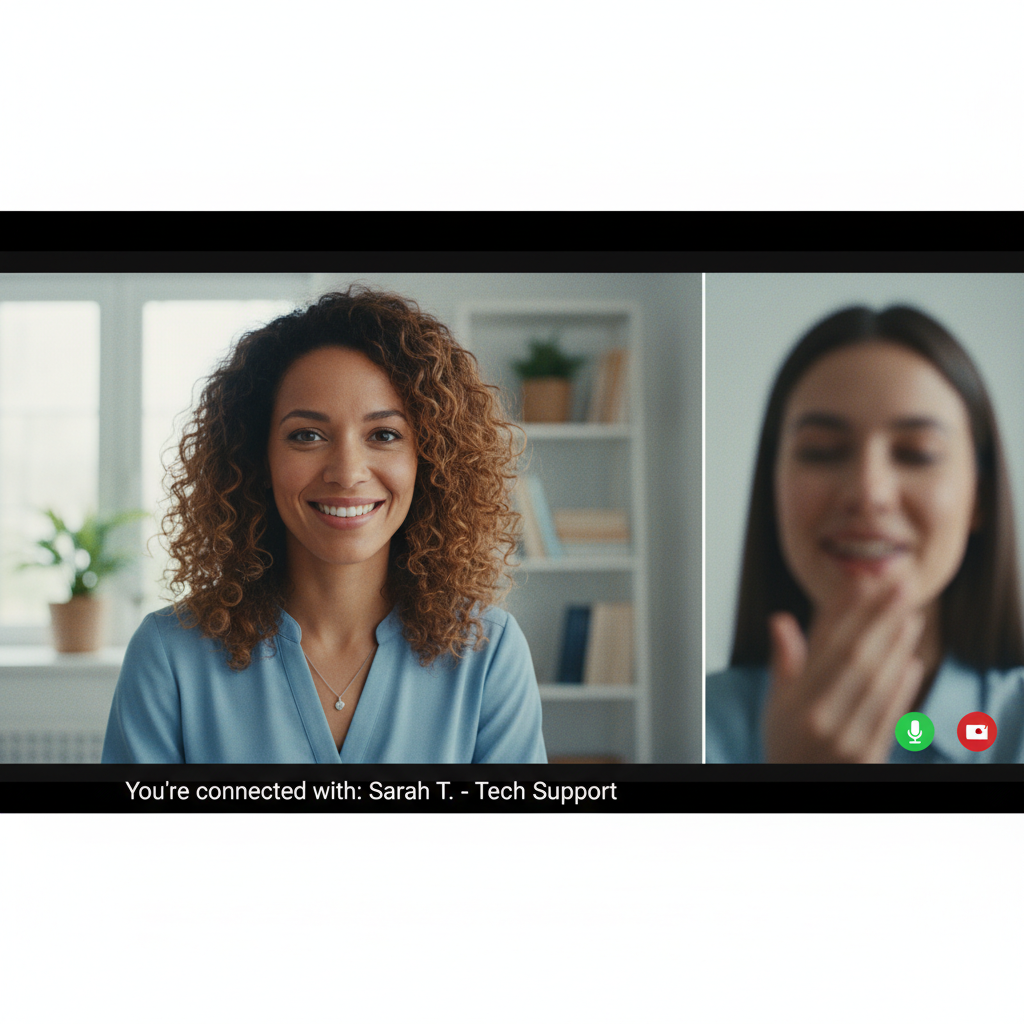
Want a presenter like this? Try OmniHuman free →
Integration with Helpdesk Platforms
OmniHuman v1.5 outputs standard MP4 files. Every major support platform accepts them.
Helpdesk Integrations
Zendesk: Upload MP4s to your help center articles. Embed in macros for automated ticket responses.
Intercom: Attach videos to Articles and Messenger conversations. Use in Series campaigns for onboarding automation.
Freshdesk: Add videos to Solutions articles. Use in Freshchat for automated responses.
HubSpot: Embed in Knowledge Base articles. Include in customer service sequences and ticket templates.
Help Scout: Add to Docs articles. Use in saved replies for common questions.
Custom helpdesks: Any platform supporting HTML5 video or iframe embeds works.
Automation Patterns
-
Auto-attach to common tickets. Train your support bot to attach the relevant FAQ video when a customer asks a matching question.
-
Embed in knowledge base articles. Pair each text FAQ with its video version for customers who prefer either format.
-
Use in onboarding sequences. Trigger video messages at key moments in a new customer's first week.
-
Personalize outreach. For high-value customers, generate one-off personalized videos that reference their specific situation. See the sales videos guide for personalization workflows.
Multilingual Support Without the Overhead
If your customer base speaks multiple languages, OmniHuman makes localization trivial.
Workflow:
- Record your FAQ library in your primary language
- Translate each script to target languages
- Generate TTS audio for each language
- Run OmniHuman generation with the same photo, different audio
A 50-video library in 5 languages = 250 videos = $2,400 total — vastly cheaper than traditional multilingual production. See the multilingual guide.
Updating Your Library
Product features change. Policies update. UI shifts. Traditional video libraries decay because updating them is expensive. OmniHuman updates are cheap.
Update Workflow
- Identify videos affected by a product change
- Rewrite scripts to match new UI or policy
- Regenerate TTS audio
- Run new OmniHuman generations — same photo, same prompt, new audio
- Replace old video files in your helpdesk
Cost per update: $9.60 per video. Updating 10 videos when a feature changes = $96. Compare to a filming re-shoot or a subscription you pay whether or not you update anything.
Real Support Team Scenarios
Small SaaS Startup
- 20-video FAQ library covering core features
- Total production: $192
- Quarterly updates to 5 videos: $48
- Annual cost: $192 + $192 = $384
Mid-Market E-Commerce
- 50-video library across product, shipping, returns, account
- Total production: $480
- Monthly updates to 3 videos: $28.80
- Annual cost: $480 + $345.60 = $825.60
Enterprise B2B
- 150-video library across products, integrations, compliance
- Total production: $1,440
- Monthly updates to 10 videos: $96
- Annual cost: $1,440 + $1,152 = $2,592
Compare each of these to filmed production ($20k-$100k+) or enterprise subscription platforms, and the savings are dramatic.
Update one video for $9.60 — not $48/month
HeyGen bills $48/month whether you touch it or not. OmniHuman charges only when your product actually changes.
Build Your FAQ LibraryMeasuring the Impact
Once your video library is live, track these metrics:
- Ticket deflection rate — % of support volume handled by self-service with video
- First-contact resolution — faster resolution when video is attached to first reply
- CSAT scores — customer satisfaction for tickets involving video responses
- Video engagement — completion rate and replay rate on help center videos
- Topic coverage — % of tickets matching an existing FAQ video
Teams that track these metrics typically see ticket deflection improve 20-40% within three months of deploying a video library.
Start Building Your Video Support Library
- Sign up for Seedance and claim 50 free credits
- Buy a $50 Pro credit pack (5,750 credits ≈ 5-6 videos)
- Pick your "support team" face
- Write scripts for your 5 most common FAQs
- Generate audio with any TTS tool
- Run through OmniHuman v1.5
- Embed in your helpdesk and measure impact
For related reading, see the sales videos guide, e-learning guide, and multilingual guide.
Ready to try OmniHuman v1.5? Start creating free →