OmniHuman v1.5 for E-Learning: AI Instructor Videos
How to use OmniHuman v1.5 to create engaging AI instructor videos for online courses, MOOCs, and educational content. Covers course design, production workflows, student engagement strategies, and cost analysis.
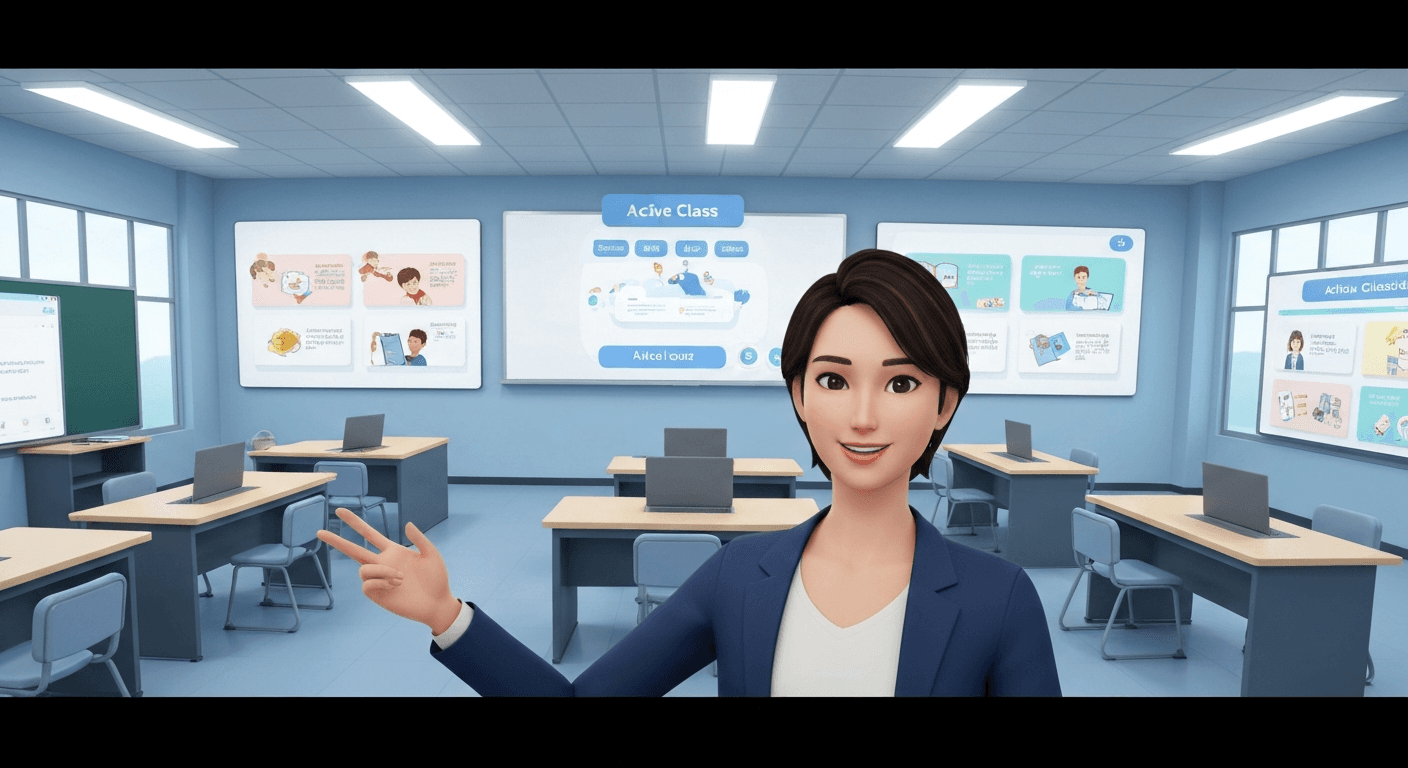
Completion rates on slide-with-voiceover MOOCs hover around 5%. Add a visible instructor and they can triple. The catch: most course creators cannot afford to film 60 lessons with a professional presenter. OmniHuman v1.5 ships each AI instructor video for $9.60, which makes a 60-lesson course cost approximately $576 to produce — versus tens of thousands for traditional filming.
TL;DR
- Turn any photo plus audio into an AI instructor video for $9.60 each
- A 60-lesson course costs ~$576 on OmniHuman vs $30,000+ filmed
- No subscription, unlike HeyGen ($24-$48/mo) or Synthesia ($30-$90/mo)
- Perfect for micro-lessons, course intros, concept explanations, recaps
- Update lessons by swapping audio — no re-filming when content changes
The E-Learning Engagement Problem
Online learners drop off for three reasons: boring visuals, impersonal delivery, and outdated content. Traditional course creation fights the first two by filming an instructor, but struggles with the third because updates mean re-shoots.
Pure screen-recording and voiceover courses are cheap to produce and easy to update, but engagement is miserable. Learners report feeling disconnected from the content when there is no human face to anchor the experience.
AI instructor videos solve all three: you get a visible human presence, at a cost closer to voiceover than filming, with the ability to update instantly by swapping audio files.
Create your AI presenter now
Turn one photo + audio into a lifelike talking video. $9.60 per video, no subscription.
Try OmniHuman FreeWhere AI Instructors Work Best
Not every lesson needs an AI presenter. Use OmniHuman v1.5 strategically.
Course introductions. A 30-60 second welcome video from the "instructor" frames every module and builds rapport. Generate once per course.
Concept explanations. When you need to explain an abstract idea directly to the learner, an avatar delivers warmth that screen recordings cannot.
Module introductions and recaps. Short bookend videos that frame what is coming or summarize what was covered.
Instructor updates and announcements. When content changes or new material is added, a personal message from the instructor keeps learners engaged.
Multi-language localization. Ship the same course in 5 languages with identical visual branding. Same photo, different audio.
Keep screen recordings for software tutorials. Keep live sessions for Q&A. Use AI instructors for the human connection points.
Course Creator Cost Math
Let's run the numbers on a 60-lesson course with 30-second instructor intros on each lesson, plus a 60-second welcome video and a 60-second outro.
Traditional Filming
- Studio day rate: $2,000
- Presenter fee: $2,000/day
- Editing: $1,000/hour, ~20 hours = $20,000
- Total estimated: $30,000-$50,000
Synthesia Creator ($90/month)
- 62 videos fit within minute cap
- Annual cost: $1,080/year (whether you use it or not)
- Locked into subscription until you cancel
HeyGen Team ($48/month)
- May or may not fit within minute limits
- Annual cost: $576/year (subscription mandatory)
- Custom avatar tier may cost extra
OmniHuman v1.5
- 62 videos x $9.60 = $595.20
- One-time spend; no monthly commitment
- Same instructor identity across all 62 videos
- Update any lesson by regenerating — $9.60 per update
OmniHuman is roughly competitive with HeyGen on pure cost for this volume, but wins hard when you factor in the no-subscription flexibility: if you take a month off from course production, OmniHuman costs you $0 while HeyGen still bills $48.
Designing a Course Around AI Instructors
Pick One Instructor Photo
Consistency is everything. Pick one reference photo of your instructor (real or Seedream-generated) and use it across every lesson in the course. Learners should see the same face whenever the instructor appears.
Standardize Your Scene
Use one scene prompt for the entire course. Something like:
Modern home office with bookshelves in soft focus background, warm natural lighting from the left, medium close-up framing head and shoulders, approachable and professional style.
Reusing the prompt creates visual continuity across lessons that feels like one production, not 60 disconnected clips.
Write Scripts for 30-Second Slots
OmniHuman 1080p caps at 30 seconds. 720p caps at 60 seconds. Design your instructor segments around these limits:
- Intros (30s): "Welcome back. In this lesson you will learn X. Let's start."
- Concept explainers (60s, 720p): Single-idea explanation
- Module recaps (30s): "You just learned X, Y, Z. Next up is..."
- Welcome videos (60s, 720p): Full course introduction
Record or Generate Audio
Record your instructor directly, or use a quality TTS service. Consistent voice across all lessons matters as much as consistent visuals. If the instructor is a real person, record once per session and process in batches.
Ready to try OmniHuman v1.5? Start creating free →
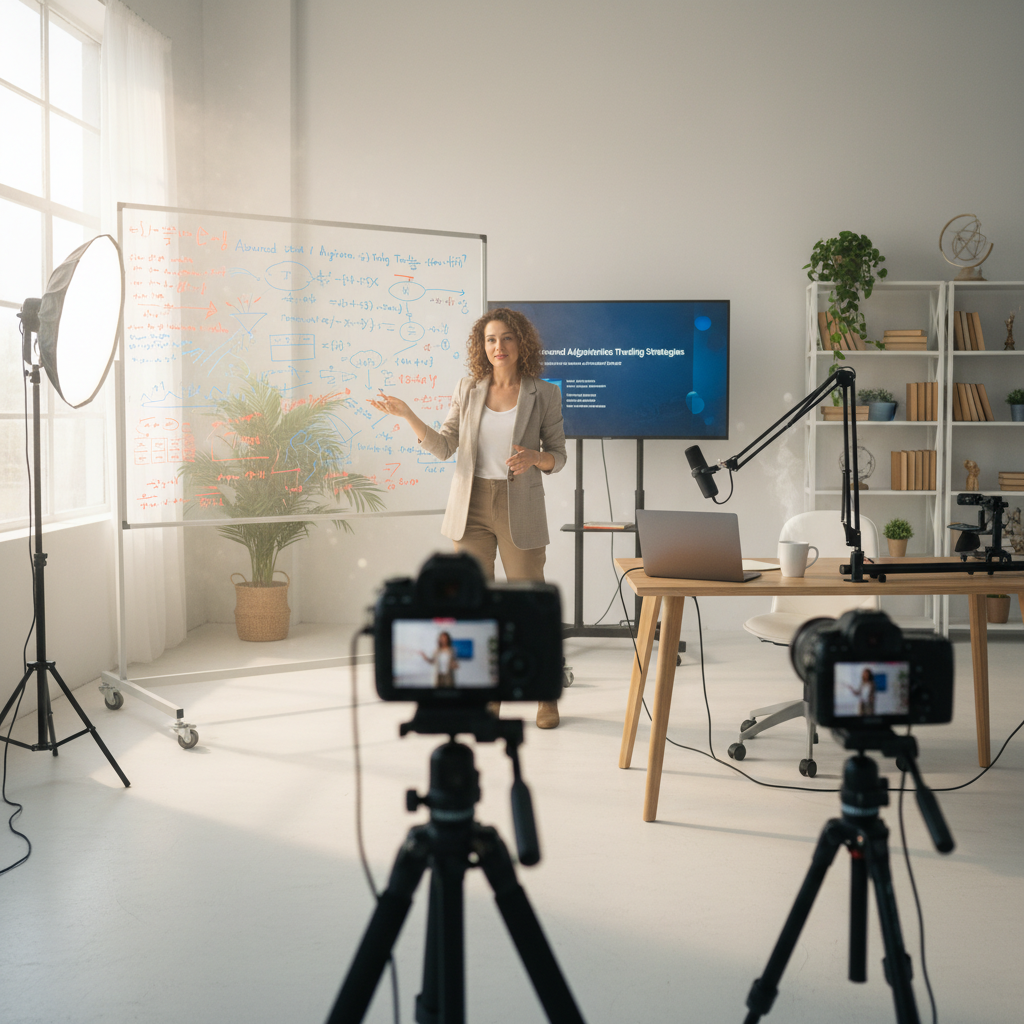
Want a presenter like this? Try OmniHuman free →
Production Workflow for Course Creators
Phase 1: Pre-Production (one-time)
- Pick instructor photo
- Write scene prompt
- Test one sample generation
- Lock the look
Phase 2: Scripting
- Write all lesson scripts in a single document
- Mark each instructor segment (intro, explainer, recap)
- Target 30-60 second segments
Phase 3: Audio Production
- Record all segments in one session (if using a real voice)
- Or generate TTS for all segments in a batch
- Export individual files per segment, trim silence
Phase 4: Video Generation
- Open OmniHuman v1.5
- Use turbo mode for quick preview on the first 2-3 segments
- Run full batch in your chosen mode
- Download MP4 files with consistent naming
Phase 5: LMS Integration
- Upload MP4s to your LMS or course platform
- Embed in lesson pages alongside slides, quizzes, and exercises
- Monitor completion analytics
Phase 6: Updates
- When content changes, rewrite the affected script
- Regenerate audio
- Run new OmniHuman generation
- Replace the old video file in your LMS
LMS and Platform Compatibility
OmniHuman v1.5 outputs standard MP4 files. Every major e-learning platform accepts them:
- Course marketplaces: Udemy, Teachable, Thinkific, Kajabi, Podia
- Enterprise LMS: Cornerstone, Docebo, TalentLMS, LinkedIn Learning Hub
- Authoring tools: Articulate Storyline, Rise 360, Adobe Captivate, iSpring
- Video hosting: Vimeo, Wistia, YouTube (unlisted)
- Custom platforms: Any system that supports HTML5 video
No format conversion. No codec fuss. Download, upload, publish.
Engagement Tips from Course Creators
Open with Eye Contact
The first two seconds matter most. Pick a reference photo where the instructor is looking directly at the camera. Learners subconsciously register "the instructor is talking to me" and lean in.
Keep Segments Short
Attention drops after 90 seconds. Break content into short instructor intros plus longer screen-recorded or slide-based content, then cut back to the instructor for recaps. Use OmniHuman for the bookends.
Vary the Scene Subtly
For a 60-lesson course, the same backdrop on every lesson can feel repetitive. Generate a few alternate scenes — different lighting or a slightly different framing — and rotate them. Keep the same photo for identity consistency, but vary the scene prompt.
Use Multilingual Versions
If your course has international learners, ship localized versions. Same photo, different audio, different language. Completion rates for native-language courses are dramatically higher than for subtitled English. See the multilingual guide.
Layer with Captions
Add open or closed captions to every OmniHuman video. This helps hearing-impaired learners, non-native speakers, and people watching without sound. Most modern video editors generate captions in a click.
Real Cost Scenarios
Solo Course Creator
- Course size: 20 lessons with 30-second instructor intros + 1 welcome video
- Videos needed: 21
- OmniHuman cost: $201.60
- Time from idea to published course (instructor segments): 1-2 days
- Compare to Synthesia Starter at $30/mo for a year: $360
Boutique Education Business
- Catalog size: 5 courses x 40 lessons = 200 lessons + 5 welcomes + 5 outros
- Videos needed: 210
- OmniHuman cost: $2,016 (one-time), or ~$1,680 on the Max tier
- Same catalog on Synthesia Enterprise: thousands per year in perpetuity
University Online Program
- Catalog size: 30 courses x 30 lessons with instructor bookends (60 segments each)
- Videos needed: 1,800 over two years
- OmniHuman cost: ~$14,400 on Max tier pricing
- Traditional filming: $500,000+
At every scale, OmniHuman delivers course-grade video at a fraction of filming costs, without the perpetual overhead of subscription platforms.
No subscription. Ever.
Your quiet months cost $0. Spin up a course, film 60 lessons, then walk away. Your credits never expire.
Build Your CourseStart Building Your First Course Video
- Sign up for Seedance and claim your 50 free credits
- Buy a $25 Popular tier pack (2,750 credits ≈ 2-3 videos)
- Pick an instructor photo (or generate one with Seedream)
- Write one 30-second welcome script
- Generate audio and run through OmniHuman v1.5
- Drop into your LMS as a test lesson
For related reading, see the corporate training guide, the multilingual guide, the talking head tutorial, and the pricing breakdown.
Ready to try OmniHuman v1.5? Start creating free →