OmniHuman v1.5 for Healthcare: Patient Education Videos
How healthcare organizations can use OmniHuman v1.5 to create patient education videos, health literacy content, and medical communication at scale. Covers compliance, multilingual delivery, and production workflows.
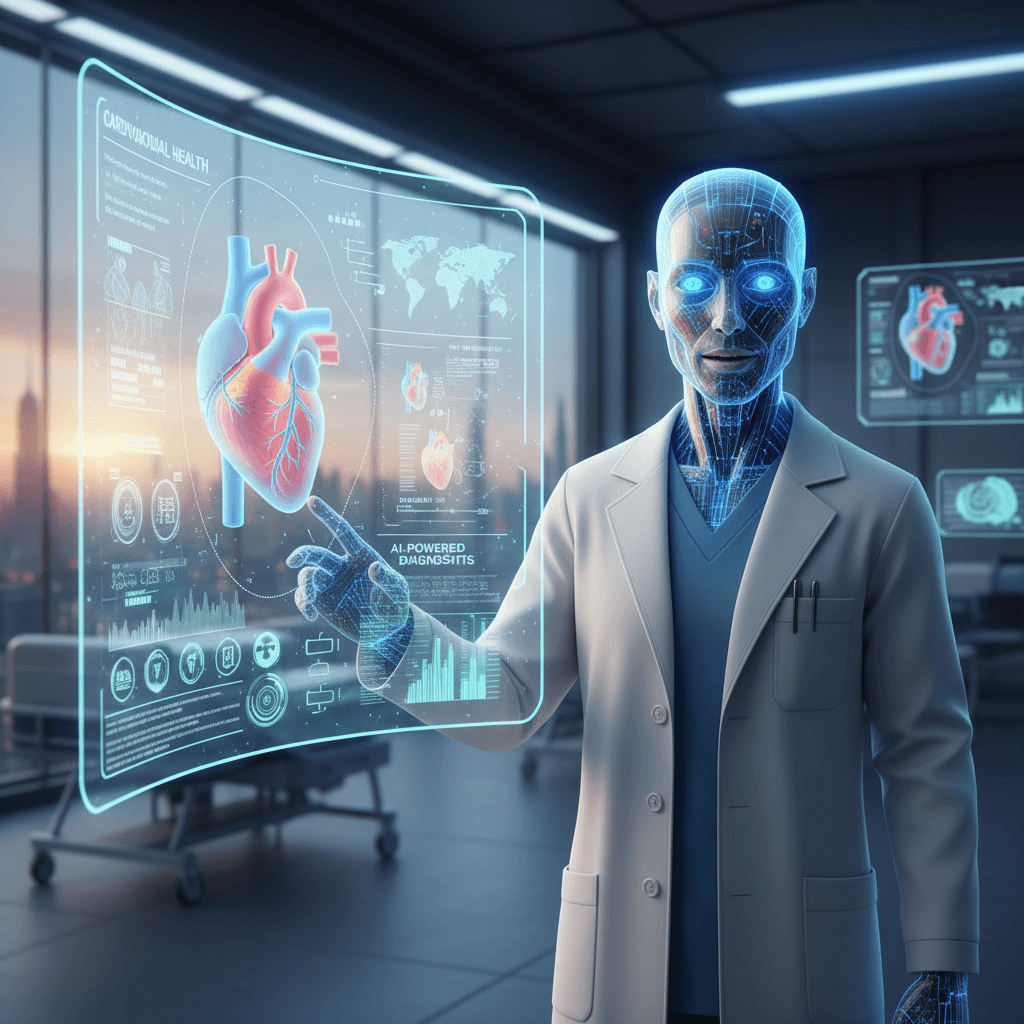
Patients who watch a video explanation of a procedure retain 3x more information than those who read the same content in a pamphlet. Healthcare providers know this, but the cost of filming every medication guide, pre-op brief, and post-discharge instruction has kept video libraries small. OmniHuman v1.5 delivers each patient education video for $9.60 — putting comprehensive video education within reach for clinics, hospitals, and health systems of any size.
TL;DR
- Generate patient education videos for $9.60 each — no subscription
- Build comprehensive libraries for procedures, medications, post-op care, and chronic disease education
- Deliver content in any language for diverse patient populations
- Update quickly when protocols or medications change
- Integrates with patient portals, EHR systems, and post-visit communications
The Health Literacy Problem
Roughly 36% of US adults have basic or below-basic health literacy. This affects medication adherence, post-op compliance, chronic disease management, and ultimately clinical outcomes. Written materials — discharge instructions, medication guides, brochures — are often ignored or misunderstood.
Video dramatically improves comprehension and retention. A patient who watches someone explain how to take their medication correctly is far more likely to do it correctly than one who reads the same instructions on paper.
The historical problem: producing a comprehensive video library requires filming professional clinicians speaking to camera for hours. Traditional production costs easily reach $100,000-$500,000 for a full patient education library. Most healthcare providers cannot justify that budget.
Create your AI presenter now
Turn one photo + audio into a lifelike talking video. $9.60 per video, no subscription.
Try OmniHuman FreeWhere OmniHuman Fits in Healthcare
Patient Education on Procedures
Explain what to expect before surgery, imaging studies, biopsies, and diagnostic tests. Reduces pre-procedure anxiety and improves preparation compliance.
Medication Guides
Short videos explaining how to take each prescription, common side effects, and when to call the doctor. Attached to e-prescriptions or delivered through patient portals.
Post-Discharge Instructions
Video versions of discharge instructions the patient takes home and can re-watch. Dramatically improves adherence to post-op care.
Chronic Disease Management
Diabetes, hypertension, asthma, heart failure — chronic conditions require ongoing patient education. Build a library of short videos covering self-monitoring, lifestyle, medication management.
Preventive Care and Screening
Short explainers on why and how to get screened for specific conditions. Delivered as part of outreach campaigns.
Public Health Communication
Vaccine information, outbreak updates, seasonal health guidance. Distributed through health system websites, social channels, and partner organizations.
The Multilingual Imperative
Healthcare serves every demographic, not just English speakers. Hospitals in diverse communities need patient education in Spanish, Mandarin, Vietnamese, Arabic, Tagalog, Russian, Haitian Creole, and more.
Traditional multilingual production means filming separate presenters in each language, which multiplies cost by the number of languages. OmniHuman lets you ship the same education video in any language for $9.60 per language version.
A 50-video patient education library in 5 languages = 250 videos = $2,400 total. Compare to traditional multilingual filming at $500,000+. The math is not close.
See the multilingual guide for language-specific workflow tips.
Cost Math for Healthcare Organizations
Small Clinic (5-clinician practice)
- 30-video core library: medications, procedures, post-visit instructions
- Production cost: $288
- 3 language versions: 90 videos = $864 total
- Annual updates (10 videos): $96
Mid-Size Health System
- 150-video library across procedures, conditions, medications, preventive care
- 4 languages: 600 videos = $5,760 total base, ~$4,800 on Max tier
- Ongoing updates: $200-500/month
Large Academic Medical Center
- 500+ video library across specialties, with 6+ language versions
- 3,000+ videos = $28,800 one-time base, ~$24,000 on Max tier
- Compare to traditional production: $500,000-$2,000,000
At every organizational scale, OmniHuman delivers a professional patient education library at a small fraction of traditional costs.
HIPAA and Privacy Considerations
Three important points for healthcare teams:
1. No Patient Data in Generation
OmniHuman v1.5 generates video from a reference photo, audio, and a scene prompt. None of these inputs should contain protected health information (PHI). You are generating educational content, not processing patient data.
2. Clinician Likeness
If you use a real clinician's photo as the reference, get written permission documenting how the likeness will be used. Most health systems already have similar releases for marketing and internal comms.
3. Content Accuracy Review
AI generates the video presentation. The script must be reviewed by qualified clinical staff for accuracy, safety, and regulatory compliance. OmniHuman is a production tool, not a source of clinical information. Never generate videos with unreviewed medical content.
Building a Patient Education Library
Step 1: Prioritize by Ticket Volume
Look at which patient questions generate the most calls, messages, and ambiguity. Those are your highest-ROI video topics.
Step 2: Write Scripts with Clinical Review
Draft short scripts (30-60 seconds) for each topic. Send each draft to a qualified clinician for review. Only generate video from approved scripts.
Step 3: Pick Your Presenter
Options:
- A real clinician (nurse, NP, physician) with written permission
- A Seedream-generated health educator persona
- A licensed stock portrait of a professional in scrubs or white coat
Consistency matters: use the same face across the entire library so patients become familiar with "their" educator.
Step 4: Define Your Scene Prompt
One prompt, reused across the library:
Modern clinical education setting with soft natural lighting, medium close-up framing head and shoulders, professional and reassuring atmosphere.
Step 5: Generate TTS Audio
Record a real clinician's voice, or use a TTS service. For multilingual libraries, pick voices with similar tone and age across languages.
Step 6: Generate Videos
Run each script through OmniHuman v1.5 with your standard photo and prompt. Download MP4s with consistent file naming.
Step 7: Integrate with Delivery Channels
- Patient portals: Epic MyChart, Cerner, athenaPatient
- EHR-embedded links: attach to orders, discharge summaries, medication records
- SMS and email: post-visit follow-up messages with video links
- Public website: health education resource library
Ready to try OmniHuman v1.5? Start creating free →

Want a presenter like this? Try OmniHuman free →
Script Writing Principles for Healthcare
Use Plain Language
Avoid clinical jargon. "High blood pressure" beats "hypertension." "Blood sugar" beats "glycemic levels." If a medical term is unavoidable, define it inline.
Be Direct and Specific
Replace "follow instructions as directed" with "take one pill with breakfast and one with dinner." Patients need actionable guidance.
Address Common Fears
If patients typically worry about a specific side effect or outcome, address it directly: "You may feel tired for the first two days. This is normal and should improve by the third day."
Include the "When to Call" Guidance
Every video should end with clear escalation criteria: "Call your doctor if you experience..."
Respect the Duration Cap
Keep each video focused on one topic. If a topic requires more than 60 seconds, split it into multiple videos.
Integrations with Healthcare Platforms
EHR Systems
Epic, Cerner, Meditech, Allscripts, and athenahealth all support embedded video content in patient-facing workflows. Your EHR team can attach OmniHuman MP4s to orders, medication records, discharge summaries, and visit summaries.
Patient Engagement Platforms
Luma Health, Artera, WELL Health, and Klara support video attachment in patient communications.
Telehealth Platforms
Doxy.me, Zoom for Healthcare, and Teladoc integrate with external video content. Use OmniHuman videos as pre-visit education or post-visit follow-ups.
Content Management
Build your video library in a structured CMS or simply organized cloud storage. Tag by condition, procedure, language, and update date.
Updating Your Library
Healthcare content gets stale. Medications get reformulated. Protocols change. New treatments emerge.
OmniHuman makes updates cheap:
- Identify affected videos when a change happens
- Update scripts with clinical review
- Regenerate TTS audio
- Run new OmniHuman generations — same photo, same prompt, new audio
- Replace old files in delivery channels
Cost per update: $9.60 per video. Updating 20 videos = $192. Compared to re-filming with a clinician, the savings are enormous.
Patient education without the subscription
No HeyGen ($24-$48/mo) or Synthesia ($30-$90/mo) lock-in. Pay only when protocols actually change.
Build Your LibraryMeasuring Impact
Track these metrics to prove the value of your video library:
- Patient portal video view rates
- Reduction in post-visit call volume for covered topics
- Medication adherence rates for videos attached to prescriptions
- Pre-op preparation compliance
- Post-discharge readmission rates
- Patient satisfaction scores (HCAHPS) related to communication
Health systems that deploy comprehensive video libraries typically see measurable improvements in all of these within 6-12 months.
Getting Started
- Sign up for Seedance and claim 50 free credits
- Buy a $50 Pro credit pack (5,750 credits ≈ 5-6 videos)
- Pick your first 5 highest-impact topics (top patient questions)
- Write scripts and get clinical review
- Pick or generate your presenter photo
- Run through OmniHuman v1.5
- Test on a small patient cohort, measure, scale
For related reading, see the multilingual guide, corporate training guide, complete OmniHuman guide, and nonprofit guide (relevant for community health organizations).
Ready to try OmniHuman v1.5? Start creating free →