OmniHuman v1.5 for Nonprofits: Affordable Video Communication
How nonprofit organizations can use OmniHuman v1.5 to create professional video content on limited budgets. Covers fundraising appeals, volunteer training, donor communications, and multilingual outreach.

Every dollar a nonprofit spends on video production is a dollar not spent on its mission. That constraint has historically meant nonprofits ship either amateur video or very little video at all. OmniHuman v1.5 changes the calculation: a professional-quality talking head video costs $9.60, and the tool has no subscription. A 20-video annual communications library costs $192 — less than most nonprofits spend on a single volunteer t-shirt order.
TL;DR
- Generate professional nonprofit videos for $9.60 each — no subscription
- Ideal for fundraising appeals, donor thank-you messages, volunteer training, program updates
- Multilingual content for diverse communities at linear cost scaling
- No commitment: ship a campaign, then pay nothing until the next one
- A complete annual communications library: ~$192-$500
Why Video Matters for Nonprofits
Donors give more when they see the mission. Volunteers engage more when they hear directly from program leaders. Beneficiaries participate more when instructions come via video instead of dense printed materials.
The data is consistent:
- Donor email open rates rise 2-3x when video is embedded
- Average donation size increases 20-40% when appeals include video
- Volunteer retention improves when onboarding is video-based
- Program compliance rises when beneficiaries receive video instructions
Despite this, most nonprofits ship minimal video because production cost has been prohibitive. Subscription platforms still cost $288-$1,080 per year, which matters when your entire annual budget is $50,000 or $500,000.
Create your AI presenter now
Turn one photo + audio into a lifelike talking video. $9.60 per video, no subscription.
Try OmniHuman FreeWhere OmniHuman Helps Nonprofits
Fundraising Appeals
Short video messages from leadership explaining a specific campaign, urgent need, or matching gift opportunity. Attached to email campaigns, embedded on donation pages.
Donor Stewardship
Thank-you videos after major gifts. Update videos showing program impact. Year-end recap videos. These are high-impact touches that deepen donor relationships.
Volunteer Training
Onboarding videos for new volunteers. Short safety or procedure briefs. Role-specific training modules. Replaces expensive in-person training sessions.
Program Updates
Monthly or quarterly updates for stakeholders, board members, and funders. Keeps people engaged between major communications.
Beneficiary Education
Program instructions, eligibility guides, and how-to content delivered via video for the communities you serve. Especially important when beneficiaries have low literacy or speak languages other than English.
Grant Applications
Short video narratives accompanying written grant applications. Foundations increasingly value multimedia submissions, and a video appeal can differentiate your application.
The Nonprofit Cost Math
Community Food Bank
- Annual video needs:
- Fundraising appeals: 4 major campaigns x 1 video each = 4 videos
- Donor thank-you: 6 videos per year
- Volunteer training: 5 videos (onboarding, food safety, etc.)
- Program updates: 4 videos
- Total: 19 videos
- Annual cost: 19 x $9.60 = $182.40
Regional Health Nonprofit
- Annual video needs:
- Patient education in English + Spanish: 20 topics x 2 languages = 40 videos
- Volunteer training: 8 videos
- Fundraising: 6 videos
- Total: 54 videos
- Annual cost: 54 x $9.60 = $518.40
International Development NGO
- Annual video needs:
- Program content in 6 languages: 30 topics x 6 = 180 videos
- Donor updates: 12 videos in English
- Grant narratives: 8 videos
- Total: 200 videos
- Annual cost: $1,920 base, ~$1,600 on Max tier
At every scale, these budgets sit inside what nonprofits currently spend on single marketing contractors or tools they are not fully using.
Comparison with Subscription Tools
| Plan | Annual Cost | Nonprofit Fit | |---|---|---| | HeyGen Creator | $288 | May or may not have nonprofit pricing | | Synthesia Starter | $360 | Minutes-capped, subscription mandatory | | OmniHuman v1.5 (small nonprofit) | ~$192 | Pay only what you use | | OmniHuman v1.5 (mid nonprofit) | ~$518 | Scales with needs, not capacity |
OmniHuman's advantage for nonprofits is specifically the pay-per-use model. Nonprofit video needs are almost always spiky: campaigns cluster around giving days, year-end, events. You pay during production sprints and pay nothing in quiet months.
Picking Your Nonprofit Presenter
The presenter face on your videos should represent your organization authentically. Options:
Executive Director or Program Leader
The most authentic choice. Real leadership speaking directly to donors or beneficiaries builds trust. Get written permission for AI video generation of their likeness.
Volunteer or Beneficiary Spokesperson
With proper consent, a volunteer or program participant can serve as a spokesperson. Their authentic connection to the mission often resonates more than an executive voice.
Generic Professional Persona
For situations where real faces are impractical, generate a Seedream persona representing your organization's visual identity. Disclose the AI nature when appropriate.
Mission-Aligned Imagery
For program instructions or educational content, any appropriate professional face works. Consistency across the library matters more than who specifically is pictured.
Ready to try OmniHuman v1.5? Start creating free →
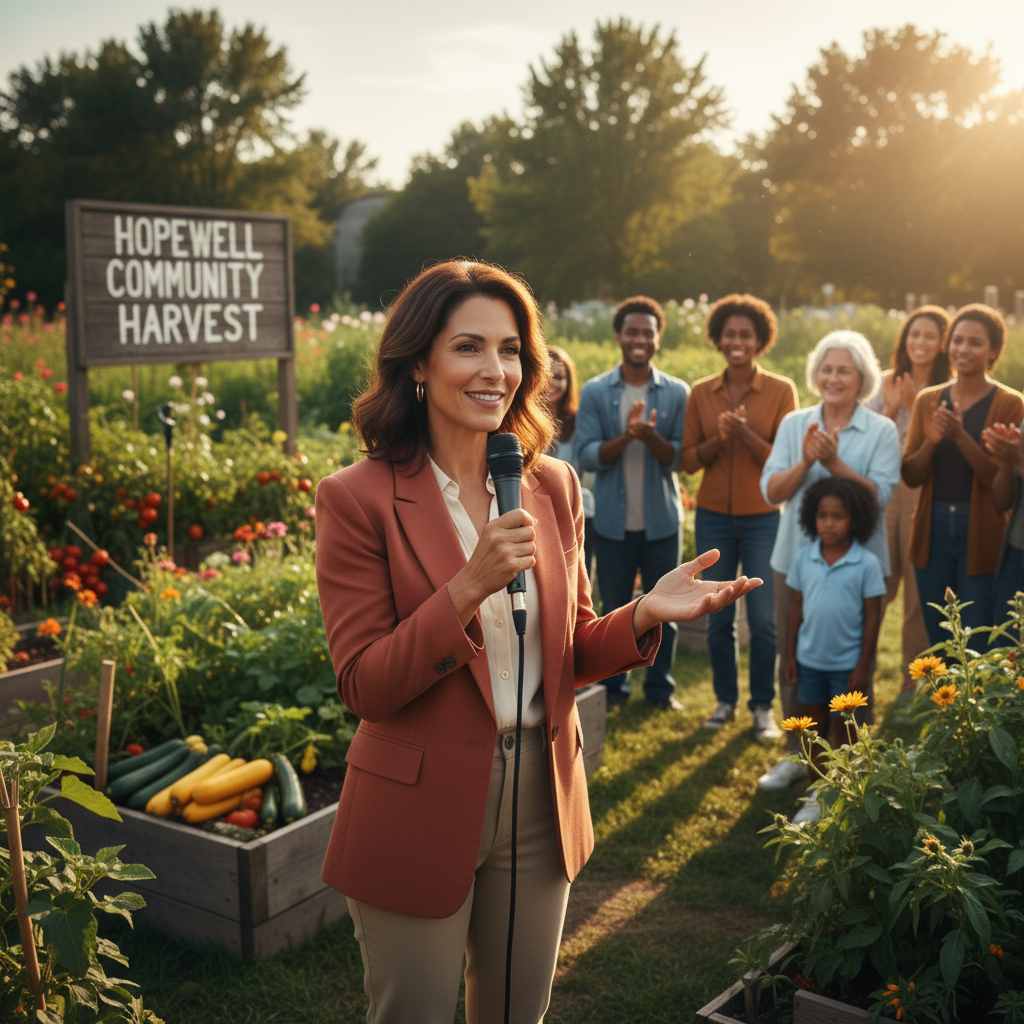
Want a presenter like this? Try OmniHuman free →
Fundraising Video Best Practices
Lead with the Specific Ask
"We need $10,000 by Friday to cover emergency housing for 20 families this weekend" beats "Please support our mission." Concreteness drives giving.
Show Impact in Real Terms
"$50 feeds a family for a week" is more actionable than "your donation helps fight hunger."
Use the First Person
"I'm asking you personally..." lands harder than institutional language. Make the appeal feel one-to-one.
Keep It Short
30-45 seconds. Donors are giving you attention, not time.
Strong Single CTA
One link, one action. "Click below to give $25" beats listing multiple ways to engage.
Example Appeal Script (30 seconds)
"Hi, I'm Maria from Riverside Food Bank. This weekend, 200 families in our community will need emergency food boxes. We're $3,000 short of covering them. Every $15 you give provides a full weekend of food for one family. If you can help today, your donation goes directly to packing boxes we'll deliver Saturday morning. Tap below to give. Thank you."
Multilingual Outreach for Diverse Communities
Many nonprofits serve communities that speak languages other than English. Traditional production makes multilingual content expensive. OmniHuman solves this.
Workflow
- Record the primary message in English with your presenter
- Translate the script (professional translator for critical messages, LLM-assisted for lower-stakes content with native review)
- Generate TTS audio in each target language with matching voice characteristics
- Run OmniHuman generation with the same photo, same scene prompt, different audio
A single fundraising message in 5 languages costs $48 total. See the multilingual guide.
Languages Commonly Needed
- Spanish (widespread in US nonprofit work)
- Haitian Creole (Miami, NYC, Boston)
- Vietnamese (Gulf Coast, California)
- Tagalog (California, Nevada)
- Mandarin (urban centers nationwide)
- Arabic (diaspora communities)
- French (West African communities)
OmniHuman delivers strong lip sync in all of these. Test with a short sample first to confirm quality for your specific use case.
Volunteer Training Library
Volunteer training is another high-value application. A typical nonprofit runs 5-15 training modules across onboarding, safety, role-specific skills, and compliance.
Sample Training Library
- Welcome to [Organization] (60s)
- Our mission and values (60s)
- Safety basics (60s)
- Working with beneficiaries (60s)
- Reporting and escalation (60s)
- Data privacy and confidentiality (60s)
- Event-day procedures (60s)
- Closing and next steps (30s)
Eight videos x $9.60 = $76.80 for a complete volunteer training library. Updated annually = $76.80/year.
This library replaces in-person training sessions that cost hours of staff time per volunteer. The ROI is immediate.
Every dollar stays in your mission
No monthly SaaS burning through your budget. OmniHuman charges only when you generate — your quiet months cost $0.
Start a CampaignGrant Narrative Videos
Foundation grant applications increasingly accept video supplements. A 60-second narrative video explaining your program can differentiate your application.
Script Structure
- Problem (15s): The challenge your program addresses
- Approach (20s): How your organization solves it
- Impact (20s): Measurable outcomes from past work
- Ask (5s): How the funder's support fits
Cost per grant video: $9.60. Cost per grant-winning narrative: priceless.
Integrations for Nonprofit Workflows
OmniHuman videos are standard MP4 files. They work everywhere nonprofits already distribute content:
- Email platforms: Mailchimp, Constant Contact, Campaign Monitor, Bloomerang
- Donor management: Bloomerang, DonorPerfect, Salesforce Nonprofit Cloud
- Websites: WordPress, Squarespace, Wix
- Social media: Facebook, Instagram, LinkedIn, TikTok, YouTube
- Volunteer platforms: VolunteerHub, Galaxy Digital, Better Impact
No integration fees, no special formats. Download and distribute.
Compliance and Authenticity
Nonprofits live on trust. Some ethical considerations:
Disclose AI use when relevant. For fundraising appeals, some donors will appreciate knowing the video was AI-generated for efficiency. For patient education or similar content, disclosure is often required.
Use real leadership with permission. When the face is your executive director, have written permission documenting AI avatar use.
Do not fabricate stories. AI can generate the presentation. The content must be truthful. Do not have an AI avatar claim to have experienced things they have not.
Honor beneficiary privacy. If a beneficiary is pictured, get proper consent, especially for vulnerable populations.
Start Your Nonprofit Video Program
- Sign up for Seedance and claim 50 free credits
- Buy a $25 Popular tier pack (2,750 credits ≈ 2-3 videos)
- Pick your first video priority — usually a fundraising appeal
- Write a 30-second script
- Record your ED or pick a presenter photo
- Generate audio and run through OmniHuman v1.5
- Embed in your next email campaign and measure impact
For related reading, see the corporate training guide (for volunteer training workflows), multilingual guide, healthcare guide (for community health orgs), and complete OmniHuman v1.5 guide.
Ready to try OmniHuman v1.5? Start creating free →