Seedance 1.0 Lite for Educators: Quick Explainer Videos
How educators can use Seedance 1.0 Lite to create engaging explainer videos, animated diagrams, and visual learning content at just $0.36 per video.
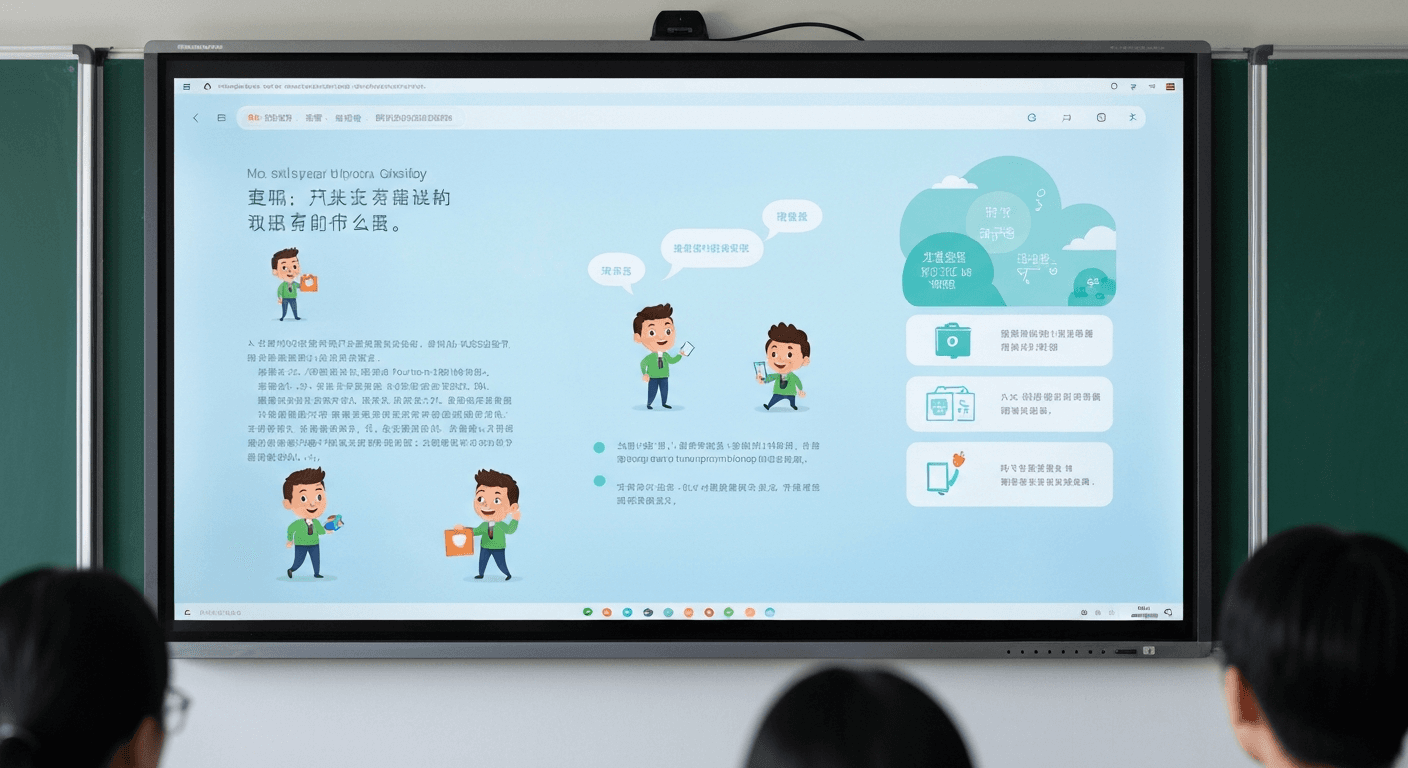
Video in the classroom boosts knowledge retention by up to 65% compared to static slides. But teachers don't have $500 per clip or the editing skills to animate historical photos and biology diagrams from scratch. Seedance 1.0 Lite drops that cost to 14-84 cents per clip and generates in under a minute — which means any teacher can now turn their slide deck into a moving lesson.
TL;DR
- Animate any diagram, photo, or illustration for $0.14-$0.84 per clip
- Generation time: 30-60 seconds per video
- An entire year of weekly explainer videos costs under $40 in credits
- Works for K-12, higher ed, corporate training, and online course creators
- 50 free credits on signup — no subscription, no purchase order needed
Why Video Wins in the Classroom
The research on multimedia learning is settled: students retain more when information combines static visuals with motion and narration. The problem is that producing educational video has historically required animation skills, video software budgets, and hours per clip — resources most teachers and districts simply don't have.
Seedance 1.0 Lite collapses that barrier. You start with an image you already have — a textbook illustration, a historical photo, a biology diagram, a chart — write a short motion prompt, and get a 1080p animated clip in about 40 seconds. No animation software. No editing team. No budget approvals.
Animate a lesson in under a minute
Turn any textbook image into a moving diagram for $0.14-$0.84. 50 free credits on signup, no card, no purchase order needed.
Try Seedance 1.0 Lite FreeSubject-by-Subject Use Cases
History
Take a famous historical photograph and animate it — soldiers advancing, flags waving, light shifting across a battlefield. A Civil War photo becomes a 6-second immersive clip for $0.42. Students feel present in the scene in a way static images never achieve.
Biology
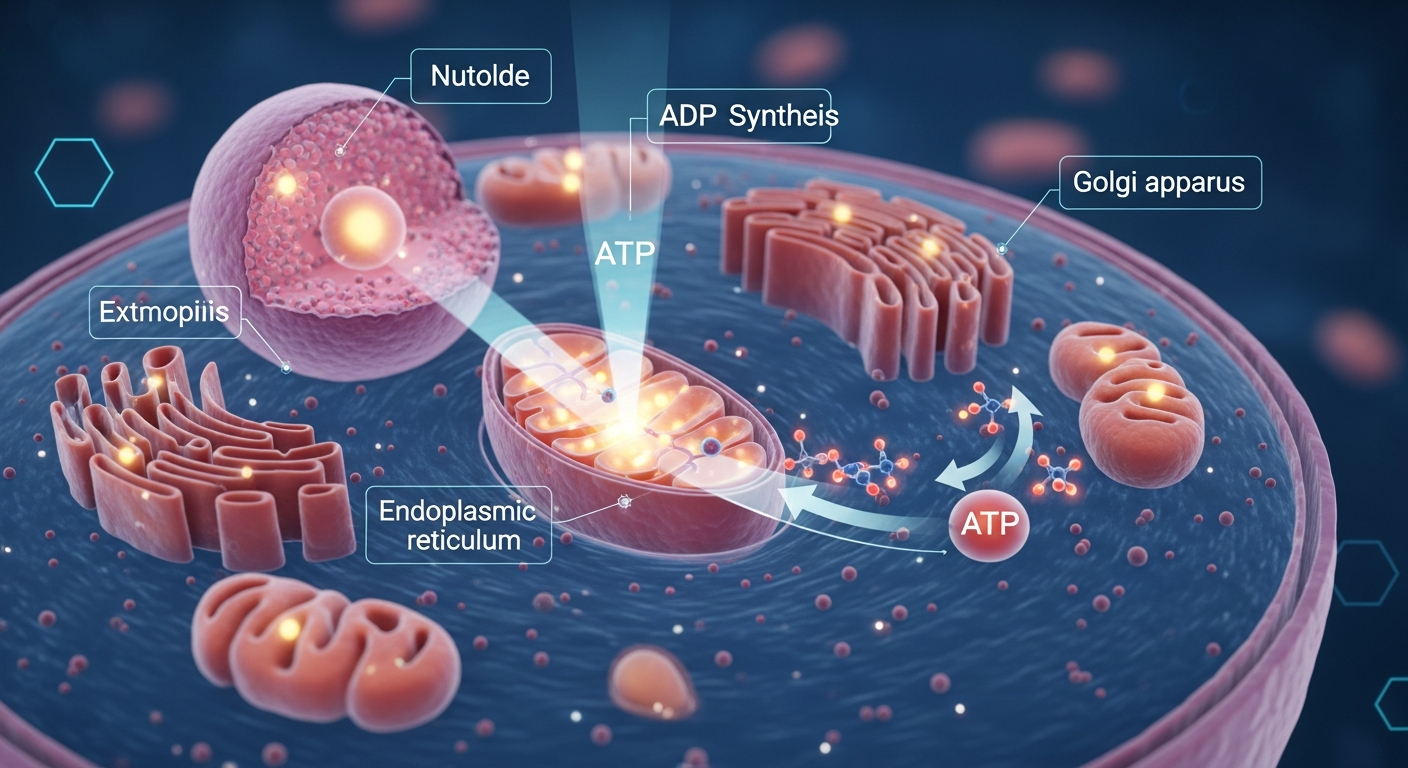
Animate cell diagrams, ecosystem illustrations, and anatomical charts. Mitosis happens. Blood flows through a vessel. Leaves photosynthesize. Each clip runs 30-60 seconds to generate and costs pennies.
Physics and Chemistry
Show wave motion, particle movement, chemical reactions, and force vectors. Turn static diagrams from the textbook into moving demonstrations without investing in specialized simulation software.
Earth Science
Weather systems drift. Plate tectonics shift. Water cycles cycle. Animate satellite images, topographic maps, and climate diagrams with a short motion prompt.
Literature and Language Arts
Animate classic book covers and illustrations. A Gatsby-era photo with subtle motion becomes a lesson opener. Old woodcuts from Shakespeare editions become atmospheric scene-setters.
Math
Animate geometric figures rotating, graphs building, and proofs unfolding. Subtle motion on an otherwise static visual aids comprehension of spatial concepts.
Foreign Language
Animate cultural photos, travel images, and regional scenes to build immersion. A street scene from Barcelona with subtle atmospheric motion feels more alive than a flat slide.
The Educator Workflow
- Find or create a source image. Textbook images (fair use applies in most classrooms), Wikipedia commons, public domain archives, your own photos, or AI-generated images for 6-8 credits each.
- Open the Seedance 1.0 Lite creator and upload.
- Write a motion prompt describing the concept you want to convey.
- Set duration — 6-10 seconds is ideal for classroom clips that support narration.
- Generate — ready in under a minute.
- Drop into your slide deck, LMS, or lesson plan.
Classroom Prompt Templates
For historical photos
Figures in the scene shift slightly, flags and fabric
move in gentle wind, dust drifts through the air,
warm period lighting shifts across the frame
For biology diagrams
Blood cells flow through the vessel, membrane pulses
gently, organelles drift in cytoplasm, subtle
highlighting pulses on the labeled structures
For weather/earth science
Clouds drift across the scene, subtle wind motion
through trees, light shifts indicating passage of time,
camera completely locked
For literature illustrations
Atmospheric elements (smoke, leaves, fabric) move
naturally, lantern light flickers warmly, shadows
lengthen gradually, figures stay expressive but still
Want to make this yourself? Try Seedance 1.0 Lite free →
Ready to try Seedance 1.0 Lite? Start creating free →
Real Cost Scenarios for Educators
Single teacher, weekly explainer videos
- 1 video per week × 52 weeks × 42 credits (6 sec) = 2,184 credits
- Annual cost: ~$22
Twenty-two dollars a year for weekly classroom video content. That's less than a single textbook.
Full department (10 teachers, weekly)
- 10 teachers × 52 videos × 42 credits = 21,840 credits
- Annual cost: ~$220
A full high school department animates a year of classroom content for about what one professional stock footage subscription costs.
Online course creator (50 lessons)
- 50 lessons × 2 clips average × 56 credits (8 sec) = 5,600 credits
- One-time cost: ~$56
- Result: every lesson in the course has custom motion visuals
District PD training videos
- 20 training topics × 1 animated asset × 70 credits (10 sec) = 1,400 credits
- Total: ~$14
Why This Matters for Educational Equity
Districts with bigger budgets have always had access to better classroom media. Seedance 1.0 Lite flattens that curve. A rural teacher with a $0 video budget can now produce the same quality animated content as a private school with a full AV staff.
The 50 free credits on signup mean a teacher can test the workflow without filing any paperwork. The per-clip pricing means even small classroom budgets stretch further than traditional media subscriptions.
A year of classroom video for under $22
Weekly explainer clips at 14-84 cents each. Fast enough to build during a prep period, cheap enough for any classroom budget.
Start Animating LessonsIntegrating With Your LMS
Seedance 1.0 Lite outputs clean MP4 files that work in every LMS and presentation tool:
- Google Slides: insert video directly or link to the MP4
- PowerPoint: embed as standard video
- Canvas: upload to course files and embed in modules
- Schoology: same pattern as Canvas
- Khan Academy / YouTube: upload as supplementary content
- Notion: embed inline for curriculum docs
For student-facing content, keep clips short (4-8 seconds) and pair them with narrated audio in your LMS.
Tips for Classroom-Ready Output
Keep motion subtle. Dramatic animation distracts from the content. Educational video works best when motion supports the concept rather than competing with it.
Always enable camera lock. Stable shots feel professional and reduce visual fatigue during a lesson.
Match duration to narration. If you're narrating for 8 seconds, generate an 8-second clip. Don't force mismatched timing.
Use high-resolution source images. Textbook scans often come in low resolution. Upscale before generating for sharper output.
Test with 2-second clips first. Before spending $0.84 on a 12-second version, validate the motion at $0.14 per iteration.
Copyright Considerations
For personal classroom use, most educational content falls under fair use in US classrooms. For publicly shared content (YouTube lessons, course marketplaces, published curricula), stick to public domain images, images you own, or images you've generated with Seedream. Seedance 1.0 Lite outputs on paid plans are yours to use commercially without watermark.
When to Upgrade Beyond Lite
Lite handles virtually every classroom scenario. The only time to step up to Seedance 1.0 Pro is if you need end-frame control for a specific narrative transition — say, showing a scientific process from start state to end state with guaranteed precision. For 99% of classroom use, Lite is more than enough.
Start Animating Your Curriculum Today
Sign up, claim your 50 free credits, and turn your first textbook image into a moving lesson. The workflow is simple enough that a teacher can learn it in a single prep period.
Create your first educational clip free → — no subscription, no purchase order, no animation skills required.