How to Create AI GIFs with Seedance 1.0 Lite
Complete guide to creating animated GIFs with Seedance 1.0 Lite — short looping animations for social media, websites, emails, and messaging at just $0.36 each.
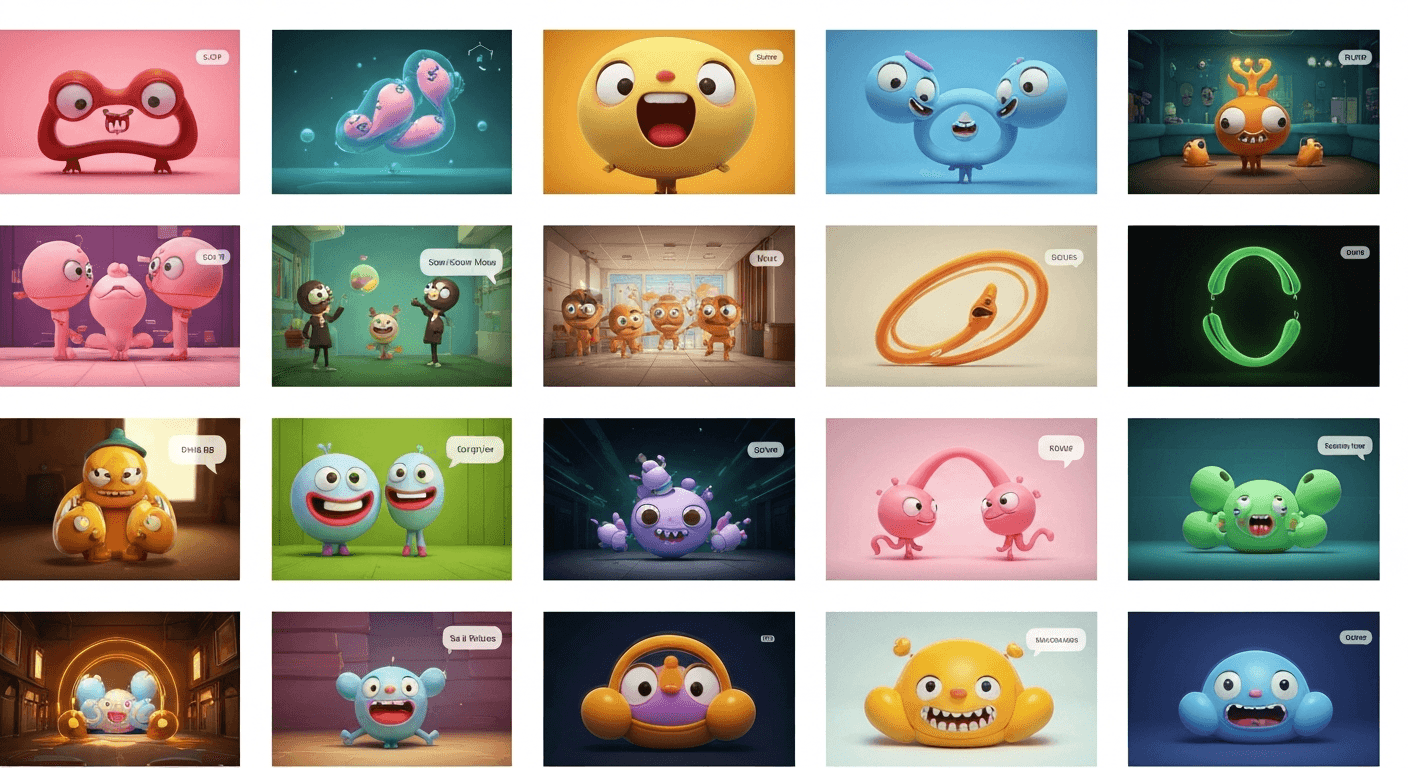
GIFs are 30 years old and still dominate messaging, marketing emails, Slack channels, and product UIs. The problem is custom GIF creation has always required animation skills or awkward screen recordings. Seedance 1.0 Lite produces custom 2-3 second loopable clips for 14-21 cents each in under a minute — which finally makes branded, original GIFs viable at scale.
TL;DR
- Generate GIF-perfect 2-3 second clips for $0.14-$0.21 in 30-40 seconds
- Convert the output MP4 to GIF with any free converter in seconds
- Perfect for email marketing, Slack, product UI, websites, and messaging
- A full month of 20 branded GIFs costs under $4
- 50 free credits on signup — enough for dozens of GIF tests
Why Custom AI GIFs Beat Giphy Searches
Generic GIFs from Giphy feel lazy. Custom GIFs that match your brand, product, or exact message feel intentional. The difference shows up in email CTR, Slack engagement, and product UX.
The historical problem: custom GIFs took real animation work or a dedicated designer. Seedance 1.0 Lite eliminates that bottleneck. You start with an image you already have (or generate one with Seedream for 6-8 credits), write a short motion prompt, and download a ready-to-convert MP4 in under a minute.
Make your first custom GIF for 14 cents
2-second loopable clips in 30-40 seconds, ready to convert to GIF. 50 free credits on signup, no card required.
Try Seedance 1.0 Lite FreeThe GIF Sweet Spot: 2-3 Seconds
Most great GIFs are short. 2-3 seconds is the universal sweet spot because:
- File size stays small (critical for email and Slack)
- Loops feel natural at short durations
- Attention spans in messaging contexts are tiny
- Cost is minimal — $0.14-$0.21 per clip on Seedance 1.0 Lite
| Duration | Credits | USD | Best for | |---|---|---|---| | 2 sec | 14 | $0.14 | Micro-reactions, UI moments | | 3 sec | 21 | $0.21 | Looping scenes, email headers | | 4 sec | 28 | $0.28 | Richer loops, brand moments |
For GIFs specifically, 2 seconds is almost always the right choice. Spend the money on iterating prompts, not on duration.
Step-by-Step: Your First GIF
- Pick a source image — a product shot, character render, screenshot, or Seedream output
- Open the Seedance 1.0 Lite creator and upload it
- Write a loop-friendly motion prompt (see templates below)
- Set duration to 2 seconds, camera lock on, 1080p
- Generate — 30-35 seconds later, download the MP4
- Convert MP4 to GIF using a free tool (ezgif.com, cloudconvert.com, or ffmpeg)
- Deploy to email, Slack, your website, or wherever
Total cost: $0.14. Total time: under 2 minutes including conversion.
Loop-Friendly Motion Prompts
The secret to GIFs that loop cleanly: describe motion that can naturally cycle back to its starting state.
Micro-loop pattern
Subject rises gently then settles back, soft pulse
of ambient light, continuous subtle breathing motion
Cinemagraph-style loop
One element (hair/water/steam) flows continuously
while everything else stays perfectly still,
camera completely locked
Atmosphere loop
Continuous steam rising from cup, subtle light
flicker, gentle ambient motion on a fixed background,
camera locked
Reaction loop
Character slowly blinks, subtle smile forms then
relaxes, warm light pulses softly, camera locked
Pro tip for loopability: Tell the model the motion should be "continuous" or "cyclical" rather than "starts and ends." This nudges the output toward naturally loopable results.
Converting MP4 to GIF
Seedance 1.0 Lite outputs MP4 files. Converting to GIF takes seconds:
Easiest (free, web-based):
- ezgif.com — upload MP4, click convert, download GIF
- cloudconvert.com — same workflow, slightly cleaner UI
Fastest (command line):
ffmpeg -i input.mp4 -vf "fps=15,scale=480:-1:flags=lanczos" output.gif
For smallest file size (important for email):
- Downscale to 480px or 360px width
- Drop to 10-15 fps
- Reduce color palette to 128 or 64 colors
Most messaging platforms cap GIFs at 2-5 MB. A 2-second 480px Seedance clip converts to roughly 500KB-1.5MB — well within limits.
Where AI GIFs Actually Get Used
Email marketing. Animated hero images in welcome emails and launch announcements lift CTR by 20-40% on most lists. Custom GIFs feel branded in a way that Giphy searches never do.
Slack and Discord. Internal team celebrations, release announcements, and reactions. A custom GIF for your product launch feels infinitely more premium than a stock choice.
Product UI. Loading states, success confirmations, onboarding walkthroughs. Subtle animated affordances make products feel polished.
Documentation and tutorials. Short animated explainers embedded in help articles outperform static screenshots for comprehension.
Website micro-animations. Header backgrounds, CTA hovers, and section dividers. Subtle motion holds attention without dominating the page.
Social media. Twitter/X posts with animated media outperform static ones by wide margins.
Want to make this yourself? Try Seedance 1.0 Lite free →
Ready to try Seedance 1.0 Lite? Start creating free →
Real Cost Scenarios for GIF Production
Monthly email newsletter with hero GIF
- 4 newsletters × 1 hero GIF each × 14 credits = 56 credits
- Total: ~$0.56/month for custom branded email GIFs
Slack team celebrations (10/month)
- 10 × 14 credits = 140 credits
- Total: ~$1.40/month
Product UI animation library (50 states)
- 50 × 14 credits = 700 credits
- Total: ~$7.00 one-time investment
- Result: complete custom UI animation library
Brand content (30 GIFs/month)
- 30 × 14 credits = 420 credits
- Total: ~$4.20/month for daily branded GIF output
At these numbers, custom GIFs stop being a premium project and become a routine content output.
Build a custom GIF library for under $5
20+ branded GIFs for the price of a coffee. Fast enough to iterate freely, cheap enough to keep as a routine output.
Start Making GIFs FreeTips for Better Loop Quality
Use camera lock always. Unstable camera movement breaks loops instantly.
Keep motion subtle. Dramatic movement rarely loops cleanly. Gentle, continuous motion is the GIF sweet spot.
Test at 2 seconds first. If the motion works at 2 seconds, you're done. If it doesn't, tweak the prompt — don't add length.
Simple backgrounds loop better. Busy scenes with lots of motion are harder to cycle cleanly. Clean compositions win.
Describe cyclical physics. "Continuous," "ongoing," "perpetual," "steady" — these verbs nudge the model toward loopable output.
Upgrading Beyond Lite for GIFs
For 99% of GIF use cases, Seedance 1.0 Lite is overkill already. The only time to step up to Seedance 1.0 Pro is when you need end-frame control to guarantee the GIF loops to an exact target frame. Otherwise, stay on Lite and enjoy 14-cent GIFs.
Start Creating GIFs Right Now
Sign up, claim your 50 free credits, upload any image, and generate your first 2-second loopable clip. Convert to GIF in 30 more seconds. Deploy anywhere.
Generate your first custom GIF free → — $0.14 per clip, 30-second generation, no subscription required.