How to Turn Photos into Videos with Seedance 1.0 Lite
Complete guide to transforming still photos into dynamic AI videos with Seedance 1.0 Lite — image preparation, motion prompts, settings, and best practices.
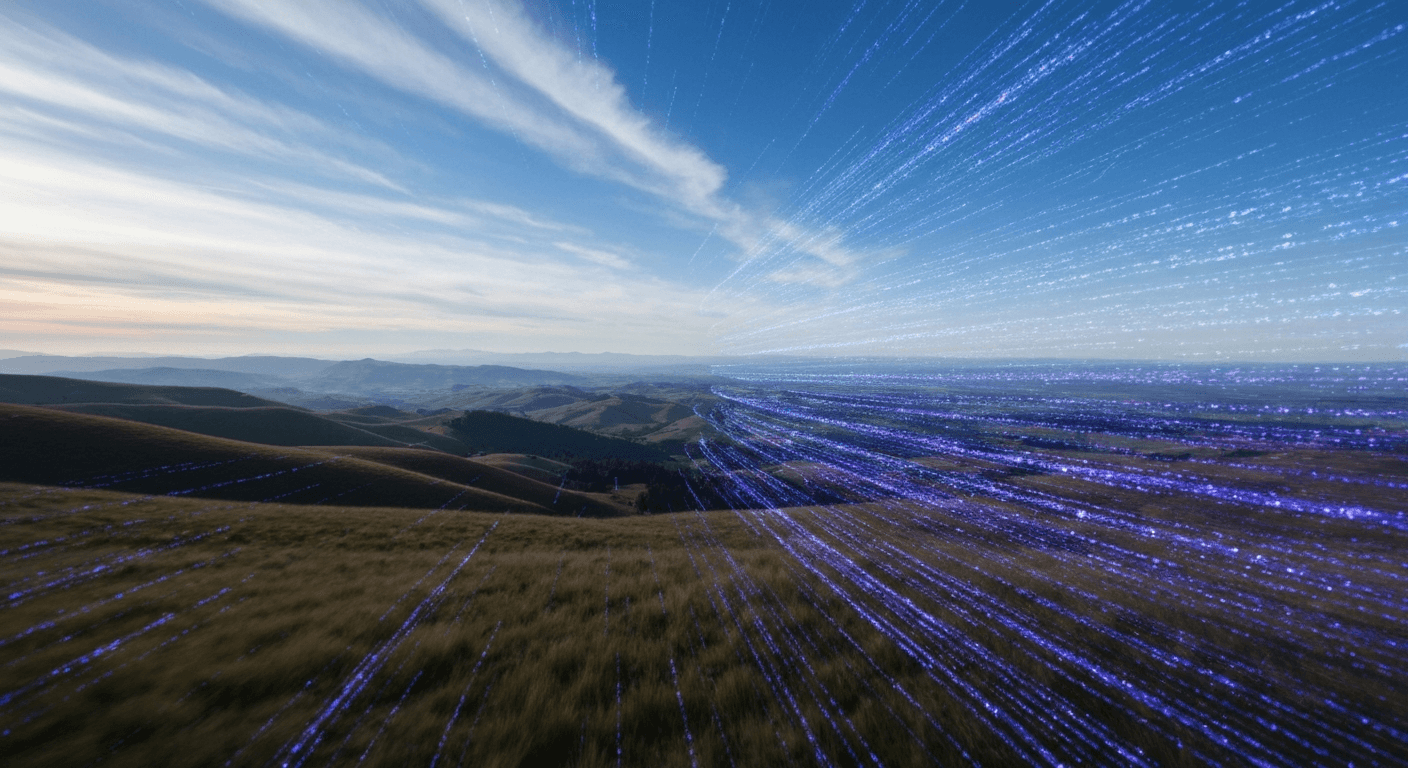
Your photo library is the largest unused video asset you own. Every wedding shot, product photo, travel snap, and family portrait is one motion prompt away from becoming a 1080p video clip. Seedance 1.0 Lite handles the conversion in 30-60 seconds for as little as 14 cents per clip.
TL;DR
- Turn any JPG, PNG, or WebP photo into a 1080p video clip
- Cost: $0.14-$0.84 per clip depending on duration (2-12 seconds)
- Generation time: 30-60 seconds per clip
- Works with photographs, portraits, product shots, screenshots, and AI-generated images
- 50 free credits on signup — enough for multiple test conversions
Why Photo-to-Video Beats Text-to-Video
Pure text-to-video models force you to describe a scene and hope the AI nails the visual. Image-to-video flips that equation: you start with exactly the visual you want and just describe the motion.
The result? Far more predictable output, fewer wasted generations, and a workflow that works with images you already have — family photos, product shots, old scans, screenshots, Seedream renders, you name it.
Seedance 1.0 Lite is the fastest, cheapest way to run this conversion at scale. At 30-60 seconds per clip and $0.14-$0.84 each, you can turn an entire photo album into a video montage in one session.
Bring your first photo to life right now
Upload a photo, write one motion prompt, download an MP4 in under a minute. 50 free credits, no card required.
Try Seedance 1.0 Lite FreeWhat Photos Actually Work
The short answer: almost all of them. The longer answer has a few rules.
Great source photos have:
- Sharp focus on the main subject
- Good lighting (natural or even artificial)
- Minimum 720p resolution (1080p+ is better)
- Clear foreground/background separation
- Single-subject composition
Photos that struggle:
- Heavy motion blur in the source
- Very low resolution (below 480p)
- Compressed screenshots with visible artifacts
- Extremely busy scenes with no clear subject
| Photo type | Results | |---|---| | Portraits | Excellent | | Product shots | Excellent | | Landscapes | Very good | | AI-generated (Seedream) | Excellent | | Group photos | Good | | Screenshots | Variable | | Old scanned photos | Good (depends on quality) |
Prepping Your Source Image
Thirty seconds of prep makes a visible difference in output quality.
- Crop to final aspect ratio — 9:16 for vertical, 16:9 for landscape, 1:1 for square. Match the aspect to where the clip will live.
- Upscale if needed — anything below 720p will produce soft output. Use an AI upscaler if your source is small.
- Fix obvious issues — rotate, straighten horizons, bump contrast slightly if flat.
- Save as JPG or PNG at high quality.
That's it. Don't over-process. The model works best with clean, natural source images.
Step-by-Step: Photo to Video in 5 Minutes
- Pick your photo and save it locally
- Open the Seedance 1.0 Lite creator
- Drag your image into the upload area
- Write a motion prompt describing exactly what should move
- Set duration, resolution, aspect ratio, and camera lock
- Click generate and wait 30-60 seconds
- Download your MP4 and use it anywhere
The whole loop — upload to download — takes under two minutes.
Writing Motion Prompts That Actually Work
The biggest mistake new users make is writing vague prompts. "Make the photo move" is the worst possible prompt. Here's the structure that consistently lands good results.
Template:
[What element moves] + [direction and pace] + [secondary motion] + [atmosphere or lighting]
Examples:
Hair blows gently to the left in a soft wind,
eyes blink naturally, warm sunset light shifts
slowly across the face
Steam rises continuously from the coffee cup,
book pages flutter slightly, morning light
brightens gradually across the scene
Product rotates slowly 90 degrees clockwise,
highlights catch across the metallic surface,
subtle dust particles drift through the air
Ocean waves roll toward the shore, seagulls
drift slowly across the sky, golden sunset
light deepens across the horizon
Pro tip: Describe motion with verbs that have built-in physics — "drift," "rise," "rotate," "pulse," "shift" — rather than abstract words like "animate" or "dynamic."
Best Settings for Common Photo Types
| Photo Type | Duration | Camera Lock | Notes | |---|---|---|---| | Portrait | 6-8 sec | On | Subtle facial motion + breeze | | Product | 4-6 sec | On | Rotation or highlight reveal | | Landscape | 8-12 sec | On | Sky, water, light shifts | | Family photo | 5-8 sec | On | Subtle breeze + blinks | | Architecture | 6-10 sec | On | Light shifts, subtle drift | | Abstract/art | 4-8 sec | Optional | Depends on composition |
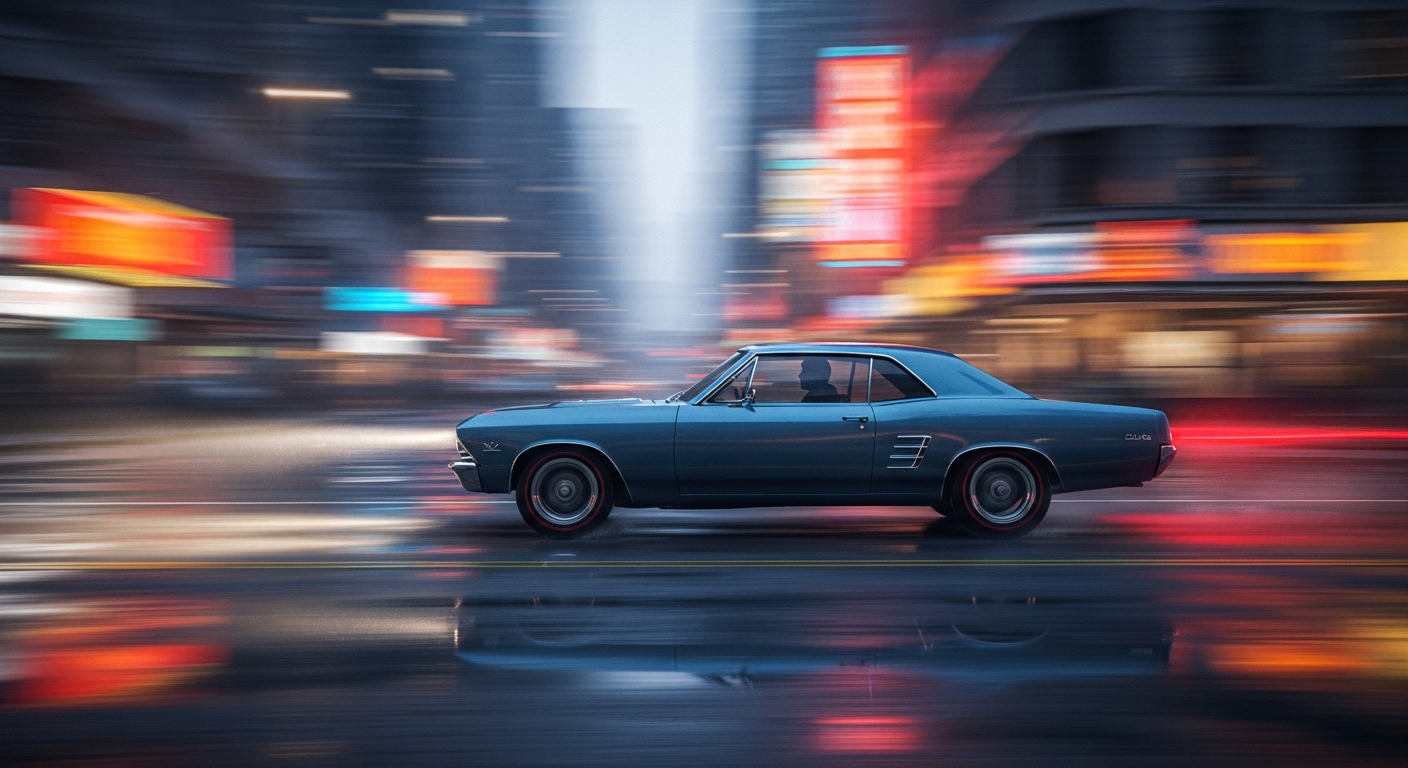
Want to make this yourself? Try Seedance 1.0 Lite free →
Ready to try Seedance 1.0 Lite? Start creating free →
Real Use Cases for Photo-to-Video
Memorial videos. Turn family photo archives into a flowing montage with subtle motion on each image. Far more emotionally resonant than a static slideshow.
Product catalog animations. Convert your product photo library into rotating hero clips for PDPs, ads, and e-commerce sites.
Wedding photo highlights. Animate the best shots from a wedding shoot for social media recap Reels.
Real estate listings. Turn interior and exterior photos into walkthrough-feel video clips without reshooting.
Portfolio reels. Designers, photographers, and artists can animate portfolio pieces for website and social showcases.
Social cinemagraphs. Subtle motion in one element against a frozen background — ideal for aesthetic accounts.
Event throwbacks. Old event photos become short animated clips for anniversary and "remember when" posts.
Cost Scenarios
| Scenario | Clip Count | Avg Duration | Total Cost | |---|---|---|---| | Single test clip | 1 | 4 sec | $0.28 | | Week of social content | 7 | 6 sec | ~$2.94 | | Month of daily posts | 30 | 6 sec | ~$12.60 | | Product catalog (50 items) | 50 | 5 sec | ~$17.50 | | Wedding recap (20 photos) | 20 | 8 sec | ~$11.20 |
At these numbers, photo-to-video stops being a premium feature and becomes a routine step in any content pipeline.
Unlock your photo library as video
Convert any JPG, PNG, or WebP to 1080p video for 14-84 cents. Fast enough to animate an entire album in one sitting.
Animate Your First PhotoCommon Mistakes and Fixes
Mistake: Using a blurry source. Soft input equals soft output. Always start with a sharp image.
Mistake: Over-specifying motion. Listing 10 things that should move confuses the model. Pick 1-3 motion elements per prompt.
Mistake: Skipping camera lock. Without camera lock, the model may add phantom drift. Enable it unless you specifically want camera movement.
Mistake: Wrong aspect ratio. Always match aspect to final platform. Cropping afterwards wastes resolution.
Mistake: Going too long too early. Test with a 2-second clip ($0.14) before committing to 12 seconds ($0.84).
Combining Photo-to-Video with Other Seedance Models
For projects where Lite's motion quality isn't enough, upgrade to Seedance 1.0 Pro at 48-288 credits for more refined motion and end-frame control. For cinema-grade output with native audio, Seedance 2.0 is the top of the stack.
Most creators use Lite for volume (daily social content) and Pro or 2.0 for hero moments (brand launches, ad hero shots). Same platform, same credits, same account.
Start Converting Photos Right Now
Sign up, claim your 50 free credits, upload your first photo, and watch it come to life. The entire process takes less time than reading this paragraph twice.
Turn your first photo into a video free → — no subscription, no card required.