Seedance 2.0 Reference for Architecture: Walkthroughs from Renders
Architectural renders are beautiful but static. Here's how to turn them into full walkthrough videos with Seedance 2.0 Reference and multi-modal input.
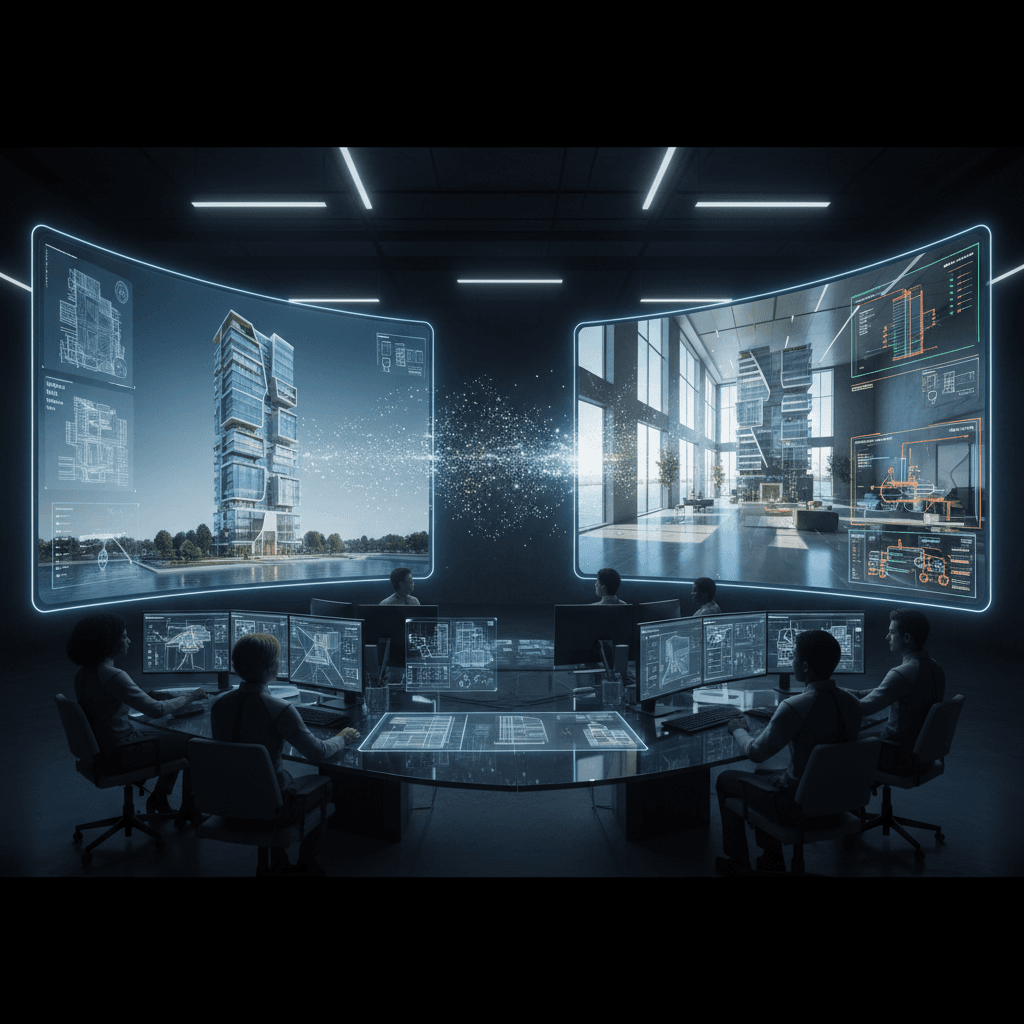
Architectural renders sell buildings. Video walkthroughs sell them faster. Studies on real estate marketing consistently show higher engagement and faster decisions when clients can see a space in motion rather than as static stills. Yet producing walkthroughs has historically required either extensive 3D animation work or filming the finished space — both expensive, neither fast.
Seedance 2.0 Reference gives architecture and real-estate teams a third option: upload your static renders and generate walkthrough-style video from them.
TL;DR
- Upload architectural renders as reference images (up to 9)
- Generate walkthrough-style video clips at 720p
- Cost: $3-$9 per clip vs $500-$5000 for traditional 3D animation
- Works for residential, commercial, and conceptual projects
- Ideal for client presentations and marketing
- Try it free with 50 credits
The Walkthrough Gap
Most architecture firms and developers already have rendered imagery. Getting from renders to video has always been the hard part.
Traditional 3D animation (re-rendering the scene as video) is expensive and slow — days of render time and specialized expertise. Great for hero pieces, overkill for everything else.
Physical filming only works for built projects and still requires shoot days and editing.
Stock video B-roll is cheap but never matches your specific renders.
Reference mode is a fourth path: use the renders you already have as input, generate new video that shares their visual language. Not perfect 3D accuracy, but a fast, cheap way to make rendered spaces feel alive for presentations and marketing.
The Render-to-Walkthrough Workflow
Step 1: Gather your renders. Pick 5-9 that cover the space well — exterior, interiors, key rooms, detail shots.
Step 2: Upload as references. The model fuses them into a unified style vector representing your project's aesthetic.
Step 3: Write movement-focused prompts. Describe camera motion through the space.
Step 4: Generate at 5-10 seconds per clip. Longer for hero walkthrough moments.
Step 5: Optionally add motion references. A video of a smooth camera move you want to mimic.
Step 6: Edit clips together into a walkthrough sequence.
Prompt Templates for Architectural Walkthroughs
Exterior reveal:
Camera slowly pushes forward toward the entrance of a modern residence,
golden hour light, 8 seconds
Interior room traversal:
Camera moves slowly through a living room toward large windows,
natural daylight pouring in, smooth dolly, 10 seconds
Detail highlight:
Camera holds on architectural detail of a staircase,
subtle light shift, 5 seconds
Rooftop or vantage point:
Wide shot from a rooftop terrace looking out over the city,
slight camera drift right, dusk lighting, 8 seconds
Material close-up:
Close-up of textured concrete wall meeting warm wood paneling,
soft indirect light, 4 seconds
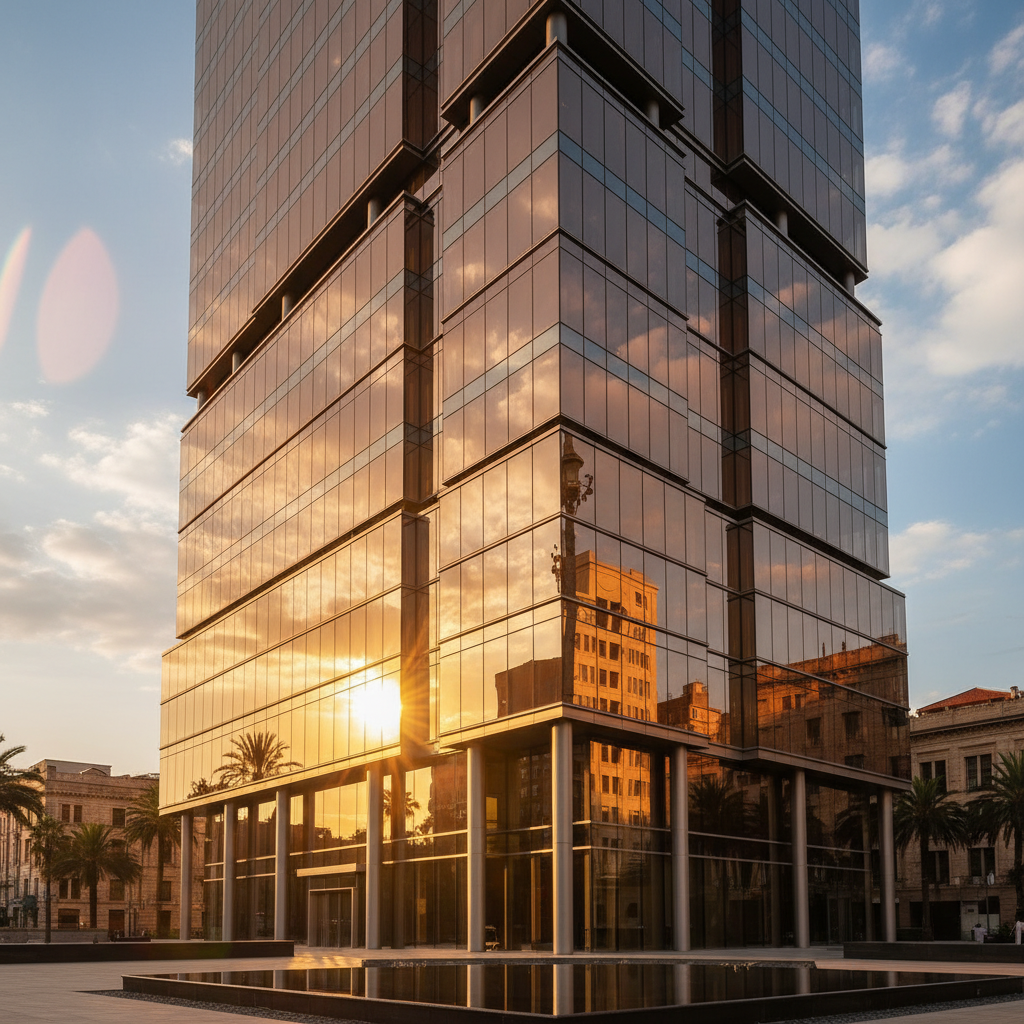
Test it with your renders. Upload 5-9 images of a project and see the first walkthrough clip. Start free.
The Reality of Walkthrough Fidelity
Important expectation setting: Reference mode doesn't perfectly reproduce your specific architectural geometry. The generated clips share the visual style — the materials feel right, the lighting matches, the atmosphere is consistent — but the precise spatial layout in the output won't be pixel-for-pixel your render.
What this means practically:
- Great for: Mood pieces, presentation intros, marketing reels, concept communication, social content
- Not great for: Client reviews that need exact spatial accuracy, construction documentation, technical coordination
Think of the output as "atmospheric video in the spirit of this project" rather than "precise virtual tour." For presentations where the feel of the space matters more than exact dimensions, this is often more valuable than a clinical 3D flythrough.
Client Presentation Use Cases
Pitch package videos. Add a 30-second atmospheric walkthrough to your pitch deck that shows the mood of the proposed space. Wins more hearts than static renders alone.
Website hero reels. Replace static render headers with 5-10 second video loops that match the render aesthetic. Higher engagement, same brand feel.
Social media teasers. Generate 5-second atmospheric clips to tease projects on Instagram and LinkedIn without reshooting or re-rendering.
Investor presentations. Show project vibe through video in decks that need to feel premium.
Public realm engagement. For community meetings about proposed developments, video carries better than static renders.
Cost vs Traditional 3D Animation
Traditional 3D walkthrough animation numbers:
| Approach | Cost per minute | Turnaround | |---|---|---| | Full 3D animation | $2,000-$10,000 | 1-3 weeks | | Rendered camera sweep | $500-$2,000 | 3-7 days | | Real-time engine (Unreal) | $300-$1,000 | 2-5 days | | Seedance 2.0 Reference | $20-$50 | Same day |
For presentation-grade atmospheric content, Reference mode is 10-50x cheaper and 10-50x faster. For technically precise virtual tours, traditional methods still win.
Smart firms use both: traditional 3D for client deliverables that need precision, Reference mode for marketing, social, and pitch material where style and speed matter more.
Try Seedance 2.0 Reference — multi-modal video generation
Turn renders into presentation-grade video. 50 free credits, no card required.
Try Seedance 2.0 Reference FreeMotion References for Camera Moves
Architectural video often calls for specific camera moves — smooth dollies, slow pans, subtle craning. Describing these in prose is imprecise. Video references are much better.
You can add up to 3 video references per generation. For walkthrough work:
- 1 reference of your ideal interior dolly: A 3-second clip showing the smooth, slow forward motion you want through a room
- 1 reference of your exterior reveal move: A 3-second clip showing how you want the building to emerge in frame
- 1 reference of a detail hold: A 3-second clip of a static-with-slight-drift shot for close-ups
The model samples motion vectors from these clips and applies them to your output. Much cleaner than trying to describe "slow forward camera move with subtle rise" in a prompt.
Residential vs Commercial Projects
Residential projects work especially well with Reference mode because the visual language is often about atmosphere, warmth, and lifestyle — things AI video handles well.
Commercial projects (office, retail, hospitality) also work well, especially for hospitality where mood and feel sell the space. Office and industrial projects with more technical requirements may want a mix of AI video for marketing and traditional animation for technical reviews.
Concept / competition projects are a strong fit. When a project isn't built yet and the renders are exploratory, Reference mode lets you quickly generate atmospheric video to support the narrative.
A Full Project Walkthrough
Let's say you're a boutique architecture studio presenting a new residential project.
Reference bundle (9 renders):
- 2 exterior views (front elevation, side with landscape)
- 2 key interior shots (main living area, kitchen)
- 2 secondary interior (bedroom, bathroom)
- 1 detail shot (a signature material treatment)
- 1 environmental (the site context)
- 1 hero render (your best marketing image)
6-clip walkthrough:
| # | Scene | Duration | |---|---|---| | 1 | Exterior approach | 8 sec | | 2 | Entry sequence | 6 sec | | 3 | Main living area reveal | 10 sec | | 4 | Kitchen move-through | 6 sec | | 5 | Master suite glimpse | 6 sec | | 6 | Return to exterior at dusk | 8 sec |
Total: 44 seconds. Credits: ~2,700. Cost: ~$27.
That's inside the Popular $25 tier with a top-up. A 44-second atmospheric walkthrough video for under $30, produced in an afternoon.
Limits to Be Aware Of
Spatial continuity: Clips don't perfectly continue from one to the next geometrically. The "walkthrough" feel comes from editing and visual consistency, not from actual continuous camera movement through a single 3D space.
Text and signage: Signage, wayfinding, and text elements from renders won't reliably carry through. Plan to add any critical text in post.
People in renders: If your renders include scale-figure people, the output will include people but they won't match your renders' figures.
Precise geometry: Don't use for anything where dimensional accuracy matters (permits, construction, client specification approval).
For Real Estate Marketers
Real estate marketing is an especially strong fit. Listings with video outperform listings without — and Reference mode makes video feasible for listings that previously weren't worth the production cost.
Workflow for listing video:
- Use existing listing photos as references (5-8 of them)
- Generate 3-5 short atmospheric clips highlighting different rooms
- Edit with music and simple titling
- Publish as property video
Cost per listing: ~$15-$25. Compared to traditional listing videography at $200-$500+, the economics work for every listing, not just the premium ones.
Next Reads
For the foundational workflow, read the style-consistent tutorial. For broader commercial applications, see brand videos. For the full feature breakdown, the Seedance 2.0 Reference guide is the right starter.
Architectural presentation just got a new tool. Your renders are now video source material.
Bring your renders to life
Upload 5-9 renders and generate your first walkthrough clip. 50 free credits, no card required.
Start Creating Free