How to Create Style-Consistent AI Videos with Reference Mode
Style consistency is the hardest problem in AI video. Here's how Seedance 2.0 Reference solves it with up to 9 image references and a hybrid prompt workflow.
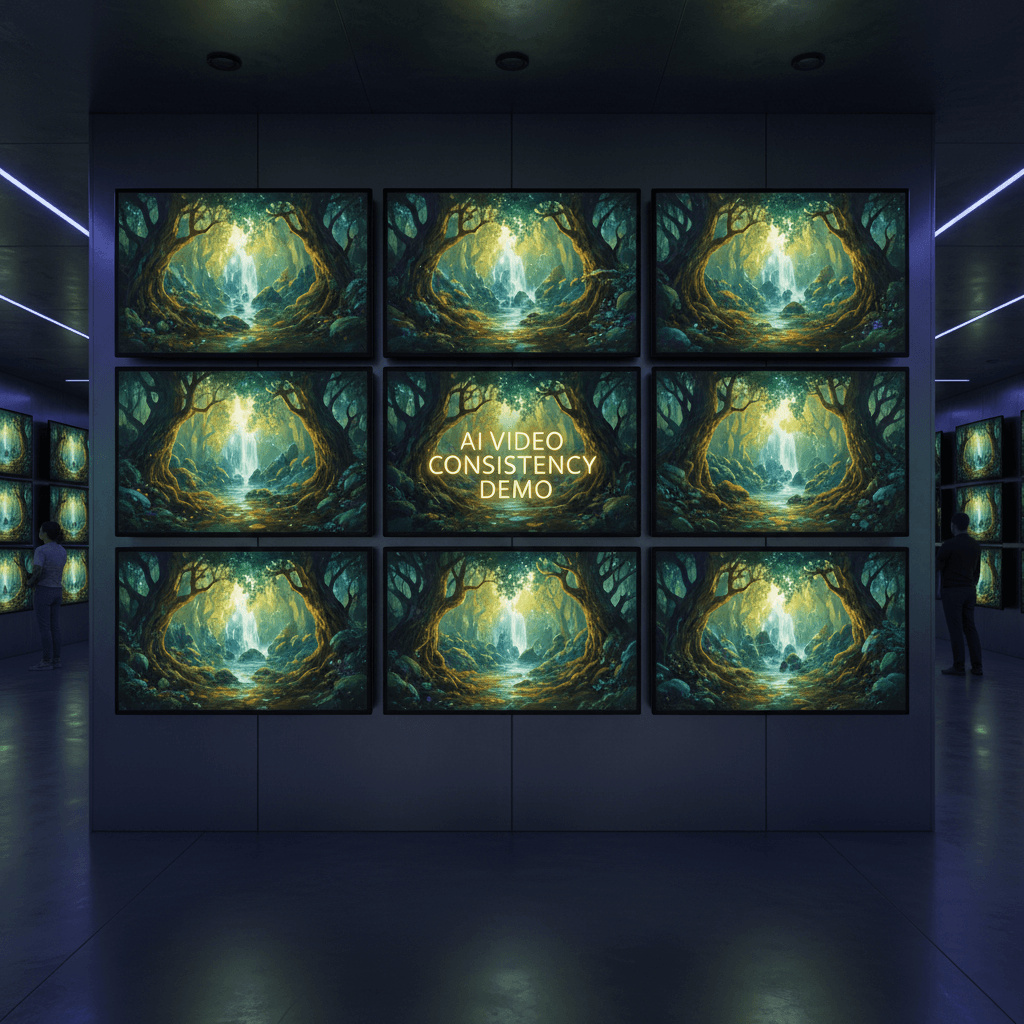
Ask any AI video creator what keeps them up at night and the answer is style drift. You generate clip one, it's perfect. You generate clip two with the same prompt and the color grade has wandered, the lighting is different, and your "series" looks like three different shoots stitched together.
Seedance 2.0 Reference exists to solve exactly that. Here's how to use it to lock a style in place and keep it there across every generation.
TL;DR
- Use 3-9 reference images that represent a single, coherent style
- Pair with a specific prompt that handles subject and action
- Re-use the same reference bundle across a batch to keep style identical
- Expect generation in 60-180 seconds per clip, $2.42-$9.07 each
- Avoid mixing contradictory references — they average toward bland
- Try it free with 50 credits
Why Style Consistency Is Hard
Style is not a single attribute. It's a cluster — color palette, lighting direction, lens characteristics, film grain, composition rules, subject treatment. When you describe it with words, you compress that cluster into a handful of adjectives and the model has to re-expand them. The re-expansion is where drift happens.
Reference mode skips that compression. You hand the model nine images and it reads every attribute directly. The same nine images always produce the same style signal, which is why style locks in.
Step 1: Curate Your Reference Set
This is the step most people rush. Your references need to agree with each other. If you're going for moody noir, all nine images should be moody noir — not six noir plus three bright daylight shots because "they also looked cool."
A strong reference bundle usually has:
- 2-3 wide shots showing environment and color palette
- 2-3 medium shots showing subject lighting and composition
- 2-3 close-ups showing texture, grain, and fine detail
- 1 "hero frame" that captures the exact vibe you want
Nine is the maximum but you don't always need nine. For a simple, cohesive style, 4-5 tight references often beat 9 loose ones.
Step 2: Write the Subject Prompt
References tell the model how the shot should look. The prompt tells it what is in the shot. Separate those jobs cleanly.
Bad prompt (fights the references):
A cinematic moody noir scene with dark lighting and film grain
Good prompt (lets the references do their job):
A detective in a wool overcoat crosses a rain-slicked street
under a flickering streetlamp, slow push-in, late night
The good prompt specifies subject, wardrobe, environment, camera move, and time of day. It does not specify color grade, lighting mood, or film stock because the references are already carrying that weight.
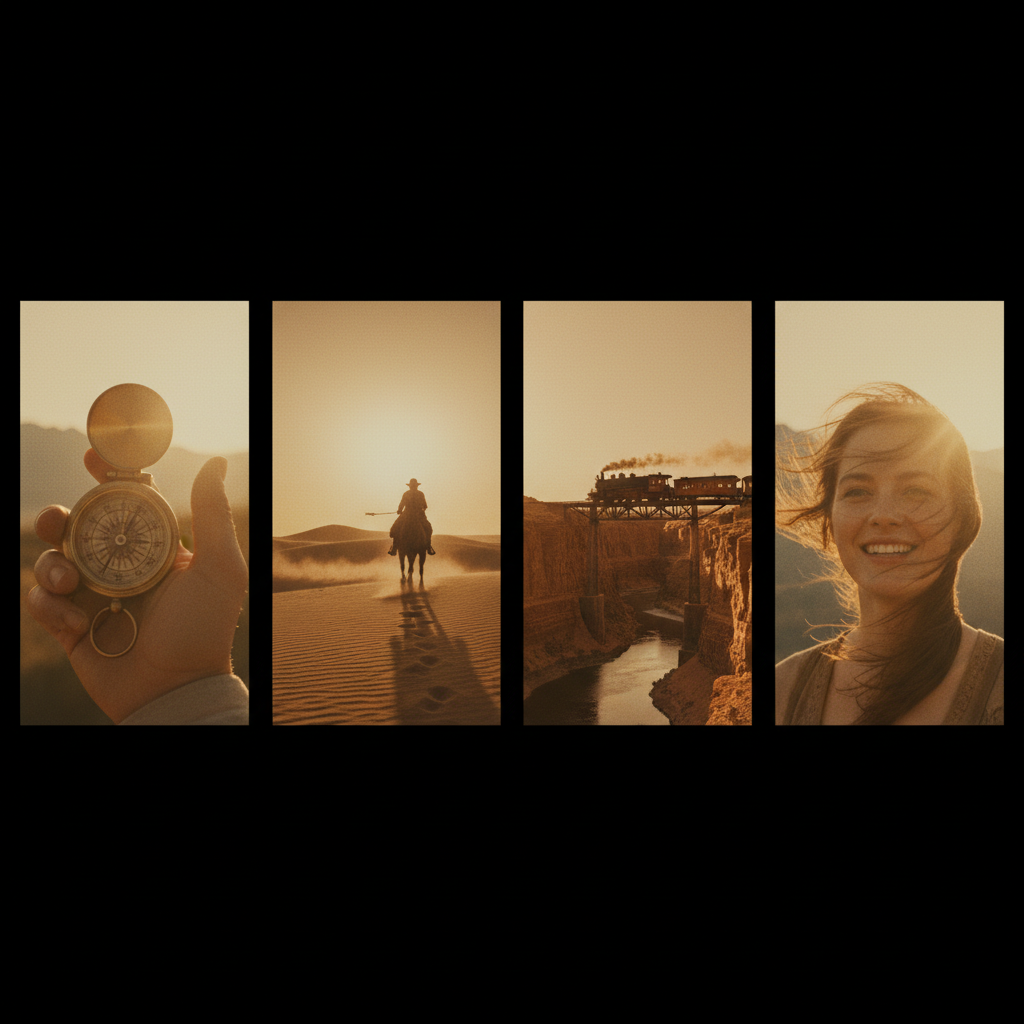
See the difference for yourself. Run the same prompt with and without references. Start your first generation free.
Step 3: Pick the Right Duration
Seedance 2.0 Reference generates 4-15 second clips at $0.3024 per second. For style tests, 4-5 seconds is plenty. You're evaluating whether the reference style landed, not making the final edit.
Once the style works, bump to 8-10 seconds for actual shots. Reserve 15 seconds for hero moments where the full duration pays off.
| Duration | Credits | Cost | Best For | |---|---|---|---| | 4 sec | 243 | $2.42 | Style tests | | 8 sec | 484 | $4.84 | Standard shots | | 15 sec | 907 | $9.07 | Hero moments |
Step 4: Generate, Evaluate, Iterate
Run your first generation and check it against the references side-by-side. Ask yourself three questions:
- Does the color palette match?
- Does the lighting direction match?
- Does the texture and grain feel the same?
If all three are yes, you have a locked style. Re-use that reference bundle for every subsequent clip in the series and drift will be minimal.
If one is off, swap in stronger references for that attribute. Color off? Add more color-dominant images. Lighting off? Add more images with the lighting direction you want.
Try Seedance 2.0 Reference — multi-modal video generation
Match your visual style with up to 9 image references. 50 free credits, no card required.
Try Seedance 2.0 Reference FreeStep 5: Lock the Bundle and Produce the Series
Once you have a reference set that produces the style you want, treat it as a project asset. Save it. Don't swap individual images between generations because every swap introduces drift.
For a 10-clip series, use the exact same 6-9 reference images on every generation. Vary only the prompt (to describe what's happening in each clip) and optionally the duration. Your 10 clips will feel like they came from one shoot.
Advanced: Adding Motion References
Reference mode also accepts up to 3 reference videos. These don't affect style — they affect motion. Use them when you need a specific camera move or pacing.
A good motion reference is 2-5 seconds long and shows exactly the move you want: handheld follow, slow dolly in, whip pan, static on sticks. The model samples motion vectors and blends them into output.
Combine 6 style images plus 1 motion video and you control both the look and the feel of the shot without writing a single adjective in your prompt.
Advanced: Audio References for Mood
Up to 3 audio clips can be used as mood cues. This sounds gimmicky until you try it. A stormy audio reference biases the visuals toward stormy mood even when the prompt is neutral. A sparse, melancholy piano clip will nudge the generation toward longer lingering shots and cooler color temperatures.
Audio references are the subtlest of the three input types. Use them when your style references and prompt are solid but the output feels emotionally flat.
The Common Mistakes to Avoid
Mixing styles in your references. If half your images are daylight and half are night, you'll get a mushy in-between. Commit to one mood.
Over-describing style in the prompt. The prompt and references will fight each other. Let references handle style, prompt handle subject.
Changing references between clips in a series. Even swapping one image changes the style vector. Lock the bundle for the full series.
Using references that are too similar. Nine near-identical images give the model less info than 5 varied ones within the same style. Variety within the style helps.
Forgetting motion references exist. For complex camera moves, a 3-second motion reference is worth 500 words of prompt.
A Full Worked Example
Let's say you're making a 6-clip vintage travel series set in 1970s Italy.
Reference bundle (save and re-use for all 6 clips):
- 3 images from 70s travel magazines with warm Kodachrome palette
- 2 film stills from 70s Italian cinema (light and grain)
- 2 modern photos edited to match (for subject clarity)
- 1 hero frame of exactly the vibe you want
Clip 1 prompt:
A woman in a yellow sundress walks along the Amalfi coast,
camera tracks left to right, morning light, 5 seconds
Clip 2 prompt:
A Vespa rider pulls up at a seaside cafe in Positano,
medium shot, engine cuts, 5 seconds
Same references. Different prompts. The 6 clips will feel like cuts from one 1970s travel film because the style vector is identical across all of them.
Cost for the Series
6 clips × 5 seconds × 303 credits = 1,818 credits, roughly $18.18. That's well inside the Popular $25 credit tier with change left over for retakes.
When to Reach for Standard Seedance 2.0 Instead
If you only need one clip and don't care about matching other clips, standard Seedance 2.0 is faster to set up. You skip the reference curation step entirely. Reference mode is for series, brand work, and any project where multiple clips need to agree.
See the full breakdown in Reference vs Standard or jump to the complete reference guide.
Your First Style-Locked Series
Style consistency used to require either a real production budget or an obsessive amount of prompt engineering. Reference mode reduces it to curating 6-9 images once and re-using them. That's the whole trick.
Try it with your own moodboard and see how quickly you can lock a look in place.
Lock your style in 5 minutes
Upload your reference bundle and generate your first style-matched clip with 50 free credits.
Start Creating Free