How to Create AI Videos from Multiple Reference Images
Nine images, one generation. Here's exactly how to use multi-image reference mode in Seedance 2.0 to get AI videos that actually match your visual intent.
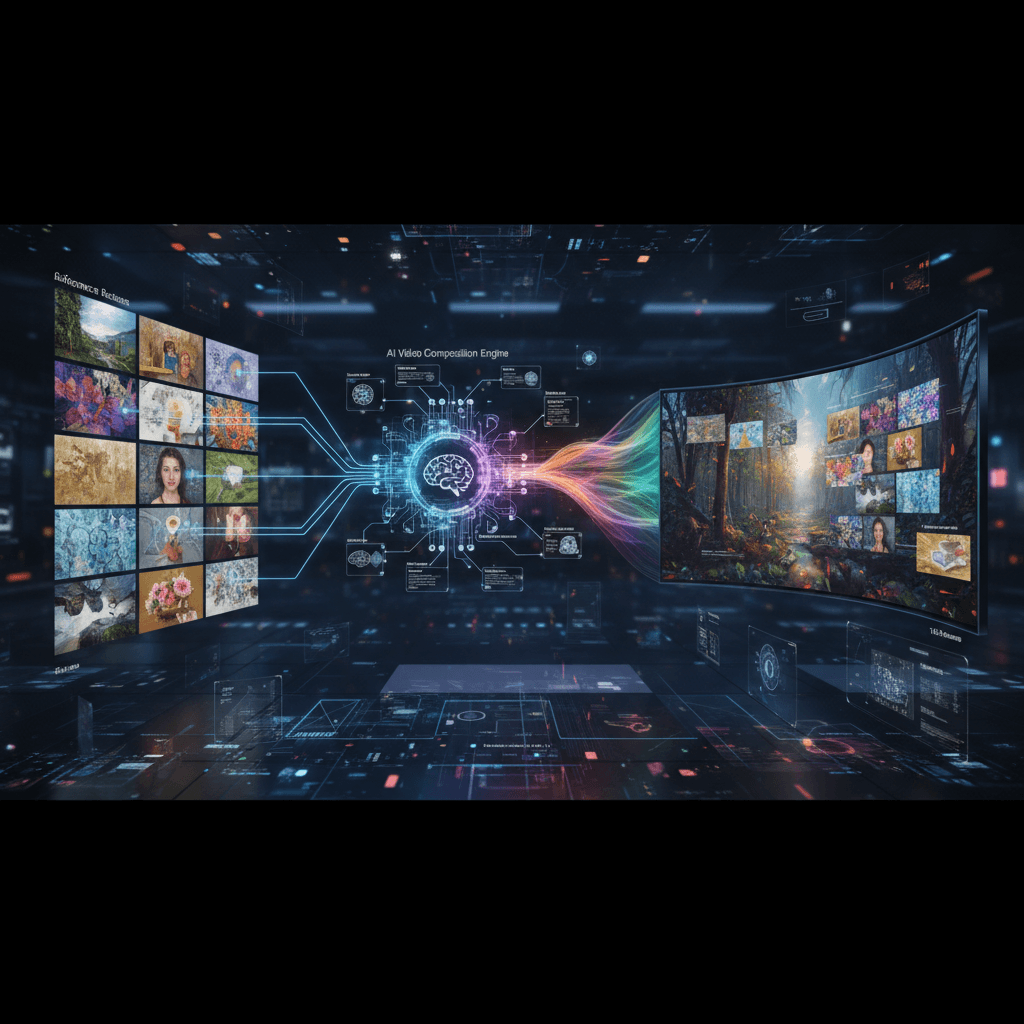
Most AI video models take one image. Seedance 2.0 Reference takes nine. That's not a small difference — it's the difference between "start from a still" and "inherit a whole visual language."
This tutorial covers the multi-image workflow: how many references to use, which ones to pick, how they fuse, and how to troubleshoot when the output doesn't match what you expected.
TL;DR
- Seedance 2.0 Reference accepts up to 9 images per generation
- More images isn't always better — 4-6 tight references often beat 9 loose ones
- All 9 get fused into a single "style vector" the model applies to output
- Cost is $0.3024/sec regardless of how many references you upload
- Try multi-image generation free
What Happens When You Upload 9 Images
The model doesn't treat your 9 images as separate frames. It fuses them into a single style representation — a mathematical summary of their shared visual attributes. That summary guides the output.
If your 9 images share attributes (warm light, shallow depth of field, similar palette), the fused vector is strong and specific. The output locks onto that style.
If your 9 images disagree (some warm, some cold, some wide, some close), the fused vector averages toward generic and the style barely comes through.
Curation matters more than count.
How Many References to Actually Use
| Number | When to Use It | |---|---| | 1-2 | Single hero frame, minimal style transfer | | 3-4 | Clear style with minimal variation | | 5-6 | Sweet spot for most projects | | 7-9 | Complex style with multiple facets |
The 5-6 range is where most experienced users land. It's enough variety to capture a style's different expressions without diluting the signal with contradictions.
Go higher only when you genuinely have more facets to capture — interior shots plus exterior shots in the same film style, for example. Otherwise, 5-6 tight images will outperform 9 loose ones every time.
The Reference Selection Framework
When picking references, cover these dimensions:
Color palette. 1-2 images that clearly show your target color grading.
Lighting direction. 1-2 images showing where light comes from (hard/soft, high/low, warm/cool).
Composition and framing. 1-2 images showing your preferred shot construction (symmetrical, rule-of-thirds, tight/loose).
Texture and grain. 1 image that captures the fine detail feel (film grain, digital clean, noise pattern).
Subject treatment. 1-2 images showing how subjects are usually handled (isolated, blended, silhouetted).
If you check each dimension, you'll land naturally at 5-7 images. That's the target.
Build your first multi-image bundle. Pick 5-6 images that agree on style and test. Start free with 50 credits.
A Curated Example
Suppose you want the look of Denis Villeneuve films — dusty, muted, epic-scale, specific color temperatures.
My bundle:
- Wide desert shot from Dune (scale and palette)
- Close-up of a character in warm dust light (color temperature)
- Blade Runner 2049 interior shot (muted palette, framing)
- Arrival fog shot (atmosphere and soft light)
- Sicario night scene (cool blue bias, tension framing)
- One hero frame showing the exact vibe I'm chasing
Six images. All agree on the Villeneuve aesthetic. The output will skew hard toward that look regardless of what I put in the prompt.
Pairing Multi-Image with Prompts
Remember: references handle style. Prompts handle subject and action.
With 6 strong style references, your prompt should be purely descriptive of what happens:
A figure in a hooded cloak walks across a vast salt flat at sunset,
wind whipping the fabric, wide tracking shot, 8 seconds
Notice there's zero style language. No "cinematic," no "epic," no "atmospheric." The references are already saying all of that louder than words could.
When References Fight Each Other
The most common multi-image problem is contradiction. Signs your references are fighting:
- Output color grade is muddy/averaged
- Lighting feels generic instead of specific
- Style feels "AI-ish" despite references
- Two clips with the same references produce noticeably different looks
Fix: remove the 1-2 outlier images. Test again. If the problem persists, you probably have 2+ incompatible style groups and need to commit to one.
The debugging process: generate a test clip with all 9 images. Then generate again with half the images removed. Compare. The version with fewer references will almost always look more decisive.
Try Seedance 2.0 Reference — multi-modal video generation
9 images, 1 fused style, 1 locked-in video. 50 free credits, no card required.
Try Seedance 2.0 Reference FreeThe Hero Frame Concept
Among your references, designate one "hero frame" — the single image that best captures exactly the vibe you want. The model still fuses all references equally, but the hero frame is your true north. If the output drifts from the hero frame's feel, you know something in the other references is diluting the signal.
Think of the hero frame as the target and the other references as context that helps the model triangulate it. Without the hero frame, you're describing a direction without a destination.
Matching Source Material
Multi-image reference is exceptional for adapting source material to video.
Adapting a photo series: Feed the model 5-6 shots from the series. Your video clips will look like continuations of the series.
Adapting a film's style: Grab 6-8 stills from a specific film. Your generation will feel like it belongs in that film.
Adapting a brand's visual identity: Use the brand's best marketing imagery as references. Output will match the brand's aesthetic without you having to describe it.
Adapting concept art: Upload the concept art as references. Animated output will look like the concept art moving.
Cost Does Not Scale With Image Count
Worth repeating: you pay for output duration, not input count. 9 images costs the same as 1 image. The base rate is $0.3024 per second of generated video:
| Duration | Credits | Cost | |---|---|---| | 4 seconds | 243 | $2.42 | | 8 seconds | 484 | $4.84 | | 15 seconds | 907 | $9.07 |
So when in doubt, upload the extra reference. It's free and if it helps the fused vector, you win.
Multi-Image + Motion Reference + Audio Reference
You can combine all three input types in a single generation. Up to 9 images, up to 3 motion references, up to 3 audio cues. This is where Seedance 2.0 Reference really separates from every other model.
Full stack example:
- 9 images defining a Wes Anderson aesthetic
- 1 motion video showing a slow, deliberate dolly left
- 1 audio clip of a plucky string section
Plus a minimal prompt: A concierge opens the door of a pink hotel.
The output will feel 90% like a Wes Anderson shot without you having to type "Wes Anderson" anywhere. See our multi-modal guide for the deep dive.
Common Questions
"Can I use AI-generated references?" Yes. Seedream stills work great as reference input. You can even generate stills first, curate the best 6, then use them as references for video.
"Do references need to be the same aspect ratio as the output?" No. The model extracts style independently of dimensions.
"Can I reuse a bundle across projects?" Absolutely. Save your best reference sets and re-use them when projects call for that style. See the style-consistent tutorial for how.
"What if I only have 1 reference image?" Multi-image reference still works with 1 image, but you might also consider Standard Seedance 2.0 which accepts a single image directly.
Your First Multi-Image Generation
Pick a style you love. Gather 5-6 images that represent it (from anywhere — films, photography, existing work, moodboards). Upload them to Seedance 2.0 Reference. Write a short prompt describing the subject and action only. Generate at 5 seconds.
Compare the output to your references. If the style locked in, you have a repeatable workflow. If it didn't, tighten your bundle and try again.
Ten minutes from now, you'll know how to produce AI video that actually looks like your references instead of looking like "AI video."
Upload 6 images, get 1 matching video
Test multi-image reference with your own moodboard. 50 free credits, no card required.
Start Creating Free