Seedance 2.0 Reference for Product Launches: From Photos to Video
Product launch videos used to cost $10,000+ per clip. With Seedance 2.0 Reference and your existing product photography, they cost under $10.

Product launches run on video now, and most teams can't afford to shoot every SKU. If you're launching more than a couple of products a quarter, traditional video production math breaks down fast. You end up with hero videos for your top SKUs and static images for everything else.
Seedance 2.0 Reference lets you turn your existing product photography into launch videos for the cost of a coffee per clip.
TL;DR
- Upload 3-9 product photos as reference images
- Get a 5-8 second product video in 60-180 seconds
- Cost: $3-$5 per clip vs $500-$5000 for traditional production
- Matches your existing photography style so videos feel on-brand
- Scales to full catalog video rollouts
- Try it free with 50 credits
Why Product Photos → Product Videos Is Hard
You already have great product photos. They were expensive. The color grade is perfect, the lighting is right, the styling is on-brand. You want videos that feel like extensions of those photos.
Text-to-video can't do this. Even if you describe the photos perfectly in a prompt, the model will generate something that looks like "a generic AI product video" instead of "your product catalog, moving."
Reference mode solves it by accepting the photos directly. Upload 5-6 of your best product shots and the generated video will share their color, lighting, and composition DNA.
The Product Launch Workflow
Step 1: Gather your product photography. 5-9 shots per product is ideal. Include wide, medium, and detail shots if you have them.
Step 2: Pick your "catalog style" reference set. If you're launching multiple products, assemble 3-4 general brand/lifestyle images that define your catalog aesthetic. This becomes the consistent backbone across all product videos.
Step 3: For each product, combine:
- 3-4 specific product photos
- 2-3 catalog style images
- Total: 5-7 references per generation
Step 4: Write a simple prompt describing the product motion — rotation, reveal, context placement, use in hand.
Step 5: Generate at 5-8 seconds. Most product launch videos live in the 5-second range for social and 8 seconds for hero ads.
Prompt Templates for Product Videos
360-style rotation reveal:
Product slowly rotates on a clean surface, soft studio lighting,
camera holds static, 5 seconds
Hand-held context:
Hand lifts the product from a table and holds it toward camera,
shallow depth of field, 5 seconds
Environment placement:
Product sits on a [context surface] with [ambient detail],
camera slowly pushes in, 6 seconds
Detail reveal:
Extreme close-up of [product detail], camera slowly pans across,
dramatic lighting, 4 seconds
Usage moment:
Person [uses product in natural context], medium shot,
natural light, 6 seconds
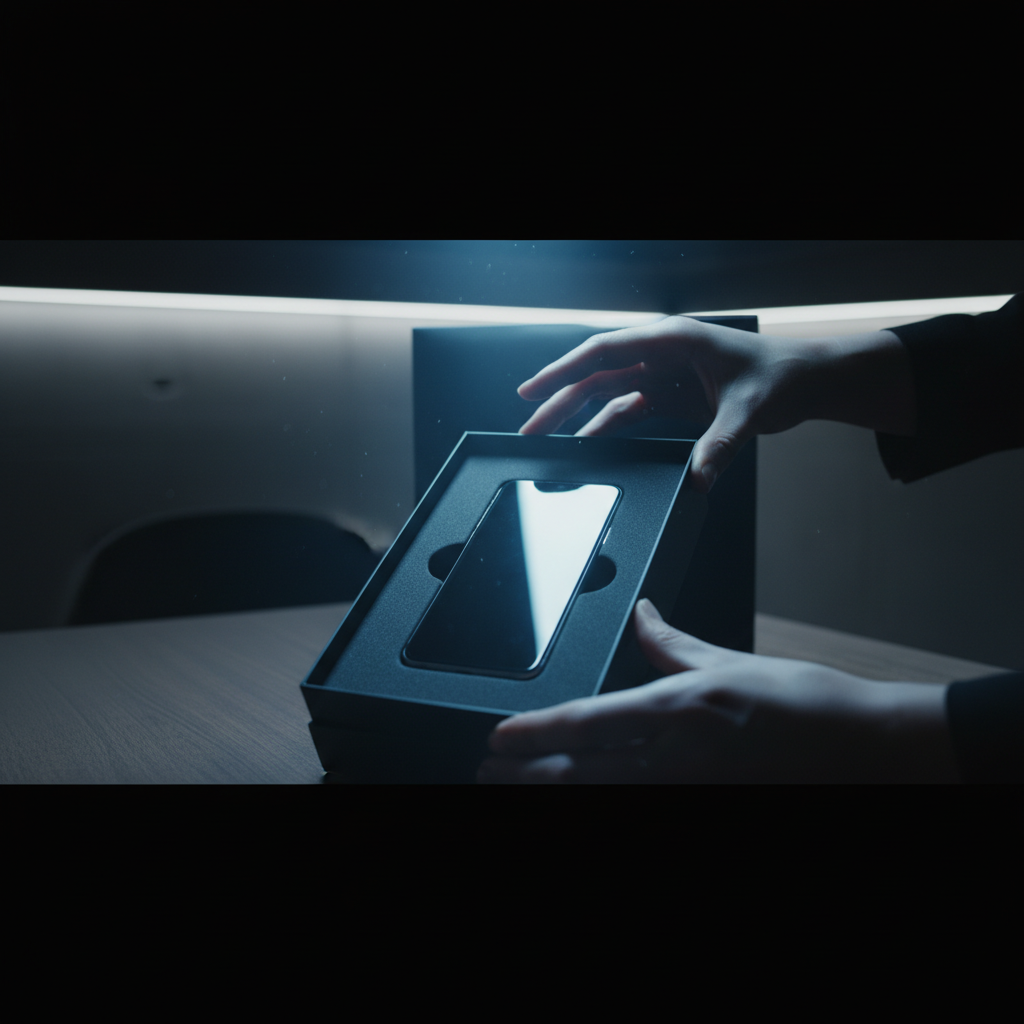
Test it with your catalog. Upload 5 product shots and write a simple motion prompt. Start free with 50 credits.
Real-World Launch Math
Suppose you're a DTC brand launching 12 new SKUs for the season. Each SKU needs:
- 1 hero video (8 sec)
- 2 social clips (5 sec each)
Per SKU: 18 seconds of video. 12 SKUs: 216 seconds total. Credits: ~13,066. Cost: ~$131.
Compare that to traditional production:
- Shoot day: $3,000-$10,000
- Post-production: $2,000-$5,000
- Total: $5,000-$15,000 minimum
You're looking at a 40-100x cost reduction for launch video content. The quality isn't identical to a full studio shoot, but for social media, ecommerce product pages, and digital ads, it's more than good enough — especially at 40x less spend.
Ecommerce Product Page Videos
Product pages with video have measurably higher conversion than static-only pages. For most small and mid-sized catalogs, shooting video for every SKU isn't economically feasible. AI video changes that.
The workflow:
- Build a brand-wide reference bundle (5-6 lifestyle/brand images)
- For each SKU, add 2-3 product-specific photos
- Generate 5-second loop-friendly product videos
- Embed on product pages
At ~$3 per SKU video, you can video-enable a 500-SKU catalog for ~$1,500. That's well within reach for any DTC brand, and it's the kind of change that lifts conversion rates measurably.
Try Seedance 2.0 Reference — multi-modal video generation
Turn your product photos into launch videos. 50 free credits, no card required.
Try Seedance 2.0 Reference FreeSocial Ad Creative Variants
Product launches need ad creative. Lots of it. Every paid social team burns hours making variants for A/B tests.
Reference mode accelerates this dramatically. With a locked product reference bundle, you can generate 10 variant ads in about 30 minutes for ~$30. Try doing that with a production crew.
| Ad Test Size | Clip Count | Duration | Cost | |---|---|---|---| | Small test | 5 variants | 5 sec | ~$15 | | Standard test | 10 variants | 5 sec | ~$30 | | Big test | 20 variants | 5 sec | ~$60 |
All inside the Popular $25 tier or the $50 Pro tier. For paid social teams, this is the highest-ROI use case for reference-mode video.
Matching Existing Campaign Aesthetics
The killer feature for product launches: you can feed the model your existing campaign aesthetic, and the new product videos will match.
Launching a product into a summer campaign that's been running for months? Upload 3-4 stills from the existing campaign alongside your new product shots. The generated videos will feel like they belong in the same campaign, not like a bolt-on.
This is genuinely impossible to do cost-effectively any other way. Traditional production would require matching the original shoot conditions, which means the same location, lighting setup, and often the same crew. AI reference mode is a 2-minute upload.
Common Pitfalls
Logos and text drift. The model doesn't perfectly preserve printed logos or text from reference images. Plan to overlay logos in post (After Effects, Premiere, even Canva) for final deliverables.
Product geometry can wobble. Complex products with specific shapes may not render identically to your reference photos. Use for ads and social where "close" is fine; use traditional production for extreme geometry-critical shots.
Material accuracy is imperfect. Glossy, metallic, or translucent materials render well but not perfectly. Soft, matte, and textured products do best.
Crop and framing may shift. Generation output isn't a pixel-perfect match to input crop. Plan your ad design around the center of the frame where the model is most reliable.
Catalog Rollout Timeline
Here's a realistic timeline for a catalog-wide video rollout using Reference mode:
| Week | Activity | |---|---| | 1 | Build brand reference bundle, test workflow on 5 SKUs | | 2 | Refine bundle, generate first 25% of catalog | | 3 | Generate second 25%, review and iterate | | 4 | Generate remaining 50%, QA, upload to store |
For a 200-SKU catalog, you're looking at roughly $600-$800 total in generation costs, spread over 4 weeks of part-time work by one person. Traditional production for the same output would be $200,000+ and 6+ months.
Integrating With Your Product Management Stack
Reference mode outputs standard MP4 files that drop into any workflow — Shopify product pages, Amazon A+ content, Meta ads, TikTok Shop, etc. For a programmatic approach to catalog-wide generation, the Seedance 2.0 Reference API supports batch generation.
Ecommerce teams with dev resources can wire up automated "new SKU → generate launch videos" pipelines. Marketing teams without dev resources can do the same work manually in the platform UI.
Where to Start
Pick your 3 top-selling products. Gather 5 reference images of each. Build one shared brand bundle of 3-4 lifestyle images. Generate 2-3 videos per product using the combined bundle. Evaluate.
If the output feels right, scale to your full catalog. If not, iterate on the brand bundle until it does — usually 2-3 iterations is enough.
For more on the underlying workflow, read the style-consistent tutorial. For broader brand work, see Seedance 2.0 Reference for brand videos. For the full feature breakdown, the Seedance 2.0 Reference guide is the right place.
Product launch video used to be a luxury. Now it's a line item.
Test with your top SKU
Upload 5 product photos and generate your first launch video. 50 free credits, no card required.
Start Creating Free