Seedream v3 for Social Media: Create Instagram & Pinterest Graphics
Learn how to use Seedream v3 to create stunning social media graphics for Instagram, Pinterest, TikTok, LinkedIn, and more. Platform-specific sizes, styles, and prompt strategies for maximum engagement.
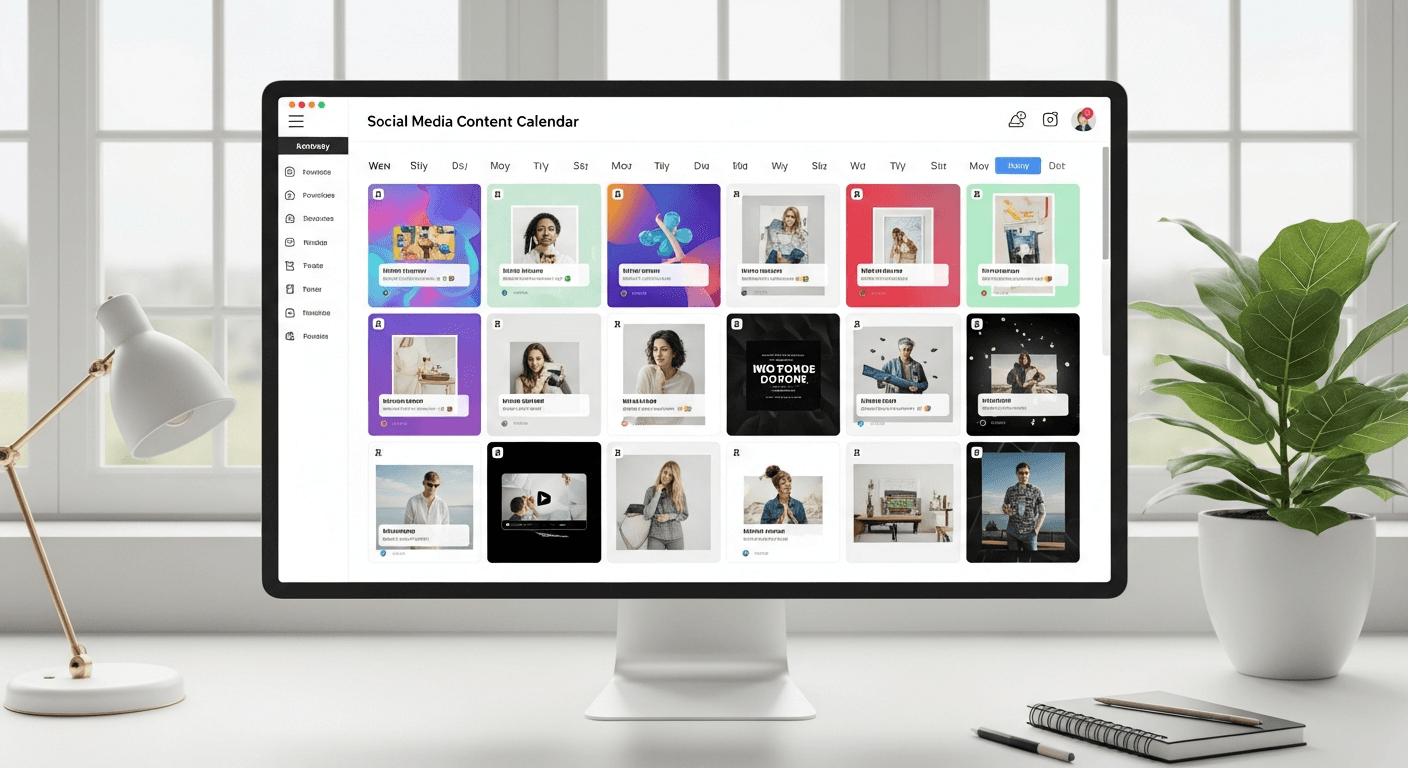
Social media eats visual content. The average business burns through 15-30 unique images per week across platforms — a volume that destroys traditional design budgets. Seedream v3 generates that entire month of content for under $10. No stock photo subscription, no freelance designer backlog, no "we reused this template again."
Here is how to build a sustainable social media visual workflow.
TL;DR
- Generate platform-specific sizes natively (don't crop later)
- A month of social media content (120 images) costs about $7 with Seedream v3
- Use template prompts + consistent seeds for brand cohesion
- Instagram: 4:5 portrait or 1:1 square. Pinterest: 2:3 tall. LinkedIn: 3:2 landscape.
- Combine Seedream v3 for visuals + Canva/Figma for text overlays
The Volume Problem AI Actually Solves
A typical social media manager needs:
- 15-30 unique images per week
- Platform-specific sizes (Instagram square, Pinterest tall, LinkedIn wide)
- On-brand aesthetic consistency
- Fresh content every day without repetition
Traditional options:
- Freelance designer: $500-$5,000/month with 24-72hr turnaround
- Stock photography: $30-$300/month, generic images competitors also use
- In-house team: Slowest option, highest cost
At $0.06 per image, Seedream v3 generates 458 custom on-brand images for $25 — roughly five months of aggressive posting for the cost of a single stock photo subscription month.
See it for yourself
Generate a week of social content for free — 50 free credits, no card required.
Try Seedream v3 FreePlatform-Specific Image Sizes
Choosing the right size before generation matters. Cropping after the fact wastes quality and ruins composition.
| Platform | Use | Seedream Size | Aspect Ratio | |---|---|---|---| | Instagram feed (square) | Posts | 1024 x 1024 | 1:1 | | Instagram feed (optimal) | Posts | 1024 x 1280 | 4:5 | | Instagram Stories/Reels | Covers | 1024 x 2048 | 1:2 | | Pinterest | Pins | 1024 x 1536 | 2:3 | | TikTok | Thumbnails | 1024 x 2048 | 1:2 | | LinkedIn | Posts | 1536 x 1024 | 3:2 | | Facebook | Posts | 1536 x 1024 | 3:2 | | Twitter/X | Posts | 1536 x 1024 | 3:2 | | YouTube | Thumbnails | 1536 x 1024 | 3:2 |
For a complete reference, see our image sizes guide.
Instagram Content
Instagram rewards visually cohesive, high-quality content.
Feed Posts
Quote graphic backgrounds:
Minimal abstract gradient background in soft blush and cream tones,
subtle organic texture, clean and elegant, perfect for text overlay,
Instagram post aesthetic, calming mood
Product feature:
Flat lay of skincare products on a marble surface, fresh flowers and
green leaves as props, natural soft lighting, Instagram-worthy product
styling, clean pastel aesthetic, lifestyle photography
Seasonal content:
Autumn harvest scene with pumpkins, warm plaid blanket, and steaming
mug of cider on a wooden porch step, golden afternoon light, cozy fall
aesthetic, Instagram lifestyle photography
Stories and Reels Covers
Use 1024x2048 for vertical story content. Bold visual elements that work at small sizes — simple compositions, strong colors, clear focal points.
Carousel Posts
Generate a series of related images using consistent prompts and seeds:
- Define the carousel's visual theme
- Generate the first image, save the seed
- Create subsequent slides with the same seed and style, different subjects
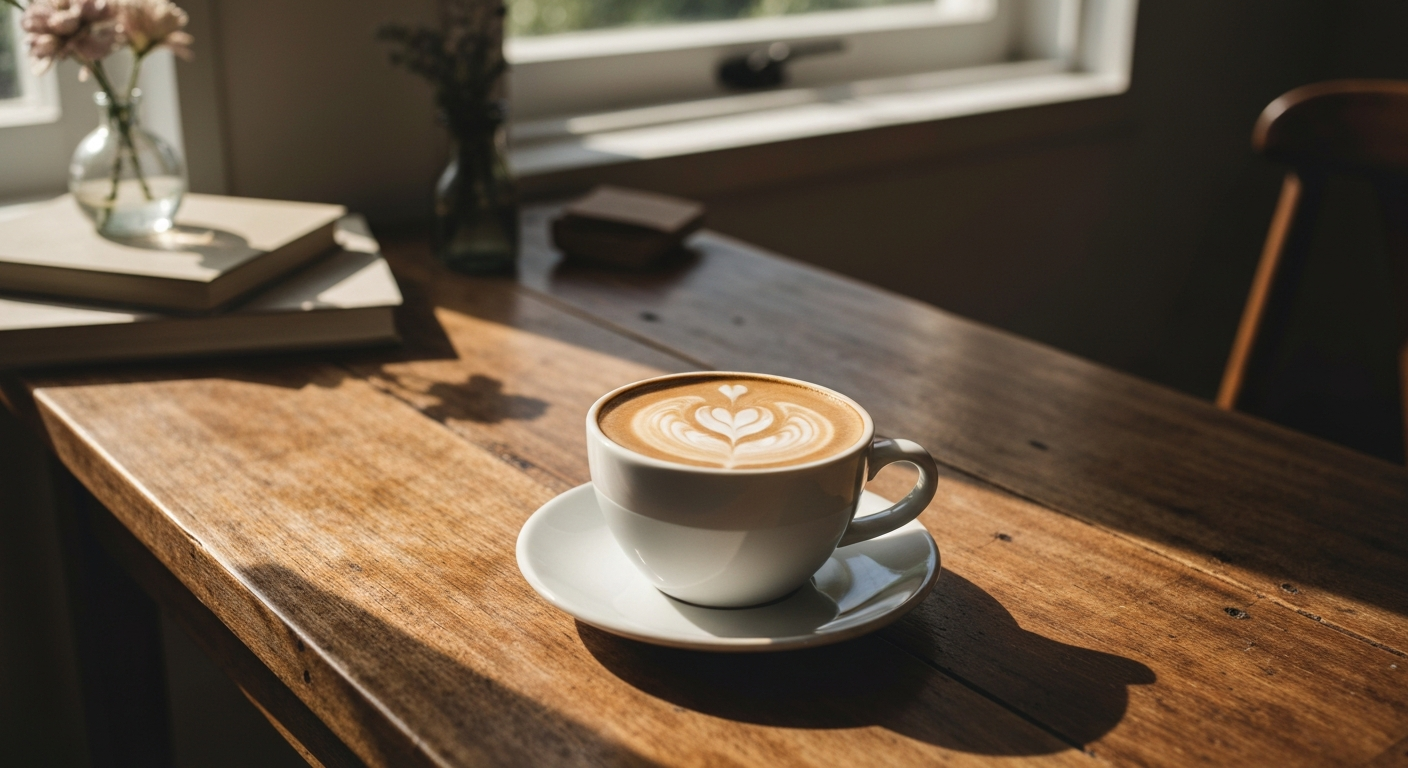
Want social graphics like this? Try Seedream v3 free →
Ready to try Seedream v3? Start creating free →
Pinterest Graphics
Pinterest favors tall, detailed images that stop scrollers. The platform's visual search also rewards unique, high-quality imagery.
What Works on Pinterest
- Tall aspect ratios (2:3) — use 1024x1536
- Rich, detailed images with clear subjects
- Lifestyle and aspirational content
- How-to and tutorial imagery
- Seasonal themes
Pinterest Prompts
Recipe pins:
Beautiful overhead food photography of a berry smoothie bowl topped
with fresh blueberries, sliced strawberries, coconut flakes, and granola,
bright natural lighting, wooden table surface, Pinterest-worthy styling
Home decor:
Scandinavian minimalist living room with light wood floors, white walls,
a sage green velvet sofa, a few tasteful potted plants, natural light
streaming through sheer curtains, interior design photography
DIY/Craft:
Flat lay of handmade candle-making supplies neatly arranged —
soy wax flakes, essential oils, wicks, dried flowers, ceramic vessels —
on a clean white surface, craft photography, bright and inviting
Pinterest SEO Tip
Generate images matching high-search-volume Pinterest topics: home decor, recipes, fashion outfits, wedding planning, DIY projects. Evergreen topics drive consistent traffic.
TikTok and Short-Form Video Thumbnails
While TikTok is primarily video, compelling thumbnails drive views.
Thumbnail Strategies
- Bold, high-contrast images readable at small sizes
- Strong focal points — faces, bright objects, dramatic scenes
- Vertical orientation (9:16)
Example:
Dramatic close-up portrait with colorful neon lighting, surprised
expression, bold pink and blue rim lights, dark background, high contrast,
attention-grabbing, vertical composition, social media thumbnail style
For actual video content, see our guide on AI video for social media creators. You can generate images with Seedream v3 and animate them into short videos with Seedance 2.0.
LinkedIn and Professional Content
LinkedIn requires a polished, professional aesthetic. Avoid overly casual or artistic styles.
What Works
- Clean, professional photography style
- Business and workplace themes
- Professional portraits
- Thought leadership imagery
LinkedIn Examples
Thought leadership:
Professional business environment photo of a diverse team collaborating
around a modern conference table, natural office lighting, glass walls
in background, professional corporate photography, clean and authentic
Article header:
Abstract technology concept image, interconnected glowing nodes forming
a network on a dark blue background, modern and clean, professional
tech illustration, subtle and sophisticated
Facebook and Twitter/X
Both use landscape orientation. Facebook rewards engagement-driving content; Twitter images need to be impactful at small sizes.
Facebook engagement post:
Stunning aerial drone photography of a turquoise lagoon surrounded by
white sand beach and lush tropical greenery, crystal clear water,
paradise landscape, wide composition
Twitter thread header:
Clean minimal illustration of a lightbulb with an abstract brain design
inside, gradient background from deep blue to teal, modern flat
illustration, tech innovation concept
Creating a Consistent Brand Aesthetic
Brand consistency is the foundation of strong social media. Here is how to achieve it with AI.
1. Define Your Brand Visual Guidelines
Document before generating:
- Color palette (specific colors to include/exclude)
- Preferred style (photographic, illustrated, minimal, bold)
- Mood and tone (professional, playful, luxurious, approachable)
- Composition preferences (clean, busy, centered, asymmetric)
2. Build Template Prompts
[Subject], [brand color palette] color scheme, [brand style],
[brand mood] atmosphere, professional quality, social media content
3. Use Seeds for Series Consistency
Generate related posts with the same seed and consistent style parameters. Cohesion across a feed.
4. Maintain a Prompt Library
Save successful prompts. Tag by platform, content type, season. Over time, you build a library of proven prompts that reliably produce on-brand content.
Content Calendar Strategy
Weekly Plan
| Day | Platforms | Type | Images | Credits | |---|---|---|---|---| | Monday | IG, LinkedIn | Motivational | 2-3 | 12-18 | | Tuesday | Pinterest, IG | How-to | 3-5 | 18-30 | | Wednesday | FB, Twitter | Engagement | 2-3 | 12-18 | | Thursday | IG, Pinterest | Lifestyle | 3-5 | 18-30 | | Friday | All | Weekend | 4-6 | 24-36 | | Weekly | | | 14-22 | 84-132 | | Monthly | | | 56-88 | 336-528 |
Monthly Cost
At the Popular tier ($25 for 2,750 credits), you get 458 Seedream v3 images — enough for 5+ months of aggressive posting. Under $5/month for all your social media graphics.
Cost Analysis vs Alternatives
| Approach | Monthly Cost | Images/mo | Per Image | |---|---|---|---| | Freelance designer | $500-$2,000 | 30-60 | $8-$67 | | Stock photography | $30-$300 | 10-350 (limited) | $0.86-$3.00 | | Canva Pro | $13/mo | Unlimited templates | Template-based | | Seedream v3 (Popular) | ~$5/mo amortized | 458 per purchase | $0.055 |
Seedream v3 offers the most cost-effective custom image generation for social media, especially combined with Canva or Figma for final text overlays.
Stop reading. Start creating.
A full month of social graphics for under $10. 50 free credits to start, no card required.
Start Creating FreeSee the pricing page for credit tier info.
Combining Images with Video
The most engaging social media combines images with video:
- Generate images with Seedream v3 for your visual concept
- Animate into short videos with Seedance 2.0 for Reels, TikTok, Stories
- Edit and refine with Seedream 5.0 Edit for variations
For more, see our guides on AI TikTok and Reels creation and AI video for social media creators.
FAQ
How many images can I create with free credits? You get 50 credits on signup — 8 Seedream v3 images. Enough for 1-2 days of social content to test quality.
Can I add text to Seedream v3 images? Seedream v3 has limited text rendering. For text overlays, generate the visual and add text in Canva, Figma, or similar tools. For better in-image text, try Seedream 5.0 Lite.
Best aspect ratio for multi-platform use? 1024x1024 (1:1) works across the most platforms. If you can only generate one version, square is safest.
How do I maintain brand consistency? Use template prompts with your brand colors and style, maintain a prompt library, use seed control for series consistency.
Should I use v3 or v4.5? Both work well. v4.5 handles complex compositions slightly better for lifestyle and product context shots. v3 is faster and 25% cheaper. See the version comparison.
Start creating social graphics → — 50 free credits, no card required.