Seedream v4.5 for Children's Book Illustration
Create charming children's book illustrations with Seedream v4.5. A guide for authors and illustrators on generating consistent, age-appropriate artwork for picture books, chapter books, and educational materials.
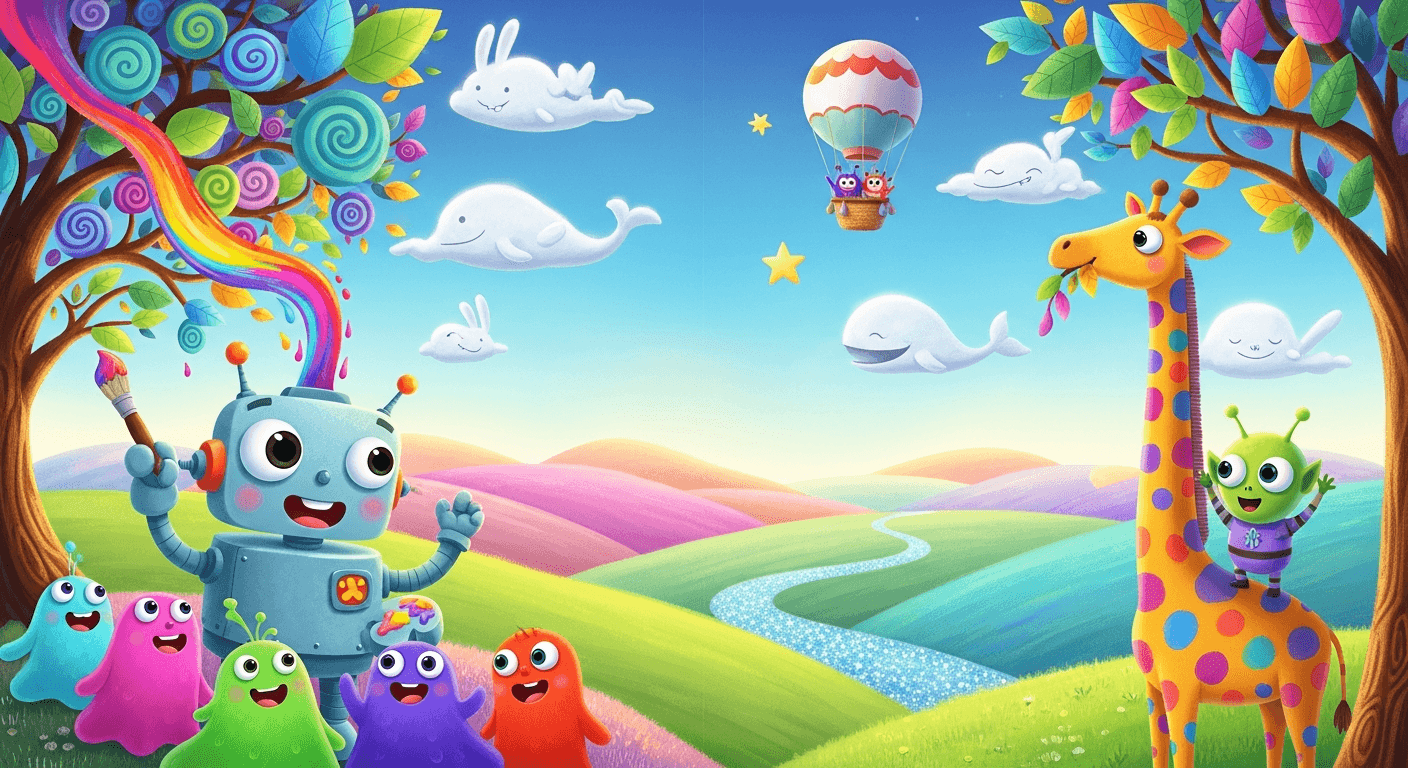
A traditional picture book illustration deal runs $5,000-$25,000 for 32 pages and takes 6-12 months. For self-publishing authors, that budget often kills the project before it starts. Seedream v4.5 gives authors another path — not a replacement for a skilled children's book illustrator, but a legitimate option for creating their own books at a price they can actually afford.
TL;DR
- Seedream v4.5 generates age-appropriate children's book illustrations at $0.08 each
- A full 32-page picture book costs $20-$50 in generation instead of $5,000+
- Works for picture books, chapter books, educational materials, and storytime visuals
- Style anchoring keeps characters consistent across pages
- 4MP output matches self-publishing print quality requirements
The Self-Publishing Author's Problem
Self-publishing has solved almost every problem for independent authors — distribution (Amazon KDP), formatting (Reedsy), marketing (social media). The one thing that has never been solved is illustration. A book that needs pictures costs five figures to illustrate traditionally, which is more than most self-published books earn in their lifetime.
Seedream v4.5 changes that math. For the first time, a self-publishing author with a strong story can produce a polished, consistent, professionally presented picture book for under $100 in total generation costs. The tool is not a replacement for the craft of a seasoned illustrator — but it is a legitimate option where no option existed before.
This guide walks through the full workflow for creating a children's book with v4.5, including the consistency techniques that separate strong results from obviously-AI results.
Illustrate your picture book for under $50
Warm watercolor scenes at 4MP, character consistency through style anchors. 50 free credits on signup covers your first character sheet.
Try Seedream v4.5 FreeWhat v4.5 Does Well for Children's Books
Warm, friendly aesthetics. v4.5 handles soft color palettes, gentle compositions, and the kind of welcoming visual style that children's books depend on.
Multiple art styles. Watercolor, gouache, ink-and-color, digital painting, hand-drawn looks — v4.5 handles all the major picture book illustration traditions.
Character consistency via prompting. With the style anchor technique, you can keep a character visually consistent across dozens of pages.
Age-appropriate content. The model handles cozy, wholesome, non-threatening imagery naturally.
Scene variety. Forest, bedroom, kitchen, playground, underwater — picture books jump through settings and v4.5 keeps up.
What v4.5 Does Not Do Perfectly
Be honest with yourself going in:
- Character consistency takes effort. Do not expect perfect matches without using the style anchor technique properly.
- Complex multi-character interactions sometimes fail. Simple scenes work best.
- Hands are still occasionally wrong. Prompt around them or edit.
- The model has its own aesthetic tendencies. You need to steer hard against them with explicit prompts.
This is a tool that rewards patience and technique. Rush it and your book will look obviously AI-generated. Work carefully and it will not.
The Children's Book Prompt Template
[STYLE ANCHOR] + [CHARACTER DESCRIPTION] +
[ACTION/EMOTION] + [SETTING] + [MOOD/LIGHTING] +
[COMPOSITION]
The style anchor is the most important part. It locks aesthetic consistency across the entire book.
Example style anchor for a warm picture book:
Children's book illustration, warm watercolor
and ink style, soft pastel color palette of
sage green, warm cream, and dusty pink,
rounded friendly shapes, hand-drawn charming
texture, Beatrix Potter influence, cozy
wholesome mood
Paste this verbatim into every prompt in your book. Then add the specific scene:
[STYLE ANCHOR] + a small brown rabbit named
Pip wearing a tiny blue scarf, peeking out
from behind a mushroom in an autumn forest,
curious expression, dappled warm light
through the trees, three-quarter view
The Character Consistency Workflow
Keeping "Pip the rabbit" looking like the same rabbit across 32 pages is the biggest challenge in AI-assisted children's books. Here is the exact technique.
Step 1: Generate the Character Reference
Before drawing any scenes, lock the character's look with a dedicated character sheet generation.
[STYLE ANCHOR] + character reference sheet for
a small brown rabbit named Pip, standing neutral
pose, wearing a tiny blue scarf, front view and
side view shown, flat neutral background,
consistent character design reference
This gives you a visual anchor for what Pip looks like. Save this image.
Step 2: Build a Character Description Block
Turn the character reference into a reusable description block you paste into every scene prompt.
[CHARACTER BLOCK]: a small brown rabbit named
Pip, with soft fluffy fur, tall upright ears,
wearing a tiny blue knit scarf, expressive
dark eyes, friendly round face
Step 3: Build Scene Prompts Using Both Blocks
Every scene prompt now has three parts: style anchor, character block, scene description.
[STYLE ANCHOR] + [CHARACTER BLOCK] + peeking
out from behind a mushroom in an autumn
forest, curious expression, dappled warm
light, three-quarter view
[STYLE ANCHOR] + [CHARACTER BLOCK] + reading
a book by candlelight in a cozy burrow at
night, warm golden light, intimate composition
The style and character stay locked; only the scene changes. Results will not be perfect pixel-matches but will be close enough that readers recognize the character throughout.
See our dedicated consistent characters guide for more advanced techniques.
Sample Prompts by Picture Book Style
Soft Watercolor (Classic Picture Book)
Children's book illustration, soft watercolor
and ink style, a young girl in a yellow raincoat
splashing in a puddle, dappled afternoon light,
loose brushwork, warm autumn palette, Beatrix
Potter sensibility, wholesome joyful mood
Modern Flat Illustration
Children's book illustration, modern flat
illustration style, a little boy and his dog
discovering a hidden garden, bright cheerful
colors, geometric shapes, contemporary
children's book aesthetic with Oliver Jeffers
influence, warm friendly mood
Gouache (Painterly)
Children's book illustration, gouache painting
style with opaque matte color, a family of
bears having breakfast in their cabin kitchen,
warm morning light, limited palette of warm
earth tones, Mary Blair influence, cozy
welcoming mood
Pencil and Watercolor Wash
Children's book illustration, delicate pencil
line work with watercolor wash, a curious cat
watching a butterfly in a summer garden, loose
sketchy style, pastel color palette, Quentin
Blake influence, charming gentle mood
Digital Painting (Contemporary)
Children's book illustration, contemporary
digital painting style, a small dragon learning
to fly over a fantasy village, golden hour
light, warm painterly brushwork, magical
whimsical mood, modern picture book aesthetic
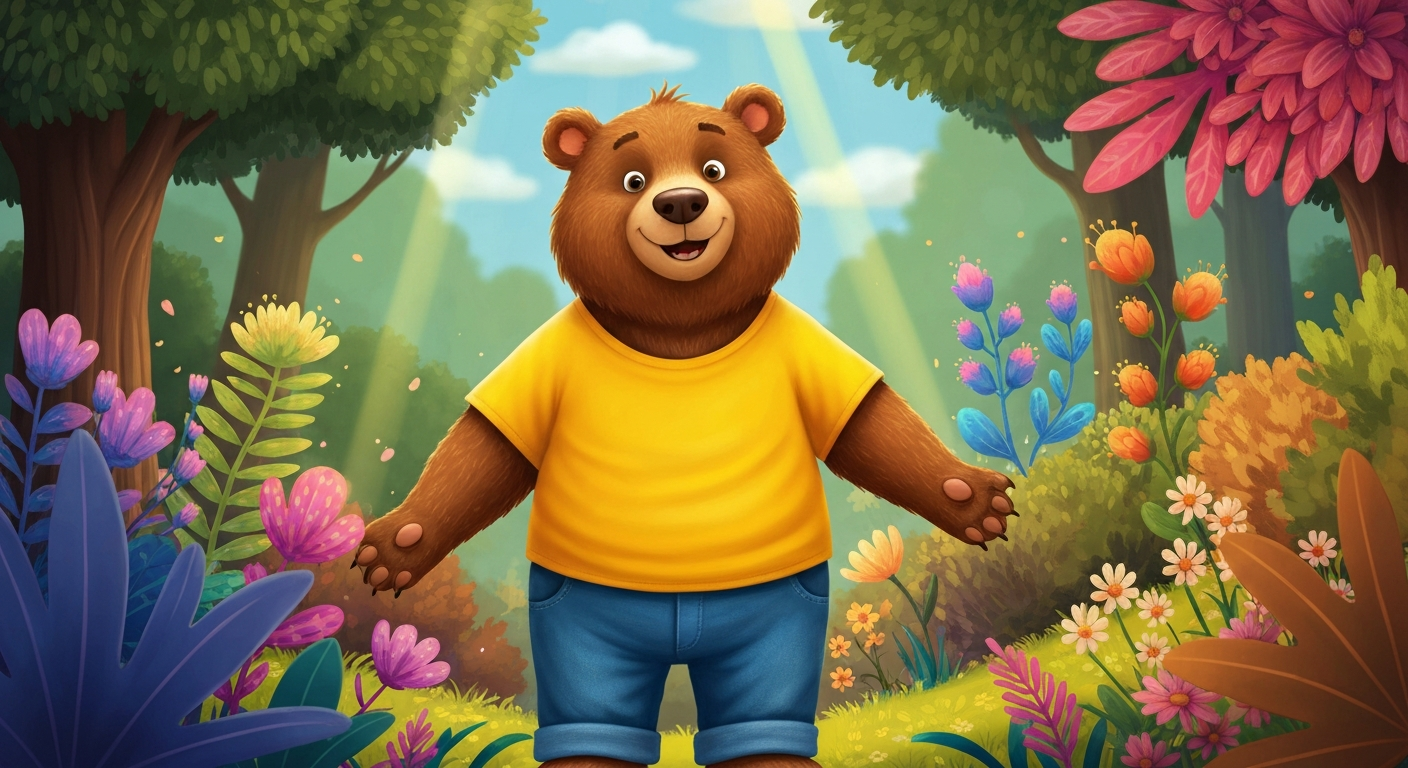
Want detail like this? Try Seedream v4.5 free →
Ready to create your own picture book? Try Seedream v4.5 free →
The Full 32-Page Book Workflow
Here is a complete workflow for self-publishing a picture book:
Phase 1: Pre-production (Week 1)
- Write and polish your manuscript
- Plan your page breaks and scene list (typically 13-15 illustrated spreads)
- Decide on your overall art style
Phase 2: Character and Style Development (Week 2)
- Generate 20 exploration images across different art styles (~$1.60)
- Select final aesthetic and write your style anchor block
- Generate character reference sheets for main characters (~$2.00)
- Write character description blocks
Phase 3: Scene Illustration (Weeks 3-6)
- Generate 3-5 variations per spread using your locked prompts (~$4-$8)
- Select the strongest version of each spread
- Use unified editing to fix small issues (~$2-$4)
Phase 4: Final Polish (Week 7)
- Light Photoshop cleanup for any remaining issues
- Color consistency pass across all pages
- Layout in Affinity Publisher or InDesign with your text
Phase 5: Publication
- Export print-ready PDFs
- Upload to Amazon KDP, IngramSpark, or your printer of choice
- Order proof copies, adjust, ship to market
Total illustration cost: $20-$50 in generation fees, 4-6 weeks of your time.
Compare to traditional illustration costs of $5,000-$25,000 and 6-12 months. The difference is life-changing for authors who could not self-publish illustrated books before.
Ethical Considerations
Self-publishing with AI illustration raises honest questions. Here are our recommendations:
Disclose AI use on your copyright page. Readers appreciate transparency. Something like "Illustrations created with AI assistance" is honest and expected now.
Do not claim images you did not create. If you generated them, say so. Do not imply hand-drawn work.
Do not imitate specific living illustrators. Prompting in "the style of [living artist name]" is ethically questionable even when technically possible. Draw on art movements and historical styles instead.
Pay for the tool. Subscriptions and per-generation fees support continued development. If you can afford a human illustrator, consider hiring one for your main characters and using AI for backgrounds and supporting scenes.
Consider hybrid workflows. Some authors use AI for rough layouts and hire an illustrator to finish the art. This hybrid approach makes traditional illustration affordable by cutting the slowest parts of the process.
Common Children's Book Prompt Issues
Problem: Uncanny children's faces. Fix: Lean stylized, not photorealistic. Use terms like "illustrated," "hand-drawn," "cartoon," "picture book style."
Problem: Characters look different on every page. Fix: Use the style anchor and character block technique religiously. Paste the exact same blocks into every prompt.
Problem: Too much visual noise for young readers. Fix: Request "simple composition," "uncluttered background," "focus on main character."
Problem: Tone is too scary or mature. Fix: Add "cozy wholesome mood," "gentle friendly atmosphere," "warm welcoming palette."
Problem: Hands or limbs look wrong. Fix: Prompt for simpler poses ("standing naturally," "arms at sides"), use editing to fix small issues.
Cost Breakdown Example
A 32-page picture book with 15 illustrated spreads:
| Phase | Generations | Cost | |---|---|---| | Style exploration | 20 | $1.60 | | Character references (3 characters) | 15 | $1.20 | | Spread generation (15 × 4 variations) | 60 | $4.80 | | Refinement and editing | 20 | $1.60 | | Total | 115 | $9.20 |
Under $10 for a complete picture book's illustration. The rest of your budget goes to layout, proof copies, and marketing — the parts that actually determine whether your book sells.
Self-publish the book you could never afford
From character sheets to hero spreads, 32 pages for under $50. Start with 50 free credits and lock your book's art style today.
Start Your Book FreeFrequently Asked Questions
Can I publish an AI-illustrated book on Amazon KDP? Yes, currently. Amazon requires disclosure of AI use during upload. Rules may evolve — check current KDP guidelines before publishing.
Will my book look obviously AI-generated? Not if you use the style anchor technique carefully and polish the output in Photoshop. It will if you rush.
How do I get consistent character faces? See the full consistent characters guide for the complete technique.
Can I copyright AI-illustrated books? Copyright law is evolving. In most jurisdictions, you can copyright the book as a whole (text, layout, selection of images) even if AI-generated components are not individually copyrightable. Consult current legal guidance.
What about educational materials? Perfect use case. Classroom visuals, workbook illustrations, and educational content are all straightforward with v4.5.
Self-publishing authors who could never afford a picture book illustrator now have a genuine path forward. Seedream v4.5 is not magic — it requires technique and patience to get professional results — but it is the first tool that makes self-published illustrated books economically viable.
Start creating your book. Try Seedream v4.5 free →