How to Create Concept Art with Seedream v4.5
Learn how to generate professional concept art using Seedream v4.5 — from sci-fi environments and fantasy characters to architectural visualizations and creature design. Step-by-step techniques for artists and designers.
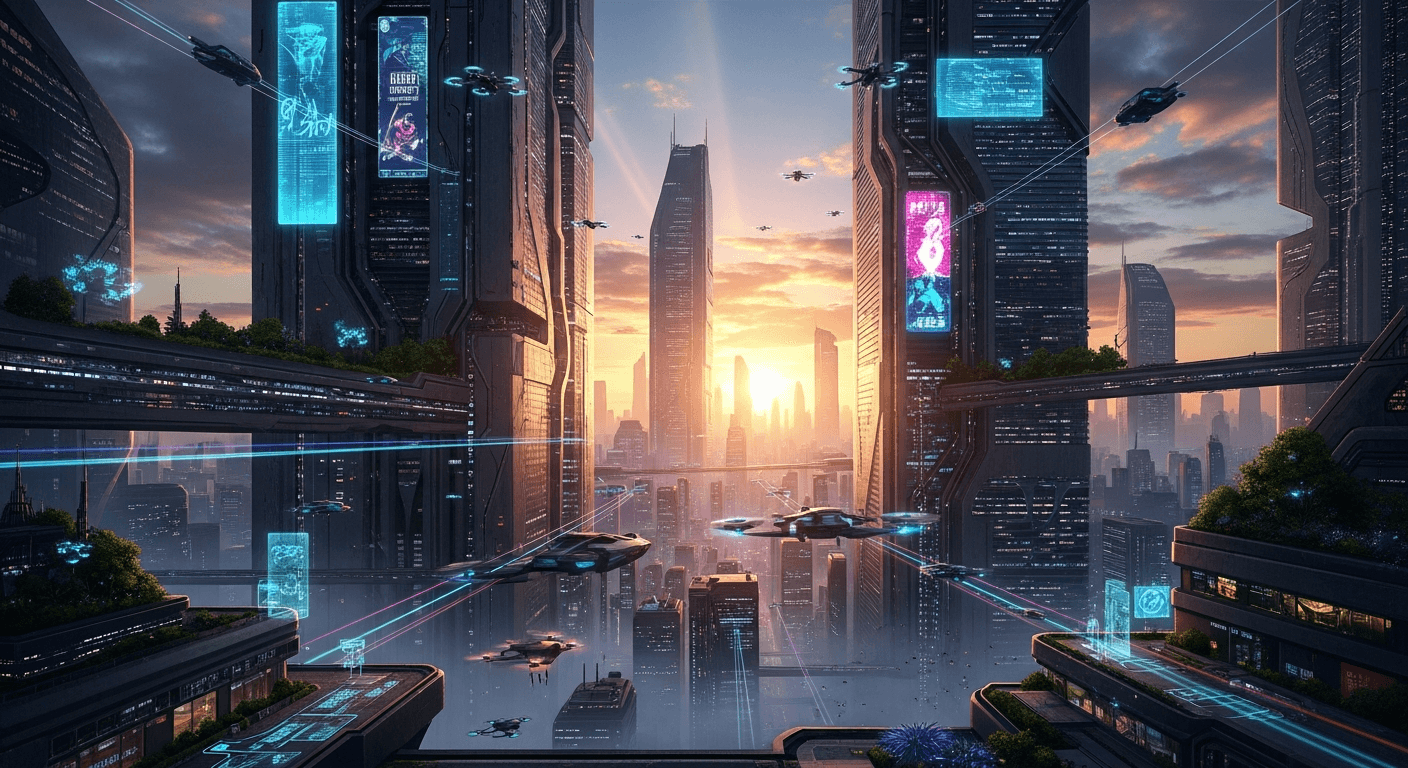
A traditional concept artist turns in 3-5 finished pieces per week. With Seedream v4.5 driving the ideation phase, that same artist can ship 30 polished direction studies before lunch — for under five dollars in generation costs. This tutorial walks through the exact prompting and workflow techniques to make that pace real.
TL;DR
- Seedream v4.5 generates 4MP concept art for 8 credits ($0.08) per image
- Structured prompting (subject, setting, lighting, camera, style) gets pro results
- Use the 1-6 image batch feature to produce variations in a single call
- Unified editing lets you refine a strong base without regenerating
- Works for sci-fi, fantasy, creature design, environments, and props
Why Seedream v4.5 Fits Concept Art Workflows
Concept art lives in the gap between "not good enough to ship" and "too precious to iterate." You need 50 rough directions to find 5 strong ones, and you cannot afford to hand-paint all 50. This is exactly where v4.5 earns its price.
The model's enhanced prompt understanding handles the kind of layered descriptions concept briefs actually contain — multiple subjects, specific lighting, named art styles, camera directions. Its 4MP output gives art directors enough resolution to pin into a document and annotate. And at 8 credits per image, you can burn through a hundred iterations without a budget meeting.
You keep the creative decisions — composition judgment, direction choices, paint-over refinement. The model handles the dozens of exploration passes that used to eat your week.
Burn through 30 concept directions before lunch
4MP painterly concept art for 8 credits a pop. Start with 50 free credits and see how fast exploration can go.
Try Seedream v4.5 FreeThe Concept Art Prompt Formula
Structure beats length. A well-organized 40-word prompt outperforms a 200-word description because v4.5 parses instructions positionally.
[SUBJECT] + [ACTION/STATE] + [SETTING] + [LIGHTING] +
[CAMERA/FRAMING] + [ART STYLE] + [MEDIUM/FINISH]
Applied to a sci-fi environment brief:
A derelict space station interior, emergency red lights
flickering through smoke, abandoned escape pod bay with
scattered debris, wide cinematic shot, low angle,
atmospheric concept art, painterly digital illustration,
Syd Mead influence, volumetric light
Each bracket gives the model a distinct hook to latch onto. Missing one and the model fills it with defaults; include all seven and you control the output.
Core Workflow: From Brief to Final Direction
Step 1: Direction Exploration (20-30 images)
When you receive a brief, do not start refining. Start exploring. Generate 20-30 rough directions across different styles, compositions, and moods.
A jungle temple discovery scene, variation 1: dawn mist,
overhead canopy shot, Moebius painterly style
A jungle temple discovery scene, variation 2: night
torchlight, close-up on carved entrance, Feng Zhu
cinematic style
A jungle temple discovery scene, variation 3: harsh
noon sun, establishing wide shot, Ian McQue gouache feel
Cost: 20 images × $0.08 = $1.60. Under $2 for a direction sheet that would take 2-3 days of thumbnailing by hand.
Step 2: Direction Selection and Refinement (5-10 images)
Pick your 2-3 strongest directions. Generate focused variations of each, tightening composition and mood.
Selected direction: dawn mist, overhead canopy shot
Refinements: adjust camera angle 10 degrees lower,
add explorer silhouette for scale, warm golden light
through mist, more temple detail visible
Step 3: Hero Generation (3-5 images)
Lock the final composition and run high-quality generations at your target aspect ratio. Keep the winners.
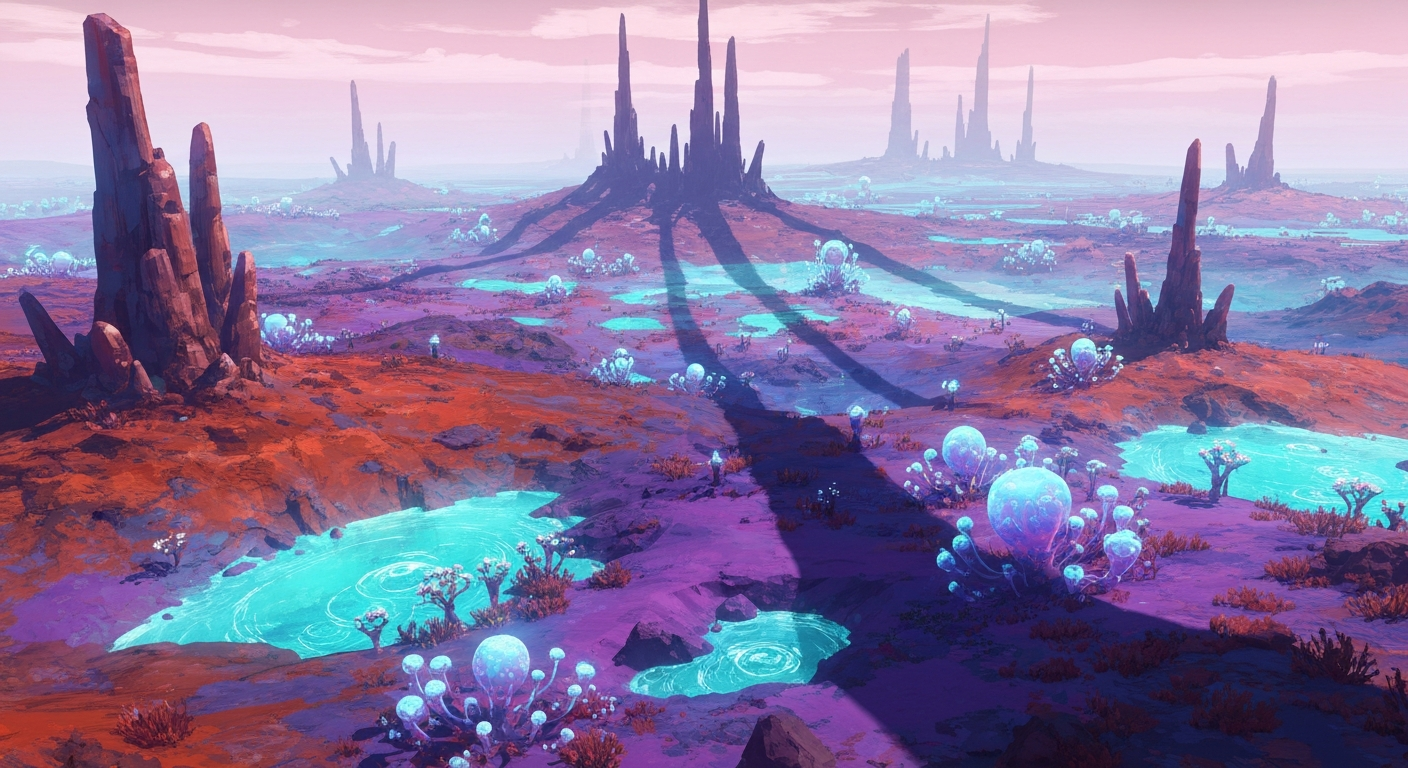
Want detail like this? Try Seedream v4.5 free →
Ready to try this workflow? Start creating free with Seedream v4.5 →
Step 4: Paint-Over and Finishing
Take the strongest output into Photoshop, Procreate, or Krita for paint-over work. Fix small issues, add your studio's signature touches, lock the final render. Seedream generates the 80%; you finish the 20% that differentiates your work.
Prompting by Concept Art Category
Sci-Fi Environments
A massive orbital shipyard at night, capital ship
under construction in drydock, sparks from welding
drones, nebula visible in background, wide cinematic
shot, hard science fiction concept art, cool blue
light with warm orange accents, painterly digital
illustration
Key terms: "hard science fiction," "cinematic," "volumetric light," named artists (Syd Mead, John Berkey, Ralph McQuarrie).
Fantasy Environments
An ancient dragon library carved into a mountainside,
floating candles illuminating stone scrollshelves, a
small robed figure climbing a ladder for scale,
warm amber glow, low angle hero shot, painterly
fantasy concept art, watercolor and ink feel
Key terms: "epic fantasy," "painterly," "watercolor wash," references to Frazetta, Craig Mullins, Jesper Ejsing.
Character Design
Character concept sheet, female cyberpunk netrunner,
asymmetric jacket with glowing circuit patterns,
short silver hair with undercut, neutral pose facing
camera, three-quarter turnaround, flat gray background,
detailed clothing study, concept art painterly style
For character sheets, explicitly request "flat background" and "turnaround" to get usable reference views. Use the 1-6 image batch to generate variations in one call.
Creature Design
Creature concept, six-legged forest predator, bark-like
armored plating fused with mossy growth, bioluminescent
eye spots, crouched hunting pose, side profile view,
natural forest backdrop, realistic creature design,
painterly concept art, Alex Ries influence
Keywords: "creature anatomy," "side profile," "tonal study," referencing paleo-artists for realism.
Prop and Weapon Design
Prop concept, ornate elven war horn, carved ivory
body with silver inlay, leather strap wrap, glowing
runes along the mouthpiece, studio lighting, three-
quarter view, clean background, detailed prop study,
painterly concept art
Explicitly state "prop concept" and "clean background" to avoid environmental clutter.
Production Tips From the Trenches
Name your artists. v4.5 understands art historical and contemporary references. "In the style of Sparth" or "Feng Zhu influence" shifts output dramatically.
Batch the explorations. Use the 1-6 images per call feature. Request 4 variations with slight prompt changes to get a direction sheet in one generation cycle.
Write lighting like a cinematographer. "Golden hour backlight with rim light," "overcast diffuse," "practical neon accents" — specific lighting direction transforms mood.
Use aspect ratio for storytelling. 2.35:1 for cinematic establishing shots, 16:9 for in-game framing, 1:1 for portrait studies, 2:3 for vertical environmental verticals.
Iterate in the unified editor. If 90% of an image works, do not regenerate — use text editing to fix the broken 10%. This preserves composition you already liked.
Keep a prompt library. Save the exact prompts that produced your best work. Reuse structure and swap subjects rather than writing from scratch every time.
Common Concept Art Prompt Mistakes
Mistake: Vague style instructions. "Cool art style" tells v4.5 nothing. "Painterly digital concept art with gouache textures" gives it something to aim at.
Mistake: Overloading the prompt. Ten subjects in one image is a losing bet. Focus on one or two hero elements and let the environment support them.
Mistake: Ignoring camera language. "Wide shot," "low angle," "three-quarter view" — treat the prompt like a shot description.
Mistake: Starting with final quality expectations. Concept art is a funnel. Do exploration passes fast and loose, then refine. Do not try to nail a hero piece on generation #1.
Cost Breakdown for a Typical Concept Project
| Phase | Images | Cost | |---|---|---| | Direction exploration | 30 | $2.40 | | Direction refinement | 15 | $1.20 | | Hero generations | 6 | $0.48 | | Paint-over source | 3 | $0.24 | | Total | 54 | $4.32 |
Fifty-four generations for under five dollars. Compare that to traditional thumbnailing time, or a Midjourney subscription you have to commit to monthly.
Build your next concept sheet for under $5
Sci-fi, fantasy, creatures, environments — Seedream v4.5 handles it all. 50 free credits on signup covers 6 hero pieces.
Start Exploring FreeFrequently Asked Questions
Can Seedream v4.5 replace a concept artist? No. It replaces the blank canvas and the first 80% of ideation. The art direction, selection, and finishing polish are still yours.
What resolution should I generate at? Start at your final aspect ratio, maximum resolution. 2048x2048 or 2048x1152 gives you room to crop, paint over, and present without losing fidelity.
How do I get consistent characters across multiple scenes? See our consistent characters guide for the full technique.
Is commercial use allowed? Yes. Images generated on Seedance are yours for commercial work.
What about style training? v4.5 does not offer user finetunes, but its base prompt understanding is strong enough that most styles are reachable through description alone.
Concept art is one of the clearest wins for AI-assisted workflows. You stay in charge of vision and selection while burning through exploration at 20x the old speed and 1% of the old cost. Seedream v4.5's quality, 4MP output, and unified editing make it the version to use.
Start building your next concept sheet. Try Seedream v4.5 free with 50 credits →