Seedream v4.5 Edit for Photographers: RAW to Polished
How working photographers integrate Seedream v4.5 Edit into their post-production pipeline. 4MP AI retouching at $0.08 per image, without replacing Lightroom or Photoshop.

Working photographers are skeptical of AI editing tools — and they should be. Most of them either hallucinate detail or butcher color science. Seedream v4.5 Edit is the first generation of AI editors that deserves a slot in a professional pipeline: 4MP native output, strong identity preservation, and whole-scene reasoning that speeds up the tedious parts of post without replacing the parts photographers actually enjoy.
TL;DR
- Seedream v4.5 Edit sits alongside Lightroom and Photoshop, not instead of them
- 4MP (2048×2048) output fits professional delivery needs
- Handles background swaps, composites, and style tests in under a minute
- 8 credits ($0.08) per run, no subscription
- Most photographers use it for client delivery options and bulk variants
Where AI Fits in a Photographer's Workflow
A typical professional pipeline looks like this:
- Shoot RAW
- Cull and select in Lightroom
- Color correct and grade in Lightroom
- Export selected frames
- Final retouching in Photoshop
- Client delivery
Seedream v4.5 Edit does not replace any of these steps. It slides in between step 4 and step 6 as an optional step for specific kinds of delivery:
- Client wants multiple background options? One v4.5 prompt each.
- Need to remove a stray tourist from a landscape? v4.5 handles it.
- Stylist asks for an outfit colorway variant? v4.5 does it in 45 seconds.
- Commercial client needs 10 composited hero variants? v4.5 batch.
The photographer still makes the creative decisions. The model handles the tedious multiplication.
Why v4.5 Earns a Spot in the Pipeline
Three reasons professionals are adding it:
1. Native 4MP Output
Unlike AI editors that upscale from 512 or 1024, v4.5 renders at 2048×2048 from the start. Close inspection does not reveal telltale AI-upscaling artifacts. Output fits client delivery needs.
2. Identity and Color Preservation
When you add "preserve the subject's face, skin tone, and clothing colors" to a prompt, v4.5 actually does. That is table stakes for professional use — if the model re-interprets your client's face, it is useless.
3. Speed vs Photoshop
A background swap with good edge handling is a 20–40 minute job in Photoshop. In v4.5 it is 45 seconds. For volume work, that math wins every time.
Try Seedream v4.5 Edit — high-res AI editing
4MP output, up to 10 input images, $0.08 per edit. 50 free credits, no card.
Try Seedream v4.5 Edit FreeReal Photographer Workflows
Portrait Photographer: Client Variants
A portrait photographer delivers 20 selects from a headshot session. For premium packages, they offer "three background options per headshot" as an upsell.
Before v4.5: Manually mask and composite 60 variants (20 × 3). Would take a full day.
With v4.5: Export the 20 selects from Lightroom. Run each through v4.5 with three background prompts. Total time: ~45 minutes. Deliver premium package in the same day as the shoot.
Wedding Photographer: Distraction Removal
A wedding shot has a garbage can in the background, an unwanted guest edge, or a harsh exit sign. Traditional fix: Photoshop clone stamp, 10+ minutes per image.
With v4.5:
Remove the garbage can from the left edge of the frame. Replace
with natural landscape matching the surrounding scene. Preserve
the couple, the path, and the background trees exactly. Output
at 2048x2048.
~45 seconds, clean result, the couple is untouched.
Product Photographer: Color Variants
Shot a new bag in black. Client needs to see it in forest green, burgundy, and cream before the final shoot.
With v4.5: Three prompts, each changing the color while preserving texture, stitching, and lighting. Three variants in three minutes. Client approves the colorway, then a real shoot produces the final campaign.
Landscape Photographer: Sky Replacements
Shot a landscape with a flat gray sky. Client wants a dramatic sky.
With v4.5:
Replace the gray sky with a dramatic sky showing soft pink and
orange clouds at golden hour. Preserve the foreground, mountains,
and overall light direction. Adjust ambient color temperature
subtly to match the new sky. Output at 2048x2048.
Done in 40 seconds. Feels natural because the ambient color matching ties the whole frame together.
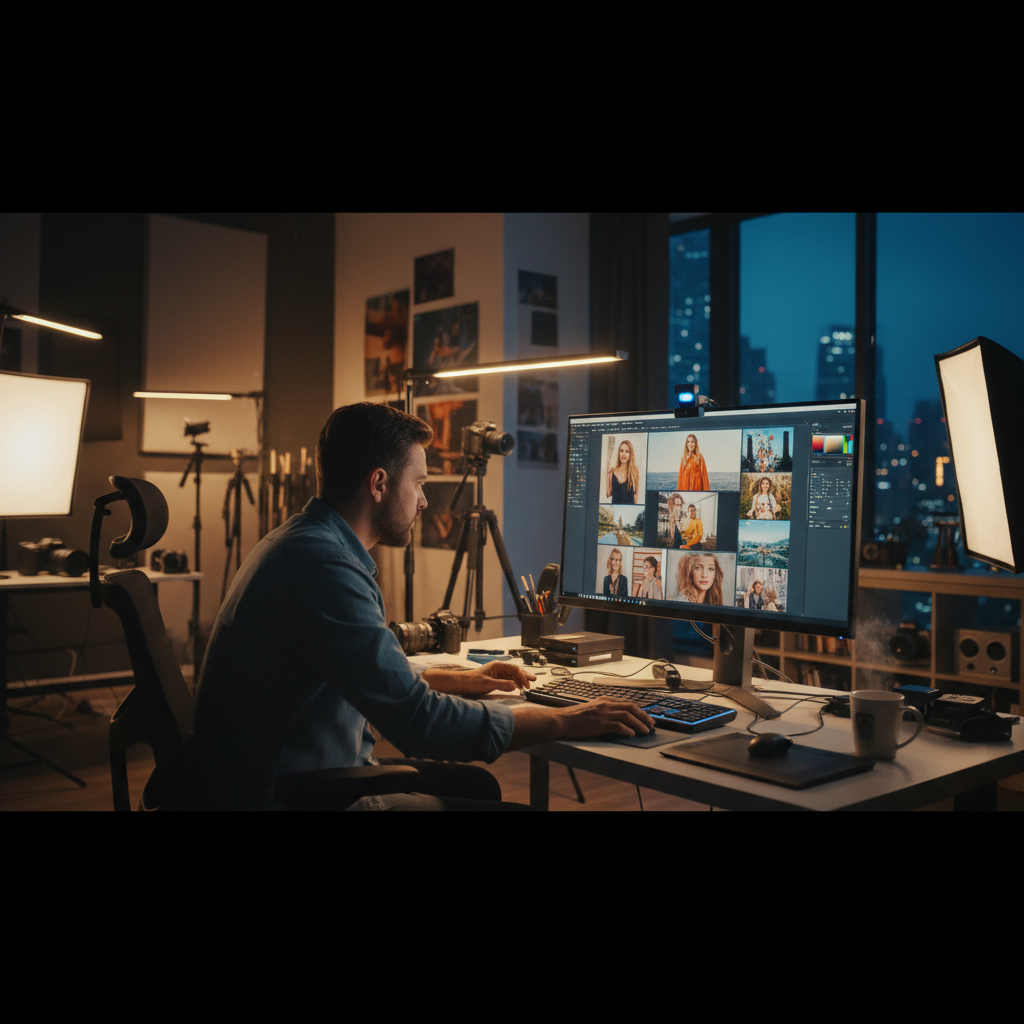
Add v4.5 to your post pipeline. Open Seedream v4.5 Edit.
What v4.5 Will Not Do for You
Important caveats for professionals:
- It is not a RAW editor. You still color grade in Lightroom or Capture One.
- It does not do micro-retouching. Skin cleanup, dodge/burn, and precision masking still belong in Photoshop.
- It is not CMYK-aware. Color profile conversion for print still needs Photoshop.
- It does not guarantee exact color matching. For brand color compliance, validate outputs.
- It does not preserve every detail perfectly. Expect occasional minor drift; plan for review passes.
Treat it as a fast generative assistant, not a replacement for your existing tools.
Integration With Lightroom
A common workflow:
- Cull and color grade in Lightroom
- Export selected frames as high-quality JPEG or PNG
- Open Seedream v4.5 Edit, upload the export
- Run generative edit
- Download 4MP result
- Import back to Lightroom as a virtual copy if desired
- Final output from Lightroom
Some photographers skip the re-import and hand the Seedream output directly to clients. Others treat it as a reference for their own Photoshop work.
Color Profile Notes
Seedream v4.5 outputs PNG in sRGB color space. For most digital delivery this is fine. For print work:
- Open the output in Photoshop
- Convert to your target profile (AdobeRGB, CMYK)
- Soft-proof before delivery
Do not expect the model to match Pantone colors or hit specific print targets. It gets you 95% of the way; the last 5% is your color management workflow.
Speed up post without compromising quality
4MP AI editing that respects your pipeline. 50 free credits to test it.
Open Seedream v4.5 EditPricing at Professional Volume
For a photographer processing 500 edits per month:
- 500 × 8 credits = 4,000 credits
- Fits in the Pro tier: $50 for 5,750 credits
- Effective cost: $0.087 per edit
Compare to the cost of outsourcing to a retoucher ($15–$50 per edit) and v4.5 saves thousands per month at this volume.
Tips From Professionals
- Validate on one image before batching. Never run 100 variants until you have seen one full output at 100% zoom.
- Preserve aggressively. Always include "preserve [face, colors, pose] exactly" for client work.
- Keep a separate model release clause. Your contracts should cover AI-assisted editing.
- Use it for variants, not hero work. The final hero image is still yours to craft in Photoshop.
- Log prompt templates. Your winning prompts are as valuable as your Lightroom presets.
Further Reading
Get Started
Export a frame from your last shoot and open Seedream v4.5 Edit. Try one of the prompts above. Your 50 free credits are enough to validate the tool against your own standards before paying anything. If it earns a slot in your pipeline, it will save you dozens of hours per month.