Seedream v4.5 Edit vs Canva AI: Feature Comparison
Canva Magic Edit is convenient. Seedream v4.5 Edit is professional. We compare features, output resolution, pricing, and the workflows each tool actually supports well.
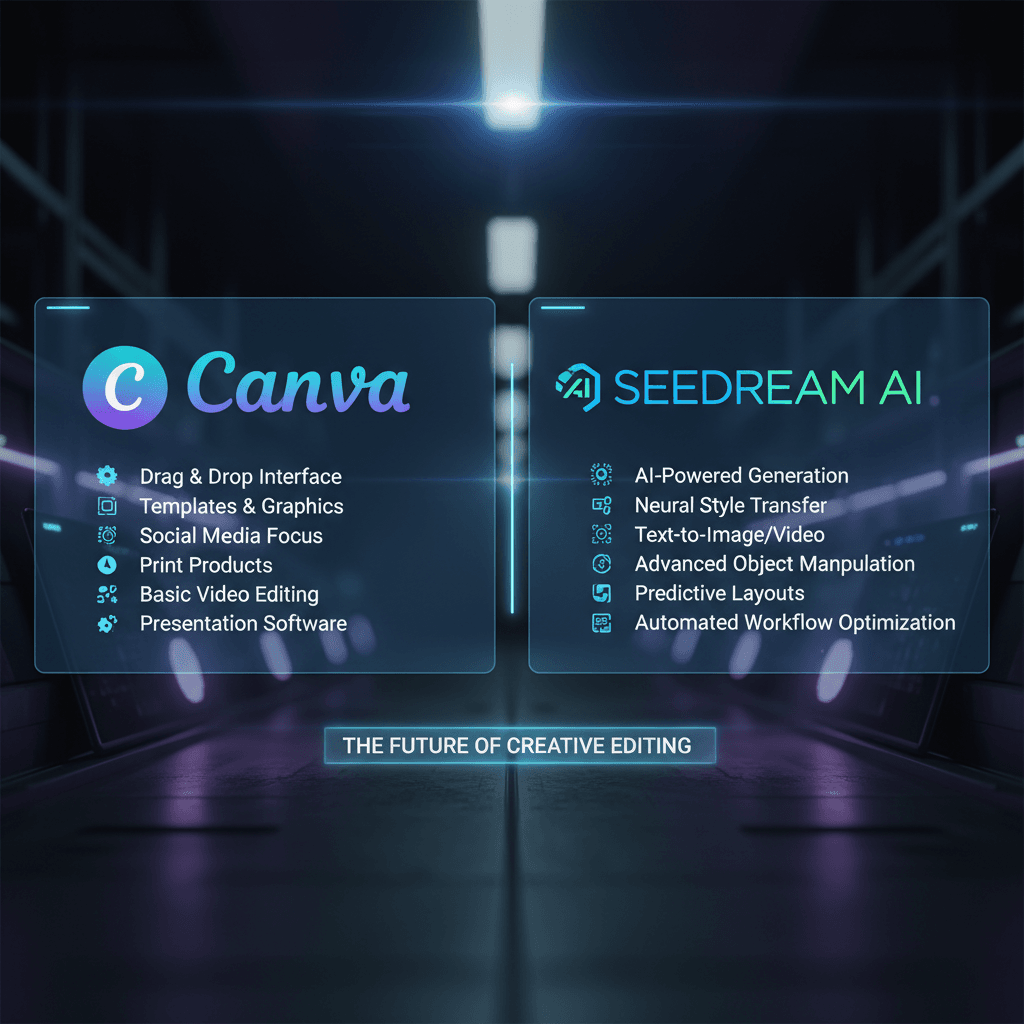
Canva built the easiest AI image editor a casual creator can pick up. Seedream v4.5 Edit is a higher-resolution, higher-control alternative aimed at people whose work needs to hold up at print size. They look similar at first glance — upload a photo, type a prompt, get a result — but the details diverge fast.
TL;DR
- Canva AI is bundled into Canva Pro at $14.99/mo; Seedream v4.5 Edit is $0.08 per image
- Seedream v4.5 outputs 4MP natively; Canva AI outputs are typically 1–2MP
- Canva wins for simple edits inside a design workflow
- Seedream v4.5 wins for high-res, multi-image, and production-quality edits
- Canva caps Magic Edit usage; Seedream is pay-per-output with no caps
The Two Tools in Context
Canva AI is a suite of generative features (Magic Edit, Magic Eraser, Magic Expand, Text to Image) built into Canva's design editor. You use them inside a Canva project, alongside templates, brand kits, and Canva's layout tools.
Seedream v4.5 Edit is a standalone instruction-driven image editor. You upload source images, write a prompt, and download a 4MP result. It does not try to be a design editor — it is a tool that makes one thing very well: high-resolution AI edits.
This difference drives everything else.
Head-to-Head
| Feature | Seedream v4.5 Edit | Canva AI (Magic Edit) | |---------|-------------------|----------------------| | Pricing | $0.08 per image | $14.99/mo Canva Pro + usage caps | | Native resolution | 4MP (2048×2048) | ~1–2MP typical | | Input images | Up to 10 | 1 per edit | | Speed | 30–60 seconds | 15–30 seconds | | Whole-scene prompts | Yes | Limited — region-based | | Multi-image composition | Yes | No | | Built-in design editor | No | Yes — full Canva suite | | Templates and brand kit | No | Yes | | Best for | High-res production edits | Social graphics inside Canva |
Where Canva AI Wins
You Are Already Designing in Canva
If your workflow lives in Canva — social templates, presentations, print layouts — Magic Edit is a feature away. The friction is zero. You do not have to leave the canvas, export, and re-import.
Simple Object Replacement
For quick object swaps on already-low-res social graphics, Canva AI is fast and convenient. You draw a box around what you want to replace, type a prompt, and it fills. Good enough for a 1080×1080 Instagram post.
Template-Driven Workflows
Canva's brand kit and template library is one of the strongest design tools around for small teams that do not have a dedicated designer. AI features inside that environment multiply the value of the templates.
No Per-Edit Cost Thinking
Canva Pro is a flat monthly fee. You do not have to think about credits per edit. For heavy casual users, that is psychologically easier.
Try Seedream v4.5 Edit — high-res AI editing
4MP output, up to 10 input images, $0.08 per edit. 50 free credits, no card.
Try Seedream v4.5 Edit FreeWhere Seedream v4.5 Edit Pulls Ahead
Native 4MP Output
Canva AI outputs are typically 1–2MP. At Instagram size, you never notice. At print size, on a landing page hero, or cropped for a paid media placement — the difference is obvious. Seedream v4.5 renders at 2048×2048 every time.
Multi-Image Composition
Canva AI operates on one image at a time. Seedream v4.5 accepts up to 10 reference images in a single prompt. If your edit combines a product shot with a lifestyle backdrop and a mood board, that is a one-prompt job in v4.5 and a multi-step manual effort in Canva.
Whole-Scene Instruction Following
Canva's Magic Edit is region-based — you select an area, then describe the fill. Seedream v4.5 reasons about the whole image. Tell it "change the jacket from navy to orange, keep everything else identical" and it figures out what needs to change without you selecting regions.
Professional-Grade Output
v4.5 edits hold up at close inspection. Textures are coherent, lighting matches, shadows look right. Canva AI is good for casual work but rarely survives a close look at 100% zoom.
No Usage Caps
Canva Pro caps Magic Edit usage per month. Seedream v4.5 is pay-per-output — run as many as your credit balance allows. For high-volume teams this is a meaningful advantage.
Cost Analysis: 200 Edits per Month
Canva route:
- Canva Pro: $14.99/mo
- You may hit Magic Edit monthly caps and have to wait or upgrade
- Total: $14.99/month
Seedream v4.5 route:
- 200 × 8 credits = 1,600 credits
- Popular tier: $25 for 2,750 credits
- Total: $25/month, ~1,100 credits left over for next month
For 200 edits/month, Canva is $10 cheaper. But you are getting 1–2MP outputs vs 4MP. If the resolution matters to your work, v4.5 is the better investment.
Cost Analysis: 50 Edits per Month
Canva route:
- Canva Pro: $14.99/mo (you pay for the whole suite, not just AI)
Seedream v4.5 route:
- 50 × 8 credits = 400 credits
- $10 Starter tier: 1,050 credits
- Total: $10/month, 650 credits left over
At 50 edits/month Seedream is cheaper and higher resolution. Below 100 edits, v4.5 is almost always the better choice.

Upgrade your output resolution. Open Seedream v4.5 Edit.
Real-World Use Case: Product Launch Assets
Say you are launching a new product and need:
- 1 hero image (website, 2048px wide)
- 5 social variants (Instagram, Twitter, LinkedIn)
- 3 email header variants
- 2 paid social creatives
Canva path:
- Start from templates
- Upload product shot, use Magic Eraser to remove background
- Add text and layout
- Magic Edit may struggle at hero size due to resolution caps
- Total: fast for social, limited for hero
Seedream v4.5 path:
- Upload product shot
- Run background replacement with lifestyle scene (8 credits, 4MP)
- Run 5 variant crops with different backgrounds (40 credits total, all 4MP)
- Run 3 text overlay versions for email (24 credits, 4MP)
- Run 2 paid social creatives with different mood (16 credits, 4MP)
- Total: 88 credits ($0.88), all production quality, all 4MP
For launches the 4MP output is the differentiator. Your hero image will not look soft next to real product photography.
The Honest Recommendation
Use Canva AI if:
- You are not a designer and you need an all-in-one tool with templates
- Your outputs live on social at 1080×1080 or similar
- You already pay for Canva Pro for other reasons
- Your edits are quick, casual, one-shot fixes
Use Seedream v4.5 Edit if:
- Your outputs need to be print-ready or hero-image-ready
- You compose with multiple reference images
- You iterate on prompts and want whole-scene reasoning
- Your team does 50–500+ edits per month and wants control
Use both if:
- You design in Canva but sometimes need a 4MP asset the Canva output cannot produce — render in Seedream, import to Canva for layout
See the 4MP difference yourself
50 free credits is 6 full Seedream v4.5 edits. No card, no subscription.
Try Seedream v4.5 Edit FreeThe Workflow Most Teams Land On
Marketing teams we talk to often use both. Canva for social templates and presentations, Seedream v4.5 for production assets and hero images. The hand-off pattern is:
- Generate the asset in Seedream v4.5 at 4MP
- Export PNG
- Import into Canva
- Drop into a template with text and branding
- Publish
This gives you the best of both: Canva's layout ergonomics and Seedream's output quality.
Further Reading
For a broader picture of Seedream v4.5 Edit, read the complete guide. For the alternative comparison, see v4.5 Edit vs Photoshop AI. For cost details visit our pricing page.
Verdict
Canva AI is a great convenience feature for people already in Canva. Seedream v4.5 Edit is a professional-grade editor for people who care about output quality. They are not direct competitors — they are different tools for different jobs. If your work needs to hold up at 4MP, the choice is easy. Try it free at /create/seedream-v4-5-edit.