Seedream v4.0 Edit vs GIMP: AI vs Manual Editing
GIMP is free. Seedream v4.0 Edit costs $0.06 per image. Which one actually saves you more time and money on real photo editing work?
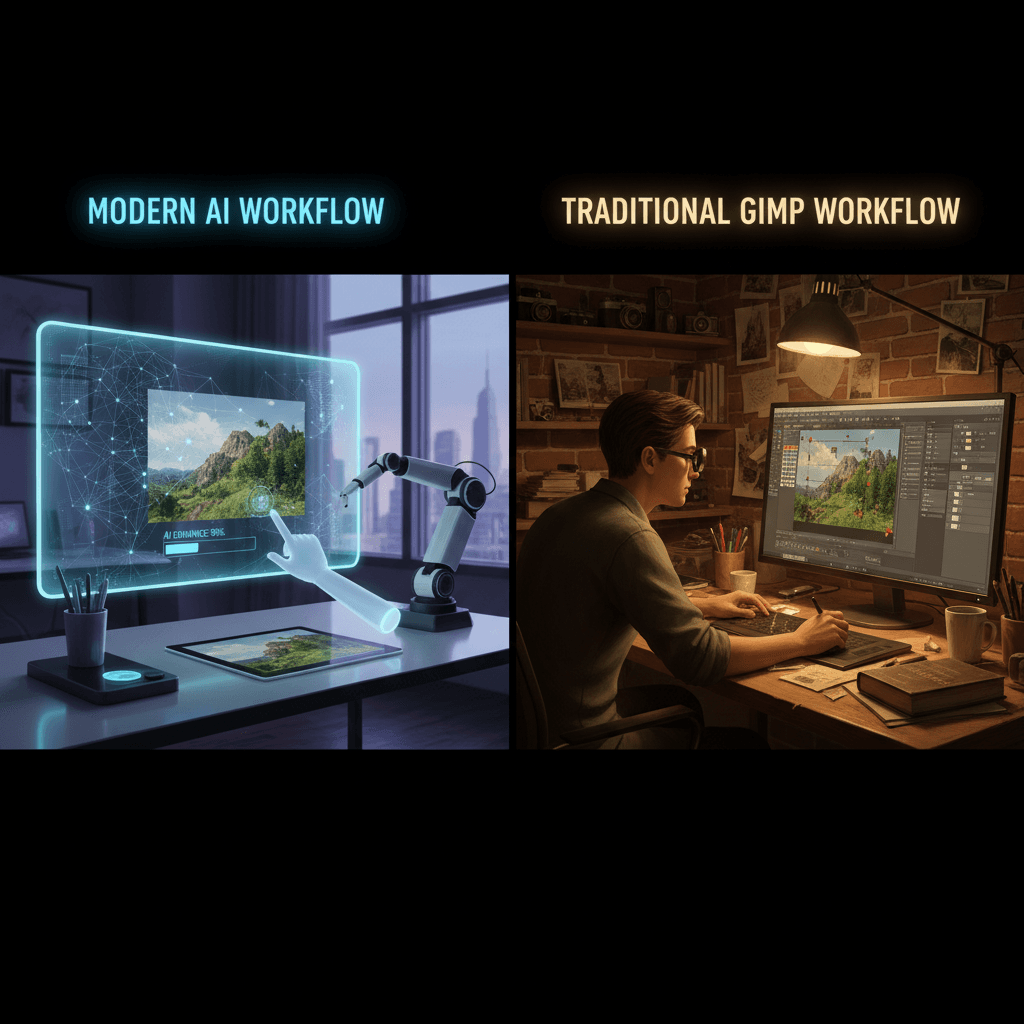
GIMP has been free for 27 years. Seedream v4.0 Edit costs 6 cents per image. One asks you to learn a program. The other asks you to type a sentence. Which one actually produces finished edits faster and cheaper once you factor in the learning curve and time spent?
TL;DR
- GIMP: free, powerful, 20-hour learning curve, ~10 minutes per complex edit
- Seedream v4.0 Edit: $0.06 per edit, zero learning curve, 30 seconds per edit
- GIMP wins for total manual control
- Seedream wins for speed, accessibility, and AI features
- Try 8 free edits at seedance.it.com
The Core Trade-Off
GIMP is a tool. You operate it. Every edit is a series of manual decisions — select, mask, feather, blend, adjust, repeat. Skilled GIMP users produce precise, customized results. New users produce frustration.
Seedream v4.0 Edit is a result. You describe what you want. The model delivers. There's no interface to learn because there's no interface beyond a text box.
Side-by-Side
| Feature | GIMP | Seedream v4.0 Edit | |---------|------|---------------------| | Price | Free | $0.06 per edit | | Learning curve | ~20 hours | ~5 minutes | | Natural language editing | No | Yes | | Object removal | Manual masking | Automatic | | Background replacement | Manual selection | Automatic | | Style transfer | Plugin-dependent | Built-in | | Speed per edit | 5-30 minutes | 20-40 seconds | | Detail control | Pixel-perfect | Prompt-based | | Offline use | Yes | No | | Commercial use | Yes | Yes |
Each wins on different axes. The question is which axes matter for your workflow.
Where GIMP Wins
Pixel-perfect control. If you need to nudge a specific pixel by one value, GIMP lets you. Seedream v4.0 Edit gives you probabilistic, AI-driven outputs.
Offline work. GIMP runs on your machine with no internet. Seedream v4.0 Edit needs a connection.
Free indefinitely. GIMP never charges. Seedream v4.0 Edit charges per edit, even if the per-edit cost is tiny.
Complex compositing. Layering multiple images with precise masks is still GIMP's territory.
Custom workflows. Scripts, plugins, keyboard shortcuts — GIMP can be bent to fit any workflow you invest in.
Try Seedream v4.0 Edit — budget AI image editing
The cheapest AI image editor at just $0.06 per edit. 50 free credits, no card needed.
Try Seedream v4.0 Edit FreeWhere Seedream v4.0 Edit Wins
Speed. A background removal takes 30 seconds in Seedream v4.0 Edit. In GIMP, even a skilled user needs 3-5 minutes, and a beginner needs 20+.
Zero learning curve. If you can type, you can use Seedream v4.0 Edit. GIMP requires weeks before you're competent.
AI-native features. Style transfer, intelligent object removal, semantic background swaps — these are painful or impossible in GIMP without specialized plugins.
No install. Seedream v4.0 Edit runs in a browser. GIMP is a 300MB download.
Consistent quality for beginners. A GIMP novice produces bad edits. A Seedream v4.0 Edit novice produces usable edits on the first try.
The Real Cost Comparison
Let's price out a 50-edit workflow.
GIMP:
- Software: $0
- Learning time (first-time user): 20 hours × $20/hr opportunity cost = $400
- Editing time: 50 × 10 min = 8.3 hours × $20/hr = $166
- Total first-time cost: $566
Seedream v4.0 Edit:
- Credits: 50 × $0.06 = $3
- Learning time: 5 minutes (negligible)
- Editing time: 50 × 30 seconds = 25 minutes × $20/hr = $8.33
- Total first-time cost: $11.33
Even if you value your time at $10/hour, Seedream v4.0 Edit wins by a factor of 25x on first-time workflows.
For an experienced GIMP user, the comparison is closer — no learning tax. But Seedream v4.0 Edit still wins on speed-per-edit by 10-20x.

Skip the 20-hour learning curve. Open Seedream v4.0 Edit and edit in plain English.
Edit-by-Edit Comparison
Let's look at specific edits and how each tool handles them.
Remove a person from the background
GIMP: Select with fuzzy select or paths tool → refine edges → use heal or clone stamp to fill background → blend with color picker. 5-15 minutes.
Seedream v4.0 Edit: "Remove the person in the background on the left" 30 seconds.
Replace the sky
GIMP: Select sky region → refine edge → import new sky layer → mask → color match → blend. 10-25 minutes.
Seedream v4.0 Edit: "Replace the sky with a dramatic sunset" 30 seconds.
Convert a photo to watercolor
GIMP: Apply multiple filters → tweak parameters → manually add paper texture → layer blend. 20-40 minutes.
Seedream v4.0 Edit: "Turn this into a soft watercolor painting" 30 seconds.
Change the color of an object
GIMP: Select object → use hue/saturation or color replace → refine edges → adjust. 5-15 minutes.
Seedream v4.0 Edit: "Make the dress emerald green" 30 seconds.
Each pattern is the same: GIMP requires skilled manual steps, Seedream v4.0 Edit requires a sentence.
When to Pick GIMP
You should use GIMP when:
- You already know it well and have no learning overhead
- You need absolute pixel-level control
- You're working offline
- You need batch-automated scripting
- You're combining many images into one custom composite
When to Pick Seedream v4.0 Edit
You should use Seedream v4.0 Edit when:
- You want edits done in under a minute
- You're new to image editing
- You value time more than software independence
- You need AI-native features (style transfer, semantic editing)
- You edit frequently enough that $0.06 per edit is trivial
50 free edits to try it out
No download, no install, no learning curve. Just type what you want and click generate.
Start FreeCan They Work Together?
Yes. Many users pair them. Use Seedream v4.0 Edit for the heavy AI lifting — background swaps, object removal, style transfer. Use GIMP for pixel-level tweaks afterward if needed.
A typical workflow: run Seedream v4.0 Edit to handle the hard edit, download the result, open it in GIMP for final refinements if the output isn't exactly right. Best of both worlds.
Related Reading
- Seedream v4.0 Edit complete guide
- Seedream v4.0 Edit for beginners
- Seedream v4.0 Edit vs free editors
Bottom Line
GIMP is a great piece of software if you're committed to learning it. Seedream v4.0 Edit is a great tool if you want finished edits in 30 seconds with no learning curve. For 95% of the edits most people actually do, the $0.06 investment saves enormous amounts of time over the free-but-manual alternative.