Seedream v4.0 Edit: Budget AI Image Editing Guide
Everything you need to know about Seedream v4.0 Edit — the cheapest model in the Seedream edit family, offering natural language editing, object removal, and style transfer for just 6 credits per image.
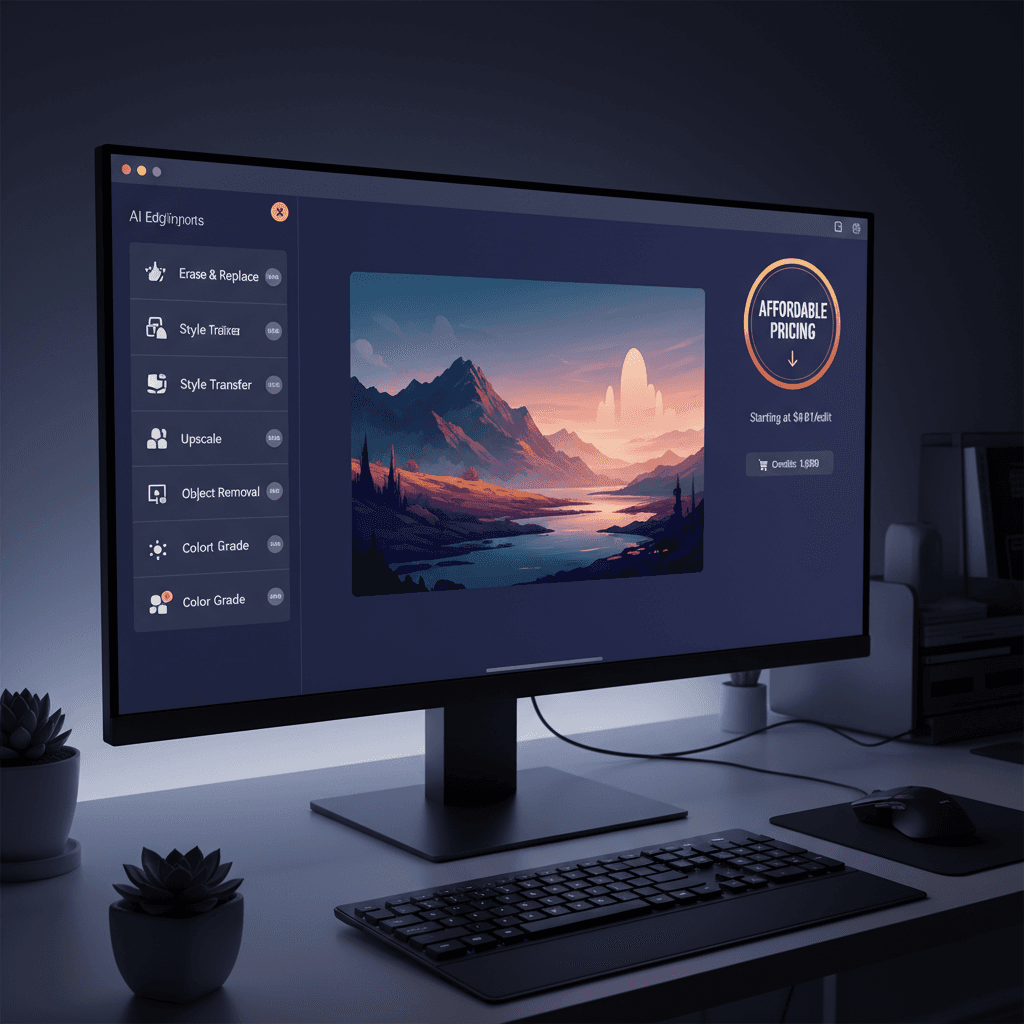
Six cents. That's what a finished AI photo edit costs on Seedream v4.0 Edit — the budget tier of ByteDance's Seedream edit family. Upload an image, type what you want changed, and get a polished result in 20 to 40 seconds. No subscription, no seat fees, no 200-tool interface to learn.
TL;DR
- 6 credits ($0.06) per edit — the cheapest Seedream edit model
- 20 to 40 second generation for typical edits
- Supports natural language editing, object removal, and style transfer
- Endpoint:
fal-ai/bytedance/seedream/v4/edit - 50 free credits on signup at seedance.it.com — no card required
Why Seedream v4.0 Edit Exists
Most AI editors price themselves like creative software from 2012 — monthly fees, locked features, forced upgrades. Seedream v4.0 Edit flips that model. You pay per edit, and every edit costs $0.06. That's it. No tiers, no watermarks, no cooldowns.
The point of this model is pure affordability. It's the entry door to AI image editing for beginners, students, bloggers, and anyone who wants to fix a photo without thinking about the bill.
If you need more power, Seedream v4.5 Edit and Seedream 5.0 Edit sit above it. But for most everyday edits, v4.0 is all you need.
Try Seedream v4.0 Edit — budget AI image editing
The cheapest AI image editor at just $0.06 per edit. 50 free credits, no card needed.
Try Seedream v4.0 Edit FreeWhat Seedream v4.0 Edit Actually Does
Natural language editing
Type instructions like you'd describe them to a friend. The model handles selection, masking, blending, and relighting automatically.
"Remove the trash can from the left side"
"Change the sky to golden hour with soft clouds"
"Turn the red car into a matte black one"
"Make the coffee look steaming hot"
No brushes, no layers, no selection tools. You describe the change and the model does the work.
Object removal
Power lines, photobombers, logos, clutter, reflections — describe what to remove and it disappears. The model fills in background detail so removals don't look patched.
Style transfer
Turn a photo into an oil painting, watercolor, anime frame, pencil sketch, or cyberpunk render. Composition stays locked while the visual language swaps out.
How Much Does It Cost?
Seedream v4.0 Edit is priced at 6 credits per image, which works out to $0.06 per edit on the standard credit bundles.
| Bundle | Price | Credits | Edits | |--------|-------|---------|-------| | Starter | $10 | 1,050 | 175 | | Popular | $25 | 2,750 | 458 | | Pro | $50 | 5,750 | 958 | | Studio | $100 | 12,000 | 2,000 |
Credits never expire. See the full breakdown on the pricing page.
Speed and Quality
Generation runs between 20 and 40 seconds per edit. That's slower than the premium Seedream edit variants, but fast enough for interactive workflows. Most users can iterate on three or four versions of an edit in under two minutes.
Quality is strong for its price point. You won't get the microscopic detail preservation of Seedream 5.0 Edit, but for social media, blog headers, ecommerce listings, and casual photo fixes, the output holds up well against tools that cost ten times more.
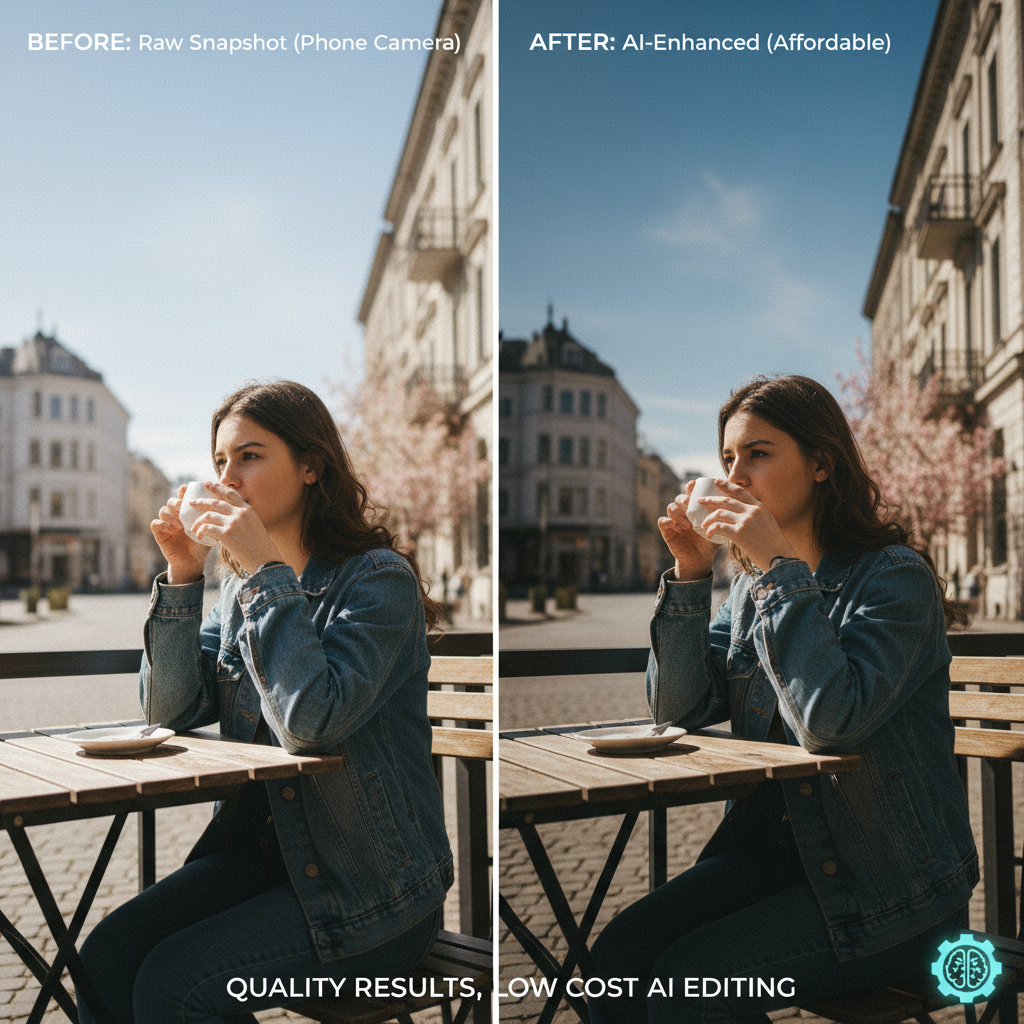
Ready to try it? Open the Seedream v4.0 Edit playground and burn through your 50 free credits.
Example Prompts That Work Well
Seedream v4.0 responds best to clear, specific instructions. Vague prompts produce vague results.
"Replace the cloudy sky with a clear blue sky, keep the lighting natural"
"Remove the person in the background, fill with matching grass texture"
"Change the wall color from beige to navy blue"
"Add subtle window light coming from the left"
"Turn this photo into a 1960s film style with grain and warm tones"
Keep prompts under 25 words. Longer prompts sometimes confuse the model. If an edit misses, rerun with a rephrased instruction rather than chaining multiple requests.
Who Should Use Seedream v4.0 Edit?
This model is built for people who need to edit images often but don't want to spend money on each one. That includes:
- Bloggers fixing featured images between posts
- Students editing photos for projects and presentations
- Side-hustle ecommerce sellers cleaning up product shots
- Social media managers on tight budgets
- Beginners learning AI image editing for the first time
If you're a professional retoucher shipping paid client work, step up to Seedream 5.0 Edit or Seedream v4.5 Edit. For everyone else, v4.0 is the right tool.
Start editing for 6 credits per image
Seedream v4.0 Edit gives you the lowest price in the Seedream family. Try it with 50 free credits.
Edit My First PhotoHow It Compares to Other Seedream Edit Models
| Model | Credits | Price | Speed | Best For | |-------|---------|-------|-------|----------| | Seedream v4.0 Edit | 6 | $0.06 | 20-40s | Budget edits, beginners | | Seedream v4.5 Edit | 8 | $0.08 | 10-25s | Balanced quality | | Seedream 5.0 Edit | 7 | $0.07 | 5-15s | Pro retouching |
v4.0 is the slowest of the three but by far the cheapest. If you run 100 edits a month, that's a savings of $2 over v4.5 and $1 over v5.0 — small per user, large at scale.
Tips to Get the Most Out of v4.0
- Start with good source images. The model works best when the original photo has decent lighting and focus. Garbage in, garbage out.
- Be specific about location. "Remove the person on the right" beats "remove the person."
- Describe the result, not the process. Say "make it a sunset" not "apply an orange filter."
- Iterate cheaply. At $0.06 per edit, running three variants costs less than a gumball.
- Combine with generation. Pair v4.0 Edit with Seedream 5.0 Lite for cheap generate-then-edit workflows.
Final Word
Seedream v4.0 Edit is the cheapest way to do AI image editing that doesn't suck. It's not the fastest or the most detailed — those titles belong to v5.0 and v4.5 respectively — but it delivers solid edits at a price that stays invisible on your expense sheet.
Sign up, grab your 50 free credits, and try it in the playground. If you like it, a $10 bundle buys 175 edits.