Seedream 5.0 Edit: AI Image Editing & Style Transfer Guide
Everything you need to know about Seedream 5.0 Edit — the AI image editing model that lets you transform photos with natural language instructions, style transfer, inpainting, and more.
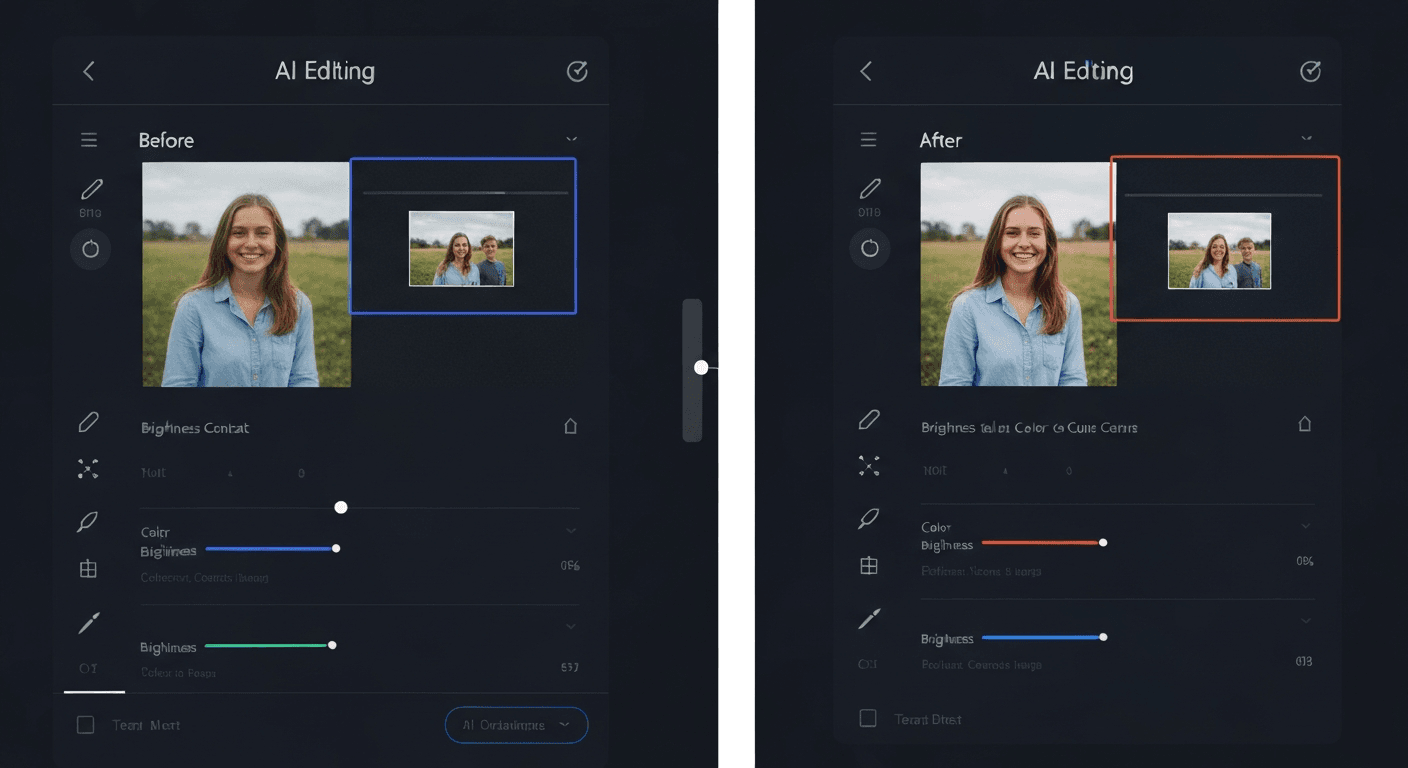
What if editing a photo took one sentence instead of forty-five minutes of masking, layering, and color-matching? Seedream 5.0 Edit turns that question into a workflow. Upload an image, type what you want changed, and get a finished edit back in 5 to 15 seconds for 7 credits — $0.07 a shot.
TL;DR
- 7 credits ($0.07) per edit — no subscription, credits never expire
- Natural language interface — no masks, layers, or selection tools
- 5 to 15 second generation for most edits
- Handles style transfer, inpainting, background swaps, color grading, object add/remove
- 50 free credits when you sign up at seedance.it.com
Why Seedream 5.0 Edit Exists
Traditional editors punish you for being a beginner. Photoshop hides power behind 20 years of menus, and even Canva's AI requires you to click around masks and prompts buried three layers deep. Seedream 5.0 Edit flips the model — the interface is a text box.
You describe what you want. The model handles selection, blending, color-matching, and relighting. That shift matters because it collapses the skill gap between a hobbyist and a retoucher on most common edits.
Seedream 5.0 Edit is built on the same architecture as Seedream 5.0 Lite, ByteDance's flagship image model. If you want the full family tree, the ByteDance Seed models overview breaks down every variant.
Edit your first photo with AI
No Photoshop skills needed. Just type what you want changed. $0.07 per edit.
Try Seedream 5.0 Edit FreeWhat You Can Actually Do With It
1. Edit anything with plain English
Type instructions the way you'd describe them to a designer:
"Change the sky to a dramatic sunset with purple and orange clouds"
"Remove the power lines and the person in the red jacket"
"Make the dress emerald green and add subtle gold embroidery"
"Swap the background to a minimalist white studio"
The model figures out what to select, what to preserve, and how to blend the edit back in. No brushes, no lassos.
2. Transfer styles without losing the subject
Feed in a portrait and ask for an oil painting, watercolor, anime, cyberpunk, or pencil sketch rendering. Composition, pose, and identity stay locked while the visual language changes completely. The full playbook lives in the style transfer tutorial.
3. Inpaint without drawing a mask
Say what to remove or replace. The model handles the rest — matching lighting, perspective, and texture so edits don't look pasted in. Our inpainting guide covers object removal, element swaps, and photo repair.
4. Grade color like a colorist
Ask for a teal-and-orange cinematic grade, a muted Wes Anderson palette, or golden-hour warmth and the model applies it globally with sensible contrast and saturation curves.
5. Swap environments, seasons, and weather
Turn a summer park into a snowy wonderland, a clear afternoon into a rain-soaked neon street, or a studio shot into an outdoor campaign. The seasons tutorial walks through each transformation.
How It Works in 60 Seconds
- Upload a JPEG, PNG, or WebP (512x512 to 2048x2048 works best)
- Type your instruction in plain English
- Generate — wait 5 to 15 seconds
- Iterate — apply another pass if you want to layer edits
Every run costs 7 credits. With 50 free credits on signup, you get 7 full edits before spending a cent.
Ready to try Seedream 5.0 Edit? Start creating free →
Prompt Patterns That Actually Work
The quality of your edit is a direct function of how specific your instructions are. Here's the difference:
| Vague prompt | Specific prompt | |---|---| | "Better lighting" | "Add warm golden-hour lighting from the left, soften shadows on the face" | | "Cleaner background" | "Replace the cluttered background with a seamless light gray studio backdrop" | | "Make it look nicer" | "Apply a cinematic teal-and-orange grade, slight film grain, soft highlight roll-off" | | "Change outfit" | "Change the t-shirt to a navy wool blazer over a crisp white button-down" |
The rule: name the object, name the change, name the style. If you want it to look like something specific, say what.
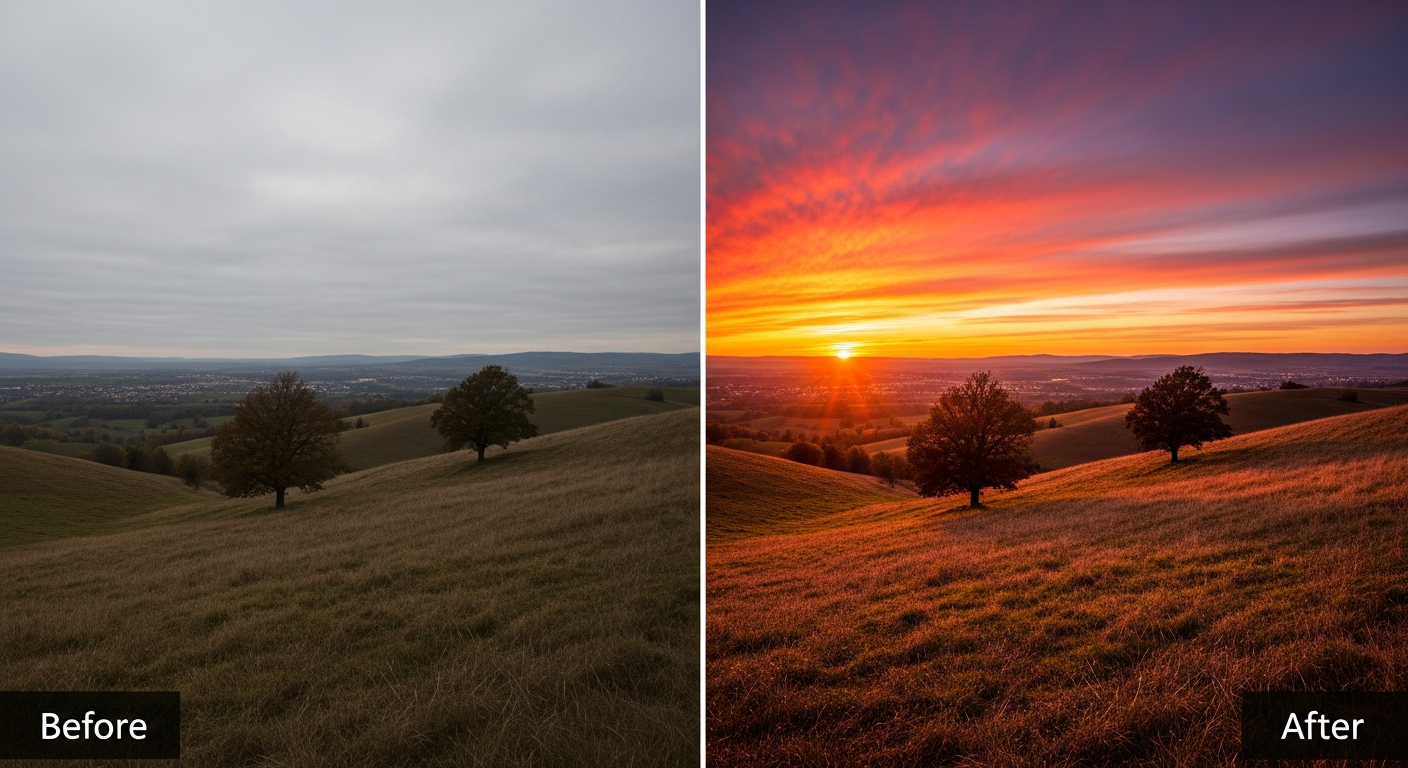
Want results like this? Try Seedream 5.0 Edit free →
Style Transfer Cheat Sheet
| Style | Prompt | Works Best On | |---|---|---| | Oil painting | "Classical oil painting with visible brushstrokes" | Portraits, landscapes | | Watercolor | "Soft watercolor illustration with paper texture" | Florals, nature | | Anime | "Japanese anime style, cel-shaded, vibrant colors" | Characters, cityscapes | | Pencil sketch | "Detailed graphite pencil sketch, hatching shadows" | Architecture, portraits | | Pop art | "Warhol-style pop art with bold primary colors" | Products, faces | | Cyberpunk | "Neon cyberpunk aesthetic, rain-wet streets, teal and magenta" | Urban scenes | | Vintage film | "1970s Kodachrome film look, warm fade, subtle grain" | Any photograph | | Pixel art | "16-bit pixel art, limited palette, crisp edges" | Simple compositions |
Pricing in One Screen
Seedream 5.0 Edit is 7 credits ($0.07) per edit. No tiers, no surprises, no subscription.
| Credit Pack | Credits | Price | Edits You Get | |---|---|---|---| | Starter | 1,050 | $10 | ~150 edits | | Popular | 2,750 | $25 | ~390 edits | | Pro | 5,750 | $50 | ~820 edits | | Max | 12,000 | $100 | ~1,710 edits |
Credits never expire. You buy once and use them whenever. A freelance designer retouching 20 client photos a week burns through roughly $1.40 in credits — less than a latte.
How It Stacks Up
| | Seedream 5.0 Edit | Photoshop AI | Canva AI | Clipdrop | |---|---|---|---|---| | Cost | $0.07/edit | $22.99/mo | $12.99/mo | $11.99/mo | | Natural language | Full | Limited | Basic | Partial | | Subscription required | No | Yes | Yes | Yes | | Style transfer | Advanced | Manual | Templates | Basic | | Learning curve | Minutes | Weeks | Hours | Hours | | API access | Yes | No | Limited | Yes |
Full head-to-heads live in our Photoshop AI comparison, Canva AI comparison, and Clipdrop comparison.
Skip the learning curve
Why spend weeks mastering Photoshop when you can type a sentence? First 7 edits are free.
Start Editing FreeWho's Actually Using This
- Photographers running fast retouching passes — see the photographers' guide
- E-commerce teams swapping backgrounds on product catalogs — product photo playbook
- Real estate agents virtually staging empty listings — virtual staging guide
- Social media managers cranking out on-brand variants — social media guide
- Illustrators prototyping stylized concepts from reference photos — photo-to-illustration tutorial
Getting Started
- Sign up at seedance.it.com — 50 free credits land in your account instantly
- Open Seedream 5.0 Edit
- Drag in your image
- Type your instruction
- Hit generate
That's it. No onboarding, no tutorial walls, no upsell popups.
FAQ
What formats does it accept? JPEG, PNG, WebP on input. Output is PNG.
Can I chain edits? Yes. Run one pass, feed the result back in, and layer another edit. Each pass is 7 credits.
Is there an API? Yes — full docs in the API guide.
How is this different from Seedream 5.0 Lite? Lite generates images from text. Edit modifies images you already have. They're companions, not competitors.
What's the max resolution? 2048x2048 for best quality. Anything larger is auto-downscaled.
Do I need a subscription? No. Credits-only, never-expiring, no monthly commitment. See pricing.
Try It Free
Every test prompt in this guide costs 7 credits. Your first 50 are free. Start editing with Seedream 5.0 Edit →