How to Convert Photos to Illustrations with Seedream 5.0 Edit
Transform photographs into stunning illustrations using Seedream 5.0 Edit. Learn techniques for watercolor, ink, digital illustration, anime, and more artistic conversions.
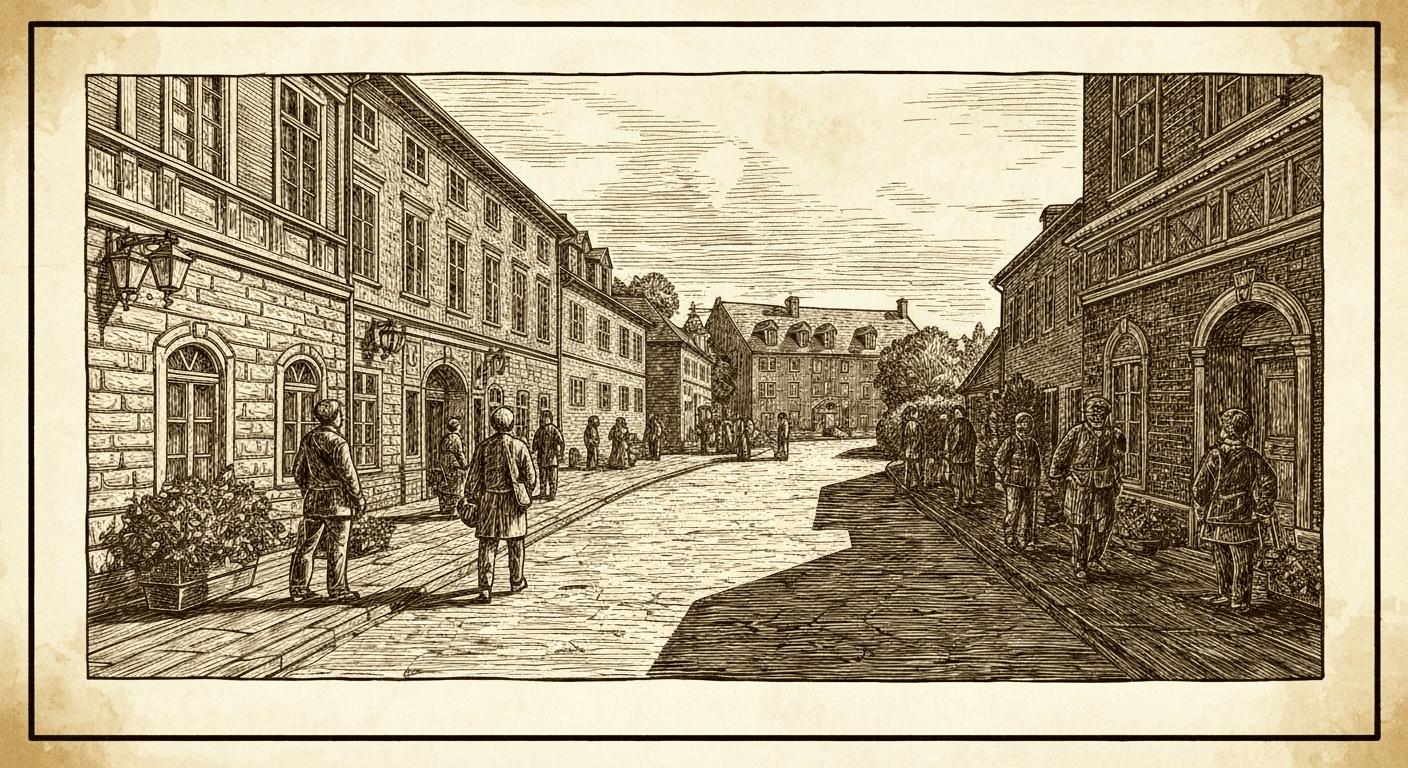
Commissioning an illustration from a photo costs $100 to $2,000+ and takes days to weeks. Seedream 5.0 Edit turns a photo into a watercolor, ink drawing, anime scene, or digital illustration in 10 seconds for $0.07. Whether you're creating book covers, greeting cards, invitations, or branded content, this is the fastest photo-to-art pipeline in existence.
TL;DR
- Convert any photo into illustration form with natural-language prompts
- 7 credits ($0.07) per conversion, 5–15 seconds
- Works for watercolor, ink, digital art, anime, children's book, vector styles
- Replaces $100–$2,000 illustrator commissions
- 50 free credits (~7 illustrations) at seedance.it.com
Why Convert Photos to Illustrations?
Illustrations carry a personality that photography can't match. They're used for:
- Children's book covers and interiors
- Wedding invitations and save-the-dates
- Custom greeting cards and personal gifts
- Brand mascots and hero images
- Editorial illustrations for articles and blogs
- Portfolio art and personal projects
Historically, getting a custom illustration meant hiring an artist, briefing them, and waiting. Now you can prototype 10 styles in 10 minutes.
Edit your first photo with AI
No Photoshop skills needed. Just type what you want changed. $0.07 per edit.
Try Seedream 5.0 Edit FreeThe Core Illustration Styles
Watercolor
"Convert to soft watercolor illustration: translucent washes, bleeding edges, visible paper texture, loose brushwork, gentle colors"
Best for: florals, landscapes, gentle portraits, wedding imagery.
Ink Drawing
"Convert to black ink drawing: clean line work, crosshatching for shadows, white background, detailed pen technique"
Best for: editorial illustrations, logos, tattoo designs, architectural art.
Children's Book Illustration
"Convert to children's book illustration: soft rounded shapes, warm friendly colors, hand-drawn feel, gentle shading, whimsical atmosphere"
Best for: storybooks, kids' products, family imagery.
Digital Illustration
"Convert to modern digital illustration: clean vector-style shapes, bold colors, subtle gradients, contemporary editorial look"
Best for: tech brands, editorial content, modern marketing.
Anime / Manga
"Convert to Japanese anime illustration: cel-shaded, vibrant saturated colors, clean outlines, stylized features, dynamic atmosphere"
Best for: character art, pop culture, youth-targeted content.
Vector / Flat
"Convert to flat vector illustration: bold flat colors, simple shapes, no gradients, modern minimalist style"
Best for: logos, icons, app graphics, clean editorial.
Charcoal Drawing
"Convert to dramatic charcoal drawing: deep shadows, rough paper texture, smudged highlights, high contrast, artistic expressive lines"
Best for: dramatic portraits, fashion editorial, fine art.
Comic Book
"Convert to classic comic book illustration: bold outlines, Ben-Day dots, flat primary colors, dynamic shadows, superhero aesthetic"
Best for: pop art, fun marketing, character pieces.
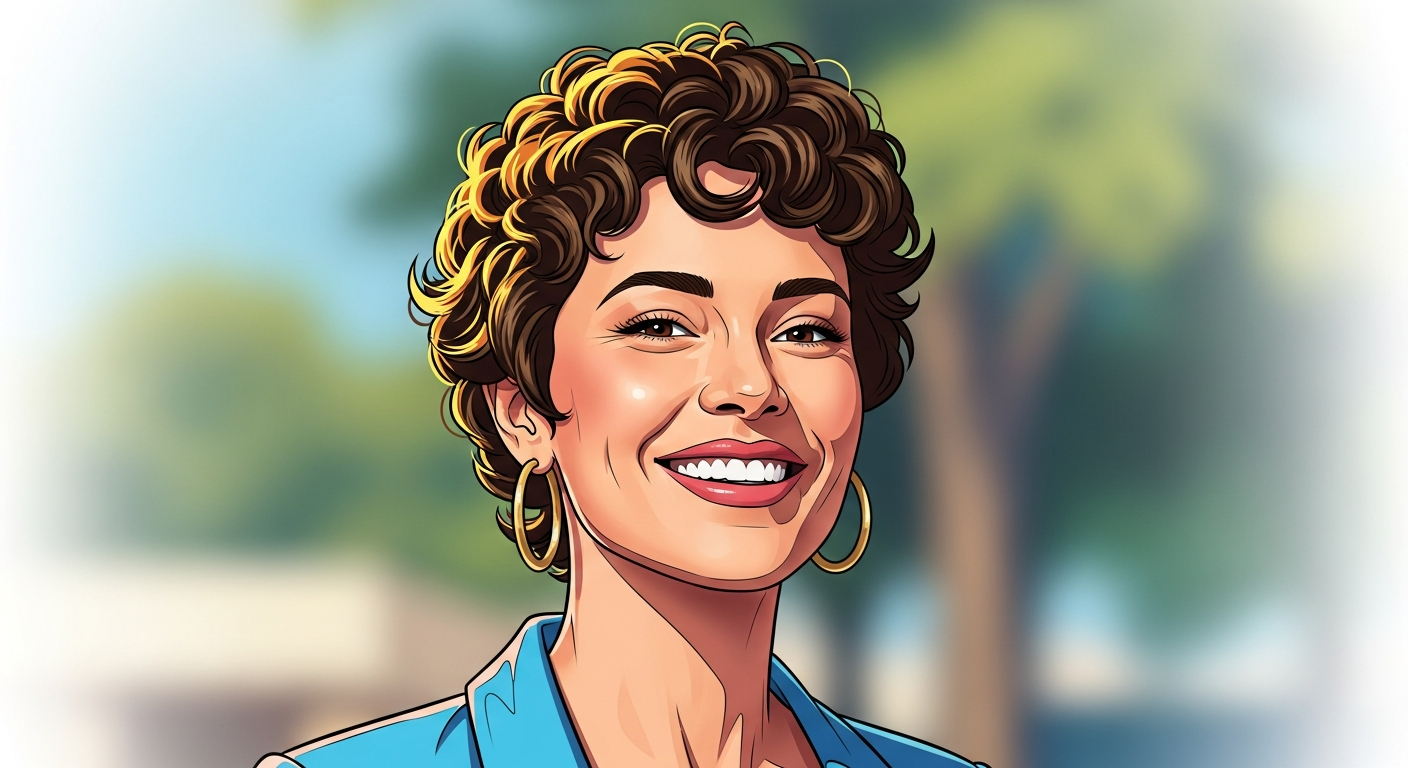
Want results like this? Try Seedream 5.0 Edit free →
The Conversion Formula
Every strong photo-to-illustration prompt includes four elements:
[Medium] + [Style/era] + [Technical qualities] + [Mood/atmosphere]
Example:
"Convert to watercolor illustration in the style of a modern botanical artist, soft translucent washes with visible paper texture, gentle spring atmosphere"
Each element tells the model something specific. Strip any of them and quality drops.
Preserving Subject Identity
When converting portraits, identity matters. Add preservation instructions:
"Convert to watercolor illustration, preserve facial features and likeness, soft artistic interpretation"
"Convert to ink drawing while maintaining recognizable features, detailed facial structure preserved"
Without this, the model may drift away from the original face in favor of the style.
Use Case Walkthroughs
Wedding Invitation from an Engagement Photo
Starting image: Engagement photo of a couple.
"Convert to delicate watercolor illustration: soft romantic atmosphere, loose brushwork, preserve the couple's features and pose, warm muted palette, visible paper texture"
Cost: $0.07. Compare to commissioning an illustrated invitation ($150–$500).
Children's Book Cover from a Family Photo
Starting image: Family photo with kids.
"Convert to children's book cover illustration: warm whimsical style, soft rounded shapes, bright friendly colors, hand-painted feel, preserve characters"
Cost: $0.07. Compare to hiring a children's book illustrator ($500–$2,000).
Custom Portrait Art from a Selfie
Starting image: Phone selfie.
"Convert to digital illustration portrait: clean modern style, bold colors, subtle shading, preserve features, editorial magazine look"
Cost: $0.07. Compare to custom portrait commissions ($50–$300).
Editorial Blog Header from a Stock Photo
Starting image: Stock or original photo.
"Convert to modern editorial illustration: flat vector style, bold shapes, limited palette of three colors, clean contemporary look"
Cost: $0.07. Compare to hiring an illustrator for each blog post.
A/B Testing Multiple Styles
The real power is testing multiple interpretations cheaply. From one source photo, try:
1. "Watercolor illustration, soft romantic"
2. "Ink drawing, detailed line work"
3. "Digital illustration, modern editorial"
4. "Anime style, cel-shaded vibrant"
5. "Children's book illustration, whimsical warm"
6. "Charcoal drawing, dramatic high contrast"
6 interpretations for 42 credits = $0.42. Pick your favorite or use them for different purposes.
Skip the $2,000 illustrator commission
Type the medium — watercolor, ink, anime, children's book — and get a custom illustration in 10 seconds.
Create Your First Illustration FreeFine-Tuning With Chained Passes
Start broad, then refine:
Pass 1: "Convert to watercolor illustration" (establishes style)
Pass 2: "Increase paper texture visibility, soften edges more" (tunes the medium feel)
Pass 3: "Apply warm autumn palette, reduce blue tones" (tunes the color)
Total: 21 credits = $0.21 for a finely-tuned illustration.
Medium-Specific Tips
For watercolor to look real:
- Always mention "visible paper texture"
- Add "translucent washes" and "bleeding edges"
- Keep composition simple — watercolor thrives on empty space
For ink drawings to look real:
- Mention "crosshatching" or "stippling"
- Specify "clean line work"
- Keep backgrounds simple or "minimal"
For digital illustrations to look modern:
- Mention "vector", "flat", or "gradient-free"
- Specify a limited palette
- Add "contemporary" or "editorial"
For anime to look authentic:
- Mention "cel-shaded"
- Specify "vibrant saturated colors"
- Reference specific styles (Ghibli, Shinkai, etc.)
Common Mistakes
| Mistake | Fix | |---|---| | Style too weak | Add intensity keywords ("strong", "fully rendered as") | | Face unrecognizable | Add "preserve facial features" | | Looks like a filter | Name the medium + specific techniques | | Wrong color mood | Specify palette ("warm autumn", "cool blues") | | Over-complicated | Simplify — illustrations favor clarity |
Cost Comparison
| Service | Cost per illustration | Timeline | |---|---|---| | Seedream 5.0 Edit | $0.07 | 10 sec | | Fiverr illustrator | $15–$200 | 3–10 days | | Mid-level illustrator | $200–$1,000 | 1–3 weeks | | Named illustrator | $1,000–$5,000+ | 2–8 weeks |
Pricing
| Pack | Credits | Price | Illustrations | |---|---|---|---| | Starter | 1,050 | $10 | ~150 | | Popular | 2,750 | $25 | ~390 | | Pro | 5,750 | $50 | ~820 | | Max | 12,000 | $100 | ~1,710 |
Credits never expire. See pricing.
Next Steps
Create your first illustration free → — 50 credits on signup.