How to Edit Photos with AI Using Seedream 5.0 Edit
A step-by-step tutorial on editing photos with Seedream 5.0 Edit. Learn how to enhance, retouch, adjust colors, swap backgrounds, and transform your images using natural language.
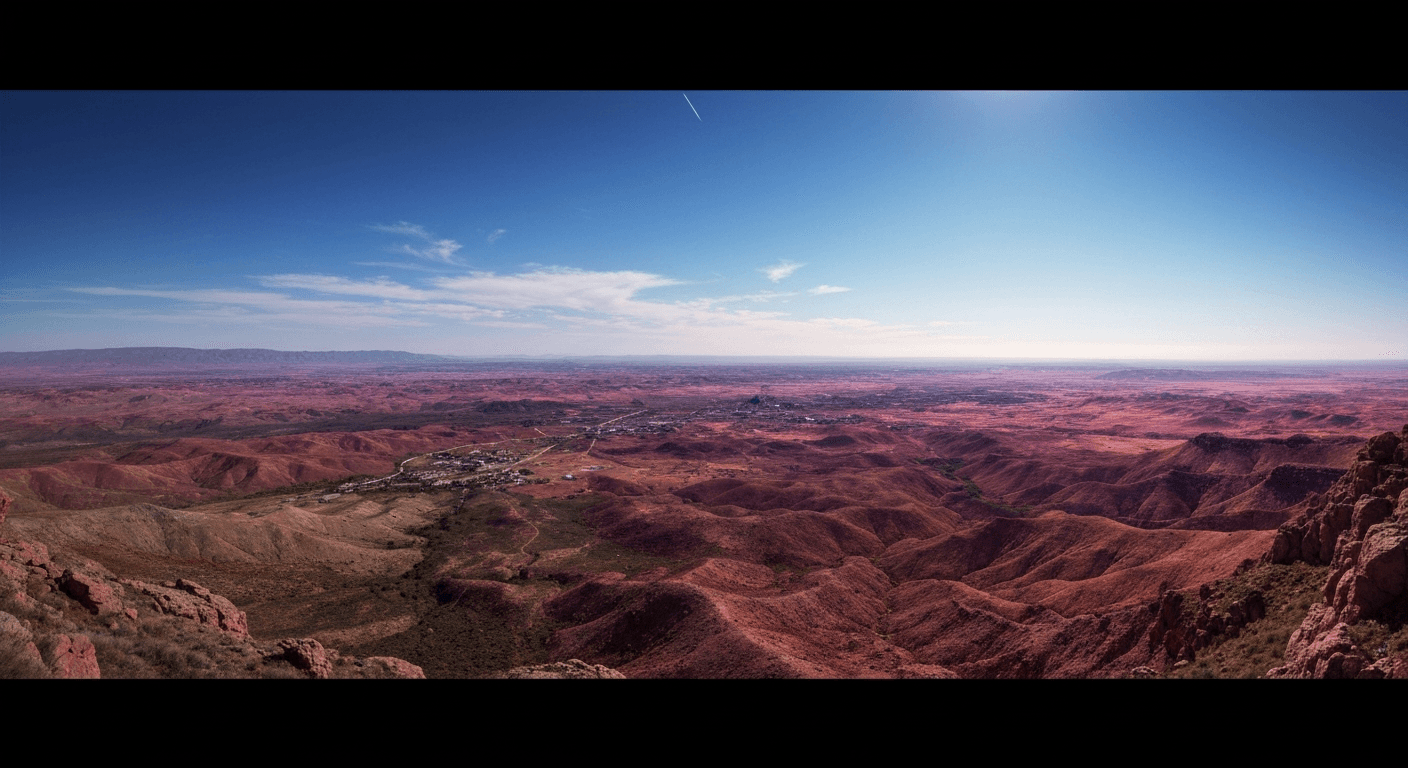
Most photo edits don't need Photoshop. They need a sentence. Seedream 5.0 Edit takes any image and your typed instruction and returns a professionally edited result in 5 to 15 seconds for 7 credits — $0.07. This tutorial walks you through every common edit type with real prompts you can copy.
TL;DR
- Upload an image, type an instruction, get an edit back in seconds
- 7 credits ($0.07) per edit, no subscription
- Covers enhancement, color grading, background swap, object removal, style transfer
- Specific prompts beat vague ones every single time
- 50 free credits on signup at seedance.it.com
Before You Start: The Prompt Rule
The single biggest quality lever is prompt specificity. Name the object, name the change, name the style.
| Weak | Strong | |---|---| | "Better lighting" | "Warm golden-hour light from the right, soft shadows on face" | | "Nicer background" | "Replace background with seamless light gray studio backdrop" | | "Fix the colors" | "Apply cinematic teal-and-orange grade with lifted blacks" | | "Cleaner look" | "Remove the telephone pole and power lines from the sky" |
Every prompt in this tutorial follows that rule.
Edit your first photo with AI
No Photoshop skills needed. Just type what you want changed. $0.07 per edit.
Try Seedream 5.0 Edit FreeStep 1: Upload Your Image
Head to Seedream 5.0 Edit and drag your image into the upload area. Supported formats:
- JPEG, PNG, WebP
- Best results between 512x512 and 2048x2048
- Larger images are auto-resized
Step 2: Basic Enhancement
Start with the edits you'd do in Lightroom. Try prompts like:
"Increase brightness, recover shadow detail, slight contrast boost"
"Sharpen details and reduce noise in the shadows"
"Brighten the subject's face without affecting the background"
"Add a subtle warm tone and soften highlights"
For a deep dive, see the full enhancement guide.
Step 3: Color Grading
Cinematic color grades that used to require LUTs and curves now take one line:
"Apply a teal and orange cinematic grade"
"Give this a moody desaturated winter look"
"Warm golden-hour color with lifted blacks"
"Kodachrome 1970s film look with slight grain"
"Cool blue hour tones with magenta highlights"
Each grade costs 7 credits. Run 3–4 variations and pick the best one — still under 30 cents total.
Step 4: Background Replacement
One of the most-requested edits. No mask required:
"Replace the background with a minimalist white studio"
"Change the background to a blurred autumn forest"
"Put the subject in front of a cityscape at sunset"
"Swap background to a neutral concrete texture"
The model handles edge detection, lighting match, and shadow continuity automatically. Full walkthrough in our background change tutorial.
Step 5: Object Removal
Remove distractions with natural language:
"Remove the person in the red jacket on the left"
"Delete the trash can and the street sign"
"Erase the watermark in the bottom right"
"Remove all power lines from the sky"
The inpainting engine fills in seamlessly. See the inpainting guide for object replacement too.
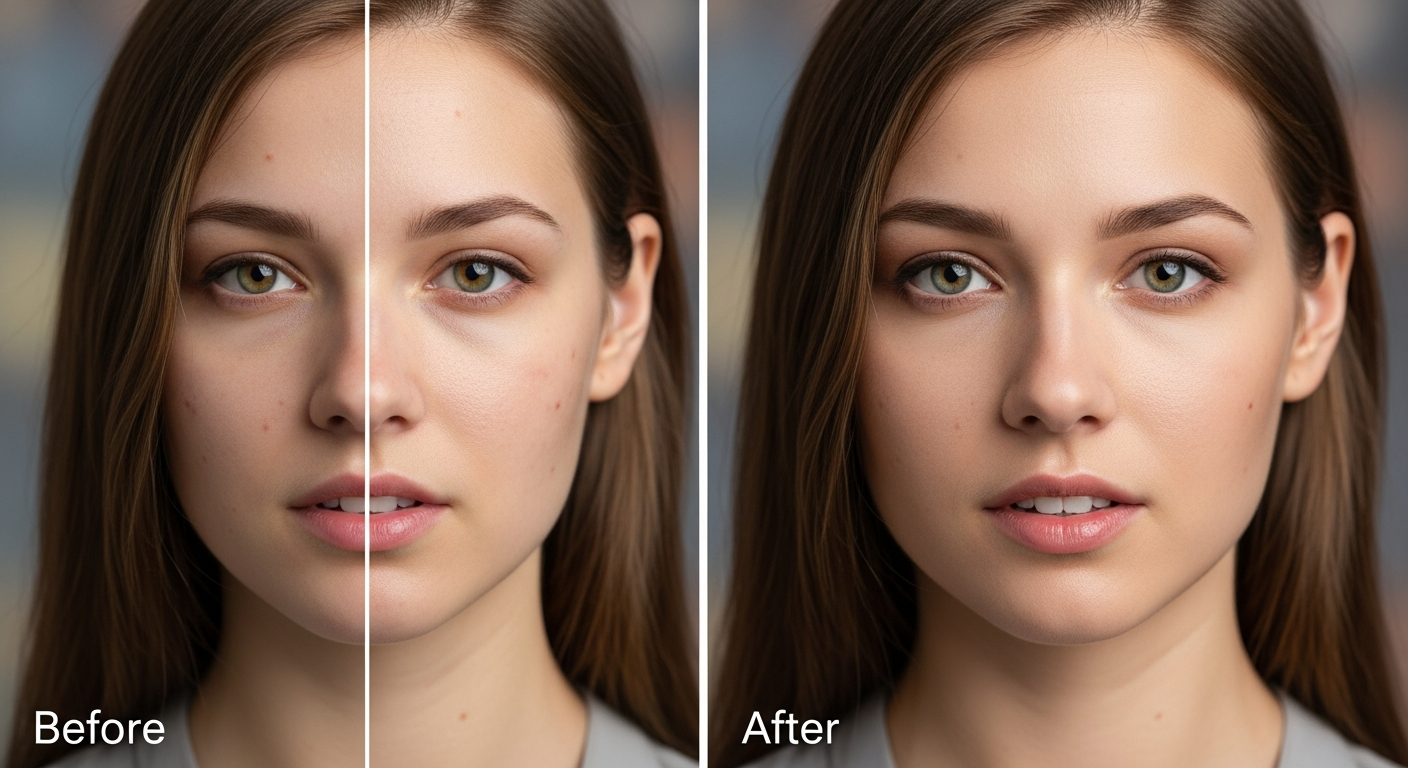
Want results like this? Try Seedream 5.0 Edit free →
Step 6: Adding Elements
Add what wasn't in the original shot:
"Add a golden retriever sitting next to the person"
"Place a steaming coffee cup on the table"
"Add soft morning fog in the background"
"Put a crescent moon in the sky"
The model matches lighting, perspective, and scale. Full techniques in the add objects guide.
Step 7: Portrait Retouching
Clean skin, brighten eyes, fix lighting:
"Smooth skin naturally, keep texture, brighten under-eyes"
"Enhance eye color, sharpen lashes slightly"
"Soften harsh shadows on the face"
"Remove blemishes, keep freckles"
Full beauty workflow in the portrait retouching guide.
Step 8: Style Transfer
Turn any photo into art:
"Convert to oil painting with visible brushstrokes"
"Render as Japanese anime, cel-shaded"
"Transform to watercolor illustration on paper"
"Apply cyberpunk neon aesthetic"
"Convert to detailed pencil sketch with hatching"
Deeper techniques in the style transfer tutorial.
Step 9: Chain Edits for Precision
For complex transformations, chain prompts. Feed the output of one pass into the next:
Pass 1: "Replace background with warm sunset beach"
Pass 2: "Apply a soft golden-hour color grade"
Pass 3: "Add gentle lens flare from the right"
Each pass is 7 credits. Three chained edits = 21 credits, $0.21 total — less than the cost of a stock photo.
Your first edit takes one sentence
Forget masks, layers, and selection tools. Type what you want changed — the model handles the rest. First 7 edits free.
Start Editing FreeCommon Mistakes and Fixes
| Problem | Cause | Fix | |---|---|---| | Edit ignored | Prompt too vague | Name specific objects and changes | | Unwanted changes | Over-broad instruction | Add "keep everything else unchanged" | | Wrong object edited | Ambiguous subject | Specify position: "the man on the left" | | Style too weak | No style keywords | Name the artist/era/medium | | Artifacts at edges | Low-res source | Use 1024+ resolution input |
Cost Breakdown: Real Workflows
Social media post: background swap + color grade = 14 credits = $0.14 Product photo: background + lighting + minor cleanup = 21 credits = $0.21 Portrait retouch: skin + eyes + color grade = 21 credits = $0.21 Hero marketing shot: 5 iterative passes = 35 credits = $0.35
For reference, a freelance retoucher would charge $50–$200 for any one of these.
Example: Full Workflow Walkthrough
Starting image: Phone photo of a product on a kitchen counter.
Edit 1: "Replace cluttered kitchen background with a clean white studio backdrop" — 7 credits
Edit 2: "Add soft studio lighting from above left, subtle shadow underneath" — 7 credits
Edit 3: "Boost color vibrancy slightly, increase sharpness on the label" — 7 credits
Total: 21 credits = $0.21. Total time: ~45 seconds. Result: e-commerce-ready product photo.
Pricing Snapshot
| Pack | Credits | Price | Edits | |---|---|---|---| | Starter | 1,050 | $10 | ~150 | | Popular | 2,750 | $25 | ~390 | | Pro | 5,750 | $50 | ~820 | | Max | 12,000 | $100 | ~1,710 |
Credits never expire. See full pricing.
Next Steps
You've got the fundamentals. Pick a specialty and go deeper:
- Style transfer mastery
- Portrait retouching
- Product photography
- Social media editing
- Virtual staging for real estate
Start editing with Seedream 5.0 Edit → — 50 free credits, no card required.