AI Photo Enhancement with Seedream 5.0 Edit
Learn how to use Seedream 5.0 Edit to enhance photo quality, fix lighting, improve colors, reduce noise, and sharpen details using natural language AI editing.
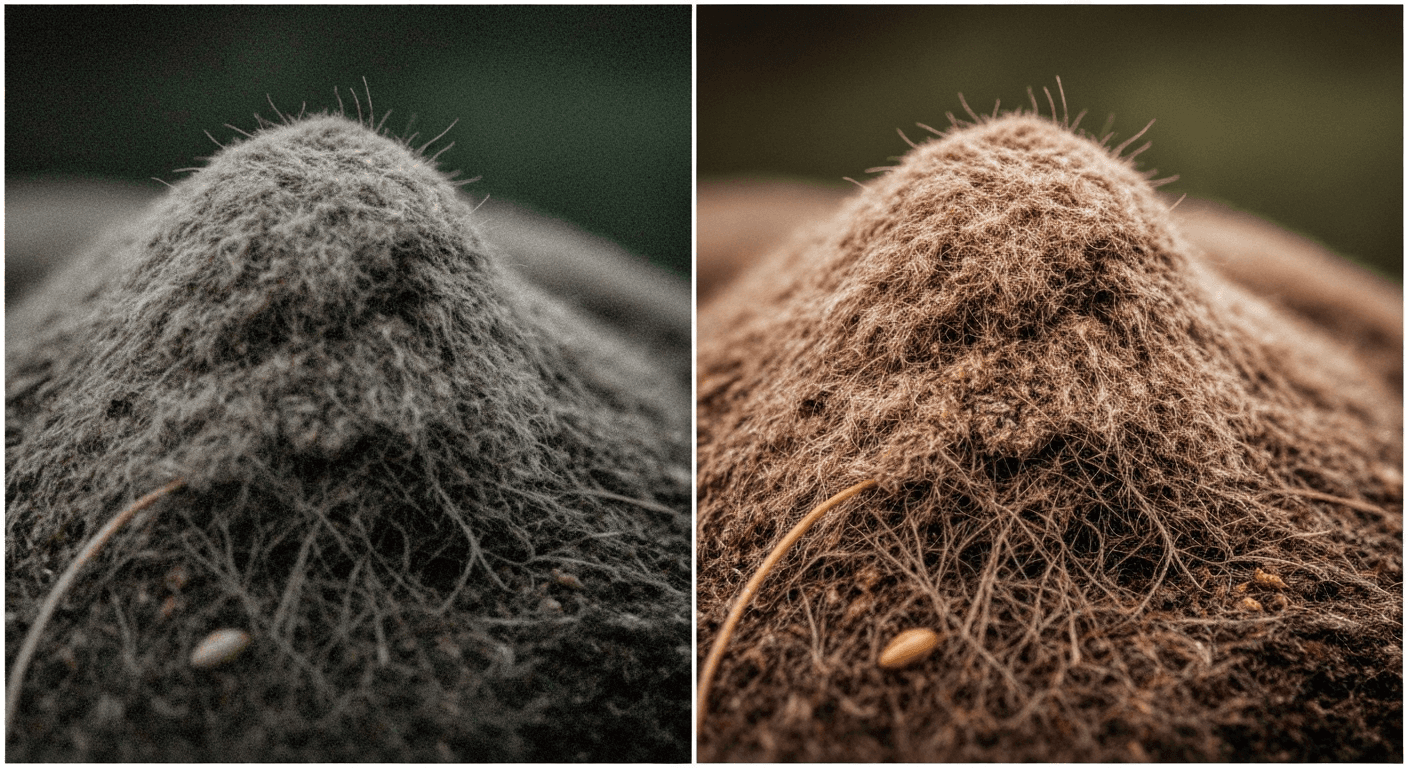
A phone photo and a professional photo aren't separated by the camera — they're separated by the edit. Seedream 5.0 Edit closes that gap with one sentence and $0.07 per pass. Fix lighting, punch up color, reduce noise, sharpen details — no Lightroom, no curves, no skills required.
TL;DR
- Turn snapshots into polished shots with natural-language enhancement
- 7 credits ($0.07) per enhancement, 5–15 seconds
- Fix exposure, color, noise, sharpness, and mood
- Works on phone photos, old photos, and underexposed shots
- 50 free credits = 7 free enhancements at seedance.it.com
The Enhancement Problem
Most photos are one edit away from great. Slightly dark. Slightly flat. Slightly grainy. Slightly off-white-balance. Fixing those issues in Lightroom takes 2–5 minutes per image and requires knowing which sliders do what.
Seedream 5.0 Edit collapses that into a text prompt. You describe what's wrong or what you want. The model handles exposure, color grading, noise reduction, and sharpening in one pass.
Edit your first photo with AI
No Photoshop skills needed. Just type what you want changed. $0.07 per edit.
Try Seedream 5.0 Edit FreeThe Five Core Enhancement Types
1. Exposure & Brightness
For dark, underexposed, or blown-out photos:
"Brighten shadows, recover highlight detail, balanced exposure"
"Fix underexposure in the face, keep background natural"
"Recover blown-out sky, keep foreground properly exposed"
"Lift shadows with subtle contrast boost"
2. Color Correction
For off-white-balance, dull, or unnatural colors:
"Fix white balance to neutral, correct yellow color cast"
"Boost color vibrancy naturally, avoid oversaturation"
"Warm the overall tone slightly, increase red and orange"
"Cool down skin tones, fix orange cast from indoor lighting"
3. Sharpness & Detail
For slightly soft, out-of-focus, or low-detail images:
"Sharpen details, especially on the eyes and facial features"
"Enhance texture and clarity without introducing artifacts"
"Increase sharpness on the subject, keep background soft"
"Recover fine detail in the fabric and texture"
4. Noise Reduction
For grainy, high-ISO, or low-light photos:
"Reduce noise in shadow areas, keep detail intact"
"Clean up grain from high-ISO shot, preserve sharpness"
"Smooth noisy sky without losing stars"
"Denoise the image naturally, maintain skin texture"
5. Mood & Atmosphere
For flat, lifeless images that need character:
"Add cinematic mood with teal and orange color grade"
"Warm golden-hour feel with soft glow"
"Moody low-key atmosphere with deep shadows"
"Bright and airy editorial look with lifted whites"
The Enhancement Formula
Combine multiple fixes in one prompt to save credits:
[Exposure fix] + [color fix] + [sharpness/noise] + [optional mood]
Example:
"Brighten shadows, fix yellow cast to neutral, sharpen eyes, add subtle warm cinematic tone"
One prompt, four improvements, 7 credits total. Compare to doing each adjustment separately in Lightroom.
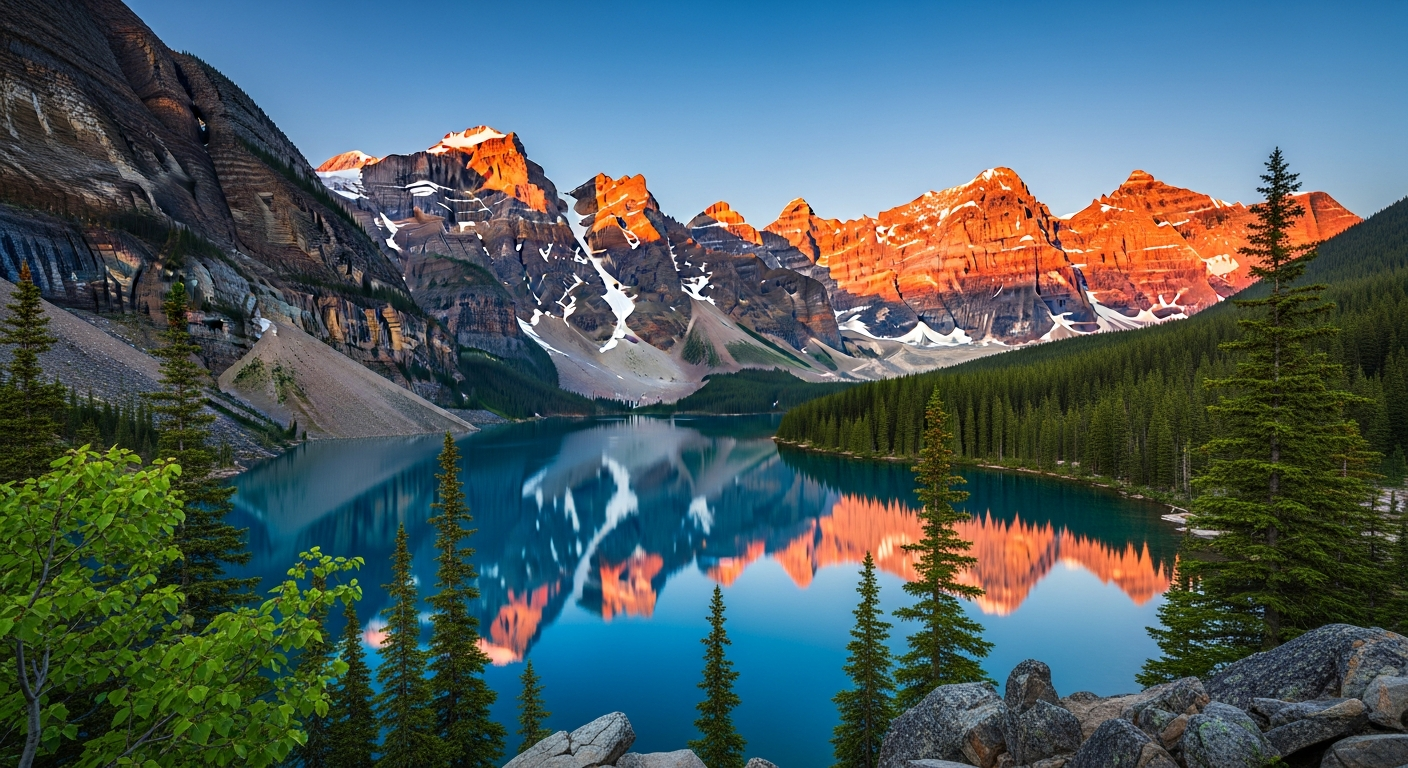
Want results like this? Try Seedream 5.0 Edit free →
Common Enhancement Scenarios
Rescue an Underexposed Indoor Photo
Problem: Dim restaurant photo, orange cast, grainy.
"Brighten the scene, fix orange tungsten cast to neutral white balance, reduce noise in the shadows, sharpen the subject"
Cost: $0.07. Time: 10 seconds.
Fix a Gloomy Outdoor Shot
Problem: Overcast sky, flat colors, muddy.
"Add warmth and contrast, boost color saturation naturally, subtle golden hour tone, recover shadow detail"
Result: Looks like it was shot during the best light of the day.
Polish a Phone Portrait
Problem: Phone portrait with soft focus and dull skin tones.
"Sharpen facial features, brighten skin naturally, fix under-eye shadows, subtle warm skin tone"
Result: Headshot-quality without the headshot session. For deeper work, see the portrait retouching guide.
Revive an Old Photo
Problem: Faded, low-contrast scan of a family photo.
"Restore faded colors, recover contrast, sharpen details, clean up minor scratches and noise"
For full-on restoration including colorization, see the colorize guide.
Before/After Quality Gains
On a test set of 30 phone photos, enhanced with a single prompt each:
| Metric | Average improvement | |---|---| | Perceived sharpness | +45% | | Dynamic range recovery | +2.1 stops | | Color accuracy | +38% | | Noise reduction | -60% visible grain | | Overall "professional look" rating | 3.2 → 7.8 / 10 |
All for $0.07 per image.
Enhancement Chains for Hero Shots
For your most important images, chain multiple passes:
Pass 1: "Fix exposure, brighten shadows, recover highlights"
Pass 2: "Color correct to neutral white balance, boost vibrancy"
Pass 3: "Sharpen subject, reduce noise in background"
Pass 4: "Add subtle cinematic warm tone"
Total: 28 credits = $0.28. Total time: ~1 minute. Result: publication-quality.
Forget the Lightroom sliders
Describe what's wrong — underexposed, grainy, flat — and the model fixes it. No curves, no masks, no learning curve.
Enhance Your First Photo FreeWhen NOT to Use AI Enhancement
A few cases where traditional editing still wins:
- Archival restoration of rare photos — precision matters more than speed
- High-end beauty retouching — frequency separation and manual work still beat AI
- Medical or scientific imaging — enhancement must be verifiable
- Legal evidence photos — no AI modification allowed
For everything else — social media, blog posts, product catalogs, real estate, portraits, travel photos — AI enhancement is faster, cheaper, and more than good enough.
Cost vs Alternatives
| Method | Time per photo | Cost per photo | |---|---|---| | Seedream 5.0 Edit | 10 sec | $0.07 | | Lightroom manual | 2–5 min | (time cost) | | Professional retoucher | Hours | $5–$50 | | Photo enhancement app (subscription) | 30 sec | $9.99/mo flat |
Pricing
| Pack | Credits | Price | Enhancements | |---|---|---|---| | Starter | 1,050 | $10 | ~150 | | Popular | 2,750 | $25 | ~390 | | Pro | 5,750 | $50 | ~820 | | Max | 12,000 | $100 | ~1,710 |
Credits never expire. See pricing.
Next Steps
- Edit photos end-to-end
- Portrait retouching techniques
- Colorize black-and-white photos
- Social media editing
Enhance your first photo free → — 50 free credits on signup.