Seedream 5.0 Edit for Photographers: AI Retouching Guide
A professional photographer's guide to using Seedream 5.0 Edit for AI-powered retouching, color grading, background swaps, and creative effects in your photography workflow.
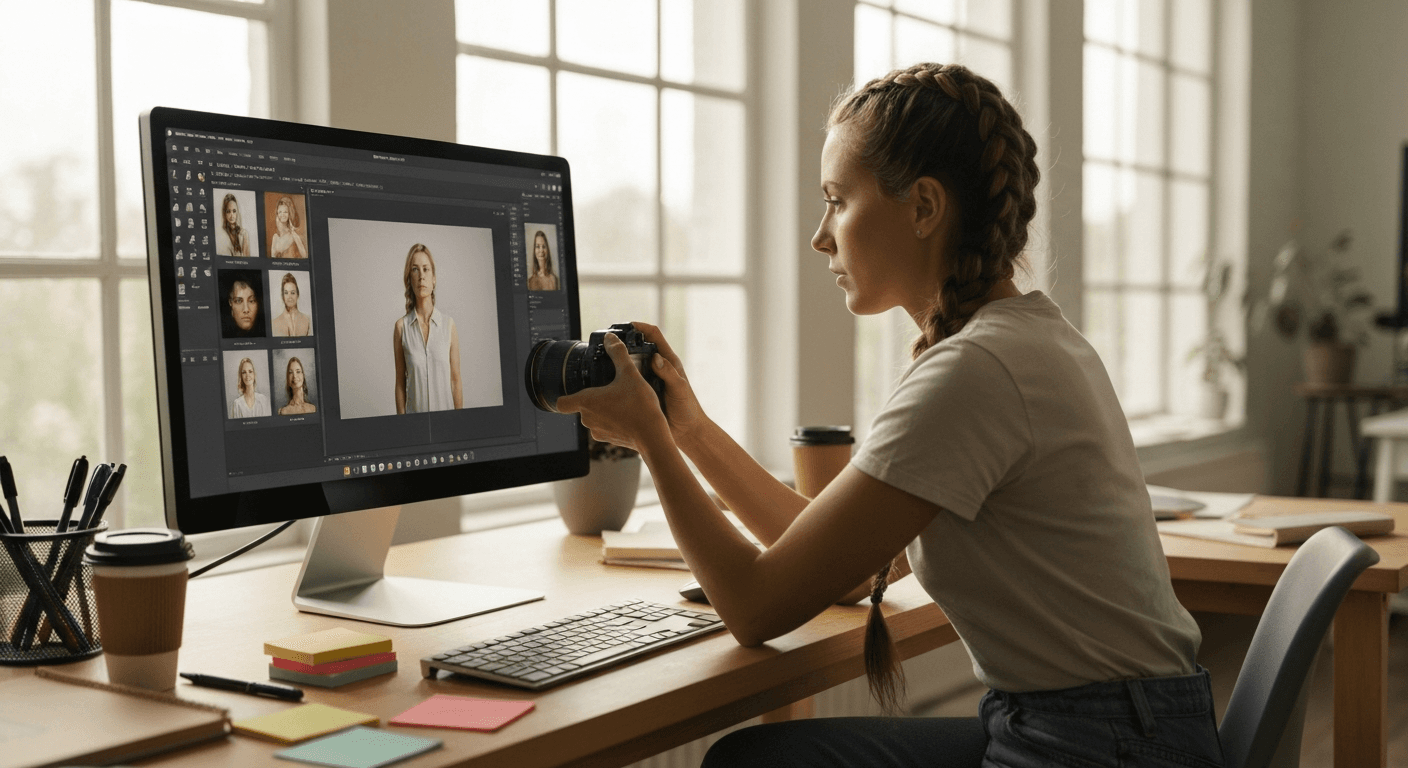
A wedding photographer delivers 800 images. A portrait studio shoots 50 clients a week. A real estate photographer covers 10 properties a day. The bottleneck is never the shutter — it's the edit. Seedream 5.0 Edit cuts retouching time by 70 to 90% at $0.07 per edit. Here's how working photographers are using it.
TL;DR
- Retouch, color grade, and swap backgrounds in seconds with natural language
- 7 credits ($0.07) per edit, no subscription
- Workflows for portrait, wedding, product, real estate, and event photography
- Hybrid approach: AI for volume, Photoshop for hero shots
- 50 free credits to test at seedance.it.com
The Math That Changes Everything
Let's be blunt. Here's the cost of retouching 500 images a month three ways:
| Method | Time | Cost | |---|---|---| | Retouch manually (Lightroom + Photoshop) | 40–80 hours | Your hourly rate x 60 | | Outsource to retoucher | 1–2 weeks turnaround | $500–$2,000 | | Seedream 5.0 Edit | ~2 hours | $35 |
Two hours. Thirty-five dollars. That's not an incremental improvement — it's a new economic model.
Edit your first photo with AI
No Photoshop skills needed. Just type what you want changed. $0.07 per edit.
Try Seedream 5.0 Edit FreeWorkflow 1: Portrait Photography
The Hybrid Approach
Don't replace your whole pipeline. Insert AI where it saves the most time:
- Cull and rate in Lightroom (unchanged)
- Basic RAW adjustments in Lightroom (unchanged)
- Export at 2048px for AI editing
- Run Seedream 5.0 Edit for skin, background, color grade
- Finish in Photoshop only for hero shots
This cuts total editing time by 70% while keeping full control on your top 5% of images.
Useful Portrait Prompts
"Smooth skin naturally, preserve texture, brighten under-eyes"
"Brighten and sharpen eyes, enhance eye color subtly"
"Soften harsh shadows on the face, lift the fill side"
"Remove blemishes and stray hairs, keep freckles"
"Apply warm natural skin tones and golden-hour color grade"
Full beauty workflow in the portrait retouching guide.
Workflow 2: Wedding Photography
Wedding photographers deliver 500–1500 images per event. Most just need good enough, not hero-level retouching. Seedream 5.0 Edit handles the bulk.
Batch Processing Strategy
- Cull to final deliverables in Lightroom
- Apply wedding preset for base look
- Export mid-resolution batch for AI polishing
- Run consistent prompt across the set via the API
- Hand-retouch only the 10–20 gallery hero shots
Wedding-Specific Prompts
"Brighten skin warmly, soften harsh daylight, enhance wedding dress whites"
"Apply romantic soft-light color grade with subtle film warmth"
"Remove photobombers in the background, keep couple untouched"
"Fix harsh reception lighting, warm natural skin tones"
At 7 credits per image x 500 images = $35 for a full wedding. Compare to 15–30 hours of manual retouching.
Workflow 3: Real Estate Photography
Real estate photographers shoot high volume with tight deadlines. Common pain points Seedream 5.0 Edit solves:
"Replace overcast gray sky with bright blue sky and soft clouds"
"Remove the car in the driveway, keep the house and landscaping"
"Brighten all the interior rooms naturally, balance window exposure"
"Make the lawn green and lush, remove brown patches"
"Add warm sunset light through the front windows"
Full workflow in the virtual staging guide.
Cost per Property
A 25-photo real estate shoot enhanced end-to-end = 175 credits = $1.75. Photographers typically charge $150–$400 per shoot — the edit cost is under 1%.
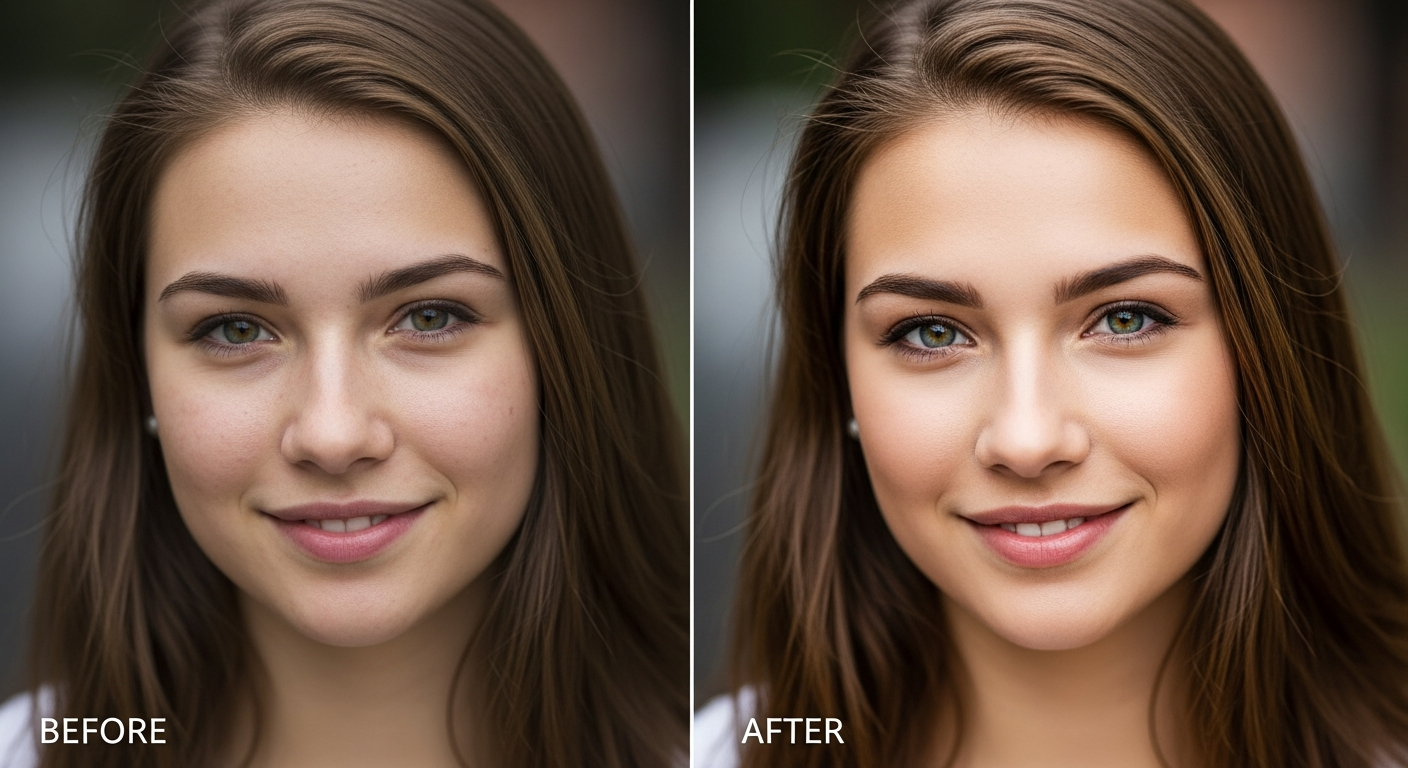
Want results like this? Try Seedream 5.0 Edit free →
Workflow 4: Product & Commercial
For product photographers, background swaps and color consistency are the money-makers:
"Replace background with seamless white studio backdrop, add subtle soft shadow"
"Match product color to reference #FF3B30 exactly"
"Clean up dust and fingerprints on the surface"
"Add soft reflection on the glossy base"
Commercial product shoots billed at $50–$200 per image often cost $0.07 to retouch after the shot. Full workflow in the product photography guide.
Workflow 5: Event & Editorial
Sports, concerts, corporate events — high volume, tight turnaround, low retouching budget.
"Brighten dark stage lighting, fix mixed color temperature"
"Boost contrast and sharpness for action shot"
"Apply editorial monochrome conversion with deep blacks"
"Remove the person crossing the background"
Turnaround: deliver same-day. Cost: pennies.
Pricing for Working Photographers
Let's translate packs into real workloads:
| Pack | Price | Edits | Real workload | |---|---|---|---| | Starter | $10 | ~150 | 3 family portrait sessions | | Popular | $25 | ~390 | 1 full wedding | | Pro | $50 | ~820 | Weekly newborn studio | | Max | $100 | ~1,710 | Monthly commercial volume |
Credits never expire. Buy a big pack once, use over months.
When to NOT Use AI
Be honest about the cases where manual retouching still wins:
- Hero shots for portfolio — pixel-perfect beauty work beats AI on close inspection
- Print editorial at large sizes — fine control on every pore matters
- Brand-sensitive commercial work — clients expect traditional retouching workflow
- Awards submissions — some competitions require unedited or traditionally-edited images
Use AI for the 90%. Use Photoshop for the 10%. That's the hybrid that pays off.
Stop charging by the retouching hour
Deliver 500 wedding shots tonight instead of next week. Natural language edits — no skill curve for your team.
Start Your Free TrialIntegrating Into Your Existing Workflow
Lightroom → Seedream 5.0 Edit
- Cull and rate in Lightroom
- Apply RAW develop settings and presets
- Export JPEGs at 2048px
- Drop into Seedream 5.0 Edit web UI (or use the API)
- Run your standard prompt across the set
- Re-import results to Lightroom for final delivery
Capture One → Seedream 5.0 Edit
Same pattern. Export, edit with AI, reimport.
Full API Automation
For studios doing 1000+ images/week, the API lets you build a pipeline: ingest → base edit → AI polish → delivery. See the API guide.
Prompt Library: The 10 Most Useful for Photographers
1. "Smooth skin naturally, preserve texture, remove blemishes"
2. "Brighten shadows, recover highlights, balanced exposure"
3. "Apply warm golden-hour cinematic color grade"
4. "Replace sky with dramatic blue with soft clouds"
5. "Remove the [person/object] in the background"
6. "Sharpen subject, add subtle background blur"
7. "Fix white balance to neutral, correct color cast"
8. "Enhance eye color and sharpness subtly"
9. "Apply editorial monochrome with deep blacks"
10. "Clean up distracting elements, preserve composition"
Save these. They cover 80% of professional retouching needs.
Cost Comparison Reality Check
Annual cost of retouching 300 images/month:
| Method | Year 1 cost | |---|---| | Photoshop subscription | $275.88 | | Retoucher outsourced | $10,800–$36,000 | | Seedream 5.0 Edit | $252 |
Pricing
| Pack | Credits | Price | Edits | |---|---|---|---| | Starter | 1,050 | $10 | ~150 | | Popular | 2,750 | $25 | ~390 | | Pro | 5,750 | $50 | ~820 | | Max | 12,000 | $100 | ~1,710 |
Credits never expire. See pricing.
Next Steps
- Portrait retouching
- Product photography
- Real estate and virtual staging
- Photo enhancement fundamentals
- API for batch workflows
Start your free trial → — 50 free credits, no subscription.