How to Generate AI Videos from Text Prompts Using Seedance
Master the art of text-to-video AI generation. Learn prompt engineering, parameter optimization, and advanced techniques for creating stunning videos from text descriptions with Seedance 2.0.

Type a sentence, get a video. That is the promise of text-to-video AI — and with Seedance 2.0, it actually delivers. The difference between a prompt that produces a forgettable clip and one that produces a cinema-grade shot is not luck. It is craft, and craft can be taught.
This guide breaks down exactly how to write prompts that work, what parameters to tune, and the specific language Seedance 2.0 responds to best.
TL;DR
- A great prompt has four layers: subject, action, environment, and style
- Five steps to good output: describe one moment, set the camera, define lighting, add mood keywords, pick the right duration
- Duration rule of thumb: complex motion = 4-6 seconds, atmospheric scenes = 10-15 seconds
- Seedance 2.0 costs 243-910 credits ($2.43-$9.10) per generation and includes native audio
- New accounts get 50 free credits — enough for your first few generations
The Anatomy of a Great Text-to-Video Prompt
Every prompt that produces professional output contains the same four ingredients. Skip one, and quality drops. Here is how they work:
| Ingredient | What It Controls | Example | |---|---|---| | Subject | Who or what the viewer sees | "A woman in her 20s with cropped platinum hair and a red raincoat" | | Action | What the subject is doing | "Running across a narrow bridge, breath visible in the cold air" | | Environment | Where and when the scene takes place | "On a steel footbridge over a misty river at dawn" | | Style | How the shot looks and feels | "Shot on 35mm film, teal and orange grading, handheld camera" |
Stack all four and you get a prompt Seedance 2.0 can actually execute:
A woman in her 20s with cropped platinum hair and a red raincoat
runs across a narrow steel footbridge over a misty river at dawn,
her breath visible in the cold air. Shot on 35mm film, teal and
orange grading, handheld camera, shallow depth of field.
That is the whole secret. Everything else in this guide is refinement.
Test the four-layer formula
Paste this prompt into Seedance 2.0 and see what cinema-grade output looks like. 50 free credits, no card.
Try It FreeThe Five-Step Prompt Building Process
Follow this sequence every time and your output quality will stay consistent.
1. Pick One Moment
The single biggest mistake new users make is describing a sequence. Seedance 2.0 generates one continuous shot, not a mini-movie. "She walks into the cafe, orders coffee, and leaves" will confuse the model. "She lifts a steaming espresso cup to her lips" will not.
Rule: if you cannot film it in a single unbroken take with one camera, split it into two prompts.
2. Set the Camera
Tell the model where the camera is and what it is doing. Vague wins nothing here.
- "Static shot" — camera locked off, only subjects move
- "Slow push in" — camera drifts toward the subject
- "Orbit around" — camera circles the subject
- "Dolly alongside" — camera tracks parallel to a moving subject
- "Crane up" — camera rises vertically to reveal
3. Define the Lighting
Lighting is the single biggest driver of cinematic feel. Name a specific lighting condition:
- Golden hour, blue hour, overcast, harsh midday
- Backlight, rim light, volumetric beams, neon
- Candlelight, chiaroscuro, practical lamps
4. Add Mood and Style Keywords
These are the words that trigger Seedance 2.0's cinematic priors. A few that consistently work:
- Film references: "shot on 35mm film", "IMAX quality", "16mm grain"
- Director styles: "Wes Anderson symmetrical composition", "Deakins naturalistic lighting", "Blade Runner neon atmosphere"
- Color grading: "teal and orange", "desaturated", "pastel palette", "monochromatic"
5. Pick the Right Duration
Match duration to motion complexity:
- 4-6 seconds — sharp, specific actions (a punch, a turn, a splash)
- 7-10 seconds — the sweet spot for most content
- 11-15 seconds — slow, atmospheric, mood-driven scenes
Tip: If your prompt has more than three distinct actions, you picked too long a duration. Shorten the prompt or split the shot.
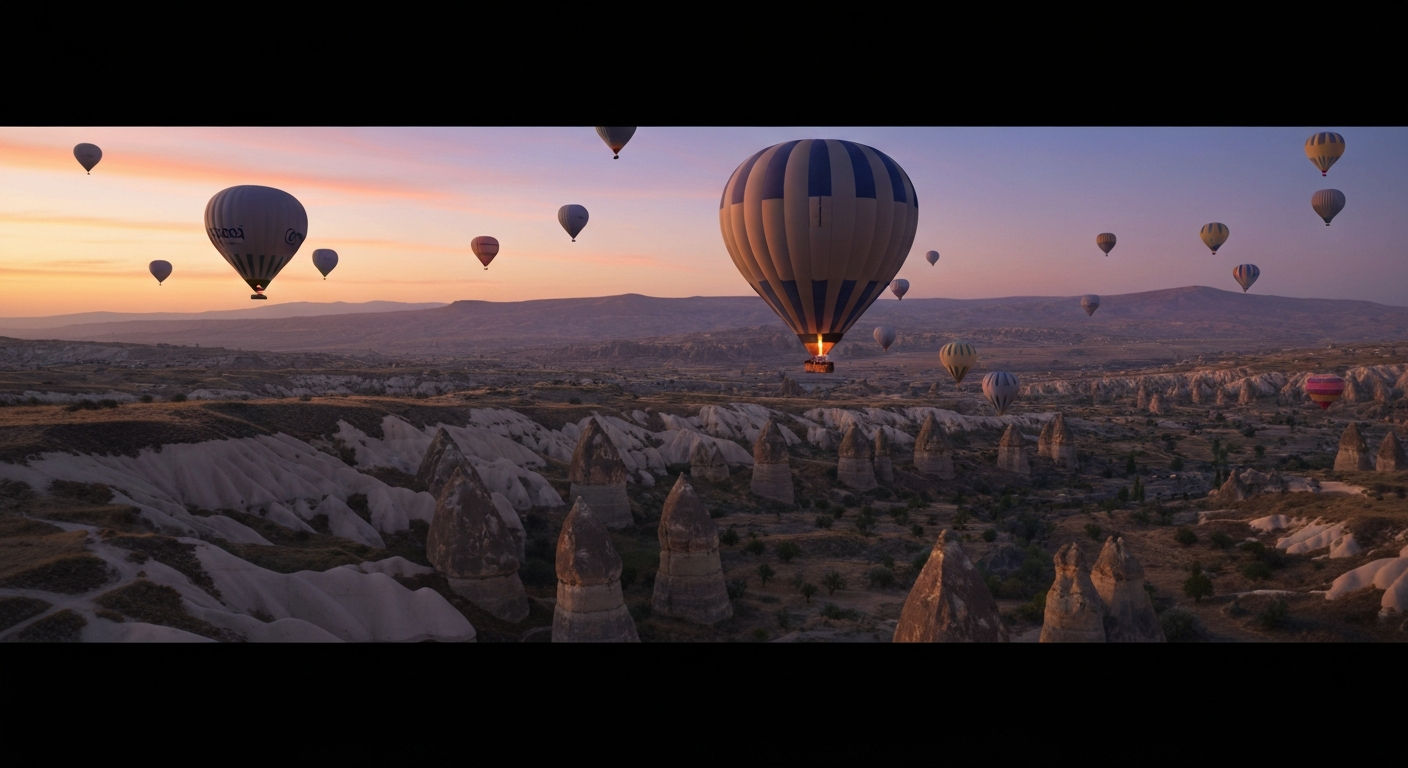
Want output like this from just a sentence? You're 30 seconds away from your first generation. Try Seedance 2.0 free →
Real Prompt Examples With Expected Output
Here are five tested prompts you can paste directly into Seedance 2.0. Each one is labeled with the kind of result you should expect.
Urban Portrait
Close-up of a Black man in his 40s with a salt-and-pepper beard,
wearing a charcoal wool coat. He exhales slowly in the cold air
while looking off camera. Backlit by blurred neon signs. Shot on
anamorphic lens, shallow depth of field, moody cinematic grading.
Expected: a contemplative, character-driven 6-8 second close-up with shallow focus and strong rim light.
Cinematic Landscape
Aerial drone shot slowly orbiting a snow-capped mountain peak at
sunrise. Low clouds drift across the lower slopes as golden light
hits the summit. Crisp, vast scale. IMAX quality, high dynamic
range, documentary nature film style.
Expected: an epic 10-15 second establishing shot with smooth orbital camera movement.
Product Hero
A brushed titanium watch rotating slowly on a black reflective
surface. A single soft key light rakes across the dial, revealing
the texture of the face. Macro detail, shallow depth of field,
commercial product photography in motion.
Expected: a 6-8 second rotating product video ready for an e-commerce listing.
Action Moment
A surfer carving down the face of a large barreling wave, spray
exploding behind the board. Shot from a water-level GoPro angle,
sun flaring through the wave. Shot at high frame rate, vibrant
blues and turquoise, sports cinematography.
Expected: a 4-6 second dynamic action shot with aggressive motion.
Atmospheric Mood
A solitary reading lamp glowing on a wooden desk in a dark study.
Rain streaks down the window beside it, casting moving shadows
across a half-open book. Camera holds perfectly still. Warm
tungsten light, chiaroscuro lighting, painterly stillness.
Expected: a 10-15 second contemplative scene with subtle environmental motion.
Common Mistakes That Kill Output Quality
Mistake 1: Describing Multiple Scenes
Broken: "A man wakes up, gets dressed, and drives to work." Fixed: "A man sits on the edge of his bed in morning light, rubbing his face, a cup of coffee steaming on the nightstand beside him."
One moment. One continuous shot.
Mistake 2: Contradicting Yourself
Broken: "A bright cheerful scene with dark moody lighting." Fixed: Pick a lane. Either bright and cheerful or dark and moody — not both.
Mistake 3: Too Many Subjects
Broken: "Five friends, three dogs, and a parrot in a crowded living room." Fixed: "Two friends laughing on a worn leather couch, a golden retriever sleeping between them."
Reduce until the model can actually track every element.
Mistake 4: Forgetting the Background
Broken: "A woman dancing." Fixed: "A woman dancing alone on a rooftop at sunset, the city skyline glowing behind her, string lights overhead."
The background is not optional. It is half the shot.
Mistake 5: Hoping for Physics
Broken: "A car flies through the sky while driving on a highway." Fixed: If you want surreal, commit to it. "A car drives along a highway that curves impossibly upward into the clouds, surrealist dreamscape style."
The model follows physics unless you explicitly tell it not to.
Parameter Tuning Beyond the Prompt
Aspect Ratio Shapes Composition
Seedance 2.0 frames subjects differently depending on aspect ratio — pick before you write:
- 16:9 — cinematic, landscape-friendly, YouTube and web
- 9:16 — mobile-first, TikTok, Reels, character close-ups
- 1:1 — Instagram feed, balanced symmetrical compositions
Duration Drives Cost
Seedance 2.0 ranges from 243 to 910 credits ($2.43 to $9.10) depending on duration. Shorter generations are cheaper and complete faster (around 40 seconds). Longer generations take up to 3 minutes. Budget with that in mind when iterating.
For low-risk experimentation, run early drafts on Seedance 1.0 Lite at 14-84 credits before committing to the full-quality render.
The Two-Pass Workflow for Maximum Control
When you need exact composition control, separate the still frame from the motion:
- Generate the first frame with Seedream at 6-8 credits per image. Iterate cheaply until it is perfect.
- Feed that image into Seedance 2.0 in image-to-video mode with a motion-only prompt.
This splits visual composition from motion planning, which is far more controllable than asking text-to-video to nail both at once. Full workflow in our image-to-video tutorial.
Stop reading. Start creating.
You've got the framework. Now turn a sentence into cinema. 50 free credits, no credit card.
Create Your First VideoYour First Generation Starts Here
Text-to-video rewards practice. Start with one of the example prompts above, tweak a single variable, and see what changes. Build your personal library of phrases that consistently produce the look you want. Within a week of daily generation you will be writing prompts faster than you can describe shots in English.
Fifty free credits are waiting on your account — enough for your first full cinematic shot.
Ready to turn sentences into cinema? Start creating free →