AI Video Generation Quality: Resolution, FPS, and Duration Explained
A technical deep dive into the quality parameters that define AI-generated video. Understand resolution, frame rate, duration, and how they interact to determine output quality across different AI video generators.
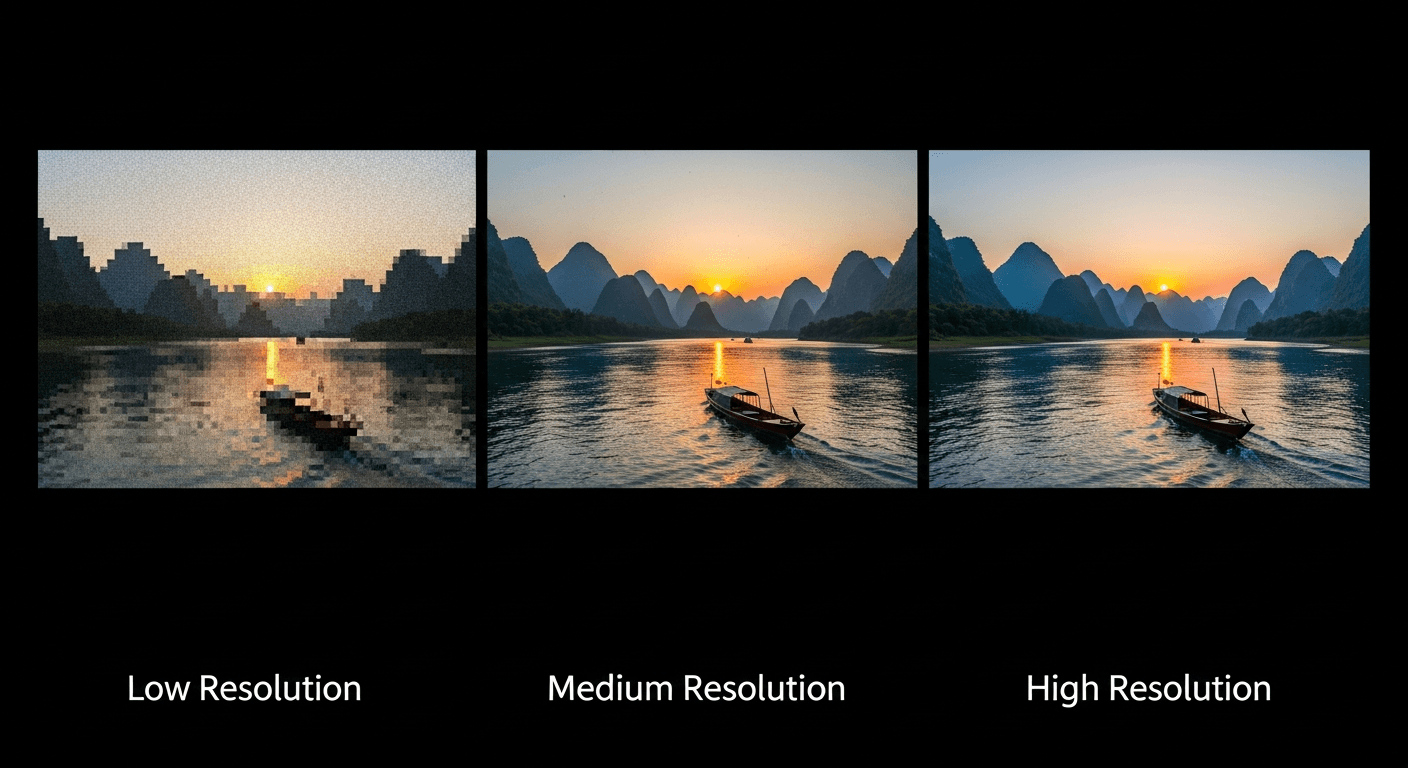
Why does AI video sometimes look stunning and sometimes look slightly "off"? The answer lives in four numbers — resolution, frame rate, duration, and motion coherence — and understanding them is the difference between ten wasted generations and one that ships.
TL;DR
- Resolution controls sharpness. 720p is the current AI-video sweet spot; 1080p costs disproportionately more compute.
- Frame rate controls smoothness. 24fps is the cinema standard and what virtually every AI model uses.
- Duration is capped (usually 4-15s) because temporal drift compounds over time.
- Motion coherence is the hardest problem in the field — and where Seedance 2.0 pulls ahead of competitors.
- Better specs ≠ better video. A great 720p clip beats a soft 1080p one every time.
Why These Numbers Actually Matter
When you evaluate an AI video tool, it is tempting to skip straight to the demo reel and trust your eyes. That works until you try to use the output. Then questions start: will this look okay on a billboard? Can it be used in broadcast? Can it carry a full scene instead of a 3-second highlight?
Every answer comes back to four technical parameters. Nail them and you pick the right tool on the first try. Ignore them and you burn credits chasing specs that do not match your use case.
Resolution: What the Numbers Really Mean
Resolution is the pixel dimensions of each frame. It is the first spec listed on every AI video tool, and the most commonly misunderstood.
| Resolution | Pixels | Name | Where It Works | |---|---|---|---| | 854x480 | 410K | 480p (SD) | Low-end social, mobile | | 1280x720 | 921K | 720p (HD) | Social, web, presentations | | 1920x1080 | 2.07M | 1080p (FHD) | Broadcast, large monitors | | 2560x1440 | 3.69M | 1440p (QHD) | Large displays, premium web | | 3840x2160 | 8.29M | 4K (UHD) | Cinema, archival, billboards |
What 720p looks like in real life
Seedance 2.0 generates at 720p. In practice that means:
- Sharp and clean on any phone, tablet, or laptop screen
- Excellent on TikTok, Instagram, YouTube, LinkedIn — platforms that re-encode anyway
- Good on monitors up to ~24 inches
- Acceptable on larger screens with light upscaling
- Not appropriate for 60-inch living-room TVs without AI upscaling
For over 90% of content produced in 2026, 720p is above the threshold where extra pixels stop mattering to viewers.
See what cinema-grade 720p looks like
Specs are easy to compare on a table. Your eyes are a better judge. 50 free credits lets you see for yourself.
Try Seedance 2.0 FreeWhy higher resolution is disproportionately expensive
Doubling resolution does not double the compute cost — it quadruples or more it. Three reasons:
- Pixel count scales quadratically. 1080p has 2.25x the pixels of 720p, not 2x.
- Attention is worse than linear. Transformer attention has quadratic complexity in sequence length. More pixels mean exponentially more attention math.
- Temporal consistency gets harder. Every extra pixel is one more thing that has to stay consistent frame-to-frame.
This is why Seedance 2.0 ships at 720p despite being the most advanced model in the Seed family. ByteDance chose to invest the compute budget in motion quality, color science, and native audio — things you actually notice — rather than raw pixel count. For most creators, that is the correct trade-off.
Frame Rate: The Physics of Smooth Motion
Frame rate determines how many images are shown per second. It is measured in frames per second (fps).
| FPS | Where You See It | Look | |---|---|---| | 12 | Stop-motion animation | Stylized, choppy | | 24 | Cinema, Seedance 2.0 | Smooth, filmic | | 30 | Broadcast TV (US) | Smooth, slightly "video" | | 60 | Gaming, sports | Hyper-smooth |
Why 24fps feels cinematic
24fps has been the film standard since the 1920s. Your brain associates it with movies — and by extension, with "produced content" rather than amateur footage. Higher frame rates like 60fps feel smoother but also feel cheaper, like a home video or a live broadcast. This is the so-called "soap opera effect."
AI video tools almost universally target 24fps because:
- It matches creator expectations for cinematic content
- It costs significantly less compute than 60fps
- It converts easily to 30fps or higher with frame interpolation in post
When you need more than 24fps
If you need 30fps for broadcast delivery or 60fps for a slow-motion effect, generate at 24fps and upconvert with tools like RIFE or FILM. Modern interpolation is nearly lossless — you do not need the model itself to generate at 60fps.
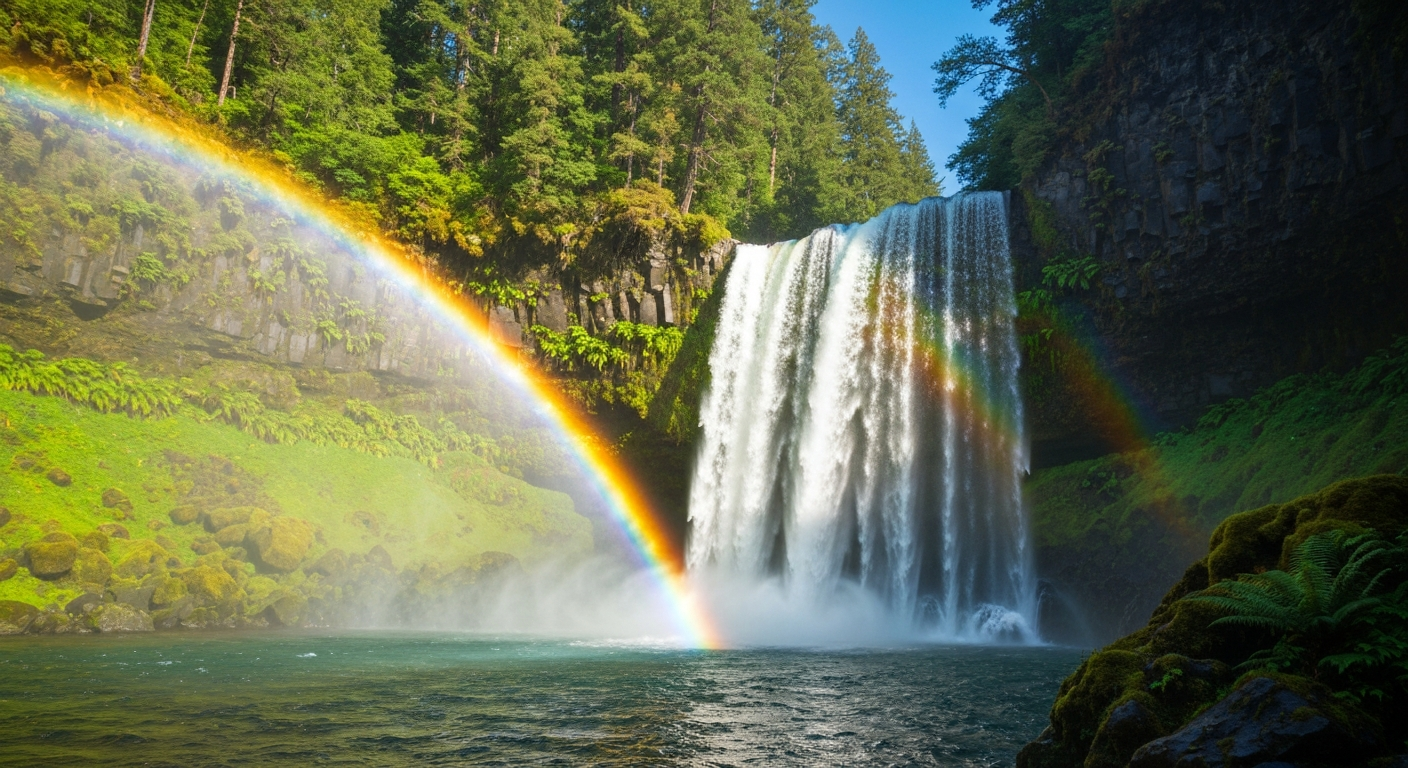
Want quality like this for yourself? You're 30 seconds away from your first generation. Try Seedance 2.0 free →
Duration: The Consistency Cliff
Here is the parameter that makes AI video feel like a preview rather than a finished art form — and the one improving fastest.
Why duration is hard
Generating one great frame is easy. Generating 360 great frames that agree with each other is the nightmare. Three problems compound as duration grows:
Accumulated drift. Tiny per-frame inconsistencies add up. A character's face shifts 0.3% per frame and after 10 seconds it is a different face.
Scene complexity. Longer clips invite more events — things moving, lighting changing, characters entering. Each event is a potential failure point.
Compute ceiling. Temporal attention must look at every previous frame. Double the length and you roughly quadruple the attention cost.
Current duration ceilings
| Platform | Max Duration | Notes | |---|---|---| | Seedance 2.0 | 4-15 seconds | Cinema quality held throughout | | Seedance 1.0 Lite | Up to 12s | Cost-efficient | | Seedance 1.0 Pro | Configurable | 1080p output | | Runway Gen-3/4 | 5-18s | Varies by tier | | Pika 2.x | 5-10s | Consumer focus | | Kling | 5-10s | Variable quality |
Living within the ceiling
The 4-15 second range is not as limiting as it sounds. Most high-performing content already fits:
- Social clips: 5-15 seconds
- Product shots: 5-10 seconds
- Establishing shots: 4-8 seconds
- Music video cuts: 2-8 seconds per cut
- Digital ads: 6-15 seconds
For anything longer, the standard move is to generate multiple clips and edit them together — exactly how traditional film is produced.
Motion Coherence: The Hardest Problem
Resolution, frame rate, and duration are easy to list on a spec sheet. Motion coherence is the parameter that actually separates tools.
Motion coherence is how well a video preserves identity, physics, and continuity across frames. A coherent video has a character whose face does not morph, objects that move along plausible paths, and shadows that change smoothly instead of jumping.
This is the invisible quality you feel before you see. When a viewer says "this looks AI-generated" without being able to point to anything specific, they are usually reacting to broken motion coherence.
How modern models solve it
Top AI video models address coherence through:
- Temporal attention layers that explicitly compare frames to each other
- 3D convolutions that process space and time as one tensor
- Motion modules trained on natural physics patterns
- Identity embedding that locks key visual features across frames
Seedance 2.0's temporal consistency is one of the main reasons it is called "cinema-grade" — subjects stay subjects, physics stays physical, and lighting evolves smoothly instead of stepping.
How Seedance 2.0 Stacks Up
| Dimension | Seedance 2.0 | Runway Gen-4 | Pika 2.x | Kling | |---|---|---|---|---| | Resolution | 720p | 720p-1080p | 720p | 720p-1080p | | Frame rate | 24 fps | 24 fps | 24 fps | 24 fps | | Max duration | 15s | 18s | 10s | 10s | | Temporal consistency | Excellent | Very good | Good | Good | | Color science | Cinema-grade | Professional | Consumer | Good | | Motion naturalism | Excellent | Very good | Good | Good | | Native audio sync | Yes | No | No | No | | Text-to-video | Yes | Yes | Yes | Yes |
Seedance 2.0 trades a small resolution gap for meaningful advantages in coherence, color, and native audio. For most creators, this is the right balance.
Cost vs. Quality in Seedance 2.0
Seedance 2.0 pricing is dynamic — it scales with duration, resolution, and audio settings. Credit costs run from 243 to 910 credits per generation.
| Configuration | Approx Credits | Approx Cost | |---|---|---| | Short clip, standard settings | ~243 | ~$2.43 | | Medium clip with audio | ~500 | ~$5.00 | | Long clip, max quality, full audio | ~910 | ~$9.10 |
Compare to traditional production: a 10-second professionally shot clip runs $500 to $5,000 minimum. The economics are not close.
See the full breakdown on the pricing page.
Cinema-grade for $3 a clip
Lock the coherence edge before 1080p becomes standard. Your 50 free credits cover your first test generation.
Start FreeAspect Ratio: The Often-Ignored Parameter
Aspect ratio is technically a subset of resolution, but it has its own workflow implications.
| Ratio | Use Case | |---|---| | 16:9 | YouTube, web, widescreen | | 9:16 | TikTok, Reels, Shorts, Stories | | 1:1 | Instagram feed | | 21:9 | Cinematic ultra-wide |
Generate at the ratio you need. Cropping in post loses pixels and breaks compositions.
Five Ways to Get More Quality From the Same Model
You do not always need a bigger model. You need a better workflow.
1. Start with a Seedream image. Generate a Seedream v4.5 or 5.0 Lite image first, then feed it to Seedance. You get two stages of quality control for minimal extra cost.
2. Describe quality in the prompt. "Cinematic, professional lighting, shallow depth of field, sharp focus" primes the model toward higher-end output.
3. Be specific about motion. "Slow dolly-in toward the subject" beats "camera moves." Models can only follow directions you give.
4. Upscale in post. Tools like Topaz Video AI can push 720p to 1080p or 4K cleanly. Seedance 2.0's sharp native detail upscales particularly well.
5. Grade the color. Even cinema-grade footage benefits from a brand-aligned color pass. Five minutes in DaVinci Resolve can transform the final look.
The Trajectory: Where Quality Is Headed
Here is what to expect in the next 12 to 24 months:
- Native 1080p becomes standard across serious AI video tools
- Native 4K appears in premium tiers by late 2027
- 30+ second durations with maintained coherence
- Higher frame rates (48fps, 60fps) as compute efficiency improves
- Multi-shot scenes with consistent characters across cuts
Full analysis in our 2026-2027 AI video predictions post.
Within 2-3 years, AI video at standard delivery specs will be technically indistinguishable from camera footage for most use cases. The window where "good enough" matters — and where Seedance 2.0's coherence edge actually moves the needle — is right now.
Ready to see cinema-grade AI video? Start creating free with Seedance 2.0 → — 50 free credits on signup, no subscription.