How to Create AI Podcast Videos with OmniHuman v1.5
A step-by-step guide to creating video podcast content using OmniHuman v1.5. Learn how to turn audio podcast episodes into visual content with AI avatar hosts, boosting discoverability and audience engagement.
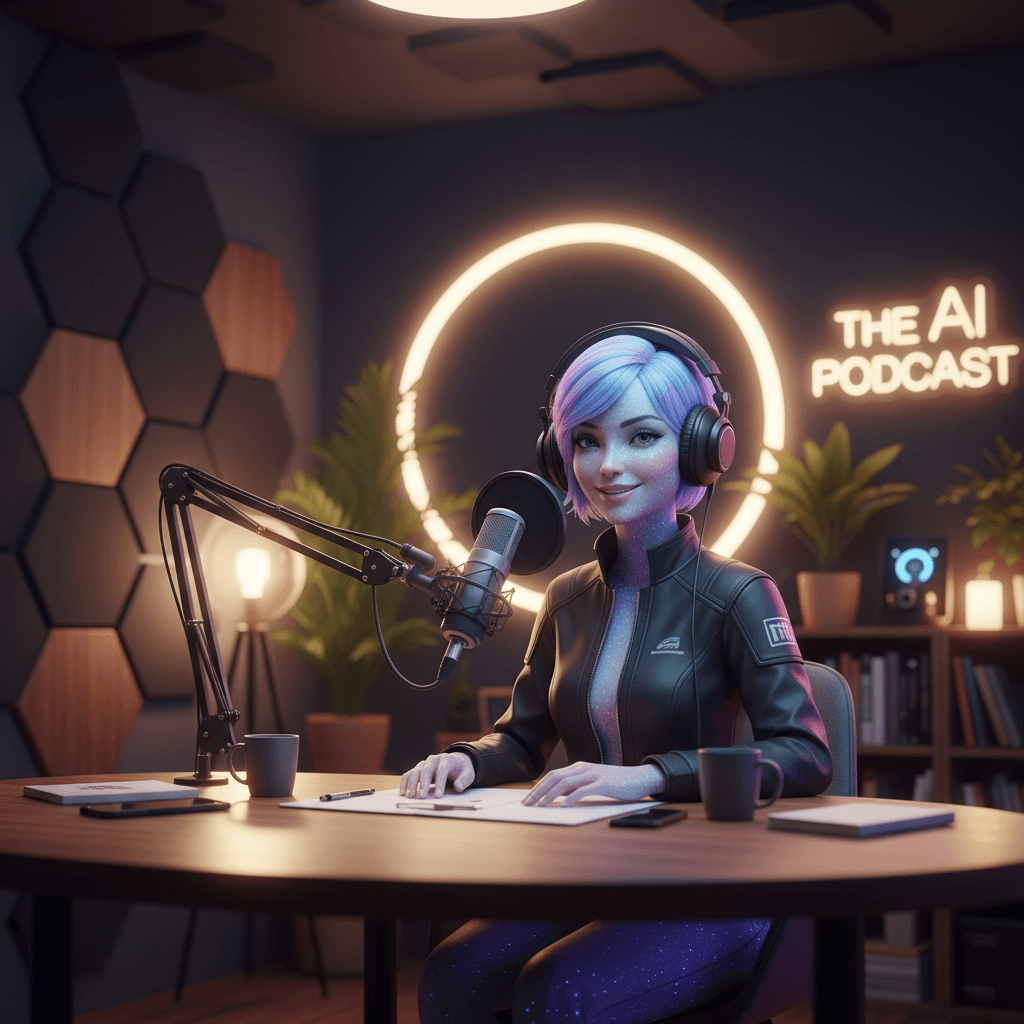
YouTube is now the largest podcast platform. Spotify pushes video podcast tiles above audio ones. TikTok and Instagram Reels reward short video clips pulled from long-form audio. Audio-only podcasters are leaving reach on the table — and the fix used to cost a studio day. OmniHuman v1.5 generates a video host for your podcast audio at $9.60 per clip, no cameras required.
TL;DR
- Turn podcast audio into AI host video for $9.60 per segment
- Generate promo clips, episode highlights, and full-episode host cutaways
- No subscription — ideal for podcasters with irregular publishing schedules
- Works with any audio source: Riverside, Descript, Zencastr, raw files
- Expand reach to YouTube, Spotify video, TikTok, and Instagram Reels without filming
Why Podcasters Need Video
Listeners are shifting platforms. The numbers tell the story:
- YouTube is the #1 podcast platform in the US by active listeners
- Spotify video podcasts get promoted more aggressively than audio-only
- Short clips on TikTok and Instagram Reels drive new listener acquisition at rates audio promotion cannot match
- Video-format podcasts generate 2-3x more ad revenue than audio-only
The blocker for most podcasters has always been production. Cameras, lighting, multi-cam syncing, video editing — all of it adds hours per episode. For solo or small-team podcasts, that friction is too high.
OmniHuman v1.5 changes the equation. You record audio as usual, then generate matching video segments for distribution.
Create your AI presenter now
Turn one photo + audio into a lifelike talking video. $9.60 per video, no subscription.
Try OmniHuman FreeThree Podcast Video Strategies
Strategy 1: Full-Episode AI Host Cutaway
For audio-only podcasters who want a YouTube presence without filming, generate AI host segments at key points in each episode. Use your standard podcast audio for the content, cut to AI host video during intros, segment breaks, and outros.
Cost: 2-3 segments per episode x $9.60 = $19.20-$28.80 per episode.
Strategy 2: Promo Clip Generation
Pick 30-60 second highlights from each episode. Generate an AI host video using that audio clip. Post to TikTok, Reels, YouTube Shorts, and LinkedIn for episode promotion.
Cost: 3-5 promo clips per episode x $9.60 = $28.80-$48 per episode.
Strategy 3: Show Trailers and Intros
Create a reusable AI host intro for the podcast itself. Generate once, use across every episode. Periodically refresh with new audio when rebranding.
Cost: $9.60 per trailer, generated rarely. Essentially free over time.
Most podcasters combine all three strategies as needed.
The Workflow
Step 1: Record Your Podcast Audio
Use your normal podcast setup — Riverside, Zencastr, Descript, Audacity, or any DAW. Focus on audio quality; that is what OmniHuman needs.
Step 2: Edit Audio as Normal
Produce your episode the way you always do. Export the finished audio as your distribution file.
Step 3: Pick Clips for Video Generation
Identify which parts of the episode will become video:
- Full episode intro (first 30 seconds)
- Key moments for promo clips (30-60 seconds each)
- Episode outro (30 seconds)
- Any segment break you want visualized
Step 4: Export Audio Clips
Pull each selected segment out of your DAW as a separate MP3 or WAV file. Trim silence at the start and end. Keep clips under 60 seconds for 720p or 30 seconds for 1080p.
Step 5: Generate with OmniHuman v1.5
Open OmniHuman v1.5, upload your host reference photo, the audio clip, and a scene prompt. Generate.
Step 6: Combine with Other Footage
In your video editor, cut between the AI host segments and other visuals — episode artwork, waveform visualizations, guest photos, b-roll.
Step 7: Distribute Everywhere
- Full episode with AI host cutaways: YouTube and Spotify video
- Short promo clips: TikTok, Instagram Reels, YouTube Shorts, LinkedIn
- Trailer: episode announcements, social pinned posts
Picking Your Podcast Host Photo
For solo podcasts, use a real photo of yourself (with your permission, obviously). For co-hosted podcasts, generate segments for each host and cut between them. For branded podcasts, use a Seedream-generated persona that matches your show's brand.
Photo Considerations
- Match your show's tone: serious news podcast = professional headshot, comedy podcast = relaxed casual photo
- High resolution (1024x1024+)
- Consistent across all segments for recognition
- Natural expression
Scene Prompt Templates
Casual podcast style:
Cozy podcast studio with warm lighting, acoustic foam panels softly blurred in background, medium close-up, friendly and inviting atmosphere.
Professional interview style:
Modern podcast studio with neutral backdrop, soft professional lighting, medium shot, polished broadcast look.
News/commentary style:
Contemporary commentary studio with subtle brand graphics in background, clean key lighting, medium close-up, serious and authoritative tone.
Cost Math for Podcasters
Weekly Podcaster with Promo Clips
- 1 episode per week x 3 promo clips per episode
- 3 clips x 52 weeks = 156 videos per year
- Annual cost: 156 x $9.60 = $1,497.60
- Or on Max tier: ~$1,248/year
Compare this to Vidyard or HeyGen subscriptions: you will pay $288-$576/year even if you do not use them. OmniHuman scales linearly with your actual production.
Bi-Weekly Podcaster with Full Video Treatment
- 2 episodes per month x 4 AI host segments per episode
- 8 videos per month = $76.80/month
- Annual: $921.60
Daily Podcaster (news/commentary)
- 1 episode per day x 2 segments (intro + outro)
- 60 videos per month = $576/month base, ~$480/month on Max tier
Daily high-volume podcasters may prefer a HeyGen or Synthesia subscription for steady cost. Weekly or bi-weekly podcasters almost always save with OmniHuman's pay-per-use.
Seasonal Podcaster (10 episodes in Q1, dormant rest of year)
- 10 episodes x 3 promo clips = 30 videos
- Q1 cost: $288, full-year cost: $288
- Subscription tools cost: $360-$1,080 across the full year
For seasonal or project-based podcasts, OmniHuman is decisive.
Ready to try OmniHuman v1.5? Start creating free →
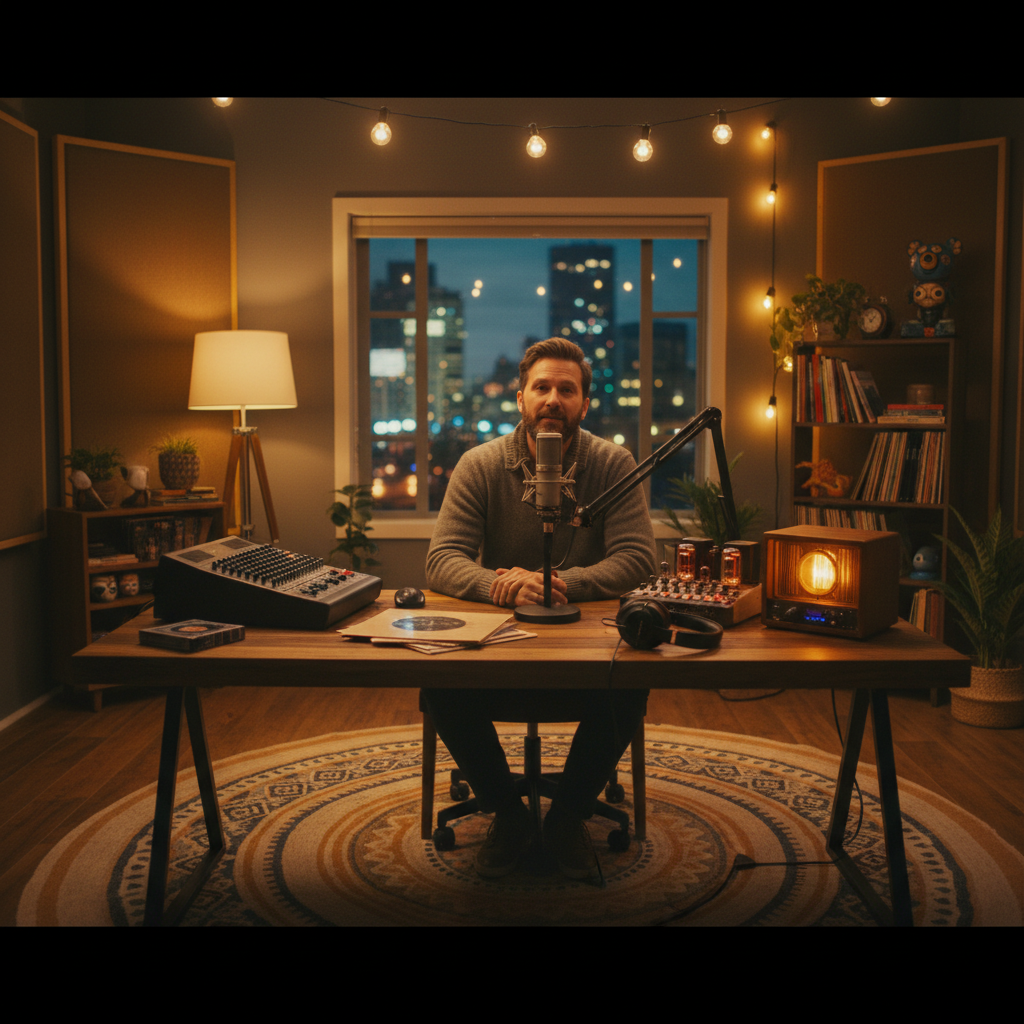
Want a presenter like this? Try OmniHuman free →
Making the AI Host Feel Natural
Match the Audio to the Photo Energy
If your podcast is calm and thoughtful, pick a photo with a relaxed expression. If your show is high-energy commentary, pick a more animated photo. OmniHuman preserves the base energy of the reference photo, and matching it to audio style produces more natural results.
Use Real Recorded Audio, Not TTS
Podcasts are about voice. TTS-generated podcast hosts feel off. Use real recordings of yourself or your co-host. OmniHuman syncs to whatever audio you feed it — the model does not care if it was typed or spoken, but your audience will.
Keep Segments Short
Even in long-form podcasts, individual AI host segments should be under a minute. Cut back to podcast audio visualization, guest video, or b-roll between AI host segments for visual variety.
Layer with Show Graphics
Add your podcast logo, episode number, and title as graphics over or alongside the AI host footage. This reinforces branding and visually distinguishes the AI segment as intentional editorial design.
Promo Clip Strategy
Short-form promo clips are where AI podcast video shines for audience growth.
Pick Highlight Moments
- Compelling quotes from guests
- Controversial or surprising statements
- Big laughs
- Clear how-to moments
- Emotional beats
Generate the Video
Run each highlight audio through OmniHuman v1.5 with the appropriate host photo. For guest quotes, you might use the guest's photo (with permission).
Add Captions
TikTok, Reels, and Shorts all require captions for audience retention. Add captions in CapCut, Descript, or your preferred editor.
Post Natively to Each Platform
Do not just re-share a YouTube link. Upload the video natively to TikTok, Reels, Shorts, and LinkedIn for best algorithmic reach.
No subscription between seasons
Seasonal podcast? Take months off without paying a single dollar. OmniHuman only charges when you actually generate.
Start Your Video PodcastIntegration with Podcast Tools
Descript: Export clips as audio, generate OmniHuman video, import back into Descript for final edit.
Riverside: Export raw audio tracks per speaker, generate OmniHuman per-speaker videos, edit in a separate video tool.
Zencastr: Same workflow as Riverside.
Buzzsprout, Libsyn, Acast: These are distribution hosts, not editors. Generate video elsewhere and distribute finished video files.
YouTube Studio: Upload final video episode with AI host cutaways. Use custom thumbnails featuring your host photo.
Start Creating Podcast Video
- Sign up for Seedance and claim 50 free credits
- Buy a $25 Popular tier pack (2,750 credits ≈ 2-3 videos)
- Pick your host photo
- Export a 30-second clip from your latest episode
- Run through OmniHuman v1.5
- Combine with episode artwork and post as a promo clip
For more creator reading, see the YouTube guide, news anchor guide, virtual influencer guide, and complete OmniHuman v1.5 guide.
Ready to try OmniHuman v1.5? Start creating free →