OmniHuman v1.5 for YouTube: AI Co-Host & Presenter
How YouTube creators can use OmniHuman v1.5 to create AI presenter and co-host videos. Learn content formats, production workflows, channel strategies, and how to integrate AI avatars into your YouTube content.
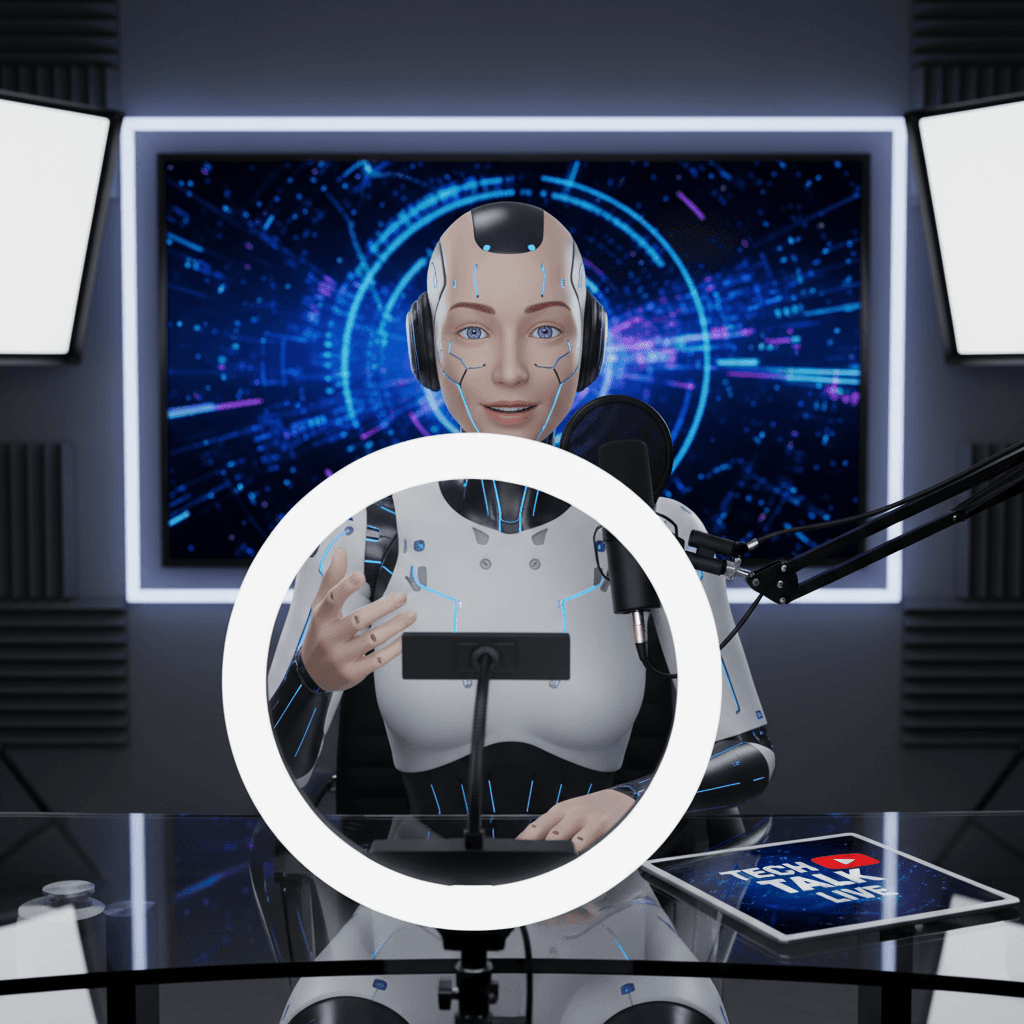
YouTube creators burn hours every week on camera setup, lighting tweaks, retakes, and editing out mistakes. OmniHuman v1.5 ships a clean presenter segment for $9.60 — no setup, no re-records, no bad-hair days. For channels that live or die by publishing velocity, that is a production superpower.
TL;DR
- Create AI presenter videos for YouTube at $9.60 per segment
- Perfect for faceless channels, explainers, news recaps, voiceover channels needing a face
- Pay-per-use beats subscription tools for creators publishing 1-10 videos per month
- Works with YouTube Shorts, long-form intros, outros, and inserts
- 720p up to 60 seconds, 1080p up to 30 seconds — enough for most talking-head segments
How YouTube Creators Use AI Avatars
AI presenters are not replacing creator faces. They are filling gaps where filming is impractical.
Faceless channel upgrades. Many faceless channels (history, finance, explainer content) run on stock footage plus voiceover. Adding an AI presenter segment in the intro and outro creates a consistent "host" without forcing the creator on camera.
Intros and outros. A 30-second presenter intro humanizes a video without demanding a full filming session. Same for closing calls-to-action.
Explainer segments. Inside longer videos, cut to an AI presenter to explain a concept directly to camera, then cut back to your main footage.
YouTube Shorts. 60-second clips at 720p fit Shorts perfectly. Generate one per day for a consistent short-form output.
Multi-host content. Use OmniHuman to "play" multiple hosts or characters in the same video, cutting between different AI-generated presenters for variety.
Multilingual channel expansion. Duplicate your channel in Spanish, Portuguese, Hindi, Mandarin — same presenter, different audio. See the multilingual guide.
Create your AI presenter now
Turn one photo + audio into a lifelike talking video. $9.60 per video, no subscription.
Try OmniHuman FreeThe Creator Economy Cost Math
YouTube creators rarely run enterprise budgets. Pay-per-use makes more sense than subscriptions for most channels.
Weekly Publisher (4 videos per month, each with 1 AI segment)
- OmniHuman v1.5: 4 x $9.60 = $38.40/month
- HeyGen Creator ($24/mo): $24/month (assumes within minute cap)
- Synthesia Starter ($30/mo): $30/month
For very low volume, subscription tools might edge ahead on pure cost. OmniHuman wins on flexibility: if you skip a month, you save $38.40 instead of paying a subscription for nothing.
Daily Publisher (Shorts creator, 30 per month)
- OmniHuman v1.5: 30 x $9.60 = $288/month base, ~$240/month on Max tier
- HeyGen Creator ($24/mo): $24/month (but minute caps will hit)
- HeyGen Team ($48/mo): $48/month (if within caps)
- Synthesia Creator ($90/mo): $90/month
For high-volume creators, subscription tools can beat OmniHuman on cost — if the tool's capacity matches your needs and you actually use what you pay for.
Project-Based Creator (20 videos during a 2-month launch, then dormant)
- OmniHuman v1.5: 20 x $9.60 = $192, then $0
- Any subscription: keeps billing every month regardless
The pattern: OmniHuman wins for creators with irregular publishing schedules, launches, or project-based workflows. Subscription tools win for steady high-volume output.
Content Formats That Work on YouTube
Long-Form Explainer Channel
Use OmniHuman for a 30-second intro introducing the topic, then cut to b-roll, screen recordings, or animations. Return to the AI presenter for key transitions and the outro.
Sample structure:
- 0:00-0:30: AI presenter intro
- 0:30-8:00: b-roll / screen recording / animation with voiceover
- 8:00-8:30: AI presenter conclusion and CTA
Faceless Finance Channel
Stock market recaps, earnings summaries, and investment explainers work great with an AI host. Keep your voiceover style, add an AI host for credibility and continuity.
History and Documentary
Generate an AI narrator who appears between archival footage and b-roll. Keeps viewers oriented through longer videos.
Tech News Recap
Daily tech news briefs featuring an AI anchor delivering headlines. See the news anchor guide.
Tutorial and How-To
Open with the AI presenter explaining what viewers will learn. Cut to screen recording for the tutorial itself. Return for recap and CTA.
Shorts and Reels
60-second at 720p is the sweet spot. One AI presenter video per day, delivered in consistent format, drives compound channel growth.
Production Workflow for YouTube
Step 1: Pick Your Channel's "Face"
Commit to one reference photo for channel consistency. Viewers should recognize "your" host across every video. Options:
- A real person with permission (you, a co-creator, a hired talent)
- A Seedream-generated brand persona
- A licensed stock portrait
Step 2: Write Segment-Specific Scripts
Most YouTube AI segments fit in 30-60 seconds. Open with a hook, deliver the key point, close with direction. Keep it punchy.
Step 3: Record or Generate Audio
For creators who hate being on camera but are fine recording audio, record yourself. For pure AI pipelines, use a TTS service. Either works.
Step 4: Generate with OmniHuman v1.5
Open OmniHuman v1.5, upload your photo, audio, and scene prompt. Generate.
Step 5: Drop into Your Video Edit
Import the MP4 into Premiere, Final Cut, DaVinci Resolve, or CapCut. Cut between AI segments and your other footage.
Step 6: Publish and Iterate
Upload to YouTube, monitor retention curves around your AI segments, and refine based on audience response.
Ready to try OmniHuman v1.5? Start creating free →
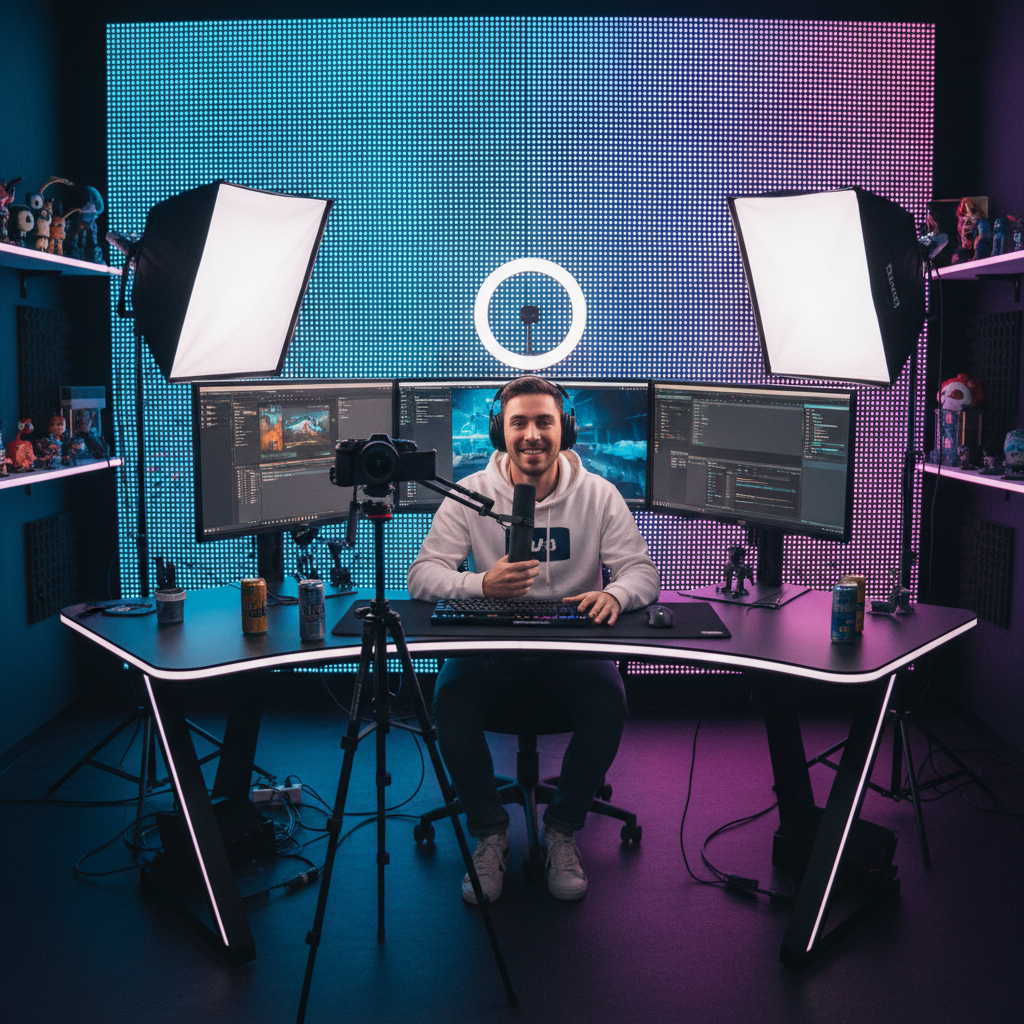
Want a presenter like this? Try OmniHuman free →
Scene Prompts for YouTube Aesthetics
Each niche has its own visual conventions. Match the prompt to your channel style.
Finance Channel
Modern financial news studio with subtle stock ticker blur in background, professional lighting, medium close-up framing, polished CNBC-style aesthetic.
Tech Channel
Clean minimalist tech studio with neon accent lighting, medium close-up, modern influencer aesthetic.
Education Channel
Warm home office setting with bookshelves in soft focus, natural window lighting from the left, approachable and knowledgeable tone.
Gaming Channel
Gaming setup with RGB lighting in background, medium close-up, energetic atmosphere.
News Channel
Professional news studio with anchor desk, blue and orange studio lighting, broadcast news aesthetic.
YouTube-Specific Optimization Tips
Match Aspect Ratios
OmniHuman outputs 16:9. For Shorts (9:16), you have two options:
- Crop the 16:9 output to 9:16 in post, centering the presenter
- Generate with framing that leaves room for vertical cropping
Add Captions
YouTube's algorithm favors videos with captions, and many viewers watch without sound. Upload your script as a caption file or use YouTube's auto-captioning.
Use Thumbnails from Your Photo
The same reference photo you use for OmniHuman works beautifully as a thumbnail element. Consistent face = recognizable brand.
Test Hook Variants
Generate three different intro segments with different opening hooks. Publish each in A/B test style across similar videos. Measure retention at 0:05 to see which hook holds viewers.
Avoid Over-AI-ing
Pure AI presenter videos for 10+ minutes feel robotic. Use AI segments as accents, not the entire runtime.
Channel Examples That Work
Daily market recap. 60-second AI anchor delivering top 3 market moves, published as a YouTube Short at market close. $9.60 per episode, 30 episodes per month = $288/month.
Weekly tech explainer. 8-minute long-form video with a 30-second AI presenter intro and outro. $19.20 per episode, 4 episodes per month = $76.80/month.
History documentary channel. 15-minute videos with AI narrator segments between archival footage. 2-3 AI segments per video, 2 videos per month = $57.60/month.
Language learning channel. Same tutorial in 5 languages per week, using AI presenter. 5 x 4 = 20 videos per month = $192/month.
Each of these scales freely up or down based on publishing rhythm — no subscription penalty in quiet weeks.
Skip the monthly creator SaaS
Quiet weeks cost nothing. Busy weeks cost $9.60 per segment. No HeyGen or Synthesia commitment when your upload schedule shifts.
Fuel Your ChannelYouTube Policy and Monetization
YouTube's policy on AI-generated content has evolved. As of the current rules:
- AI-generated content is allowed and can monetize
- Viewers must be able to tell content is AI if it could mislead — add disclosures when appropriate
- Content must still meet YouTube's overall quality and originality standards
- Repetitive mass-produced AI content without value-add can trigger algorithmic deprioritization
Use OmniHuman v1.5 to enhance your content, not to mass-produce identical low-value videos. Quality signals to the algorithm matter more than pure volume.
Start Your First AI YouTube Segment
- Sign up for Seedance and claim 50 free credits
- Buy a $25 Popular tier pack (2,750 credits ≈ 2-3 videos)
- Pick your channel's presenter photo
- Write a 30-second intro for your next video
- Record audio or use TTS
- Generate via OmniHuman v1.5
- Drop it into your video edit and publish
For more creator-focused reading, see the podcast guide, the news anchor guide, the product reviews guide, and the complete OmniHuman v1.5 guide.
Ready to try OmniHuman v1.5? Start creating free →