AI Documentary Footage with Seedance 1.0 Pro
Learn how to create AI-generated documentary footage, B-roll, and establishing shots with Seedance 1.0 Pro. From historical recreation to nature documentaries, discover techniques for professional documentary content.
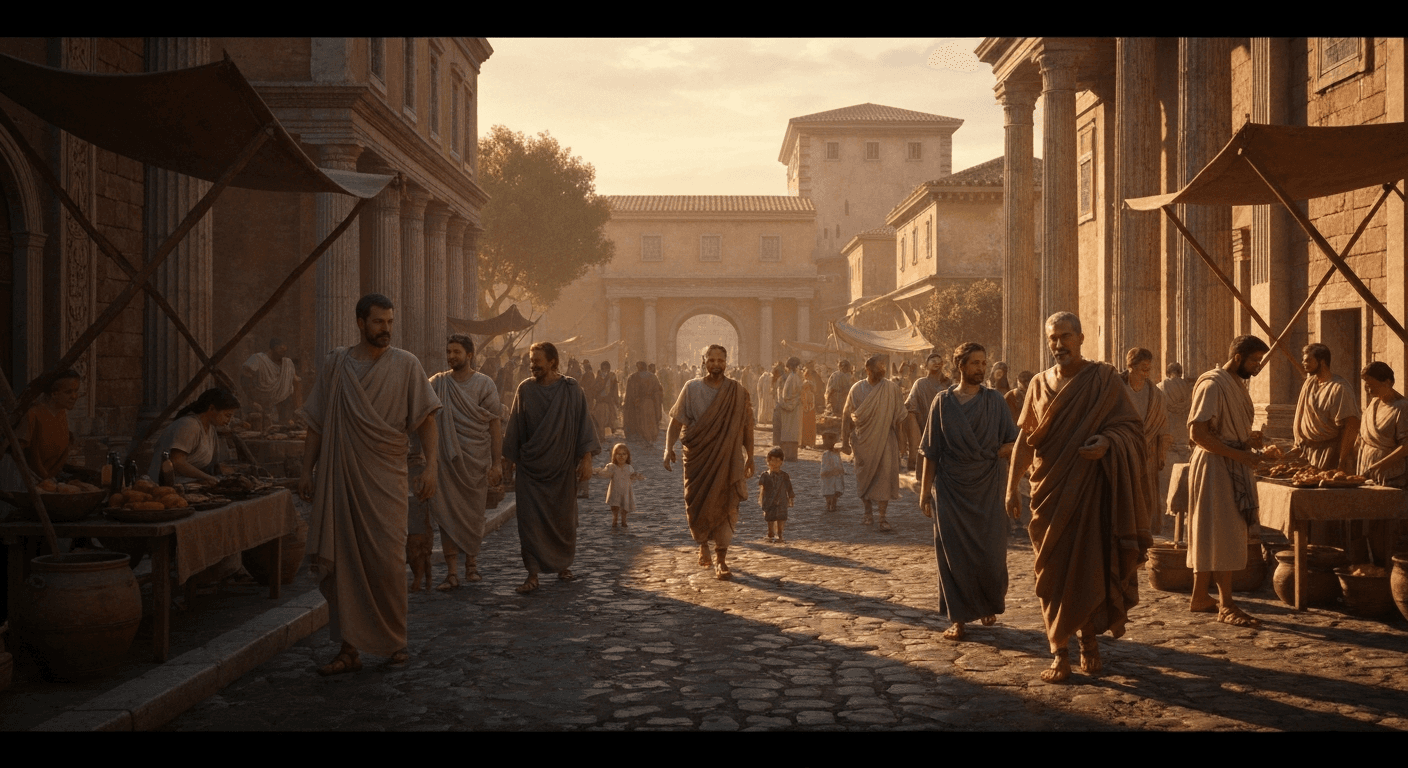
Documentary filmmakers have always had one problem money can't fully solve: you can't film footage that doesn't exist. Historical events, extinct wildlife, speculative scenarios, and scenes you simply weren't there to capture. Seedance 1.0 Pro changes the equation. You can now generate broadcast-quality 1080p documentary footage for any scenario you can describe, for less than the price of a coffee per shot.
TL;DR
- Documentary B-roll at $1.44 per 6-second 1080p shot
- Historical recreation, nature scenes, speculative visualization — all viable
- Ethical disclosure: always label AI-generated footage clearly in documentaries
- Pair with live footage as B-roll and transitional material
- 50 free credits on signup to test your approach
Where AI Documentary Footage Fits
AI-generated footage is not a replacement for real documentary footage. It is a complement, used in specific places where the real footage does not exist or cannot be captured:
- Historical recreation — events from before film, or before cameras could capture them
- Extinct species and environments — mammoths, dodos, pre-industrial landscapes
- Speculative scenarios — future projections, "what if" sequences, climate visualizations
- Process visualization — what happens inside a cell, an engine, a weather system
- Establishing shots when travel or permits aren't possible
- B-roll fills for transitions and pacing
The discipline of good AI documentary work is knowing when to use it and, just as importantly, when to label it.
Generate broadcast-quality 1080p video
Professional image-to-video AI. Default 1080p output, superior motion. 50 free credits.
Try Seedance 1.0 Pro FreeWhy Seedance 1.0 Pro for Documentary
- Native 1080p — matches broadcast delivery specs (Netflix, Apple TV+, BBC, PBS mostly accept 1080p sources for AI-generated material)
- Photorealistic output — not stylized, which is what documentary demands
- Motion coherence — no flickering or morphing that would break the illusion
- End frame control — land on specific visual beats for voiceover sync
- Camera lock — observational style that matches documentary convention
- Low cost — generate a dozen takes of a historical scene for under $20
Historical Recreation
Historical documentary traditionally relies on still photographs, paintings, and dramatic reenactments with actors. AI adds a fourth option: generated motion footage of historical scenes.
Example prompts:
Wide static shot of a bustling 1890s New York street, horse-drawn
carriages passing, pedestrians in period clothing, warm afternoon
sunlight, gas lamps on brick buildings, shallow atmospheric haze,
35mm documentary feel. 8 seconds.
Slow dolly in on an oil lamp flickering on a wooden desk covered
with old maps and brass navigation instruments, warm candlelight,
soft shadows, 50mm lens, shallow depth of field. 6 seconds.
Medium shot of a Victorian-era telegraph operator tapping a key,
period clothing, brass equipment, warm practical lamp light from
camera left, 35mm lens, subtle handheld sway, real-time motion.
5 seconds.
Nature and Wildlife Footage
Nature documentaries often require months of fieldwork for a few seconds of usable footage. AI doesn't replace that artistry, but it fills gaps:
- Establishing shots of locations you cannot reach
- Species behavior visualization where filming is impractical
- Time-lapse environments — seasons, weather, growth
- Habitat reconstruction for education
Example prompts:
Wide static shot of dense mist rising through an old-growth
rainforest canopy at dawn, cool diffused light, subtle shafts
through the fog, gentle forest movement, 24mm wide angle.
8 seconds.
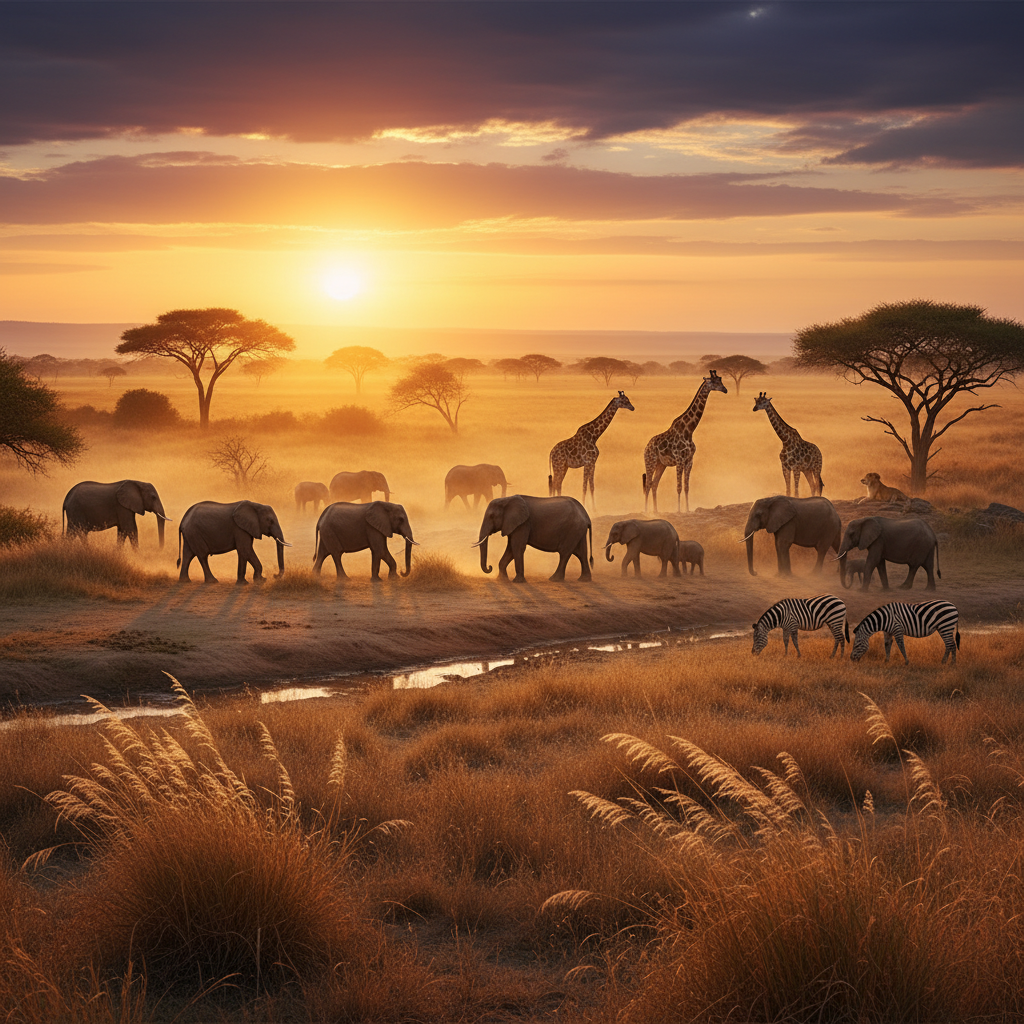
Slow aerial push over a vast savanna at golden hour, scattered
acacia trees, herds of wildebeest in the distance, warm backlight,
subtle atmospheric haze, cinematic 24mm. 10 seconds.
Underwater medium shot of a coral reef in shallow crystalline
water, shafts of sunlight dancing through the surface, fish
moving slowly through frame, natural blue-green palette, camera
lock. 6 seconds.
Want broadcast quality like this? Try Seedance 1.0 Pro free →
Science and Process Visualization
Science documentaries benefit enormously from AI visualization of processes that are impossible or expensive to film:
- Microscopic biology — cell processes, bacterial behavior
- Astronomical phenomena — planetary formation, stellar events
- Climate visualizations — ice cap loss, sea level rise, extreme weather
- Geological processes — plate tectonics, volcanic activity
Example prompts:
Extreme close-up of water droplets forming and cascading down
a glass surface in slow motion, hard side light, black background,
macro focus, real-time to slow-motion transition. 6 seconds.
Wide shot of a glacier calving, massive ice sheets dropping into
cold ocean water, dramatic scale, overcast lighting, crisp detail,
real-time motion. 8 seconds.
Ethical Disclosure Is Non-Negotiable
This section is important. AI-generated documentary footage carries a real responsibility.
Rules of the road:
- Label AI footage clearly — on-screen text, chyron, or end credits indicating "AI-generated visualization"
- Never present AI footage as documentary evidence — it is illustration, not record
- Avoid photorealistic depictions of real people without disclosure
- Follow broadcaster guidelines — BBC, PBS, Netflix, and major streamers all have AI disclosure policies
- Use AI for illustration, not deception
A good rule: if a viewer would feel betrayed learning the footage was AI, it needed disclosure.
B-Roll and Transitional Footage
The biggest day-to-day use of AI in documentary work is simple: B-roll. Transitions between interview shots, atmospheric cutaways, mood-setting establishing shots. These are places where the content is illustrative rather than evidentiary, and Seedance 1.0 Pro is perfect for them.
B-roll prompt template:
[STATIC/SLOW] shot of [ATMOSPHERIC SUBJECT], [LIGHTING],
[COLOR PALETTE], real-time motion, [DURATION]. Documentary feel.
Example:
Static shot of steam rising from a coffee cup on a wooden table
by a window, soft morning light, warm amber palette, real-time,
5 seconds. Documentary feel.
Pairing AI with Live Footage
The best documentary workflows use AI selectively:
- Live interview footage as the spine
- Archival material where available
- Seedance-generated footage to fill visual gaps (historical scenes, locations, concepts)
- B-roll from your own camera for textural authenticity
The art is knowing which shot needs which source.
Broadcast-spec 1080p for illustrative B-roll
Ship the shots you could never film. Native 1080p meets most broadcaster AI disclosure specs. 50 free credits.
Start Your Doc B-RollCost Breakdown: Documentary Episode
A 30-minute documentary episode with substantial AI B-roll:
- 15 historical recreation shots × 6s = $21.60
- 10 nature/environmental B-roll × 6s = $14.40
- 8 process visualizations × 8s = $15.36
- 5 transitional shots × 4s = $4.80
Total: ~$56 in Seedance credits.
With iteration (2x): ~$112.
Compare to licensing equivalent archival footage or commissioning custom CG: thousands to tens of thousands per shot.
Tips for Documentary AI Footage
- Match your live footage aesthetic. If you shoot on 35mm feel with desaturated color, generate with matching prompts.
- Use camera lock for observational framing. Documentary tradition favors stable framing.
- Avoid over-stylization. Documentary is not music video. Restrained camera moves, natural lighting, honest motion.
- Generate slightly longer than needed. Gives you handles for editing and VO sync.
- Build a prompt library. Standardize your documentary look across episodes.
- Label your files clearly. Keep a shot log so you know which footage is AI-generated for disclosure.
Related Reading
FAQ
Can I use AI footage in a Netflix-commissioned doc? Check your specific contract and Netflix's current AI content policy. Generally yes, with disclosure.
What about news documentaries? Most news organizations have strict policies — AI footage is generally off-limits or heavily restricted.
Can I show extinct animals? Yes, clearly labeled as AI-generated visualization or illustration.
What about depicting real historical figures? Tread carefully. Generic period figures are fine; specific named people require editorial judgment and usually on-screen disclosure.
Is the output broadcast-quality? Yes, native 1080p meets most broadcast delivery specs. For 4K delivery, you'll upscale (most broadcasters accept 1080p masters for illustrative material).
Documentary filmmakers now have access to every shot that was ever impossible. The craft is still in choosing which shot to tell.
Start creating documentary footage on Seedance 1.0 Pro → — 50 free credits, no subscription.