Seedance 1.0 Pro for Film Previsualization: AI Storyboarding
Discover how Seedance 1.0 Pro is transforming film previsualization. Learn to create animated storyboards, test camera angles, plan visual effects shots, and communicate your creative vision with AI-generated previz footage.
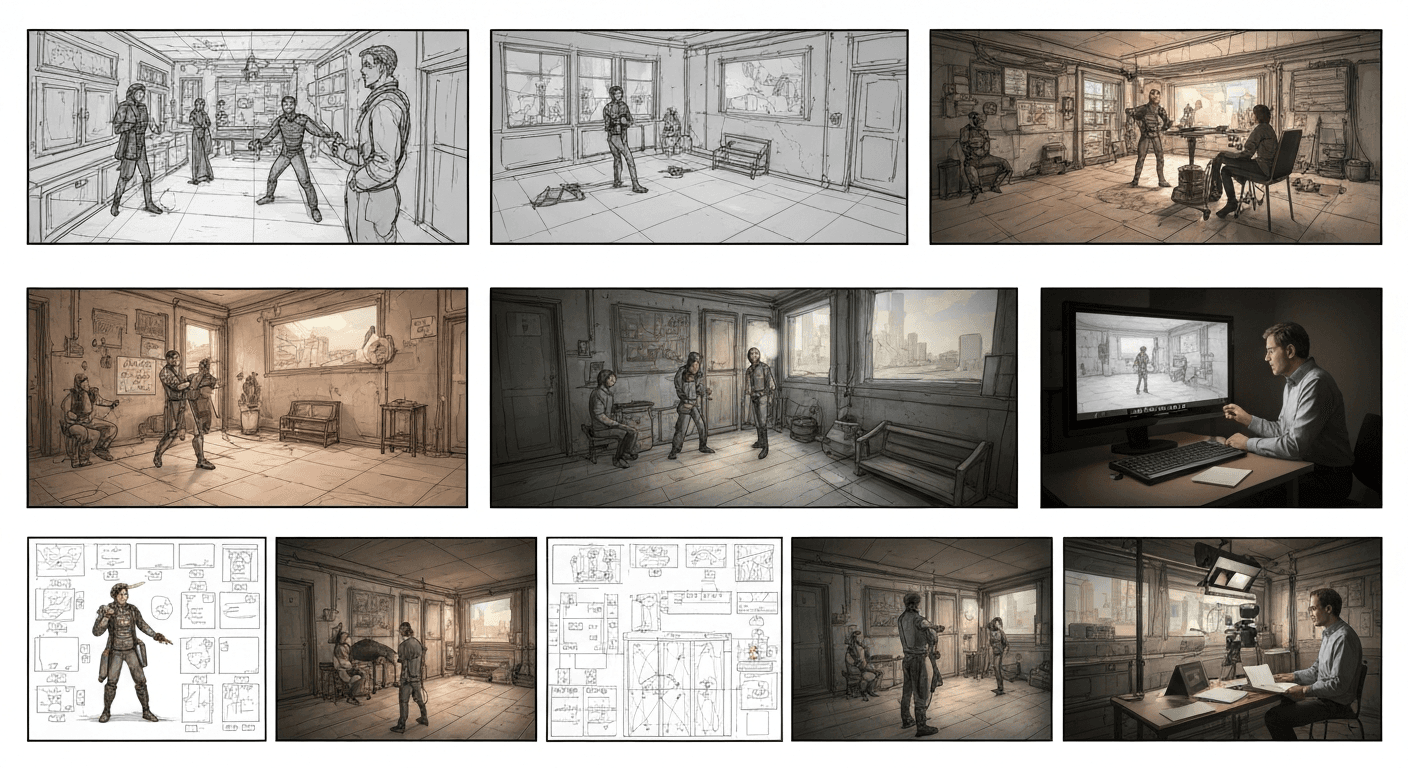
A full previz sequence from a dedicated previs studio runs $2,000–$10,000 per minute of screen time. The same sequence in Seedance 1.0 Pro — rough animated storyboards at 1080p that communicate blocking, camera, and pacing — costs under $30 and lands in a single afternoon. That is why directors, production designers, and VFX supervisors are restructuring how previs fits into their pipelines.
TL;DR
- Previz cost: ~$15–50 per sequence vs $2,000–$10,000 traditional
- Timeline: hours vs weeks
- Best for: directors, DPs, VFX supervisors, production designers, independent filmmakers
- Use cases: shot planning, camera tests, blocking, VFX previs, pitch reels
- Native 1080p output, 2–12 second clips, end frame control for directed motion
What Previz Is For (and Why It Matters)
Previsualization is the step between the screenplay and the shoot. It answers questions that cost money to get wrong on the day:
- What is the blocking for this scene?
- Where does the camera sit and move?
- What lens tells this story best?
- How does this VFX shot cut together with the surrounding coverage?
- What is the pacing — does the sequence actually work?
Traditional previs uses CG software (Maya, Unreal, Shot Designer) operated by specialists. It is expensive, slow, and often political — you commit to a look before the director has fully explored the options.
Seedance 1.0 Pro collapses that loop. You describe the shot, you see the shot, you adjust, you see it again. Fifteen minutes per variant instead of three days.
Generate broadcast-quality 1080p video
Professional image-to-video AI. Default 1080p output, superior motion. 50 free credits.
Try Seedance 1.0 Pro FreeWhy Seedance 1.0 Pro for Previs
- Native 1080p makes previz readable on a monitor, not a sticky-note
- End frame control lets you lock blocking to specific marks
- Camera lock simulates locked-off tripod setups
- 2–12s duration matches the length of real shots in a cut sequence
- 60–120s generation gives you same-session iteration with the director
- $1.44 per 6s shot — budget is no longer a gate to exploration
The Previz Workflow
Step 1 — Start with a style frame. Generate or source a single image that establishes the visual language of the scene. Lighting, color palette, set design, costume. This becomes the source image for your first shot.
Step 2 — Write the shot list. Break the scene into shots. For each shot, write a prompt describing:
- Framing (wide, medium, close)
- Camera move (dolly, pan, static, crane)
- Subject action and blocking
- Lens and depth of field
- Beat (what the shot needs to communicate)
Step 3 — Generate shot by shot. Start with 2-second tests ($0.48 each) to validate camera and blocking, then extend to final length once the intent lands.
Step 4 — Assemble the cut. Drop the clips into your editor (Resolve, Premiere, Final Cut). Trim, arrange, add temp VO and music. You now have a living previz sequence.
Step 5 — Iterate with the team. Screen the cut. Get notes. Regenerate specific shots. Re-cut. The turnaround is hours, not weeks.
Sample Shot Prompts for Previs
Establishing wide
Crane up wide establishing shot of a lone farmhouse at dusk,
silhouetted against a deep orange sky, grain fields swaying
in the wind, 24mm wide angle, deep focus, slow rise revealing
the horizon. 6 seconds.
OTS coverage
Over-the-shoulder medium shot from behind a seated figure
facing a second character across a wooden table. Soft practical
candle light between them, 50mm lens, shallow depth of field,
static locked-off camera. Subject across from camera looks up
slowly. 5 seconds.
Push-in for emotional beat
Slow dolly push-in on a close-up of a grieving woman, tears
welling, desaturated cool palette, soft window light from camera
right, 85mm lens, shallow depth of field. 6 seconds, slow
deliberate pace.
Action tracking shot
Tracking shot following a runner sprinting through a rain-soaked
alley at night, neon reflections on wet pavement, handheld
camera, 35mm lens, fast real-time movement. 8 seconds.
VFX previs placeholder
Low angle wide shot of a CGI dragon silhouette emerging from
behind a mountain ridge, backlit by a lightning-filled sky,
scale emphasized, slow camera tilt up, 24mm wide angle.
7 seconds.
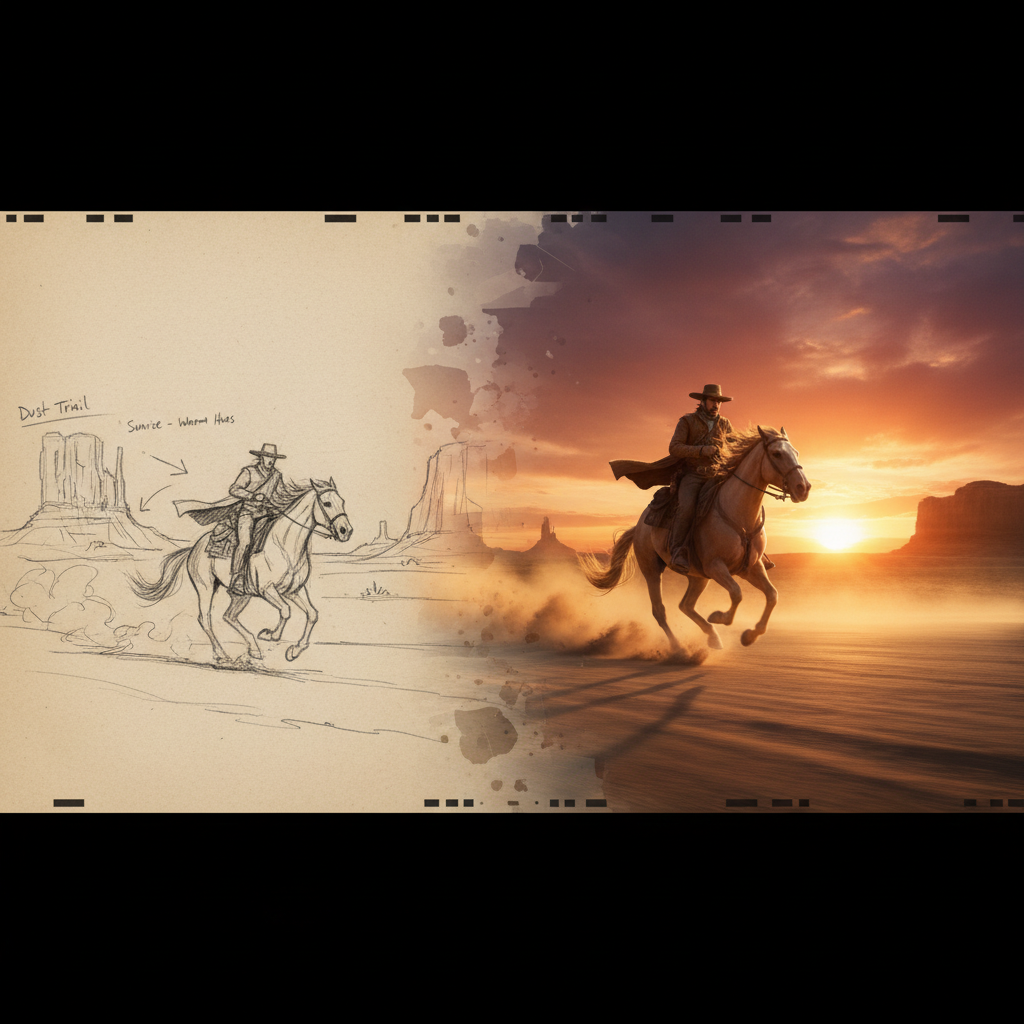
Want broadcast quality like this? Try Seedance 1.0 Pro free →
Using End Frame Control to Lock Blocking
End frame control is uniquely valuable for previs because it lets you specify exactly where the shot lands. For a director, that means:
- Match cuts — shot A ends exactly where shot B begins
- Blocking marks — actor lands on a specific mark on a specific frame
- Camera arrival — camera arrives at its final position on the beat
Upload a start frame with blocking at the top of the shot, an end frame with final blocking, and let Seedance interpolate the move. Your editor then cuts clean against the next shot.
Camera Lock for Coverage Setups
Previs traditional coverage — OTS, medium, close — benefits from camera lock. The camera doesn't move; the performance does. Toggle camera lock on for:
- Clean coverage setups (OTS, medium, close)
- Dialogue scenes
- Blocking tests where you want to evaluate performance, not camera
- Locked-off landscape and establishing shots
A Real-World Previs Sequence Budget
A 2-minute previs sequence, roughly 20 shots:
- 8 × 6s coverage shots: $11.52
- 6 × 5s blocking tests: $7.20
- 4 × 8s establishing/action shots: $7.68
- 2 × 10s VFX previs shots: $4.80
- Shot total: $31.20
Include iteration budget (2x): $62.40
Compare to a traditional previs studio at $2,000–$10,000 per minute: $4,000–$20,000 for the same 2 minutes.
You spend 99% less and iterate 20x more.
Integrating with Storyboards
Previs does not replace storyboards — it complements them. The workflow:
- Artist draws storyboards with the director
- Key frames from the boards become source images in Seedance
- Seedance animates each panel into a moving previz shot
- The cut becomes a dynamic storyboard that communicates pace
You keep the clarity of classical storyboarding and add the motion, timing, and cut readability of live-action previs.
Previz a full sequence in an afternoon
Native 1080p previz that reads on the monitor. End frame control to lock blocking. 50 free credits.
Start Previs FreeFor VFX Supervisors
VFX previs has specific demands: camera matching, shot integration, pacing of effects. Seedance 1.0 Pro handles:
- Scale tests — does the monster look right against a human subject?
- Camera motion previs — how does the shot move around the VFX element?
- Pacing — how long should the effect be on screen?
- Integration — does it cut with the surrounding coverage?
At $1.44 per test, you can explore a dozen variants of a hero VFX shot for the cost of a coffee.
For Independent Filmmakers
Indie directors get the biggest upside. Previz used to be a luxury you skipped because it cost more than your whole shoot. Now you can:
- Previz every scene before a production meeting
- Use previz as your shot list on set
- Pitch investors with a full previz cut of the opening scene
- Test scene order and pacing before you spend a dime on production
Tips for Fast, Useful Previs
- Low fidelity is fine. Previs is about communication, not polish. 2-second tests at $0.48 are often enough to answer the question.
- Prompt like a shot list. Write prompts in the language of a shot list, not screenwriting.
- Build a style bible early. Source images should share a visual language — color palette, time of day, lens choice.
- Iterate with the director in the room. The point of Seedance previs is real-time creative conversation.
- Name shots in your file system. "scene_03_shot_05_OTS_v2.mp4" — treat it like real production pipeline.
FAQ
Is Seedance good enough for client-facing pitch reels? Yes. Native 1080p output is more than sufficient for pitch decks and investor presentations.
Can I match an actor's likeness? For non-commercial previs, you can use reference images of your actor. For production, keep previs abstract to avoid rights issues.
What about 3D camera data? Seedance is a 2D video model — it does not output camera tracking data. Use traditional tools (Maya, Unreal) for data-heavy previs, and Seedance for look-and-feel and pacing previs.
Can I combine it with Unreal Engine previs? Absolutely. Some teams use Unreal for camera-accurate previs and Seedance for look development and emotional pacing.
Commercial use for previz sold as a deliverable? Yes. Seedance output can be used commercially.
Related Reading
Previs used to be a budget line most productions could not afford. That era is over. Start previs'ing on Seedance 1.0 Pro → with your 50 free credits.