Seedance 1.0 Pro: Professional AI Video Generation Guide
The complete guide to Seedance 1.0 Pro — ByteDance's professional-grade image-to-video model with default 1080p output, superior motion coherence, end frame control, and camera lock for cinematic AI videos.
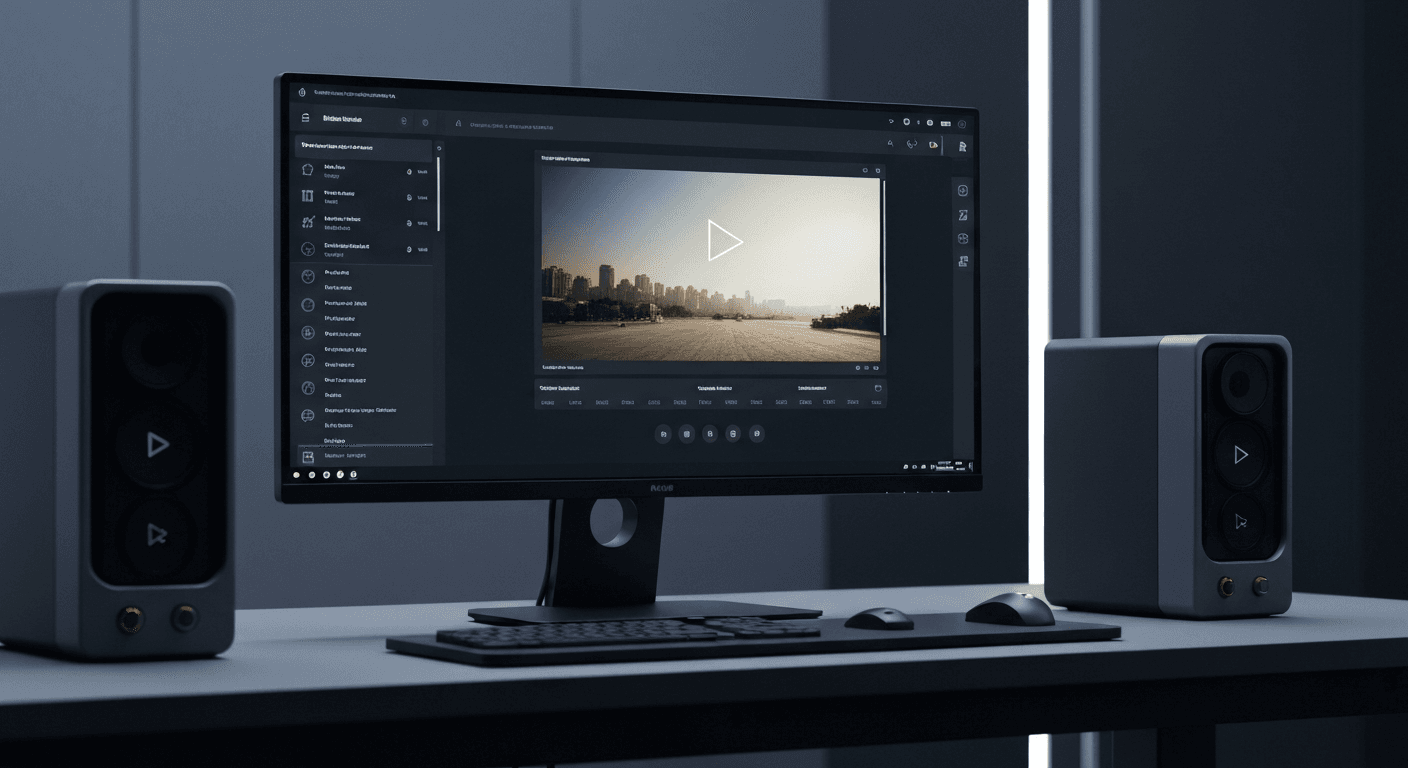
A single 6-second Seedance 1.0 Pro clip costs $1.44. The equivalent shot from a traditional production crew costs $3,000 to $15,000. That is the math reshaping every video workflow in 2026, and it is why Seedance 1.0 Pro has become the default 1080p workhorse for agencies, filmmakers, and in-house marketing teams.
TL;DR
- Default 1080p output — the highest native resolution in the Seedance 1.0 family, drops straight into pro timelines
- Per-second pricing: $0.12/sec ($0.24 with margin), 48–288 credits for 2–12 seconds
- End frame control and camera lock — features unique to Pro inside the 1.0 lineup
- Generation time: roughly 60–120 seconds per clip on seedance.it.com
- 50 free credits on signup, no subscription, credit tiers at $10 / $25 / $50 / $100
What Seedance 1.0 Pro Actually Is
Seedance 1.0 Pro is ByteDance's flagship image-to-video model inside the 1.0 family. You feed it a still image and a motion prompt, and it returns a 2–12 second clip rendered natively at 1080p.
What separates it from the Lite model is not just resolution. It is the motion system, the end-frame control, the camera lock, and the temporal consistency that lets you use the output in paid client work without apologizing for artifacts.
You can generate on the Seedance 1.0 Pro workspace right now. New accounts start with 50 free credits, which is enough for a full test generation plus some experimentation.
Generate broadcast-quality 1080p video
Professional image-to-video AI. Default 1080p output, superior motion. 50 free credits.
Try Seedance 1.0 Pro FreeThe 1080p Advantage
Most consumer-grade AI video models cap at 720p and offer optional upscaling. Seedance 1.0 Pro renders natively at Full HD 1080p — every frame is generated at the target resolution, not interpolated afterward.
That matters because:
- 1080p is still the baseline for YouTube, LinkedIn, broadcast, and most client deliverables
- Native 1080p preserves detail — fabric weaves, skin texture, hair strands, lighting gradients
- No upscaling tax — no extra credits, no extra compute time, no softness
- Editing timelines stay clean — no resolution mismatches, no pre-processing
For a deeper breakdown of what 1080p actually buys you, see our 1080p deep dive.
Motion Coherence That Holds Up Under Scrutiny
Every AI video model can produce a gorgeous first frame. The question is whether frame 180 still looks like the same shot. Seedance 1.0 Pro was engineered specifically for temporal stability, and it shows.
Where it outperforms the pack:
- Human motion: walk cycles, head turns, hand gestures, micro-expressions
- Fluid dynamics: water splashes, smoke trails, fire, steam
- Fabric and drapery: clothing, flags, curtains, hair
- Camera movement: pans, tilts, dolly shots, tracking moves
- Object interactions: pouring liquids, hands picking up objects, physics-bound collisions
Put it next to a Runway or Kling clip and the difference becomes obvious on close-ups. See the head-to-head in Seedance 1.0 Pro vs Runway Gen-3 and Seedance 1.0 Pro vs Kling.
End Frame Control: Direct the Transition, Not Just the Start
End frame control is the feature that turns image-to-video from a lucky draw into an art department. You upload a start image, upload an end frame, write a motion prompt, and Seedance 1.0 Pro interpolates the journey between them.
Where it earns its keep:
- Product reveals: closed box to open box, product emerging
- Before/after transformations: renovation, makeup, styling
- Character movement: pose A to pose B with natural in-betweens
- Scene transitions: day-to-night, season-to-season, empty-to-full
- Match cuts: line up two shots for a seamless edit
Pure prompt-to-motion can get close, but only end-frame control lets you guarantee where a shot lands.
Camera Lock: A Virtual Tripod
Enable camera lock and the virtual camera stops moving entirely. The subject animates, the background holds. That sounds small until you try to shoot a product demo where the camera refuses to stay still.
Use it for:
- Product rotations and demos
- Talking-head and interview-style shots
- Locked-off nature observation
- Security-cam aesthetics
- Studio setups simulating a tripod
With camera lock on, write your prompt around subject motion only — "the model turns her head toward camera" instead of "the camera slowly pushes in."
Ready to try Seedance 1.0 Pro? Start creating free →
Pricing: Per-Second, No Subscription
Seedance 1.0 Pro uses transparent per-second pricing. The base rate is $0.12/sec, doubled for margin, which works out to $0.24/sec — roughly 24 credits per second.
| Duration | Credits | Cost | |----------|---------|------| | 2 seconds | 48 | $0.48 | | 4 seconds | 96 | $0.96 | | 6 seconds | 144 | $1.44 | | 8 seconds | 192 | $1.92 | | 10 seconds | 240 | $2.40 | | 12 seconds | 288 | $2.88 |
Credit Packages
| Package | Price | Credits | Roughly | |---------|-------|---------|---------| | Starter | $10 | 1,050 | ~7 six-second clips | | Popular | $25 | 2,750 | ~19 six-second clips | | Pro | $50 | 5,750 | ~39 six-second clips | | Studio | $100 | 12,000 | ~83 six-second clips |
No subscription, no monthly lock-in, no expiring credits. You pay for exactly what you generate. See the full pricing page for details.
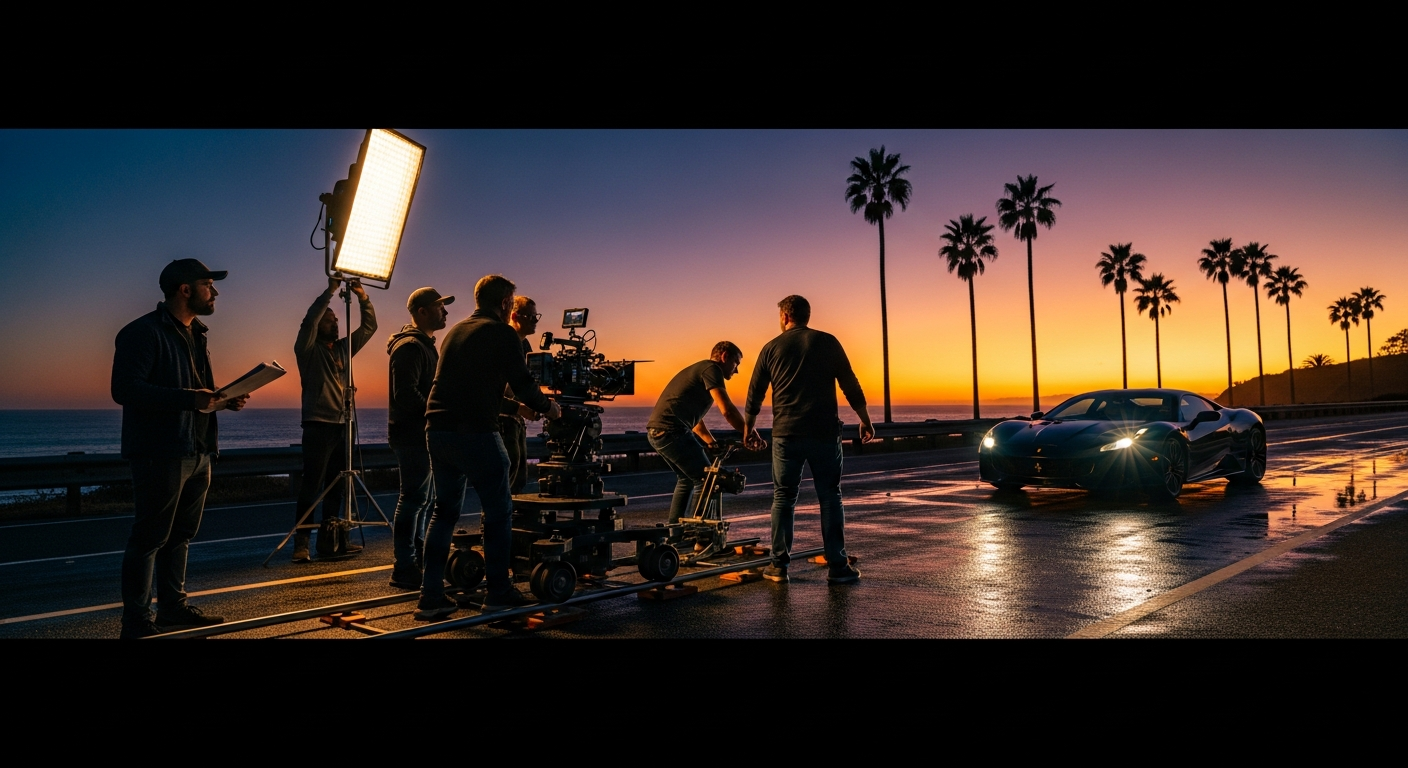
Want broadcast quality like this? Try Seedance 1.0 Pro free →
How to Generate Your First Clip
Step 1 — Start with a strong source image. High resolution, clean lighting, clear subject. Use your own photography, product renders, or images from Seedream.
Step 2 — Open the Seedance 1.0 Pro workspace. Upload your image.
Step 3 — Write a specific motion prompt. Vague prompts produce vague motion. Describe exactly what moves, how fast, and from where:
The woman slowly turns her head toward camera,
a slight smile forming. Warm golden hour light
streams from the left, dust particles drifting
in the beam. Shallow depth of field, subtle
handheld camera sway. 6 seconds, real time.
Step 4 — Configure your settings. Pick duration (2–12s), toggle camera lock if needed, upload an end frame for directed motion.
Step 5 — Generate and iterate. First result in 60–120 seconds. Adjust prompt, regenerate, refine.
Seedance 1.0 Pro vs Seedance 1.0 Lite
| | Seedance 1.0 Pro | Seedance 1.0 Lite | |---|---|---| | Resolution | Default 1080p | Up to 720p | | Price (6s) | $1.44 (144 credits) | $0.42 (42 credits) | | Motion coherence | Superior | Good | | End frame control | Yes | No | | Camera lock | Yes | No | | Generation time | 60–120s | 30–60s | | Best for | Broadcast-quality client work | Drafts, social, iteration |
Rule of thumb: draft in Lite, finish in Pro. When you need broadcast-quality output and not just drafts, the jump to Pro is non-negotiable. For the full side-by-side, see Lite vs Pro.
Seedance 1.0 Pro vs Seedance 2.0
| | Seedance 1.0 Pro | Seedance 2.0 | |---|---|---| | Resolution | Native 1080p | 720p | | Native audio | No | Yes | | Input modes | Image-to-video | Text + image-to-video | | Price (6s) | $1.44 | ~$7+ | | Best for | Proven 1080p workhorse | Cinema-grade + dialogue |
1.0 Pro is the proven 1080p workhorse; 2.0 is the newer 720p + audio model. Pick based on whether resolution or sound matters more for the shot. Full comparison: Pro vs 2.0.
Where It Earns Its Keep
Marketing and ads — product videos, hero shots, social ads. See the commercials playbook.
Film and TV — previsualization, concept tests, temp shots, even final pickups. Full workflow in our previs guide.
Music videos — stylized, narrative, performance-driven clips. Start with the music video guide.
Real estate — virtual tours from still photography. See real estate tactics.
Fashion — runway, lookbooks, editorial. Details in the fashion guide.
Agencies — scale production without scaling headcount. The agency playbook has workflow templates.
Native 1080p. Rock-solid motion.
Stop fighting softness and drift. Ship 1080p clips with temporal consistency that holds. 50 free credits.
Start Creating in 1080pPrompt Engineering That Actually Works
Four rules that separate usable output from throwaway clips:
- Motion first, scene second. Describe what moves before you describe what is there.
- Use cinematography language. "Shallow depth of field," "dolly in," "low-angle tracking shot," "handheld sway."
- Specify pace. "Slow motion," "real time," "time-lapse," "frame by frame."
- Describe the light. Lighting is half the shot. "Golden hour rim light," "soft overcast diffusion," "hard noon sun with crisp shadows."
FAQ
How long does generation take? 60–120 seconds per clip in normal conditions.
What image formats? PNG, JPEG, WebP. Higher resolution input = better output.
Can I use AI-generated source images? Yes — Seedream pairs perfectly with Seedance 1.0 Pro.
Is there an API? Yes. See the Seedance 1.0 Pro API guide.
Commercial use? Yes, everything you generate is yours to use commercially.
Maximum duration? 12 seconds per clip. Chain clips together in your editor for longer sequences.
Seedance 1.0 Pro is the model you reach for when the output has to ship. Native 1080p, superior motion, end frame control, camera lock, and pay-per-use pricing that does not punish experimentation.
Start creating on Seedance 1.0 Pro → with your 50 free credits.