Seedance 1.0 Pro for Real Estate: Virtual Property Tours
Create stunning virtual property tour videos with Seedance 1.0 Pro. Learn how AI video generation transforms real estate marketing with 1080p virtual walkthroughs, aerial views, and neighborhood showcases.
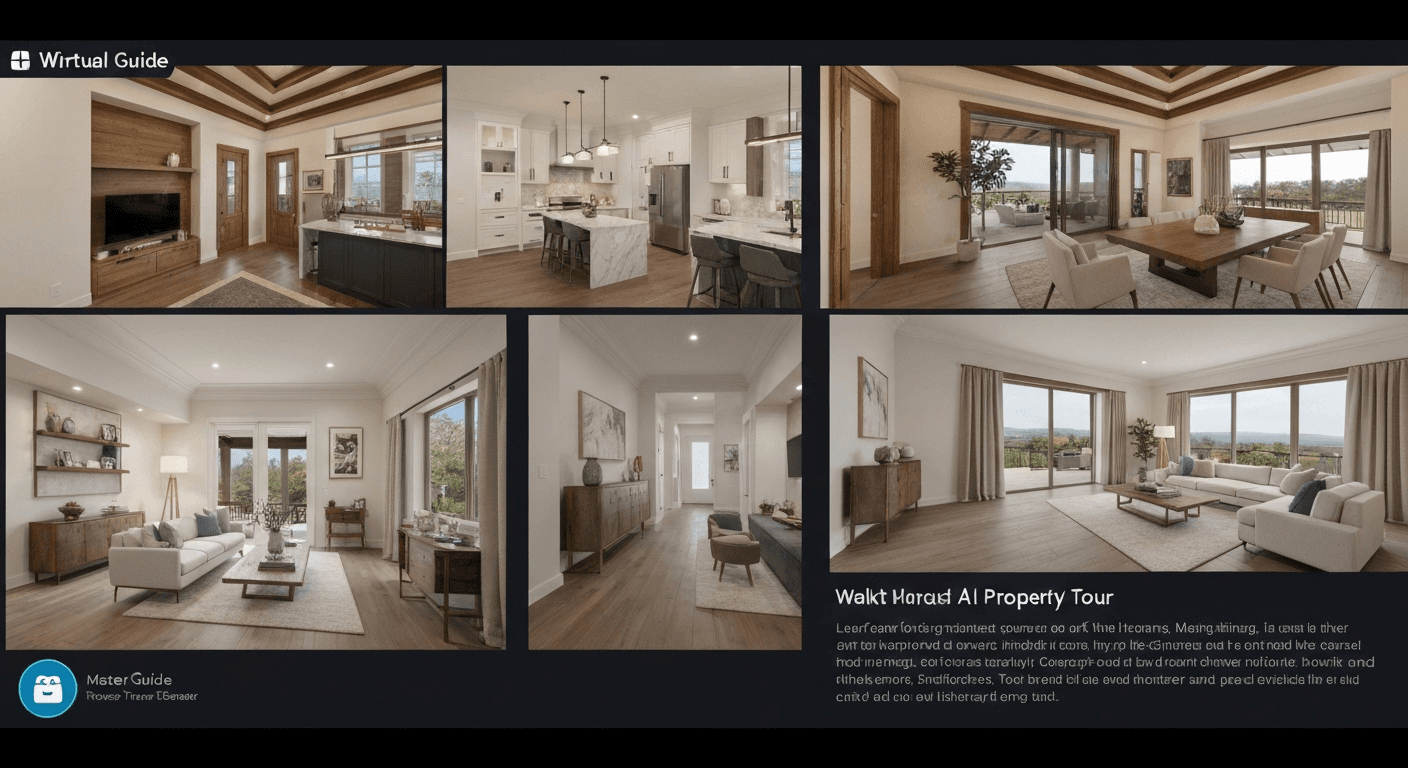
Listings with video get 403% more inquiries than listings without, according to NAR data. Traditional real estate videography runs $300–$1,500 per property. Seedance 1.0 Pro produces walkthrough-style video from your existing listing photos for under $10 per property, in under an hour. For agents and brokerages with active pipelines, that math is unavoidable.
TL;DR
- Cost per property tour: ~$5–15 with Seedance 1.0 Pro vs $300–1,500 traditional
- Timeline: under an hour per property vs days to weeks
- Best for: residential agents, brokerages, property managers, short-term rentals, developers
- Workflow: listing photos → Seedance motion → edit into tour → publish to MLS, Zillow, social
- Native 1080p output matches MLS and portal specs
The Real Estate Video Problem
Every agent knows the same truth: video sells. But video is expensive and slow, which means:
- Only high-end listings get proper video
- Mid-market and entry listings go without
- Video production lead times cost you days of market time
- Repeat or busy listings don't get refreshed video
Seedance 1.0 Pro removes the cost barrier and the lead time. Every listing can now get video. Every property can have a walkthrough-style motion tour generated from the photos already in the listing package.
Generate broadcast-quality 1080p video
Professional image-to-video AI. Default 1080p output, superior motion. 50 free credits.
Try Seedance 1.0 Pro FreeWhy Seedance 1.0 Pro for Real Estate
- Native 1080p — matches MLS, Zillow, Redfin, and Realtor.com specs
- Works from still photos — no new shoots required
- Camera lock for stable frames — professional, non-drifting interior shots
- Camera motion for walkthroughs — simulated dolly, push-in, orbit around spaces
- $1.44 per 6s shot — a full 60-second property tour lands under $15
- 60–120s generation — a complete listing video ready inside an hour
The Virtual Tour Workflow
Step 1 — Gather your listing photos. You already have these. Kitchen, living room, primary suite, bathrooms, exterior, yard.
Step 2 — Plan the tour sequence. A compelling property tour moves the way a buyer walks through:
- Exterior approach (1 shot)
- Entryway (1 shot)
- Main living space (1–2 shots)
- Kitchen (1–2 shots)
- Primary suite (1 shot)
- Bathroom(s) (1 shot)
- Additional bedrooms (1 shot each)
- Outdoor space / yard (1 shot)
- Exterior wide / closing shot
Step 3 — Generate each shot. Start with 4–6 second clips for most rooms, 8 seconds for the living space and outdoor areas.
Step 4 — Cut the tour. Assemble in CapCut, Premiere, or Resolve. Add music, voiceover, and listing overlay.
Step 5 — Publish. MLS, Zillow, Redfin, Instagram, Facebook, YouTube, agent website.
Sample Prompts for Property Tours
Exterior approach
Slow forward dolly toward the front entrance of a two-story
modern home at golden hour, warm backlight, clean landscaping,
a gentle breeze in the trees, real-time, 24mm wide angle.
6 seconds.
Entryway reveal
Slow push-in through an open front door into a bright entryway,
soft natural light from a window, hardwood floors, subtle dust
motes in the light beam, 35mm lens. 5 seconds.
Living room pan
Slow pan left across a spacious open-concept living room, natural
window light, neutral palette, hints of lifestyle (cushions, a
book on the coffee table), real-time, 24mm wide angle. 6 seconds.
Kitchen hero shot
Medium wide shot of a modern kitchen with white cabinets and a
marble island, soft natural overhead light, subtle camera push-in,
warm lifestyle accents (fruit bowl, bread board), real-time.
6 seconds.
Primary suite
Slow orbit right in a spacious primary bedroom with a large
window, soft morning light, neutral bedding, gentle curtain
movement, 24mm wide angle, real-time. 6 seconds.
Bathroom reveal
Slow dolly into a bright modern bathroom with marble tile and a
freestanding tub, soft window light, clean neutral palette,
subtle camera push-in, 35mm. 5 seconds.
Outdoor closer
Wide slow pull-back from the back patio revealing a landscaped
yard and pool, warm late afternoon sunlight, gentle water
movement, real-time. 8 seconds.
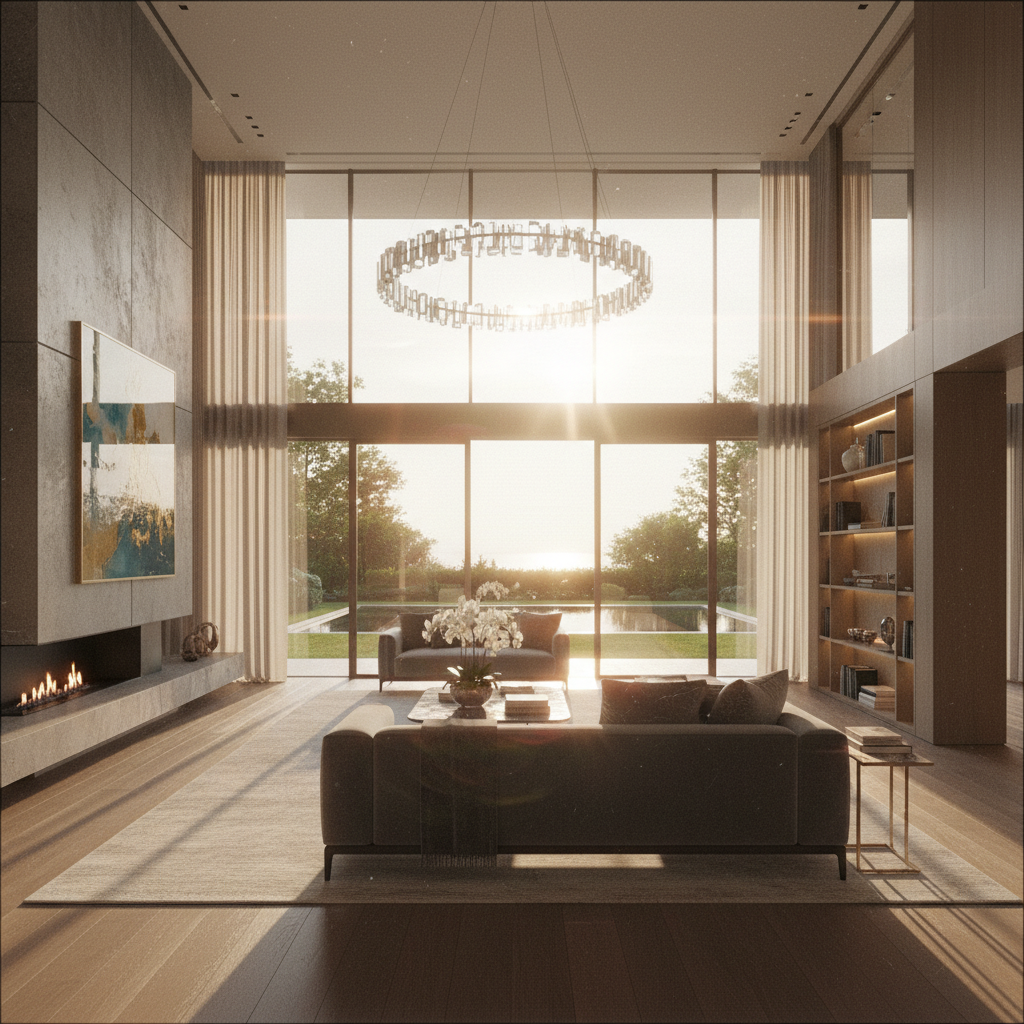
Want broadcast quality like this? Try Seedance 1.0 Pro free →
Cost Breakdown: Single Listing Tour
A 60-second property tour, 10 shots:
- 8 × 6s interior shots = $11.52
- 2 × 8s exterior shots = $3.84
Shot total: $15.36
With iteration budget (1.5x for retries): ~$23
Compare to traditional:
- DIY with phone gimbal: 2–4 hours of your time
- Freelance videographer: $300–$800 per property
- Professional production: $800–$1,500+ per property
For a brokerage with 50 active listings, that is $750–$75,000 in savings per batch.
Camera Lock for Stable Interior Shots
Real estate interiors look best with stable framing. Toggle camera lock on for:
- Still-life hero shots (kitchen, bathroom details)
- Architectural feature shots (fireplace, staircase, ceilings)
- Lifestyle vignettes that suggest ambience without movement
With camera lock off, use motion prompts for walkthrough-style shots: slow push-ins, dolly moves, pans.
Aerial and Neighborhood Shots
AI aerial shots complete a full property listing when drone footage is unavailable.
Slow aerial push over a residential neighborhood with mature
trees, a single mid-century home visible in the center, warm
late afternoon light, 24mm wide angle, gentle real-time motion.
8 seconds.
High wide shot of a coastal neighborhood with the subject
property visible among other homes, clean atmospheric light,
subtle forward drift. 10 seconds.
Note: for true address-specific aerials, use actual drone footage. AI aerials work best for lifestyle and neighborhood mood content.
Lifestyle B-Roll for Listings
Beyond the property itself, lifestyle B-roll sells the experience of living there:
- Coffee on a sun-lit kitchen counter
- A book on a window seat
- Plants gently swaying by a window
- A hand turning a doorknob
- Steam rising from a cup on an outdoor patio
Each is a $1.44 6-second shot that adds production value to the listing.
Every listing gets video now
Turn your listing photos into 1080p walkthrough tours in under an hour. $15 per property in credits. 50 free to start.
Start Your First TourShort-Term Rental / Airbnb Listings
Airbnb and VRBO listings benefit even more than sale listings — the goal is aspirational vacation content, not a clinical walkthrough. Lean into lifestyle:
Slow push-in to a steaming cup of coffee on a wooden table
overlooking a mountain view, warm morning backlight, soft
curtain movement, 35mm lens. 6 seconds.
Camera lock on a hammock gently swaying between two palm trees,
golden hour, ocean visible in the background, subtle real-time
motion. 6 seconds.
Platform Specs
| Platform | Required spec | Seedance 1.0 Pro | |---|---|---| | Zillow video | 1080p, under 5 min | 1080p native, chain clips | | Redfin | 1080p, standard web video | 1080p native | | MLS video | 1080p common spec | 1080p native | | Instagram Reels | 9:16 vertical | Generate vertical | | TikTok | 9:16 vertical | Generate vertical | | YouTube | 1080p+ | 1080p native |
Scaling Across a Brokerage
For brokerages running AI listing video at scale, the Seedance 1.0 Pro API supports batch processing. A listing coordinator can upload photos for 20 properties, trigger generations, and ship finished tours the same day. See the batch processing guide.
Tips for Real Estate AI Video
- Use the best listing photos you have. Higher-quality source = higher-quality motion.
- Be conservative with camera moves. Slow, professional pacing. No whip pans.
- Match lighting to time of day. Morning light for kitchens, golden hour for exteriors.
- Keep clips short and punchy. 4–6 seconds per shot is plenty.
- Add a real voiceover. Even 30 seconds of VO turns AI footage into a real tour.
- Include actual property details. Square footage, bedrooms, school district — on-screen text.
Ethical Note
A couple of ground rules to keep you out of trouble:
- Don't misrepresent the property. Don't add features that aren't there (a pool that doesn't exist, a view that isn't real).
- Be transparent. If you're generating motion from still photos, buyers generally understand this. Don't claim it's drone footage if it isn't.
- Use real photos for the actual property. AI-generated rooms that don't match the listing are a fair housing and misrepresentation problem.
Use AI to add motion to real photos. Don't use it to fabricate a property.
Related Reading
- Seedance 1.0 Pro complete guide
- Cinematic techniques
- Batch processing workflows
- Virtual staging with Seedream Edit
FAQ
Can I use Seedance video in MLS listings? Yes, 1080p MP4 output meets MLS specs.
Is it legal to use AI video in real estate marketing? Yes, provided you accurately represent the property.
How long does one tour take to produce? 30–60 minutes of active work, including generation, edit, and publish.
Can I batch multiple properties? Yes, especially via the API.
Do I need drone footage? Real drone footage is still better for actual aerials. AI aerials work for mood and neighborhood content.
Video sells real estate. The only reason it wasn't standard on every listing was cost. That reason is gone.
Start creating listing videos on Seedance 1.0 Pro → with your 50 free credits.