AI Video Generation at Scale: Batch Processing with Seedance Pro
Learn how to generate AI video at scale with Seedance 1.0 Pro batch processing. From API integration to workflow automation, discover techniques for high-volume professional video production.
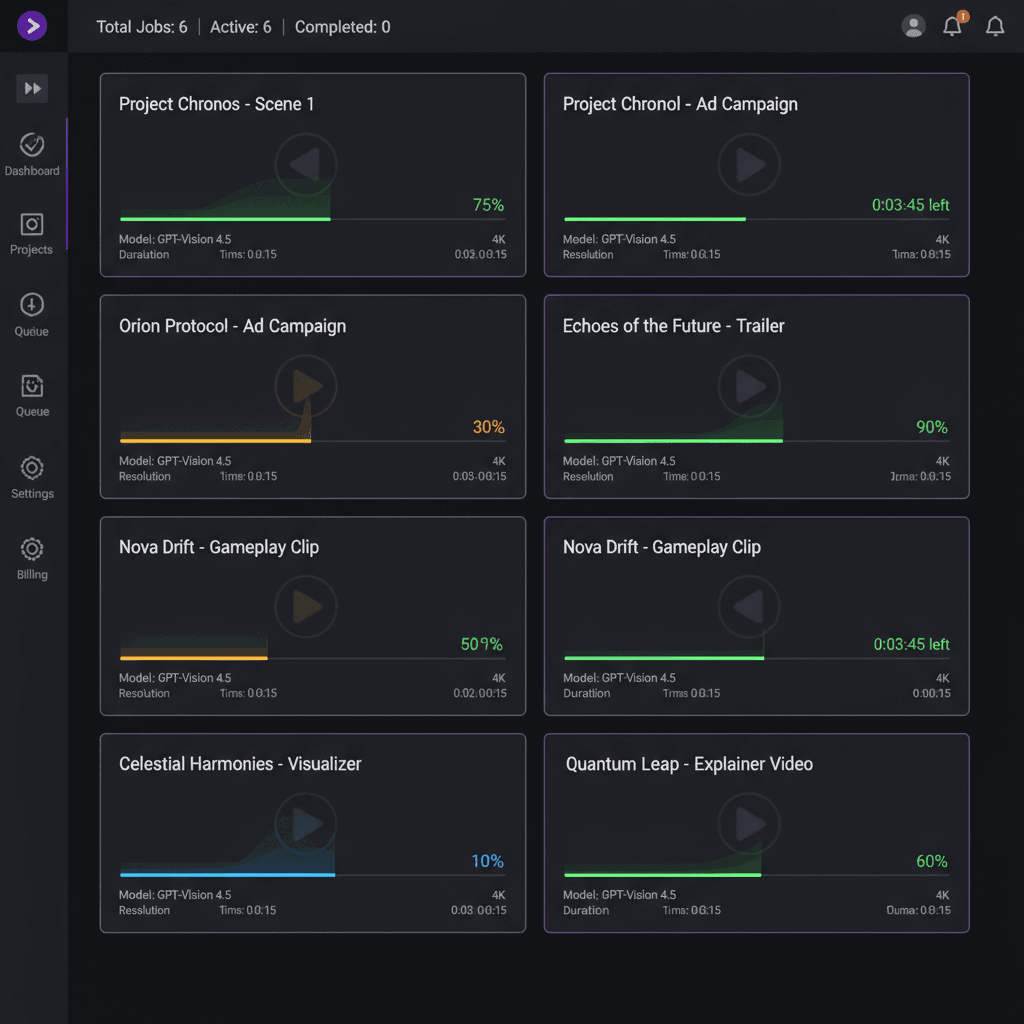
Generating one video is a demo. Generating 200 videos on a deadline is a pipeline. If you are running a real production — a property listing brokerage, an e-commerce catalog, a content farm, a creative agency — you need batch processing, not clicks. Seedance 1.0 Pro gives you a straightforward API that handles hundreds of generations with predictable queuing and per-second billing.
TL;DR
- API-driven batch processing for 10s to 1000s of generations
- Per-second pricing ($0.24/sec) means batch costs are predictable
- Concurrency via multiple parallel API requests
- Best for: brokerages, e-commerce, agencies, content operations, stock libraries
- Cost example: 200 × 6s clips = $288 total, same-day turnaround
- See the full API guide for endpoint details
When Batch Processing Is the Right Answer
You do not need batch until you have repetitive work at volume. The moment you do:
- Real estate: 50+ property listings per month needing video
- E-commerce: 200+ product catalog videos per catalog drop
- Agency: multi-client pipelines with daily deliverables
- Stock libraries: building a searchable footage archive
- Content operations: social-media-first brands posting daily video
- Product marketing: localized variants across 10+ markets
If you are generating more than 20 videos a week, batch processing stops being an optimization and starts being a requirement.
Generate broadcast-quality 1080p video
Professional image-to-video AI. Default 1080p output, superior motion. 50 free credits.
Try Seedance 1.0 Pro FreeThe Batch Processing Architecture
Here is the shape of a real batch workflow with Seedance 1.0 Pro:
- Input source: a spreadsheet, database, or file system containing source images and prompt data
- Job queue: a list of generation jobs, each with its source image, prompt, and duration
- Worker processes: parallel API calls to the Seedance 1.0 Pro endpoint
- Status polling: track which jobs are running, completed, or failed
- Output storage: downloaded MP4 files organized by job
- Post-processing: optional cutting, watermarking, format conversion
- Delivery: upload to client portal, CMS, or CDN
This pattern works for 10 videos or 10,000. The architecture is the same; only the scale changes.
Setting Up the API
Everything starts with an API key. Generate one from your Seedance account dashboard, then authenticate calls with a bearer token.
Basic request shape:
import requests

API_KEY = "your_api_key_here"
ENDPOINT = "https://api.seedance.it.com/v1/seedance-1-pro/generate"

headers = {
    "Authorization": f"Bearer {API_KEY}",
    "Content-Type": "application/json"
}

payload = {
    "source_image_url": "https://your-cdn.com/product-001.jpg",
    "prompt": "Slow camera orbit around the product, studio lighting, shallow depth of field, 6 seconds",
    "duration_seconds": 6,
    "camera_lock": True,
    "end_frame_url": None
}

response = requests.post(ENDPOINT, headers=headers, json=payload)
job = response.json()
print(job["job_id"])
The full parameter reference is in the Seedance 1.0 Pro API guide.
A Minimal Batch Processor
Here is a complete batch processing script pattern in Python:
import csv
import time
import requests
from concurrent.futures import ThreadPoolExecutor, as_completed

API_KEY = "your_api_key_here"
HEADERS = {"Authorization": f"Bearer {API_KEY}"}
GENERATE_URL = "https://api.seedance.it.com/v1/seedance-1-pro/generate"
STATUS_URL = "https://api.seedance.it.com/v1/seedance-1-pro/status/{job_id}"

def submit_job(row):
    payload = {
        "source_image_url": row["image_url"],
        "prompt": row["prompt"],
        "duration_seconds": int(row["duration"]),
        "camera_lock": row.get("camera_lock", "false").lower() == "true"
    }
    r = requests.post(GENERATE_URL, headers=HEADERS, json=payload)
    return {"row_id": row["id"], "job_id": r.json()["job_id"]}

def poll_until_done(job_id, timeout=300):
    start = time.time()
    while time.time() - start < timeout:
        r = requests.get(STATUS_URL.format(job_id=job_id), headers=HEADERS)
        status = r.json()
        if status["state"] == "completed":
            return status["video_url"]
        if status["state"] == "failed":
            return None
        time.sleep(5)
    return None

def process_batch(csv_path, max_workers=5):
    with open(csv_path) as f:
        rows = list(csv.DictReader(f))

    results = []
    with ThreadPoolExecutor(max_workers=max_workers) as executor:
        futures = {executor.submit(submit_job, row): row for row in rows}
        for future in as_completed(futures):
            submission = future.result()
            video_url = poll_until_done(submission["job_id"])
            results.append({
                "row_id": submission["row_id"],
                "video_url": video_url
            })

    return results

# Run it
results = process_batch("jobs.csv", max_workers=5)
Your CSV input:
id,image_url,prompt,duration,camera_lock
001,https://cdn.example.com/img1.jpg,"Slow orbit around product",6,true
002,https://cdn.example.com/img2.jpg,"Subject turns toward camera",5,false
...
That is enough code to batch process hundreds of clips with zero manual intervention.

Want broadcast quality like this? Try Seedance 1.0 Pro free →
Concurrency and Rate Limits
Seedance 1.0 Pro handles concurrent requests well. For most batch workflows, 5–10 parallel workers is the sweet spot. Higher concurrency risks hitting rate limits or unstable returns; lower concurrency leaves throughput on the table.
Tuning tips:
- Start with 5 concurrent workers, measure throughput
- Scale up to 10 if you are not hitting limits
- Back off on HTTP 429 responses with exponential backoff
- Space out submissions by 100–200ms if you see occasional failures
Cost Predictability at Scale
Per-second pricing means batch costs are trivially predictable.
| Batch size | Avg duration | Total seconds | Cost at $0.24/sec | |---|---|---|---| | 25 clips | 6s | 150 | $36 | | 100 clips | 6s | 600 | $144 | | 500 clips | 6s | 3,000 | $720 | | 1,000 clips | 6s | 6,000 | $1,440 | | 2,000 clips | 6s | 12,000 | $2,880 |
No surprise bills. No subscription tiers capping throughput. You get exactly what you budget for.
Real-World Batch Workflows
Real Estate Brokerage
Scenario: 80 active listings, each needs a 60-second property tour (10 × 6s shots).
Volume: 800 generations, 4,800 seconds Cost: ~$1,150 Time: 6–10 hours of machine time
Compared to traditional videography at $500/listing = $40,000. Savings: $38,850 per batch.
E-commerce Catalog Launch
Scenario: 300 product SKUs needing 4-second product motion shots for PDPs.
Volume: 300 generations, 1,200 seconds Cost: $288 Time: 3–5 hours
Compared to product video shoot at $50–$200 per SKU = $15,000–$60,000. Savings: ~98%.
Agency Client Operations
Scenario: 5 clients, each needing 20 weekly social video assets.
Volume: 100 generations/week, 6s each = 600 seconds/week Cost: $144/week or ~$7,500/year Deliverable: 5,200 finished social videos per year across all clients
At typical agency retainer pricing, this supports $250,000+ in billable client work with $7,500 in production costs.
Predictable pricing. Production-ready throughput.
Native 1080p, $0.24/sec flat, no surprise bills. Batch hundreds of clips with 5–10 parallel workers. 50 free credits.
Start Building Your PipelineError Handling Patterns
Batch processing at scale means inevitable failures. Build your pipeline to handle them:
- Retry failed jobs — up to 3 attempts with exponential backoff
- Log everything — job ID, prompt, duration, status, timing
- Alert on sustained failures — if >5% of jobs fail, pause and investigate
- Isolate bad inputs — flag problematic source images or prompts for manual review
- Validate downloads — confirm MP4 is valid before marking a job complete
def poll_with_retry(job_id, max_retries=3):
    for attempt in range(max_retries):
        result = poll_until_done(job_id)
        if result:
            return result
        time.sleep(2 ** attempt)
    return None
Organizing Output Files
At scale, naming conventions matter more than you think. A suggested structure:
/batch_output
  /YYYY-MM-DD_client-name_batch-id
    /manifest.csv           # job mapping
    /videos/
      001_product_001.mp4
      002_product_002.mp4
      ...
    /logs/
      batch.log
      failed_jobs.csv
The manifest ties each output file back to its source job, prompt, and metadata. Essential for QA and client delivery.
Quality Control at Scale
You cannot manually review 500 clips. Build a QC tier:
- Automated checks: file size, duration, valid encoding
- Sampled manual review: spot-check 5–10% of output
- Client flag system: let clients flag specific clips for regeneration
- Regeneration queue: feed flagged clips back through with adjusted prompts
Post-Processing Pipeline Integration
Raw Seedance output is 16:9 1080p MP4. For batch workflows, you often need additional processing:
- Format conversion: 9:16 for vertical, 1:1 for square
- Watermarking: brand logo or client mark
- Cutting: trim to specific lengths
- Compression: optimize for CDN delivery
- Metadata: embed client info, rights data
Use FFmpeg to handle post-processing programmatically:
ffmpeg -i input.mp4 -vf "crop=ih*9/16:ih" output_vertical.mp4
Chain this into your batch script so finished jobs are automatically delivery-ready.
Related Reading
- Seedance 1.0 Pro API guide
- Seedance 1.0 Pro complete guide
- Seedance 1.0 Pro for agencies
- Real estate workflows
FAQ
Is there a concurrent request limit? Yes, accounts have reasonable concurrency limits. Contact support for high-volume production limits.
Can I pre-purchase credits for large batches? Yes, buy credits in advance on the $100 tier for best per-credit pricing.
Does the API support webhooks for job completion? Yes, you can register a callback URL to receive completion notifications instead of polling.
How long are generated videos stored? Generated videos are available for download for a window after generation. Download promptly or pipe directly to your own storage.
Can I cancel in-progress jobs? Yes, the API supports job cancellation via a DELETE request.
Batch processing is how you move from "AI video demo" to "AI video production pipeline." The API is ready, the pricing is predictable, and the architecture is straightforward.
Start building with Seedance 1.0 Pro → — 50 free credits to test your workflow before you scale.