Seedance 1.0 Pro API: Professional Video Generation Endpoint
Complete guide to the Seedance 1.0 Pro API for professional video generation. Learn endpoint integration, authentication, parameters, error handling, and best practices for building AI video into your applications.
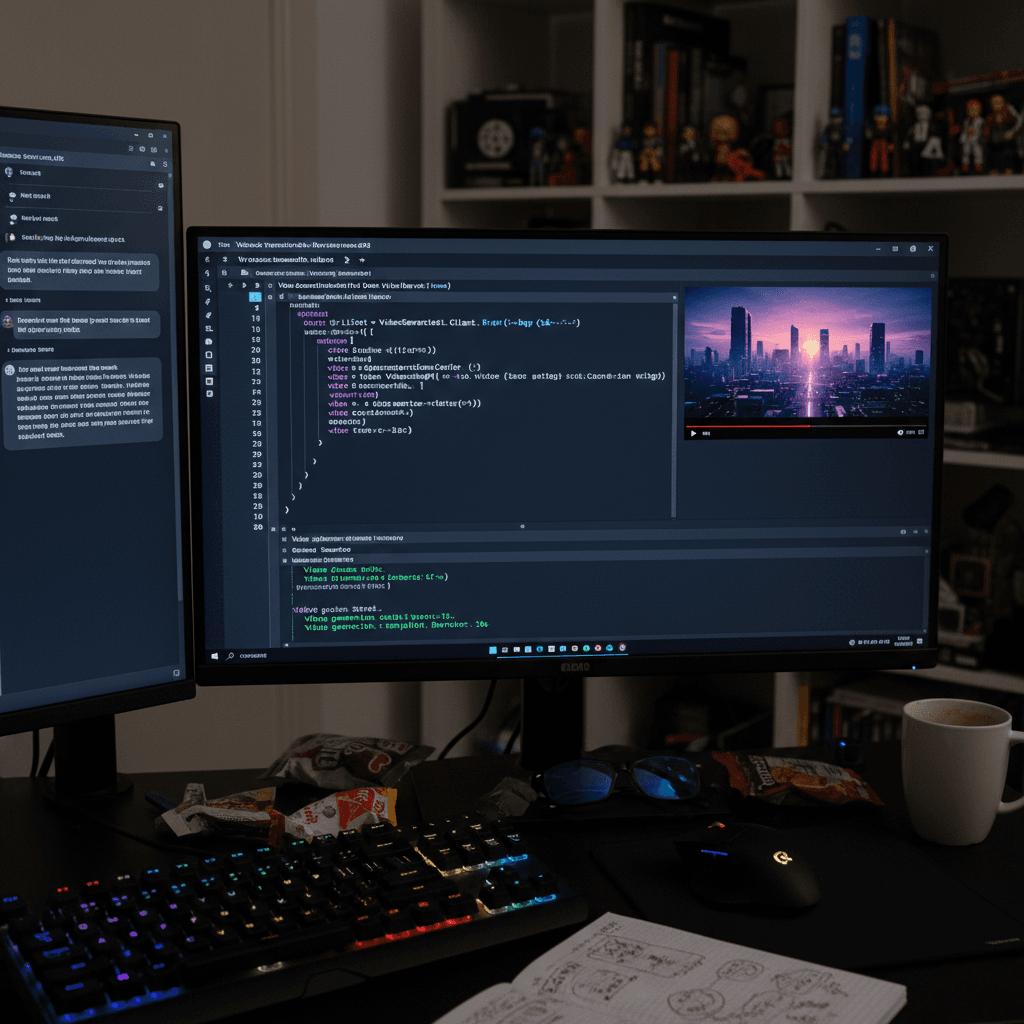
If you are building video into a product, a workflow, or a pipeline, the web UI is eventually a bottleneck. The Seedance 1.0 Pro API is the same model behind the UI, exposed as a clean REST endpoint with bearer-token auth, predictable per-second pricing, and straightforward job polling. This guide covers everything you need to ship it in production.
TL;DR
- REST API for Seedance 1.0 Pro native 1080p video generation
- Auth: bearer token from your account dashboard
- Billing: per-second at $0.24/sec ($0.12 base × 2x margin)
- Pattern: submit job → poll status → download MP4
- Best for: SaaS integrations, batch pipelines, automation, white-label products
What the API Gives You
Everything the Seedance 1.0 Pro web UI offers, available programmatically:
- Image-to-video generation with a source image URL
- Motion prompt to direct the animation
- Duration control from 2 to 12 seconds
- End frame control for directed transitions
- Camera lock toggle
- Job polling for status and result URL
- MP4 output at native 1080p
Use it for SaaS products that need embedded video generation, internal agency pipelines, batch production workflows, or automation of repetitive video tasks.
Generate broadcast-quality 1080p video
Professional image-to-video AI. Default 1080p output, superior motion. 50 free credits.
Try Seedance 1.0 Pro FreeAuthentication
All API calls authenticate with a bearer token. Generate one from your Seedance account dashboard on seedance.it.com.
Authorization: Bearer YOUR_API_KEY
Security rules:
- Never commit API keys to source control
- Rotate keys regularly
- Use environment variables or a secrets manager
- Restrict keys to specific origins if possible
The Core Endpoints
Submit a Generation Job
POST /v1/seedance-1-pro/generate
Request body:
{
  "source_image_url": "https://your-cdn.com/source.jpg",
  "prompt": "Slow camera push-in on the subject, warm golden hour light, shallow depth of field",
  "duration_seconds": 6,
  "camera_lock": false,
  "end_frame_url": null
}
Parameters:
| Field | Type | Required | Description |
|---|---|---|---|
| source_image_url | string | yes | Publicly accessible URL to the source image |
| prompt | string | yes | Motion description |
| duration_seconds | integer | yes | 2–12 seconds |
| camera_lock | boolean | no | Default false |
| end_frame_url | string | no | Optional end frame URL |
Response:
{
  "job_id": "job_abc123xyz",
  "status": "queued",
  "created_at": "2026-04-10T12:00:00Z",
  "estimated_seconds": 90
}
Check Job Status
GET /v1/seedance-1-pro/status/{job_id}
Response (in progress):
{
  "job_id": "job_abc123xyz",
  "status": "processing",
  "progress": 0.45,
  "created_at": "2026-04-10T12:00:00Z"
}
Response (complete):
{
  "job_id": "job_abc123xyz",
  "status": "completed",
  "video_url": "https://seedance.it.com/videos/abc123xyz.mp4",
  "duration_seconds": 6,
  "resolution": "1920x1080",
  "credits_charged": 144
}
Possible status values: queued, processing, completed, failed
Download the Result
Once status is completed, the video_url points to a 1080p MP4 file. Download it immediately and store it in your own infrastructure — don't rely on the URL being valid indefinitely.
A Complete Python Example
import os
import time
import requests

API_KEY = os.environ["SEEDANCE_API_KEY"]
BASE_URL = "https://api.seedance.it.com/v1/seedance-1-pro"
HEADERS = {
    "Authorization": f"Bearer {API_KEY}",
    "Content-Type": "application/json"
}

def generate_video(source_image_url, prompt, duration=6, camera_lock=False, end_frame=None):
    payload = {
        "source_image_url": source_image_url,
        "prompt": prompt,
        "duration_seconds": duration,
        "camera_lock": camera_lock,
    }
    if end_frame:
        payload["end_frame_url"] = end_frame

    response = requests.post(f"{BASE_URL}/generate", headers=HEADERS, json=payload)
    response.raise_for_status()
    return response.json()["job_id"]

def wait_for_completion(job_id, poll_interval=5, timeout=300):
    start = time.time()
    while time.time() - start < timeout:
        r = requests.get(f"{BASE_URL}/status/{job_id}", headers=HEADERS)
        r.raise_for_status()
        data = r.json()

        if data["status"] == "completed":
            return data["video_url"]
        if data["status"] == "failed":
            raise RuntimeError(f"Job failed: {data.get('error', 'unknown')}")

        time.sleep(poll_interval)

    raise TimeoutError(f"Job {job_id} did not complete within {timeout}s")

def download_video(url, output_path):
    response = requests.get(url, stream=True)
    response.raise_for_status()
    with open(output_path, "wb") as f:
        for chunk in response.iter_content(chunk_size=8192):
            f.write(chunk)

# Use it
job_id = generate_video(
    source_image_url="https://example.com/product.jpg",
    prompt="Slow camera orbit around the product, studio lighting, 6 seconds",
    duration=6,
    camera_lock=True
)

video_url = wait_for_completion(job_id)
download_video(video_url, "output.mp4")
print(f"Video saved to output.mp4")
A Complete Node.js Example
import fs from 'fs';
import fetch from 'node-fetch';

const API_KEY = process.env.SEEDANCE_API_KEY;
const BASE_URL = 'https://api.seedance.it.com/v1/seedance-1-pro';
const HEADERS = {
  'Authorization': `Bearer ${API_KEY}`,
  'Content-Type': 'application/json'
};

async function generateVideo(opts) {
  const response = await fetch(`${BASE_URL}/generate`, {
    method: 'POST',
    headers: HEADERS,
    body: JSON.stringify(opts)
  });
  if (!response.ok) throw new Error(`HTTP ${response.status}`);
  const data = await response.json();
  return data.job_id;
}

async function waitForCompletion(jobId, { pollInterval = 5000, timeout = 300000 } = {}) {
  const start = Date.now();
  while (Date.now() - start < timeout) {
    const r = await fetch(`${BASE_URL}/status/${jobId}`, { headers: HEADERS });
    const data = await r.json();
    if (data.status === 'completed') return data.video_url;
    if (data.status === 'failed') throw new Error(`Job failed: ${data.error}`);
    await new Promise(res => setTimeout(res, pollInterval));
  }
  throw new Error('Timeout');
}

async function downloadVideo(url, path) {
  const response = await fetch(url);
  const buffer = await response.buffer();
  fs.writeFileSync(path, buffer);
}

// Use it
const jobId = await generateVideo({
  source_image_url: 'https://example.com/product.jpg',
  prompt: 'Slow camera orbit around the product, studio lighting, 6 seconds',
  duration_seconds: 6,
  camera_lock: true
});

const videoUrl = await waitForCompletion(jobId);
await downloadVideo(videoUrl, 'output.mp4');
console.log('Saved output.mp4');

Want broadcast quality like this? Try Seedance 1.0 Pro free →
Pricing and Billing
Rate: $0.24 per second of output video (24 credits/second)
| Duration | Credits | Cost | |---|---|---| | 2s | 48 | $0.48 | | 4s | 96 | $0.96 | | 6s | 144 | $1.44 | | 8s | 192 | $1.92 | | 10s | 240 | $2.40 | | 12s | 288 | $2.88 |
Credits are deducted only on successful generations. Failed jobs do not consume credits.
Credit packages are the same as the web UI: $10 / $25 / $50 / $100. See the pricing page.
Rate Limits and Concurrency
Standard accounts have rate limits suitable for typical integration workloads. For high-volume production, contact support for raised limits.
General guidance:
- 5–10 concurrent jobs is reliable for most accounts
- Exponential backoff on HTTP 429 responses
- Job-level retries on transient failures (up to 3 attempts)
- Webhook callbacks are available to avoid excessive polling
Webhooks (Optional)
Instead of polling, register a webhook URL in your account settings or per-request. When a job completes, Seedance sends a POST to your URL:
{
  "event": "job.completed",
  "job_id": "job_abc123xyz",
  "status": "completed",
  "video_url": "https://seedance.it.com/videos/abc123xyz.mp4",
  "duration_seconds": 6,
  "credits_charged": 144,
  "timestamp": "2026-04-10T12:02:15Z"
}
Webhooks are signed with an HMAC signature in the X-Seedance-Signature header. Verify before trusting the payload.
Ship 1080p video from your backend
Bearer-token REST API, native 1080p output, webhooks, and predictable per-second billing. 50 free credits.
Get Your API KeyError Handling
The API returns standard HTTP status codes:
| Code | Meaning |
|---|---|
| 200 | Success |
| 400 | Bad request — check your payload |
| 401 | Unauthorized — bad API key |
| 402 | Insufficient credits |
| 429 | Rate limited |
| 500 | Server error — retry with backoff |
Error response bodies include an error field with a human-readable message and a code field for programmatic handling.
{
  "error": "Source image URL could not be fetched",
  "code": "source_image_unreachable"
}
Input Image Requirements
- Formats: PNG, JPEG, WebP
- Size: up to 10 MB per image
- Resolution: 512x512 minimum, higher is better (1080p+ recommended)
- URL access: must be publicly reachable by the Seedance servers (no localhost, no auth-walled)
For private images, upload them to a signed S3 URL, CloudFront, or similar, and pass the signed URL in the request.
Best Practices
- Store outputs in your own infrastructure. Don't rely on Seedance URLs long-term.
- Log everything. Job IDs, prompts, timings, status transitions, errors.
- Retry transient errors. Network hiccups and 5xx responses should retry with exponential backoff.
- Validate inputs early. Check image URLs and parameter ranges before submitting.
- Monitor credit balance. Alert when you drop below a threshold.
- Use webhooks for production. Polling is fine for small workloads but inefficient at scale.
- Cache identical generations. If a user submits the same image + prompt twice, return the cached URL.
Testing and Staging
Start every integration with the $10 credit tier (1,050 credits). That is enough for several dozen test generations. Build and test your integration end-to-end before committing to higher-volume tiers.
Use Cases
- SaaS platforms — let your users generate video from their own assets
- E-commerce — generate product motion videos from catalog imagery
- Real estate — automate listing video production from photos
- Marketing automation — personalized video at scale
- Content platforms — enrich articles, listings, or social posts with generated video
- White-label video tools — build your own AI video product on the Seedance backend
Related Reading
- Batch processing workflows
- Seedance 1.0 Pro complete guide
- Seedance 1.0 Pro for agencies
- Seedance 2.0 API guide
FAQ
Can I use the API for commercial applications? Yes, all output is cleared for commercial use.
What happens if generation fails? No credits are charged on failed generations.
How long are generated videos hosted? Videos are available for download for a time window after generation. Download and store promptly.
Do you support SDK libraries? Community SDKs for Python and Node are available. See the developer docs on seedance.it.com.
Can I cancel an in-progress job? Yes, send DELETE /v1/seedance-1-pro/jobs/{job_id}. Credits are not charged on canceled jobs.
How do I get support? Email support through your account dashboard for API-specific issues.
The Seedance 1.0 Pro API is the production-ready path for embedding 1080p AI video generation into your product or pipeline.
Get your API key and start building → with 50 free credits included on signup.