How to Create Cinematic AI Videos with Seedance 1.0 Pro
Learn professional cinematography techniques for AI video generation with Seedance 1.0 Pro. Master camera angles, lighting prompts, composition, and film-quality motion for stunning cinematic results.
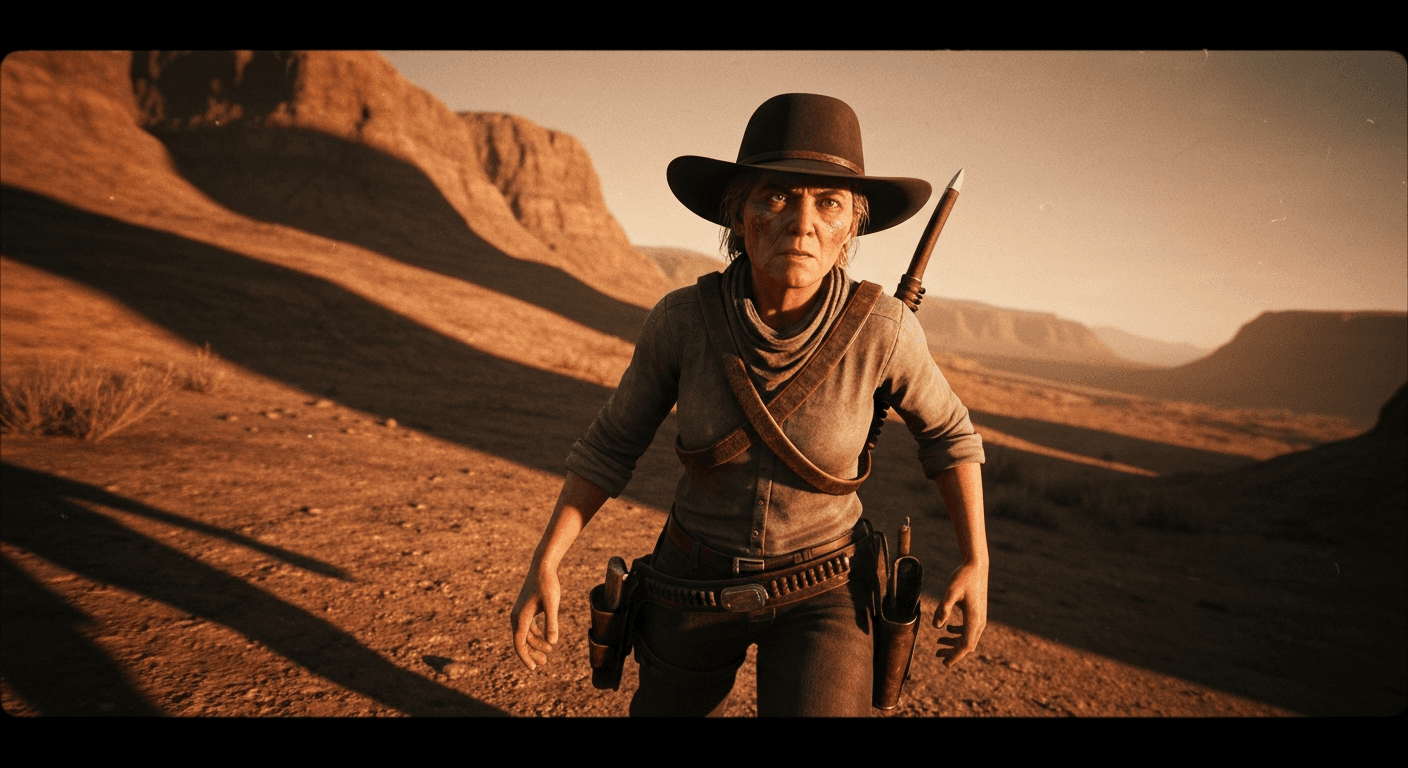
A cinematic shot is not a filter — it is a hundred small decisions about lens, light, blocking, and timing stacked on top of each other. The good news is that Seedance 1.0 Pro understands all of those decisions if you know the language. This guide shows you exactly what to write in your prompts to get output that looks like it came off an Alexa, not out of an AI demo reel.
TL;DR
- Cinematic output starts with cinematic language — lens, camera move, lighting, composition
- Native 1080p means your clip drops into a pro timeline with no upscaling
- Camera lock + end frame control give you the directorial precision of a real set
- Cost: $1.44 for a 6s cinematic shot, iterate freely at $0.48/shot for 2s tests
- 50 free credits on signup — enough for multiple cinematic tests
What "Cinematic" Actually Means for AI Video
"Cinematic" is a prompt word that means almost nothing on its own. If you want cinematic output from Seedance 1.0 Pro, you have to describe what cinematic actually is:
- Intentional camera work — every move has a reason
- Controlled lighting — direction, quality, color temperature
- Considered composition — framing, depth, leading lines
- Lens language — focal length, aperture, depth of field
- Motivated pace — the speed of the shot matches the feeling
Seedance 1.0 Pro's native 1080p output and motion coherence give you the raw material. Your prompt provides the direction.
Generate broadcast-quality 1080p video
Professional image-to-video AI. Default 1080p output, superior motion. 50 free credits.
Try Seedance 1.0 Pro FreeCamera Movement: Speak the Language
Swap generic motion descriptions for real cinematography terms. The model responds to them specifically.
| Avoid | Use | |---|---| | "Camera moves forward" | "Slow dolly push-in, handheld with subtle sway" | | "Camera goes up" | "Crane up, revealing the skyline behind the subject" | | "Camera moves around" | "Orbit right at 15 degrees, maintaining focus on the subject" | | "Zooms in" | "Slow telephoto zoom-in, compressing the background" | | "Camera shakes" | "Handheld vérité, subtle organic shake" |
The vocabulary that works reliably:
- Dolly in / dolly out — moving the camera physically closer or further
- Push-in / pull-out — same as dolly but emphasizing intent
- Crane up / crane down — vertical camera movement with scale
- Tracking shot — camera follows a moving subject
- Orbit / arc — camera moves around a stationary subject
- Pan / tilt — rotation without translation
- Rack focus — focus shifting between foreground and background
- Dutch angle — deliberate tilt of the horizon
- POV — first-person perspective
Lighting: The Most Important Word in Your Prompt
Lighting is the single biggest lever for cinematic output. Generic prompts get generic light. Specific prompts get shots you can sell.
Golden hour / magic hour
Warm golden hour backlight streams through a canopy of trees,
rim-lighting the subject's hair, long shadows stretching across
the forest floor, soft dust particles visible in the light beams.
Night / neon
Night exterior, wet asphalt, neon reflections in purple and cyan,
practical signage lighting the subject's face from the side,
soft atmospheric haze, shallow depth of field.
Soft overcast
Soft, diffused overcast daylight, even shadows, muted color palette,
gentle natural motion, intimate documentary feel.
Hard noon
Harsh noon sun, hard shadows, high contrast, crisp architectural
edges, saturated primary colors, confident static composition.
Cinematic interior
Key light from camera left, three-quarter angle, soft fall-off,
warm practical lamp motivating background ambience, slight film
grain, shallow 35mm depth of field.
Lens and Depth of Field
Tell the model what focal length you are shooting on. It understands lens language and it changes how it composes the frame.
- 24mm wide — expansive, environmental, slight distortion at edges
- 35mm — natural documentary feel, slight compression
- 50mm — neutral perspective, "the normal lens"
- 85mm portrait — compressed background, shallow depth of field, flattering on faces
- 135mm telephoto — strong background compression, isolated subjects
- Anamorphic 2.39:1 — widescreen framing, horizontal lens flares, oval bokeh
Combine with aperture language: "shallow depth of field, f/1.4," or "deep focus, f/8 for environmental storytelling."
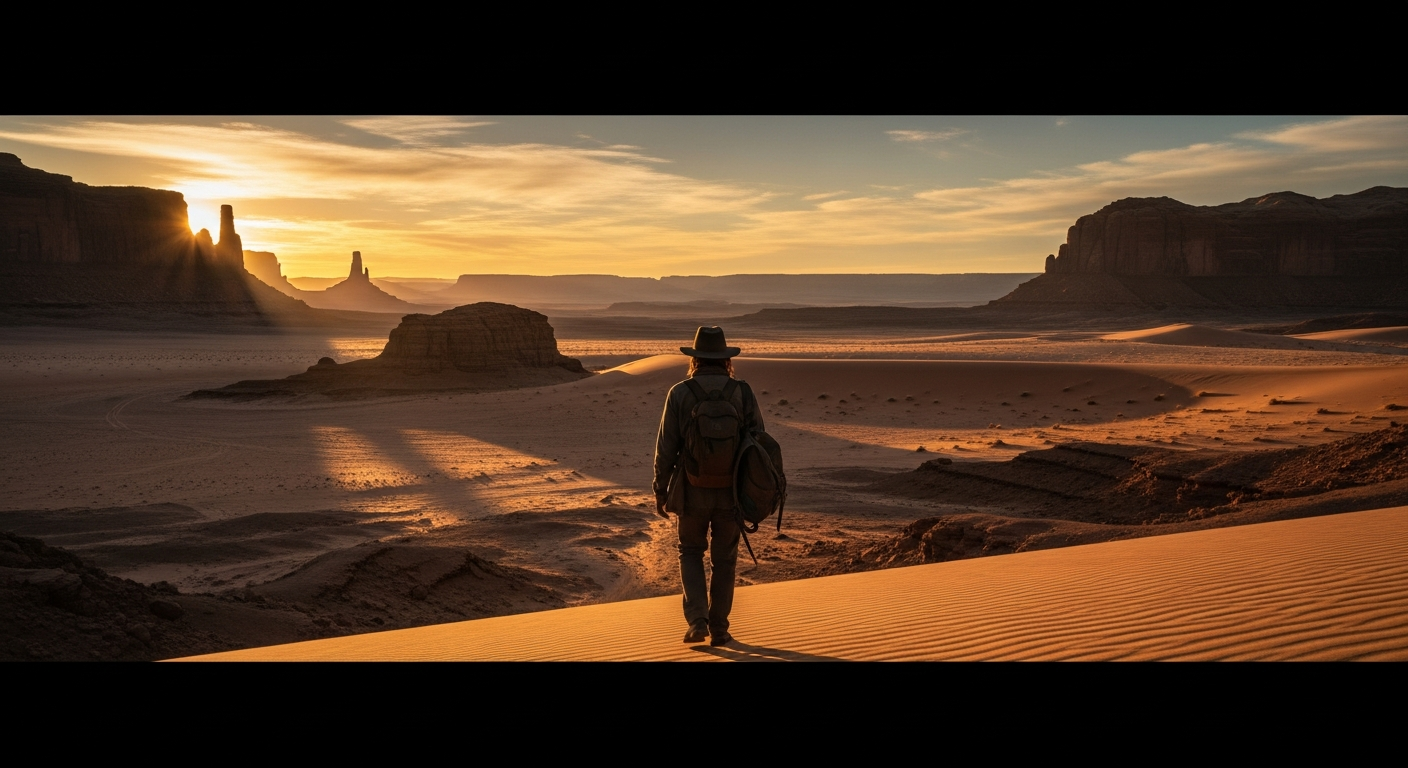
Want broadcast quality like this? Try Seedance 1.0 Pro free →
Composition and Blocking
Describe how the subject sits in the frame. Seedance 1.0 Pro respects composition cues.
- "Rule of thirds composition with the subject in the left third"
- "Centered symmetrical framing, Wes Anderson style"
- "Low angle hero shot looking up at the subject"
- "Over-the-shoulder framing with a blurred foreground"
- "Negative space on the right for title cards"
- "Leading lines from the architecture draw the eye to the subject"
Pace and Motion Intention
The feeling of a shot is set by pace as much as content.
- Slow and contemplative: "Slow motion, 60fps captured, gentle handheld sway, intimate pace"
- Energetic: "Real-time, confident handheld tracking, fast subject movement"
- Dramatic: "Sudden push-in timed to subject's head turn, building tension"
- Observational: "Static locked-off camera, subject moves freely through frame"
A Complete Cinematic Prompt Template
Stack all the layers into a single prompt. Here is the template that consistently gets cinematic output:
[SHOT TYPE] [CAMERA MOVE] of [SUBJECT + ACTION].
[LIGHTING DESCRIPTION]. [LENS + DOF].
[ATMOSPHERE / PARTICLES]. [COMPOSITION NOTE].
[PACE]. [DURATION].
Example applied:
Medium close-up slow dolly push-in on a woman looking out a
rain-streaked window. Cool overcast daylight from camera left,
soft shadows, muted blue-green palette. 85mm telephoto, shallow
depth of field f/1.8, creamy bokeh. Rain droplets visible on
glass, faint condensation, subtle atmospheric haze. Rule of
thirds with subject in right third, negative space on left.
Real-time contemplative pace. 6 seconds.
Run that on Seedance 1.0 Pro and compare to "woman looks out window." The difference is the entire gap between "AI slop" and "client deliverable."
End Frame Control for Directed Shots
End frame control unlocks another layer of cinematic precision. For any shot where the ending matters — a reveal, a match cut, a motivated move — upload both a start and end frame and let Seedance interpolate between them.
Cinematic use cases for end frame:
- Reveal shots: obscured subject to fully visible
- Match cuts: shot A framing that precisely lines up with shot B
- Transformation: day to night, empty to crowded, calm to chaotic
- Character blocking: pose A on frame 1, pose B on frame N
Camera Lock for Controlled Setups
Turn on camera lock when you need the camera dead still. It is the AI equivalent of a heavy tripod and Mitchell head.
Cinematic scenarios where camera lock is the right call:
- Interview setups — stable frame, subject performs
- Studio product shots — product moves, camera holds
- Observational wides — let the scene unfold in-frame
- Symmetrical compositions — the frame is the shot
Sample Shots to Copy-Paste
Noir interior
Medium shot static camera on a figure in a low-key noir interior.
Single hard key light from a venetian blind, dramatic stripes of
shadow across the face, smoke drifting in the light shaft, 35mm
lens, shallow depth of field. Subject slowly turns head toward
camera. 6 seconds, slow cinematic pace.
Epic wide
Crane up wide establishing shot of a lone figure walking across
a salt flat at dawn. Warm horizon light, long shadows, pastel
sky gradient, 24mm wide angle, deep focus. Subject moves slowly
left to right, scale emphasized by camera rise. 8 seconds.
Intimate portrait
85mm close-up, shallow depth of field f/1.4, soft natural window
light from camera right, cream and honey color palette. Subject's
hair moves gently in a draft, slight catchlight in the eyes,
subtle real-time breathing. Centered framing. 5 seconds.
Product hero
Macro dolly around a luxury watch on a dark marble surface.
Single hard key light at 45 degrees creating strong specular
highlights on the polished case. Slow 360-degree orbit at even
pace, shallow depth of field, anamorphic bokeh. 10 seconds.
Iteration Workflow for Cinematic Output
Cinematic results rarely come on the first try. Budget for iteration.
- Test at 2 seconds for 48 credits ($0.48) to validate the look
- Refine the prompt based on what the model latches onto
- Lock the look with a 4s test for $0.96
- Final at 6–10 seconds for $1.44–$2.40
At these prices, iterating 4–5 times on a shot still keeps you under $10 for a final deliverable. Traditional production pays that in coffee before lunch.
Shoot your next 'Alexa' shot for $1.44
Native 1080p with cinematic motion coherence. Iterate at 2s, finish at 6–12s. 50 free credits.
Start Your Cinematic ShotCommon Mistakes That Kill Cinematic Output
- "Cinematic" alone — it is a throwaway word. Be specific.
- Mixing too many lights — one motivated key beats five random sources
- Conflicting camera moves — "dolly in as the camera also orbits left" confuses the model
- No pace direction — always specify slow, real-time, or fast
- Bad source images — garbage in, garbage out
Combine with Seedream for Full Control
For maximum directorial control, generate your source images in Seedream with the same cinematic language, then bring them into Seedance 1.0 Pro for motion. You control the frame, the lighting, and the motion separately.
Go Further
Cinematic AI video is a craft. Seedance 1.0 Pro gives you the canvas and the motion. Your prompt provides the direction.
Start creating cinematic shots on Seedance 1.0 Pro → with your 50 free credits.