Seedance 1.0 Pro for Music Videos: AI-Powered Visual Storytelling
Learn how to create stunning AI-powered music videos with Seedance 1.0 Pro. From concept development to visual storytelling, discover techniques for producing professional music video content at a fraction of traditional costs.
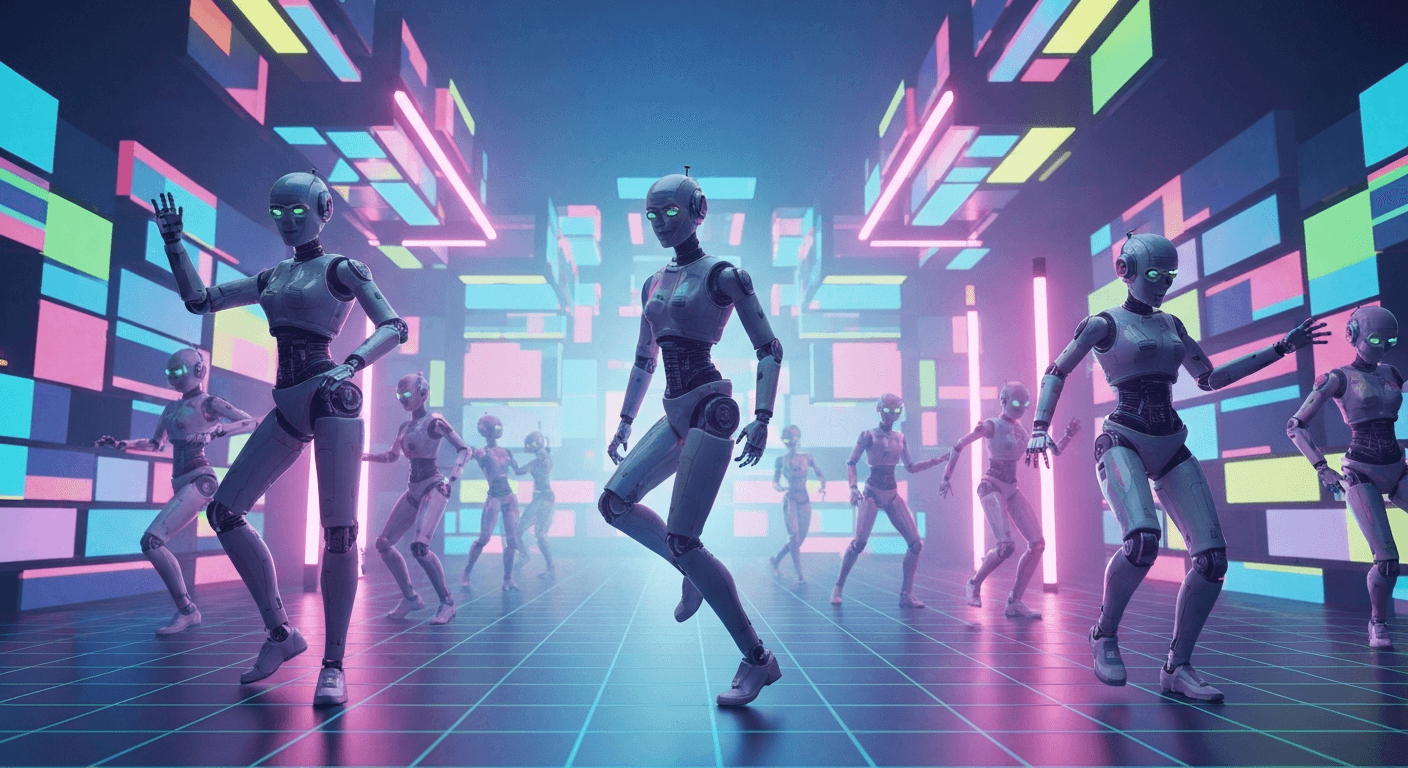
A traditional indie music video runs $5,000 to $25,000. A label-budget video runs $50,000 to $500,000. A full Seedance 1.0 Pro music video — fifty 6-second shots at 1080p — costs $72. That is not a typo, and it is why independent artists are shipping visuals that would have required an entire department in 2023.
TL;DR
- Full music video cost: ~$72 for fifty 6-second shots at 1080p
- Production timeline: 1–3 days from concept to cut, solo workflow
- Best for: indie artists, stylized concept videos, performance visualizers, narrative shorts
- Workflow: generate keyframes with Seedream → animate with Seedance 1.0 Pro → edit to track
- 50 free credits on signup — enough to test your concept before committing
The Economics Are Not Subtle
Let us put real numbers next to real numbers.
| Production path | Typical cost | Timeline | |---|---|---| | Label-tier traditional video | $50,000–$500,000 | 4–12 weeks | | Indie traditional video | $5,000–$25,000 | 2–6 weeks | | Small crew + phone shoot | $500–$2,000 | 1–2 weeks | | Seedance 1.0 Pro solo workflow | $50–$150 | 1–3 days |
At $0.24/second and 60–120 second generation times, a working artist can produce, cut, and release a music video in the time most budgets spend on "pre-production meetings."
Generate broadcast-quality 1080p video
Professional image-to-video AI. Default 1080p output, superior motion. 50 free credits.
Try Seedance 1.0 Pro FreeWhy Seedance 1.0 Pro for Music Videos Specifically
Not every AI video model is suited to music video work. Seedance 1.0 Pro specifically fits the job because:
- Native 1080p ships directly to YouTube, Vevo, and Spotify Canvas without upscaling
- 2–12 second clip length maps perfectly to musical phrases and edit points
- Superior motion coherence on human subjects — critical if your artist is in the video
- End frame control lets you hit specific visual beats on specific musical beats
- Camera lock for stable performance shots over a dynamic background
- Fast iteration at $0.48 per 2-second test shot
Concept Development Workflow
Start with the track, not the visuals. The music is your timing bible.
Step 1 — Listen and map beats. Open the track in your editor (DaVinci Resolve, Premiere, Final Cut). Mark bars, drops, verses, choruses.
Step 2 — Storyboard in sections. Break the track into scenes:
- Intro (8–16 bars)
- Verse 1
- Chorus 1
- Verse 2
- Chorus 2
- Bridge
- Final chorus + outro
Step 3 — Assign visual language per section. Give each section a concrete prompt template before you generate anything.
Visual Style Templates
Stylized Performance
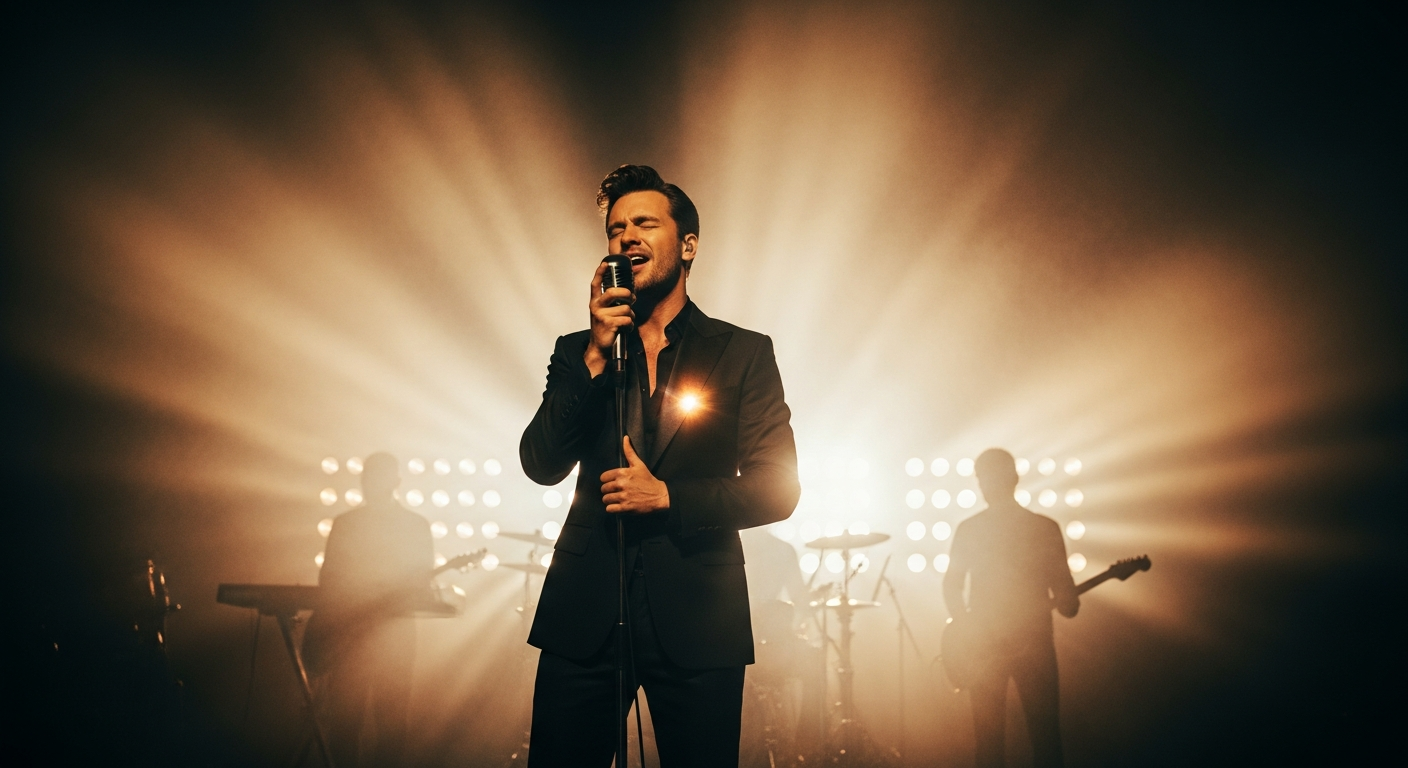
Your artist (or a stand-in) singing/performing, treated with a cinematic look.
Medium close-up of a musician singing into a vintage microphone,
eyes closed, emotional expression. Warm tungsten practical light
from camera right, soft volumetric haze, shallow depth of field
85mm. Subtle handheld sway, lips syncing. 6 seconds real time.
Narrative Short
A cinematic story that plays out across the track.
Wide tracking shot following a figure walking down an empty
neon-lit street at night. Wet pavement reflects magenta and
cyan signage. Slow forward dolly, handheld, 35mm lens. Subject
moves away from camera, slight atmospheric haze. 8 seconds.
Abstract Visualizer
Pure abstract motion keyed to the track's energy.
Macro shot of ink diffusing into clear water, deep blue pigment
blooming outward. Black background, single directional light,
slow motion. Mesmerizing organic motion. 10 seconds.
Surreal Dream Sequence
Impossible imagery, painterly aesthetic.
Low-angle shot of a figure floating slowly upward through a
cloud of rose petals in a forgotten ballroom. Warm candlelight
from below, shallow depth of field, cinematic 2.39:1 framing,
drifting camera tilt up. 8 seconds.
Want broadcast quality like this? Try Seedance 1.0 Pro free →
Cutting to the Beat
Seedance 1.0 Pro gives you 2–12 second clips. Cut them to musical phrases:
- 2-second clips — rapid cuts for chorus energy or drop moments
- 4-second clips — verse pacing, establishing shots
- 6-second clips — the workhorse, fits most musical phrases
- 8–10 second clips — intros, outros, atmospheric interludes
Rule of thumb: generate slightly longer than you need. A 6-second clip gives you a 4-second usable window and room to trim on both ends.
Lip Sync Without OmniHuman
If your music video needs lip sync, you have two paths:
- Seedance 1.0 Pro with suggestive motion — works for non-close-up shots where mouth movement is approximate
- Combine with OmniHuman V1.5 — generate the performance lip sync in OmniHuman, use Seedance for the B-roll, narrative, and atmospheric cuts
The combo workflow is how pro indie music video makers ship in 2026.
A Complete Production Budget Example
Let us cost out a realistic 3-minute music video.
Shot list: 45 shots
- 20 performance shots (6s each)
- 15 narrative/atmospheric cuts (6s each)
- 10 transition/insert shots (4s each)
Generation cost:
- 35 × 6s @ $1.44 = $50.40
- 10 × 4s @ $0.96 = $9.60
- Shot total: $60
Iteration budget (2x the shot cost to cover retries): $120
Total Seedance cost: $180
Plus:
- Source images (Seedream, ~$5 in credits or free tier)
- Editing software (free with DaVinci Resolve)
- Music (your own track)
Grand total: ~$185 for a 3-minute 1080p music video.
That number is what is actually changing the industry.
Source Image Strategy
Your source images set the visual DNA. Two approaches work:
Approach A — Seedream pipeline. Generate every keyframe in Seedream with consistent character and style prompts, then animate in Seedance. Full creative control, zero production.
Approach B — Photograph + animate. Shoot your artist on a simple set or location with a camera or phone, then use those stills as source images for Seedance. Your artist is in the video for real; Seedance provides the cinematic motion.
The hybrid approach — real artist stills plus Seedream-generated narrative shots — is what most pro indie workflows use.
Ship your music video this weekend
50 shots at native 1080p for under $75. Superior motion coherence on human performance. 50 free credits to start.
Start Your Music VideoPro Tips for Music Video Generation
- Match motion to tempo. Fast track = fast camera moves. Slow ballad = slow dollies and static holds.
- Hit visual beats on musical beats. Use end frame control to guarantee a shot lands on a specific frame.
- Vary shot length. Cutting only 6-second shots is boring. Mix 2s, 4s, 6s, 8s.
- Use camera lock for performance shots. Your artist performing in a stable frame feels intentional, not AI-generated.
- Iterate at 2s first. Lock the look before paying for 6–12s finals.
- Build a style bible. Before you generate anything, write a one-page brief with colors, mood, references.
Distribution-Ready Output
Seedance 1.0 Pro outputs native 1080p MP4 files that drop directly into:
- YouTube / YouTube Music — 1080p is still the standard
- Spotify Canvas — 9:16 crops from 16:9 output, 3–8 second clips
- Instagram Reels — 9:16 vertical, native 1080x1920
- TikTok — same vertical spec
- Vevo — 1080p min spec
For vertical crops, shoot with extra headroom and crop in the editor, or generate with a vertical source image for true 9:16 output.
Related Reading
- Seedance 1.0 Pro cinematic techniques
- Complete Seedance 1.0 Pro guide
- AI music video creation general guide
- OmniHuman V1.5 for lip sync
FAQ
Can I use Seedance output for label releases? Yes, all output is cleared for commercial use.
What about copyrighted music? You need rights to the music. Seedance only produces the visuals.
Can I get consistent characters across shots? Use a consistent source image reference from Seedream and feed it into each generation.
How long does a 3-minute music video take to produce? 1–3 days solo, depending on iteration. Most of the time is editing and iteration, not waiting for generations.
Do I need technical skills? No. If you can write prompts and use basic video editing software, you can produce a music video with Seedance 1.0 Pro.
The music video budget gap just collapsed. Independent artists now have access to the same cinematic tools that used to require a label advance.
Start creating your music video on Seedance 1.0 Pro → — 50 free credits, no subscription.